



Risk-Based Position Size Calculator for MT4/MT5
Info
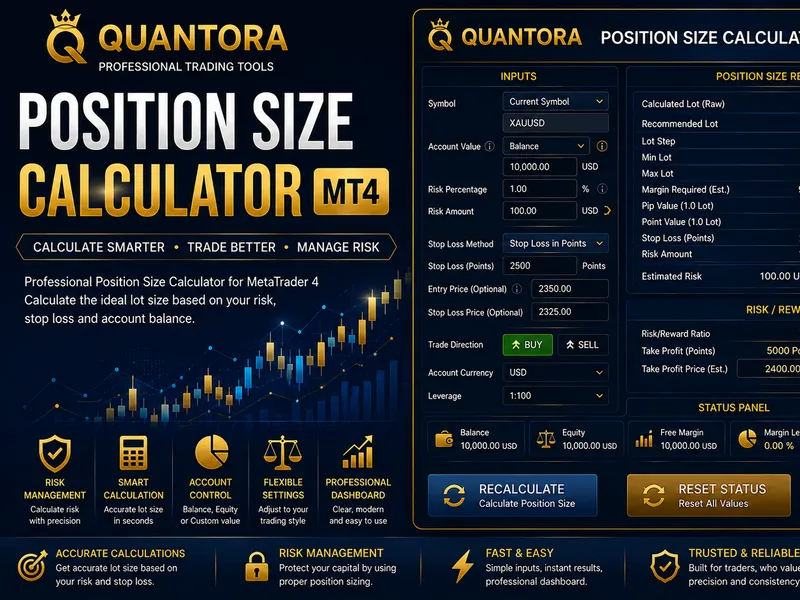
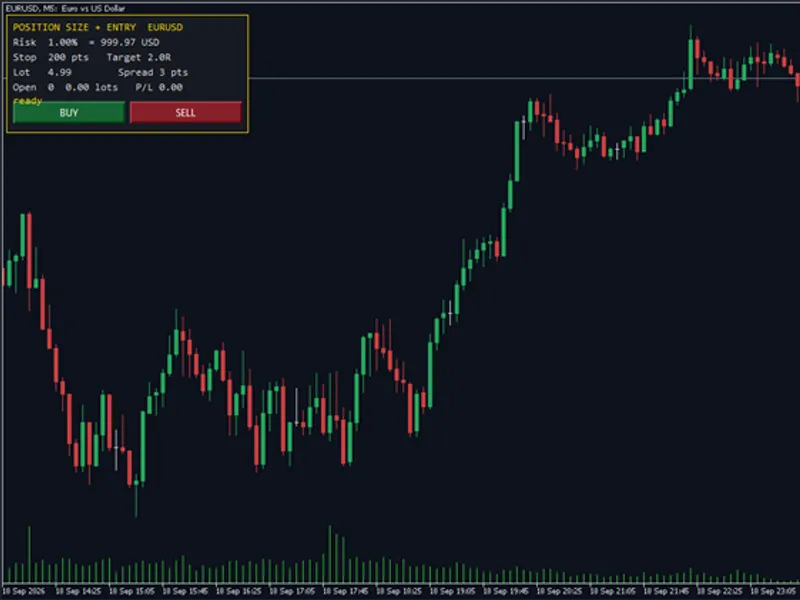
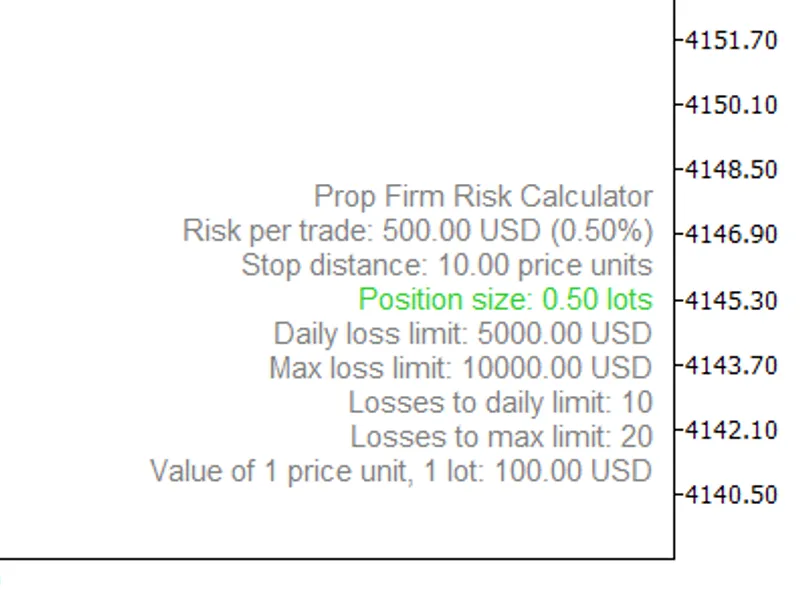
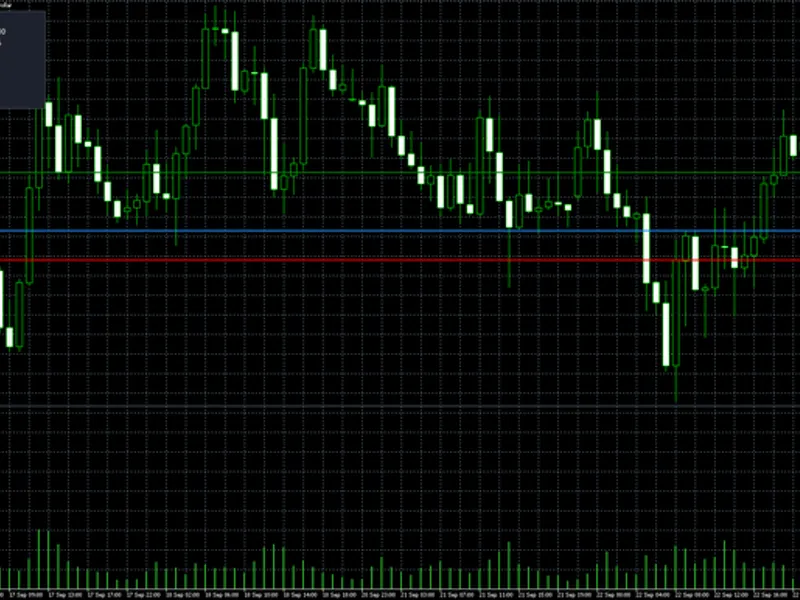
The Risk-Based Position Size Calculator for MT4/MT5 is a Expert Advisor for MetaTrader 5 that risk position size calculator — calculate lot size from percentage risk, directly on the chartthis tool calculates the exact lot size based on a fixed percentage risk and a defined stop-loss level, displaying the result in your account currency. Simply drag the Entry and Stop lines on the chart, and the panel will dynamically recalculate the position size, the amount of money at risk, the required margin, and the target profit level in real time.
Usage
This tool is typically used for automated trading on major forex pairs and gold.
Platform
This Expert Advisor works exclusively on MetaTrader 5 (both build 600+ and newer versions).
Setup
Place the downloaded file in MQL5/Experts folder via File ? Open Data Folder in MetaTrader 5.
How to Install and Use Risk-Based Position Size Calculator for MT4/MT5
1. Installation: Open the "File" menu, select "Open Data Folder," navigate to MQL/Experts, paste your file, and restart the terminal.
2. Activation: Drag the EA from the Navigator onto a chart, ensure "Allow live trading" is checked in the Common tab, and verify the AutoTrading button is green.
3. Optimization: Right-click your chart, choose "Expert List," click "Properties" to adjust inputs, and save your preferred setup as a set file for future use.
4. Maintenance: Regularly check the "Experts" tab in the terminal window to monitor trade logs and potential execution errors.
Frequently Asked Questions
Q: Why is my EA not opening trades? A: Check the "AutoTrading" button, ensure "Allow live trading" is enabled, and verify your broker allows automated trading on your account type.
Q: Can I run multiple EAs on one chart? A: No, each chart can only host one active EA; however, you can open multiple charts for different currency pairs to run several EAs.
Q: What does the "smiley face" icon mean? A: A smiley face in the top-right corner of the chart indicates the EA is successfully running; a frowny face means it is disabled.
What this tool does
Risk Position Size Calculator — Calculate Lot Size From Percentage Risk, Directly On The ChartThis tool calculates the exact lot size based on a fixed percentage risk and a defined stop-loss level, displaying the result in your account currency.
Typical Use Case
This Expert Advisor excels in automated trading and technical analysis on MetaTrader 5.
Compatible Platform & Setup
This Expert Advisor works on MetaTrader 5. Place the file in the MQL5/Experts folder and restart the terminal.
Description & Settings
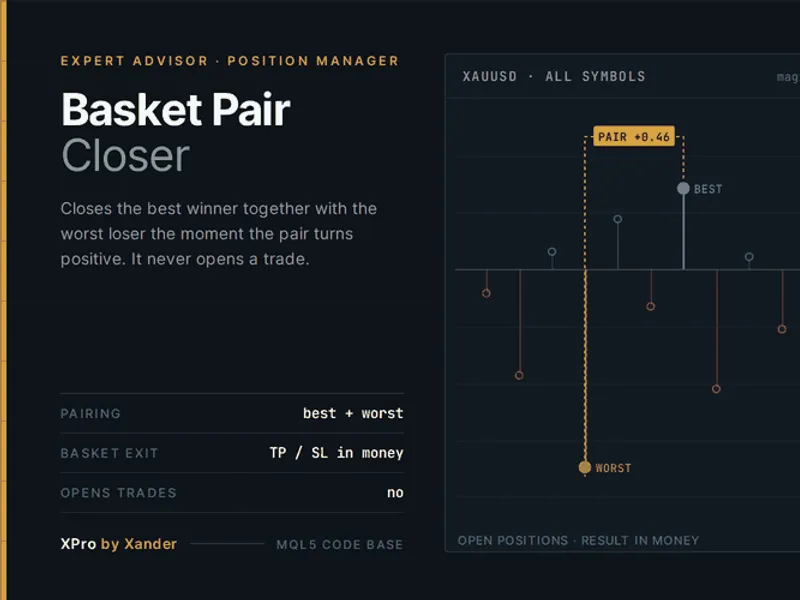
Related: Basket Pair Closer: Efficiently Close Trading Positions - another powerful expert for MetaTrader 5 traders.
Risk Position Size Calculator — Calculate Lot Size From Percentage Risk, Directly On The ChartAlso recommended: One-Click Trade Manager: Risk-Based Lot Sizing with Integrated Entry, Stop, and Target - similar expert with strong performance on MetaTrader 5.
This tool calculates the exact lot size based on a fixed percentage risk and a defined stop-loss level, displaying the result in your account currency. Simply drag the Entry and Stop lines on the chart, and the panel will dynamically recalculate the position size, the amount of money at risk, the required margin, and the target profit level in real time. This tool only performs calculations and display; it does not send, modify, or close any orders.
Features
Risk-Based Position Sizing
Set your desired risk percentage, and the tool calculates the precise lot size for you, eliminating guesswork.
Draggable Entry and Stop Lines
Adjust the Entry and Stop lines directly on the chart, and all relevant figures update instantly, even during market closures.
Accurate Calculations for Any Instrument
The stop-loss price is calculated using OrderCalcProfit() for one lot, ensuring the result is in your account currency and uses the broker's conversion rates. This method avoids the inaccuracies of the simple "points × tick value" calculation, which can be unreliable for cross pairs, metals, and CFDs.
Money at Risk Displayed in Account Currency
The panel clearly shows the exact monetary amount you stand to lose, rather than just a percentage.
Required Margin Reported, Not Estimated
Margin requirements are obtained directly from OrderCalcMargin(), along with the remaining free margin after the trade is considered.
Take-Profit Level for a Chosen Reward:Risk Ratio
Set a desired Reward:Risk ratio, and the tool will draw the target line and display its corresponding monetary value. Set the ratio to 0 to hide this feature.
Rounds Volume Down to Broker's Step
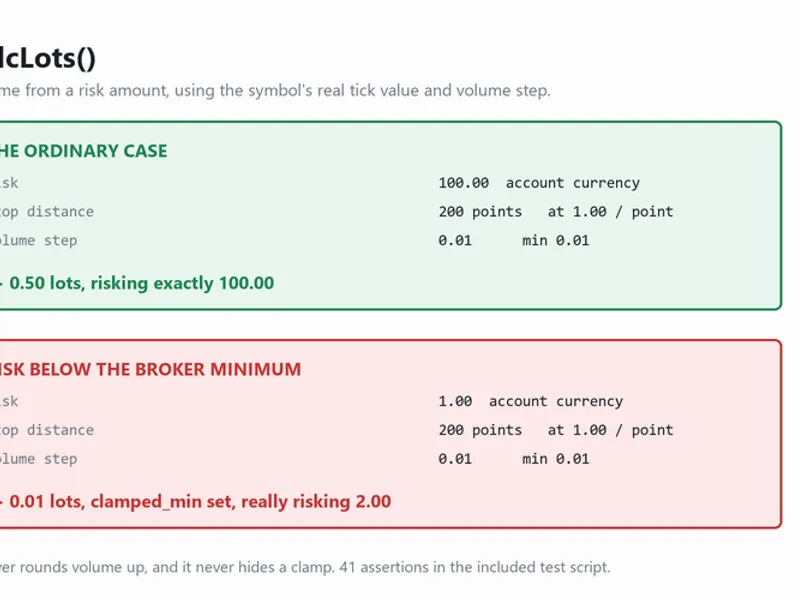
The calculated lot size is always rounded down to comply with the broker's minimum step, ensuring you do not exceed your defined risk. If the calculated size falls below the broker's minimum lot size, the panel will explicitly indicate this instead of showing 0.00.
Selectable Risk Base
Choose the basis for risk calculation: account balance, equity, or free margin.
Auto-Detected Direction
The tool automatically detects the trade direction based on the stop-loss placement relative to the entry price (stop below entry for buy, above entry for sell). You can also manually force the buy/sell direction.
Configurable Panel
Customize the appearance of the panel, including its corner position, font size, and colors.
Single File, No Dependencies
This tool is a single file and does not require any external libraries or includes. It compiles with zero errors or warnings.
How to Use
Attach the EA to any chart. Two solid lines (Entry, Stop) and one dotted line (Target) will appear, along with a control panel in the corner.
Configure Input Settings:
Set the 'Risk per trade (%)' and the 'Risk base' (balance / equity / free margin) in the EA's input parameters.
Adjust Lines:
Drag the 'Stop' line to your intended invalidation level. The 'Entry' line can remain at the market price, or you can switch the entry source to a manually placed line.
Set Target Profit (Optional):
Optionally, set the 'reward:risk' ratio. The Target line will then indicate the corresponding take-profit level.
Review Panel Information:
The panel displays the calculated 'Position size' (lot to trade), the 'Money at risk', the 'Required margin', and the 'Target profit'.
Why Use This Tool
Traditional fixed-lot trading results in a variable monetary loss each time the stop distance changes. A tight stop risks too little, a wide stop risks too much, and this amount is not clear until the trade is active. Risk-based sizing reverses this: you determine the acceptable loss in your account currency, and the lot size adjusts accordingly based on the stop distance. This ensures consistent risk exposure on every trade, irrespective of the instrument or stop width.
Need a custom version or a full Expert Advisor? Contact us for details. This tool was last updated in 2026.
You may also like: Accurate Position Sizing Using Broker Tick Values and Volume Steps - excellent alternative for expert users on MetaTrader 5.
Source Code
#property copyright "RobotFX"
#property link "https://robotfx.org"
#property version   "1.00"
#property description "This code is educational. Feel free to use, modify and upgrade as you wish. Visit ROBOTFX.ORG for professional trading tools"
#define OBJ_PREFIX  "RPSC_"
#define NAME_ENTRY  "RPSC_entry"
#define NAME_STOP   "RPSC_stop"
#define NAME_TAKE   "RPSC_take"
#define NAME_ROW    "RPSC_row_"
#define NAME_BG     "RPSC_bg"
.......
⚠ Limitations & Risk Warning
- This tool is provided for educational and testing purposes only.
- Past performance does not guarantee future results.
- Trading involves substantial risk of loss. Use on a demo account first.
- Results may vary depending on market conditions, broker, and settings.
- We recommend thorough backtesting and forward testing before using with real funds.