



return strategy
Info
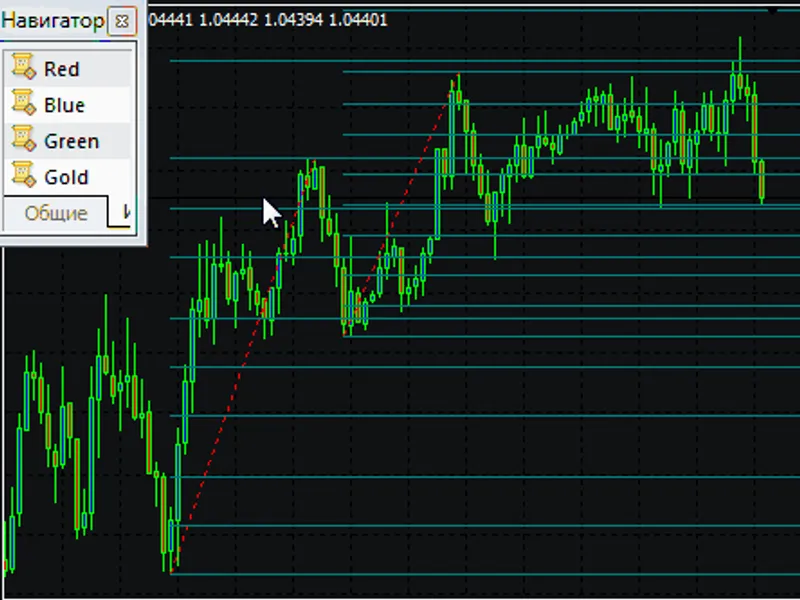
The return strategy is a Expert Advisor for MetaTrader 5 that the strategy operates with pending limit orders. main idea if at start hour, we set the grid of pending orders from number of pending ordersof each type (buy limit and sell limit), one or several pending orders are activated.
Usage
This tool is typically used for automated trading on major forex pairs and gold.
Platform
This Expert Advisor works exclusively on MetaTrader 5 (both build 600+ and newer versions).
Setup
Place the downloaded file in MQL5/Experts folder via File ? Open Data Folder in MetaTrader 5.
How to Install and Use return strategy
1. Installation: Open the "File" menu, select "Open Data Folder," navigate to MQL/Experts, paste your file, and restart the terminal.
2. Activation: Drag the EA from the Navigator onto a chart, ensure "Allow live trading" is checked in the Common tab, and verify the AutoTrading button is green.
3. Optimization: Right-click your chart, choose "Expert List," click "Properties" to adjust inputs, and save your preferred setup as a set file for future use.
4. Maintenance: Regularly check the "Experts" tab in the terminal window to monitor trade logs and potential execution errors.
Frequently Asked Questions
Q: Why is my EA not opening trades? A: Check the "AutoTrading" button, ensure "Allow live trading" is enabled, and verify your broker allows automated trading on your account type.
Q: Can I run multiple EAs on one chart? A: No, each chart can only host one active EA; however, you can open multiple charts for different currency pairs to run several EAs.
Q: What does the "smiley face" icon mean? A: A smiley face in the top-right corner of the chart indicates the EA is successfully running; a frowny face means it is disabled.
What this tool does
the strategy operates with pending limit orders.
Typical Use Case
This Expert Advisor excels in automated trading and technical analysis on MetaTrader 5.
Compatible Platform & Setup
This Expert Advisor works on MetaTrader 5. Place the file in the MQL5/Experts folder and restart the terminal.
Description & Settings
Related: EA Money Management Strategy - another powerful expert for MetaTrader 5 traders.
the strategy operates with pending limit orders.
main idea
if at
start hour
Also recommended: MA and Envelope Breakout Strategy - similar expert with strong performance on MetaTrader 5.
, we set the grid of pending orders fromnumber of pending orders
of each type (buy limit and sell limit), one or several pending orders are activated. then the price necessarily returns to the open price of the bar the grid of pending orders has been placed at.
for example, at 19:00 (
start hour
= 19), we place four (
number of pending orders
= 4) buy limit and four sell limit orders. we expect that after one or several pending orders are activated, the price returns to the 19 hour bar's open price.
note
: there should be no pending orders on a trading account at
start hour
.
constructing grid
the expiration lifetime value is set for pending orders in hours.
closing positions and removing pending orders
if the total profit of all positions becomes "total profit" points, all positions are closed while pending orders are removed. at "end hour", pending orders are forcibly removed.
inputs
stop loss (in pips)
- stop loss;
start hour
- pending order placing time (in hours);
end hour
- pending order removal time (in hours);
total profit (in pips)
- when this profit is reached, all positions are closed, while pending orders are removed;
trailing stop (in pips)
- trailing ("0" - disable trailing);
trailing step (in pips)
- trailing step;
distance
- distance from the current price to the first pending order;
step
- step between pending orders;
number of pending orders
- number of pending orders of each type;
expiration (in hours)
- pending order lifetime (in hours);
lots
- fixed volume of pending orders;
risk
- dynamic volume of pending orders, calculated as a risk % per trade;
magic number
- unique ea identifier.
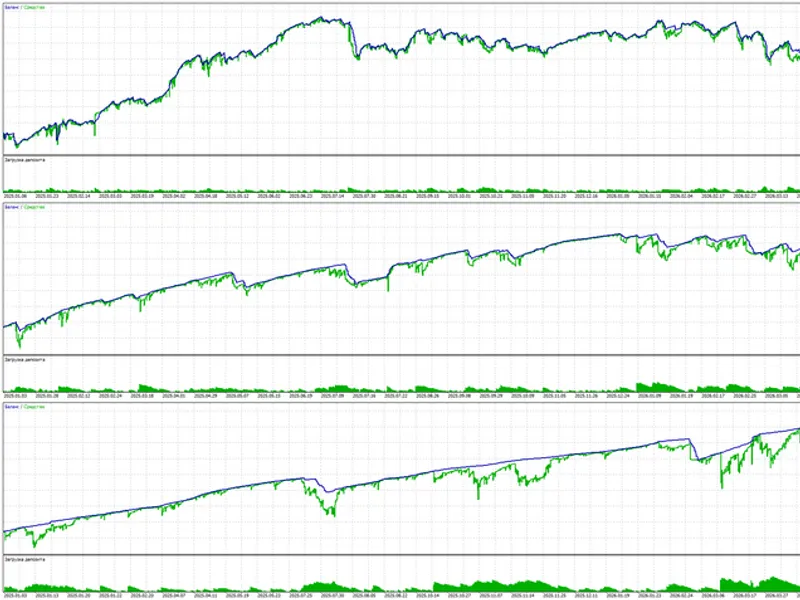
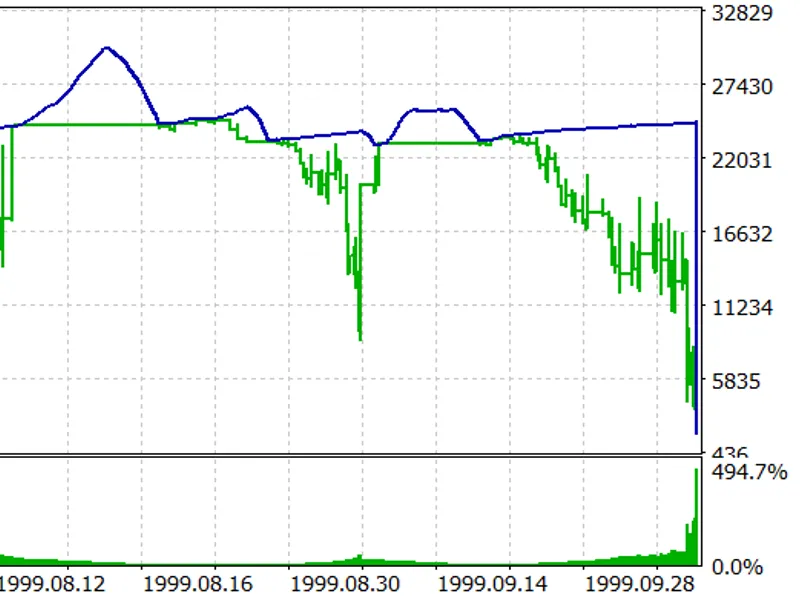
optimization was performed from 2018.01.01 to 2018.07.12 on eurusd,h1:
You may also like: expert advisor for the puria method forex strategy - excellent alternative for expert users on MetaTrader 5.
Source Code
/.......
⚠ Limitations & Risk Warning
- This tool is provided for educational and testing purposes only.
- Past performance does not guarantee future results.
- Trading involves substantial risk of loss. Use on a demo account first.
- Results may vary depending on market conditions, broker, and settings.
- We recommend thorough backtesting and forward testing before using with real funds.