



Prop Firm Guard: Safeguard Your Trading Evaluations
Info
The Prop Firm Guard: Safeguard Your Trading Evaluations is a Expert Advisor for MetaTrader 5 that propfirmguard monitors and enforces the two most common rules in prop firm evaluations: the daily loss limit and the maximum total drawdown. It tracks account equity on every tick.
Usage
This tool is typically used for automated trading on major forex pairs and gold.
Platform
This Expert Advisor works exclusively on MetaTrader 5 (both build 600+ and newer versions).
Setup
Place the downloaded file in MQL5/Experts folder via File ? Open Data Folder in MetaTrader 5.
How to Install and Use Prop Firm Guard: Safeguard Your Trading Evaluations
1. Installation: Open the "File" menu, select "Open Data Folder," navigate to MQL/Experts, paste your file, and restart the terminal.
2. Activation: Drag the EA from the Navigator onto a chart, ensure "Allow live trading" is checked in the Common tab, and verify the AutoTrading button is green.
3. Optimization: Right-click your chart, choose "Expert List," click "Properties" to adjust inputs, and save your preferred setup as a set file for future use.
4. Maintenance: Regularly check the "Experts" tab in the terminal window to monitor trade logs and potential execution errors.
Frequently Asked Questions
Q: Why is my EA not opening trades? A: Check the "AutoTrading" button, ensure "Allow live trading" is enabled, and verify your broker allows automated trading on your account type.
Q: Can I run multiple EAs on one chart? A: No, each chart can only host one active EA; however, you can open multiple charts for different currency pairs to run several EAs.
Q: What does the "smiley face" icon mean? A: A smiley face in the top-right corner of the chart indicates the EA is successfully running; a frowny face means it is disabled.
What this tool does
PropFirmGuard monitors and enforces the two most common rules in prop firm evaluations: the daily loss limit and the maximum total drawdown.
Typical Use Case
This Expert Advisor excels in automated trading and technical analysis on MetaTrader 5.
Compatible Platform & Setup
This Expert Advisor works on MetaTrader 5. Place the file in the MQL5/Experts folder and restart the terminal.
Description & Settings
Related: Prop Guard Lite: Daily and Max Loss Protection for Prop Firm Accounts - another powerful expert for MetaTrader 5 traders.
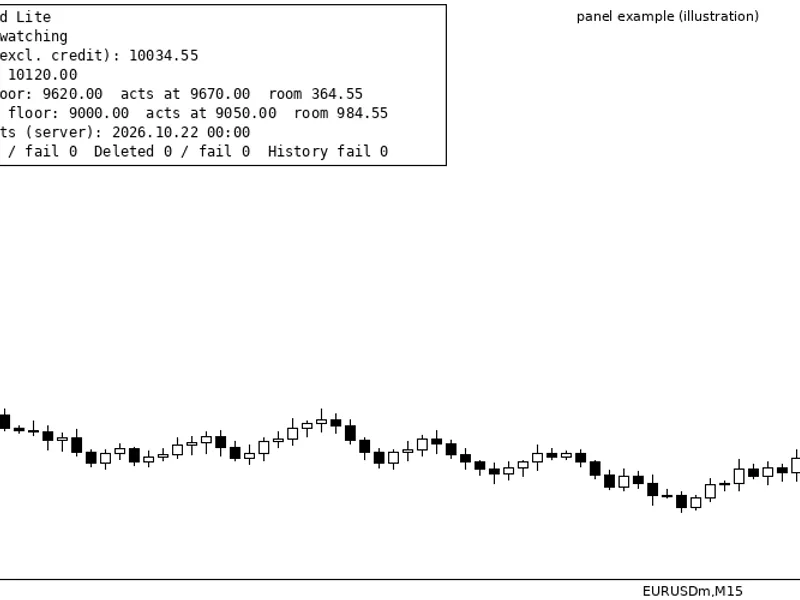
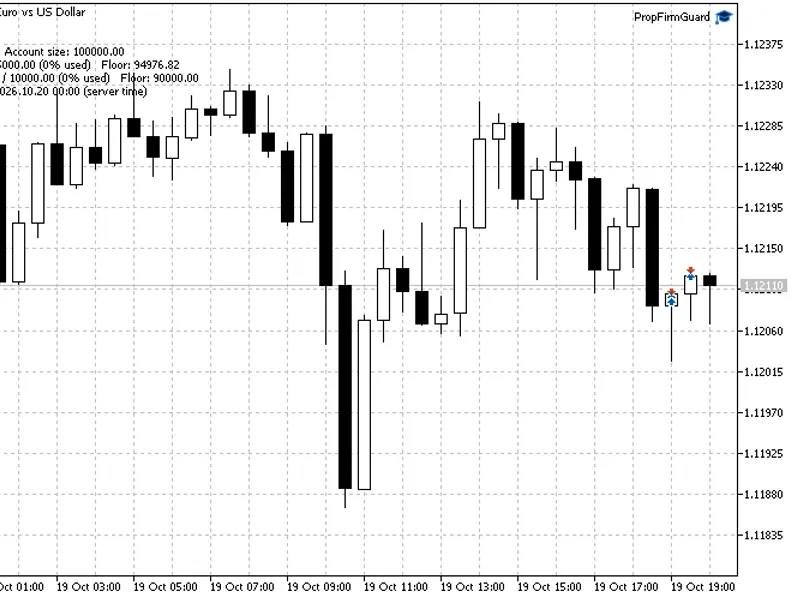
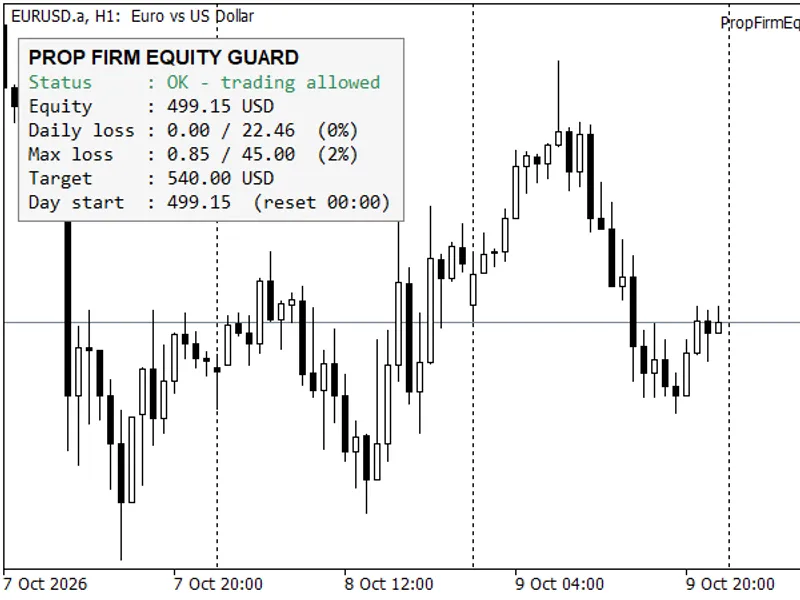
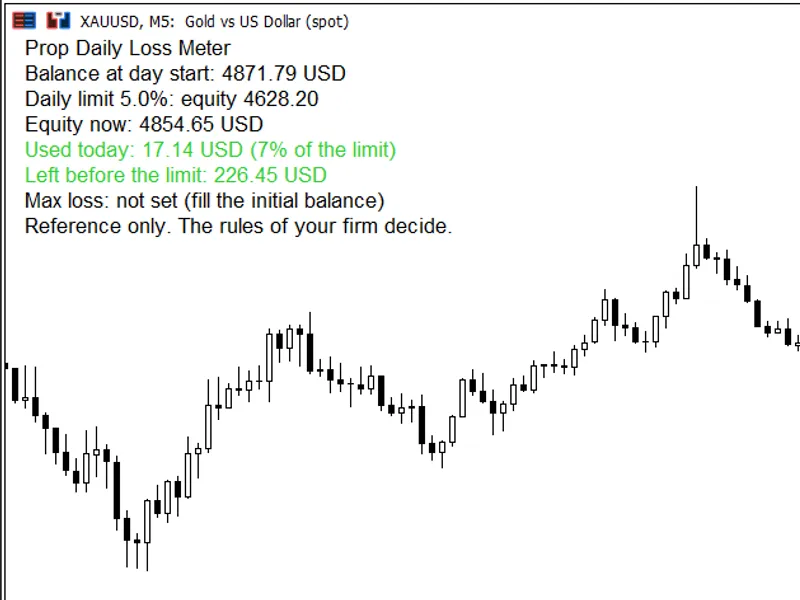
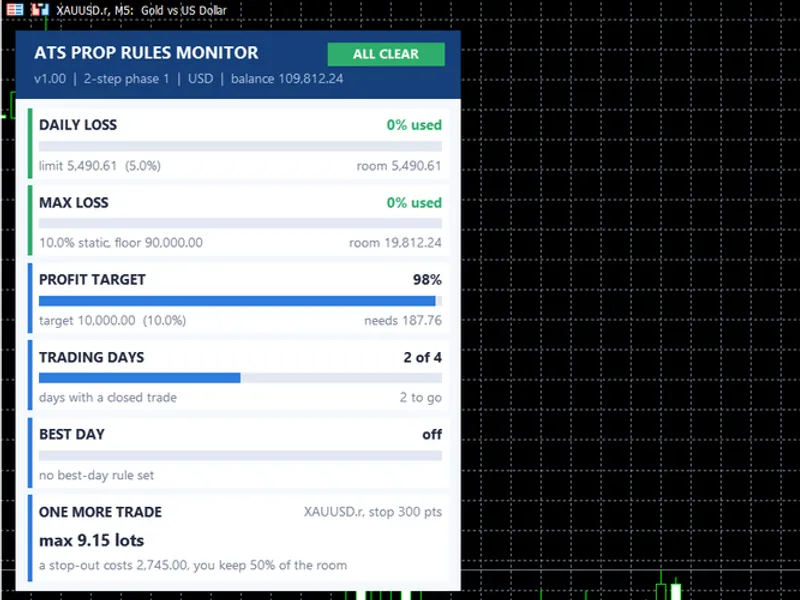
PropFirmGuard monitors and enforces the two most common rules in prop firm evaluations: the daily loss limit and the maximum total drawdown. It tracks account equity on every tick. When a limit is approached, it closes all open positions, cancels all pending orders, and prevents new trades until the next daily reset. This tool acts as a protective layer, not a trading strategy, and can be used alongside any other expert advisor or manual trading. It requires only a chart to source tick data; it does not place its own trades. Key Monitoring Metrics Daily Loss - The difference between the current equity and the equity recorded at the daily reset time. Exceeding this limit blocks trading until the next reset. Total Drawdown - The difference between the current equity and the highest equity reached since the guard was activated. Exceeding this limit permanently blocks trading. Safety Buffer - A pre-defined buffer subtracted from both limits, causing the guard to intervene before the broker or prop firm's limits are breached. For example, with a 5% daily limit and a 0.5% buffer, the guard will trigger at 4.5% loss. Input Parameters InpDailyLossPct - The daily loss limit, expressed as a percentage of the equity at the start of the day (default: 5.0). InpTotalDdPct - The total drawdown limit, expressed as a percentage from the highest equity peak (default: 10.0). InpBufferPct - The safety buffer, subtracted from both the daily loss and total drawdown limits (default: 0.5). InpResetHour - The hour of the daily reset, specified in server time (0-23) (default: 0). Monitoring Mechanism The guard independently polls the account status rather than relying on trade event notifications. This ensures it also covers trades initiated manually, via mobile, or by other expert advisors on the same account. No external calls are needed when a position is opened. It maintains its operational state in memory, avoiding global variables and files. This ensures consistent behavior in the Strategy Tester, identical to its performance on a live chart. If the MetaTrader terminal restarts mid-trading day, the daily baseline is reset to the current equity, effectively maintaining the loss limit as if a new trading day had begun. Positions are closed individually by ticket. This approach ensures correct operation on both netting and hedging accounts without requiring special configurations. Position closing is throttled to one pass every few seconds and does not loop. If a broker rejects a close request, the rejection is logged with its retcode, and the ticket is retried in the subsequent pass. Integrating the Guard into Your Expert Advisor The entire guard functionality is encapsulated within the CPropFirmGuard class in the file PropFirmGuard.mqh. You can integrate it into your expert advisor with a few simple steps: #include "PropFirmGuard.mqh" CPropFirmGuard ExtGuard; int OnInit(void) { // daily %, total drawdown %, buffer %, reset hour if(!ExtGuard.Init(5.0, 10.0, 0.5, 0)) return(INIT_PARAMETERS_INCORRECT); return(INIT_SUCCEEDED); } void OnTick(void) { ExtGuard.Update(); if(!ExtGuard.Allowed()) return; // ... your trading logic here ... } An optional fifth argument for the Init() function is a magic number. If provided, the guard will only close positions associated with that magic number, leaving other trades unaffected. The class also provides methods such as DailyBreached(), TotalBreached(), DayStartEquity(), PeakEquity(), DailyLossNowPct(), TotalDdNowPct(), EffectiveDailyPct(), and EffectiveTotalPct() for custom panels and logging. Testing the Guard The included PropFirmGuardSelfTest.mq5 is designed as a testing harness, not a trading strategy. It simulates trading by opening and closing a market position on every bar, incurring spread costs. This results in a predictable account bleed, ensuring the daily limit is consistently breached. Running this test on XAUUSD M5 with a 500 deposit and a 1% daily limit will demonstrate in the logs, for each trading day of a one-month test, the loss crossing the limit, the guard flattening the account, and trading being halted until the next daily reset. All actions performed by the guard are logged in the journal, making it easy to audit its behavior: [PropFirmGuard] armed: daily 1.00% / total DD 50.00% / buffer 0.10% / reset hour 00:00 (effective 0.90% and 49.90%) [PropFirmGuard] New trading day (2026.07.15 01:00 server), baseline equity 500.00 [PropFirmGuard] DAILY LOSS limit hit: 0.93% >= 0.90% (day start 500.00, equity 495.36), flattening account Important Considerations Equity is used for limit calculations, meaning open floating losses contribute to the drawdown, aligning with typical prop firm requirements. The daily reset hour is based on the broker's server time. Verify your broker's server clock to ensure it matches your prop firm's daily cut-off time. The guard's purpose is to protect an account, not to generate profits. It should be used in conjunction with a trading strategy that possesses a statistical edge.Also recommended: Prop Firm Guard: Daily Loss and Max Drawdown Protection - similar expert with strong performance on MetaTrader 5.
You may also like: Prop Firm Equity Guard: Daily Loss and Maximum Drawdown Protection - excellent alternative for expert users on MetaTrader 5.
Source Code
#property copyright "RobotFX"
#property link "https://robotfx.org"
#property version   "1.01"
#property description "This code is educational. Feel free to use, modify and upgrade as you wish. Visit ROBOTFX.ORG for professional trading tools"
#include "PropFirmGuard.mqh"
input double InpDailyLossPct = 1.0;
input double InpTotalDdPct   = 50.0;
input double InpBufferPct    = 0.1;
input int    InpResetHour    = 0;
input double InpLots         = 0.01;
.......
⚠ Limitations & Risk Warning
- This tool is provided for educational and testing purposes only.
- Past performance does not guarantee future results.
- Trading involves substantial risk of loss. Use on a demo account first.
- Results may vary depending on market conditions, broker, and settings.
- We recommend thorough backtesting and forward testing before using with real funds.