





Prop Firm Defense: Navigating Proprietary Trading Rules
Info
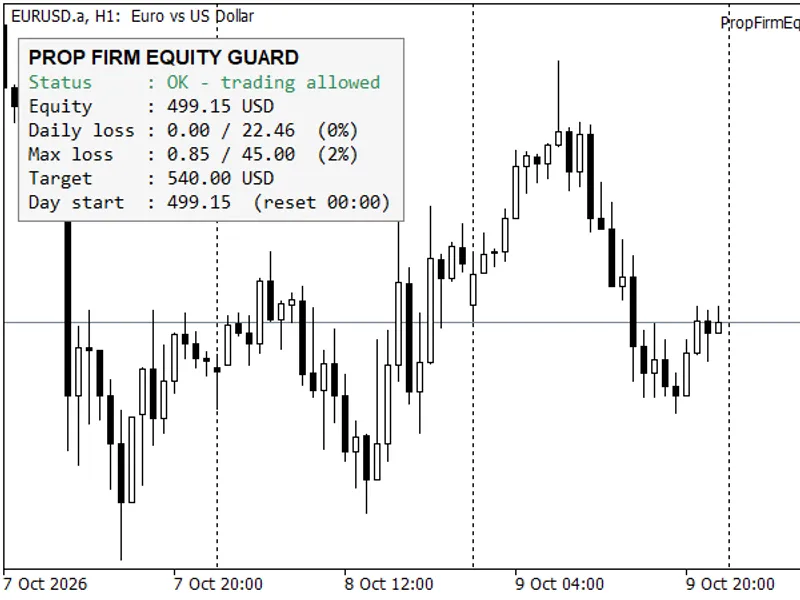
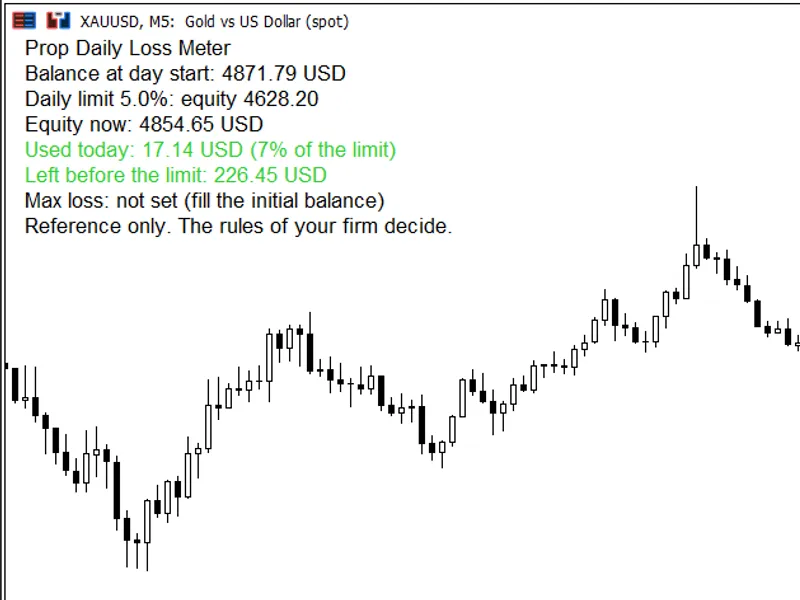
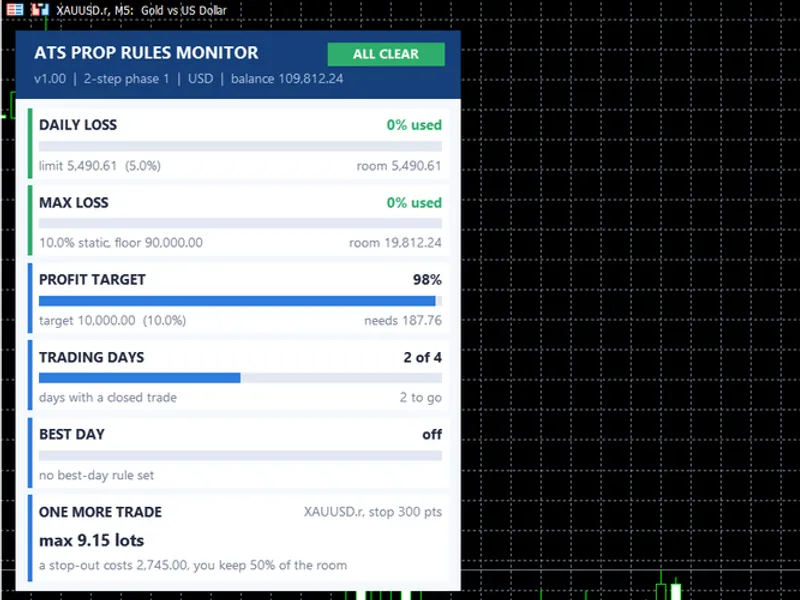
The Prop Firm Defense: Navigating Proprietary Trading Rules is a Expert Advisor for MetaTrader 5 that proprietary trading accounts operate under a distinct set of rules that extend beyond standard metatrader 5 functionality. These rules include limitations on maximum loss relative to a fixed starting balance, daily loss limits with specific reset times, payout consistency requirements, minimum trading days, news blackouts, and trading cutoffs.
Usage
This tool is typically used for automated trading on major forex pairs and gold.
Platform
This Expert Advisor works exclusively on MetaTrader 5 (both build 600+ and newer versions).
Setup
Place the downloaded file in MQL5/Experts folder via File ? Open Data Folder in MetaTrader 5.
How to Install and Use Prop Firm Defense: Navigating Proprietary Trading Rules
1. Installation: Open the "File" menu, select "Open Data Folder," navigate to MQL/Experts, paste your file, and restart the terminal.
2. Activation: Drag the EA from the Navigator onto a chart, ensure "Allow live trading" is checked in the Common tab, and verify the AutoTrading button is green.
3. Optimization: Right-click your chart, choose "Expert List," click "Properties" to adjust inputs, and save your preferred setup as a set file for future use.
4. Maintenance: Regularly check the "Experts" tab in the terminal window to monitor trade logs and potential execution errors.
Frequently Asked Questions
Q: Why is my EA not opening trades? A: Check the "AutoTrading" button, ensure "Allow live trading" is enabled, and verify your broker allows automated trading on your account type.
Q: Can I run multiple EAs on one chart? A: No, each chart can only host one active EA; however, you can open multiple charts for different currency pairs to run several EAs.
Q: What does the "smiley face" icon mean? A: A smiley face in the top-right corner of the chart indicates the EA is successfully running; a frowny face means it is disabled.
What this tool does
Proprietary trading accounts operate under a distinct set of rules that extend beyond standard MetaTrader 5 functionality.
Typical Use Case
This Expert Advisor excels in automated trading and technical analysis on MetaTrader 5.
Compatible Platform & Setup
This Expert Advisor works on MetaTrader 5. Place the file in the MQL5/Experts folder and restart the terminal.
Description & Settings
Related: Prop Guard Lite: Daily and Max Loss Protection for Prop Firm Accounts - another powerful expert for MetaTrader 5 traders.
Proprietary trading accounts operate under a distinct set of rules that extend beyond standard MetaTrader 5 functionality. These rules include limitations on maximum loss relative to a fixed starting balance, daily loss limits with specific reset times, payout consistency requirements, minimum trading days, news blackouts, and trading cutoffs. Violating trading rules may result in a lost trade, while breaching account rules leads to account forfeiture.Also recommended: Prop Firm Guard: Daily Loss and Max Drawdown Protection - similar expert with strong performance on MetaTrader 5.
This library serves as the foundation for the protective guard system. It compiles into any Expert Advisor (EA), evaluates eight rules against a static account snapshot per cycle, and issues at most one directive. It does not take independent trading positions.
Archive Contents
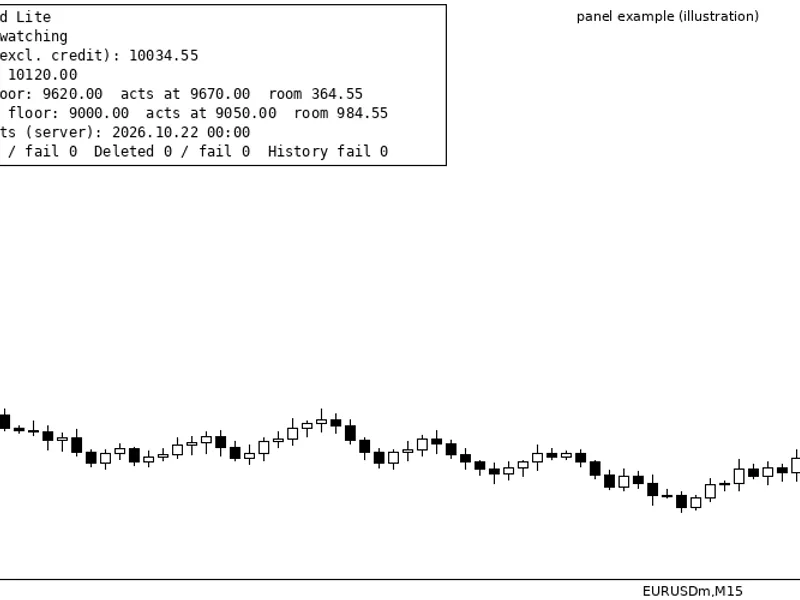
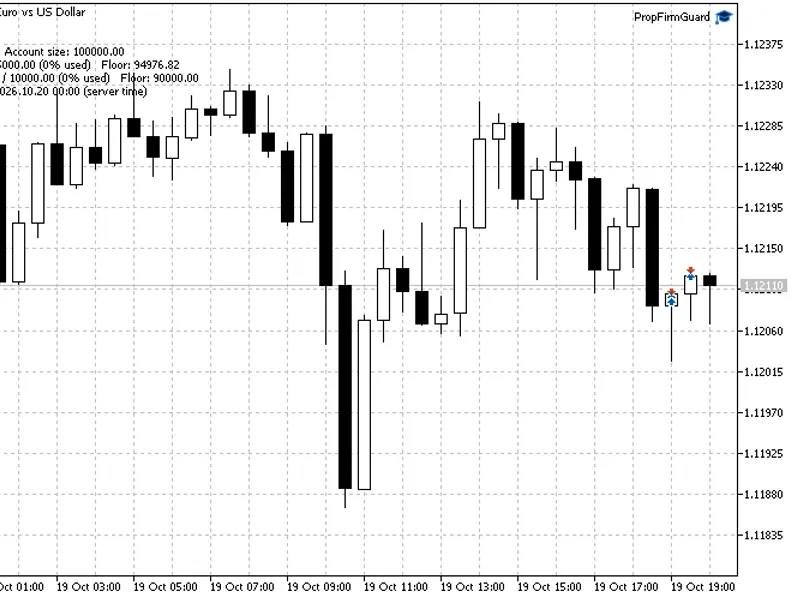
The archive contains 24 header files (.mqh), a facade class named CPropRulebook, and a demonstration EA (PropFirmDefense.mq5). The demo EA integrates the facade class with an on-chart panel. A free version of this EA is also available on the Market under the name 'Prop Firm Defense'. This CodeBase entry provides the source code for users who prefer direct access to the classes.
Features Checked
Eight rules are assessed on each pass:
- Static drawdown
- Trailing drawdown
- Daily loss
- Profit target
- Payout consistency
- Minimum trading days
- News blackout
- Weekend flat
A dynamic trailing floor adjusts with the account equity and permanently locks once the balance reaches the initial balance plus the trail amount, mirroring the behavior of actual trailing drawdown accounts.
The daily reset operates according to the firm's specified time zone, not the broker's midnight, ensuring that losses incurred around the boundary are correctly attributed to the appropriate day.
Payout rules do not trigger position closures. Issues with consistency or minimum trading days result in a withdrawal being withheld rather than putting the account at risk. The guard reports these conditions instead of acting upon them.
Behavioral Aspects
A single observation per pass is shared across all rules, resulting in at most one directive. If multiple rules are breached simultaneously, only one action is executed.
This system functions independently of other trading activities, including EAs, manual trading, or copied signals. It does not initiate trades.
State persistence ensures that critical data, such as the trailing floor, consumed budget, and latches, are saved across terminal restarts. This prevents a VPS reboot from resetting the drawdown allowance.
All thresholds are configurable via the Inputs dialog, with presets available for common prop firm styles as a starting point.
Architecture for Reusability
The CPropRulebook class is the primary interface for users. It incorporates the following components:
CPropSnapshotBuilder: Captures a single account snapshot per pass (including equity, balance, positions, and floating P/L) to ensure consistent evaluation criteria for all rules.
CRuleRegistry + CRuleCoordinator: Manage the eight IPropRule implementations and consolidate multiple verdicts into a single directive.
CProtectiveActionExecutor: The sole class authorized to modify positions, specifically to close them upon rule breach.
CGuardStateStore: Manages the persistence of the trailing floor, consumed budgets, and latches across terminal restarts.
CTerminalAlgoSwitch: An optional component to control the terminal's global Algo Trading button. It degrades gracefully if the required WinAPI call is unavailable (e.g., in Market builds, on Linux/Wine, or with AllowDllImport=0).
Not a Trading Strategy
This tool does not dictate entry points or make profitability claims. Its purpose is to answer two key questions for any active trading: 'May I open this position now?' and 'Is the account currently in breach of any rules?'
Limitations
Preset values are intended as a starting point and do not constitute a contract. Proprietary trading rules vary significantly between firms and programs. Always verify each threshold against your specific agreement.
The news rule relies on the terminal's economic calendar. It remains inactive when the calendar is unavailable, such as during Strategy Tester operations.
CTerminalAlgoSwitch imports user32.dll by default when compiled without the market-build switch (PROP_MARKET_BUILD). If compiling a custom entry point and requiring a DLL-free path (for Market rules, AllowDllImport=0, or platforms without WinAPI), define the appropriate macro before including the header.
You may also like: Prop Firm Equity Guard: Daily Loss and Maximum Drawdown Protection - excellent alternative for expert users on MetaTrader 5.
Source Code
#property copyright "RobotFX"
#property link "https://robotfx.org"
#property version   "1.00"
#property description "This code is educational. Feel free to use, modify and upgrade as you wish. Visit ROBOTFX.ORG for professional trading tools"
#define PROP_MARKET_BUILD
#include <PropRulebook\CPropRulebook.mqh>
#include <PropRulebook\CPropDashboardPanel.mqh>
input group "=== PropFirmDefense ==="
input string InpDemo_Symbol              = "";
input double InpDemo_Volume              = 0.10;
.......
⚠ Limitations & Risk Warning
- This tool is provided for educational and testing purposes only.
- Past performance does not guarantee future results.
- Trading involves substantial risk of loss. Use on a demo account first.
- Results may vary depending on market conditions, broker, and settings.
- We recommend thorough backtesting and forward testing before using with real funds.