


Position Peak Logger: Measuring Trade Range in R
Info
The Position Peak Logger: Measuring Trade Range in R is a Expert Advisor for MetaTrader 5 that this tool tracks the actual price range of your trades in terms of risk (r), providing insights beyond just the final profit or loss. For each trade, the EA records the initial stop distance, which defines "1 R" for that specific trade.
Usage
This tool is typically used for automated trading on major forex pairs and gold.
Platform
This Expert Advisor works exclusively on MetaTrader 5 (both build 600+ and newer versions).
Setup
Place the downloaded file in MQL5/Experts folder via File ? Open Data Folder in MetaTrader 5.
How to Install and Use Position Peak Logger: Measuring Trade Range in R
1. Installation: Open the "File" menu, select "Open Data Folder," navigate to MQL/Experts, paste your file, and restart the terminal.
2. Activation: Drag the EA from the Navigator onto a chart, ensure "Allow live trading" is checked in the Common tab, and verify the AutoTrading button is green.
3. Optimization: Right-click your chart, choose "Expert List," click "Properties" to adjust inputs, and save your preferred setup as a set file for future use.
4. Maintenance: Regularly check the "Experts" tab in the terminal window to monitor trade logs and potential execution errors.
Frequently Asked Questions
Q: Why is my EA not opening trades? A: Check the "AutoTrading" button, ensure "Allow live trading" is enabled, and verify your broker allows automated trading on your account type.
Q: Can I run multiple EAs on one chart? A: No, each chart can only host one active EA; however, you can open multiple charts for different currency pairs to run several EAs.
Q: What does the "smiley face" icon mean? A: A smiley face in the top-right corner of the chart indicates the EA is successfully running; a frowny face means it is disabled.
What this tool does
This tool tracks the actual price range of your trades in terms of Risk (R), providing insights beyond just the final profit or loss.
Typical Use Case
This Expert Advisor excels in automated trading and technical analysis on MetaTrader 5.
Compatible Platform & Setup
This Expert Advisor works on MetaTrader 5. Place the file in the MQL5/Experts folder and restart the terminal.
Description & Settings
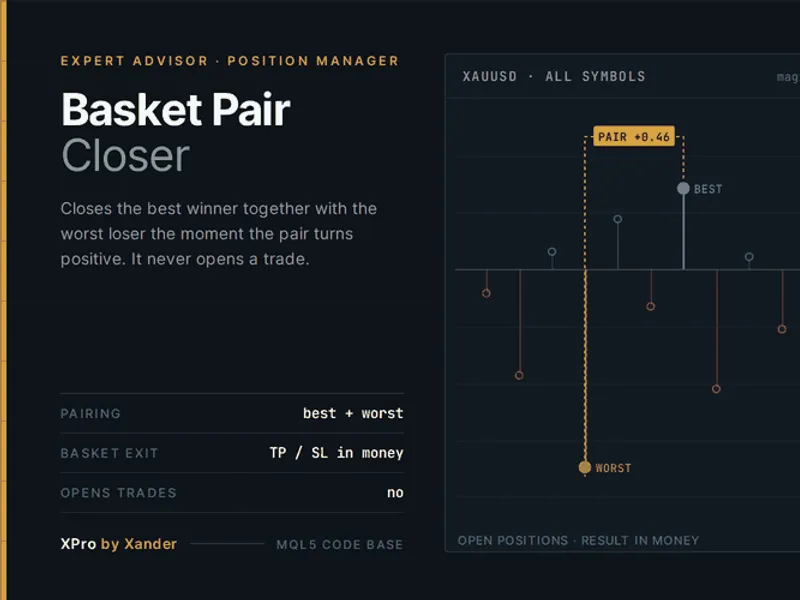
Related: Basket Pair Closer: Efficiently Close Trading Positions - another powerful expert for MetaTrader 5 traders.
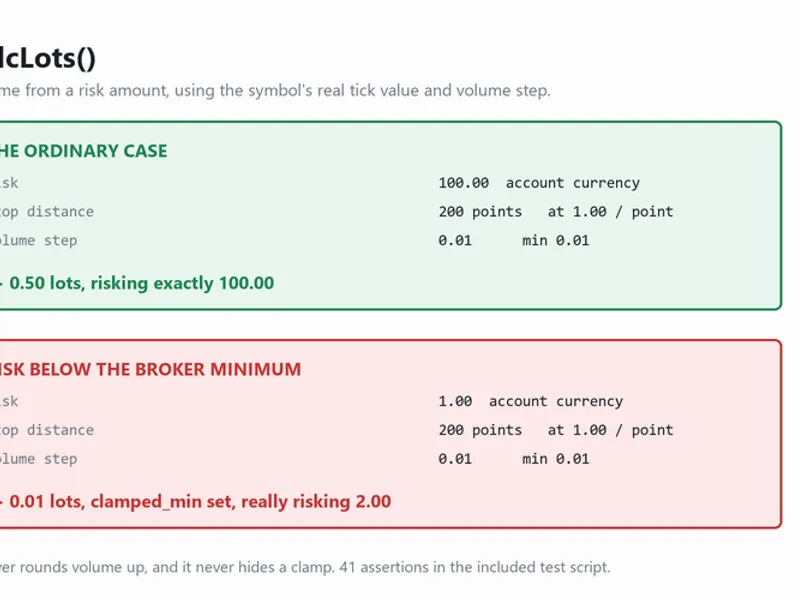
This tool tracks the actual price range of your trades in terms of Risk (R), providing insights beyond just the final profit or loss.Also recommended: Accurate Position Sizing Using Broker Tick Values and Volume Steps - similar expert with strong performance on MetaTrader 5.
For each trade, the EA records the initial stop distance, which defines "1 R" for that specific trade. It then monitors how far the price moves in both directions, measured in R. Upon closing a position, a detailed row is written to a CSV file in the MQL5\Files directory, including: ticket, symbol, side, open and close times, entry price, risk distance, peak R reached, worst R encountered, realized result in R, and the monetary profit.
The reference "R" value is captured at the trade's inception, before any stop-loss trailing occurs, ensuring that stop adjustments do not alter the measurement baseline.
Usefulness: When an equity curve shows significant upward spikes followed by pullbacks, it's crucial to understand if trades are reaching their potential and then reversing, or if they are simply not traveling far enough to begin with. These two scenarios appear similar on a chart but require fundamentally different solutions. By comparing the average peak R achieved against the average realized R, this tool provides a single metric to diagnose the issue. The on-chart panel further illustrates the average amount given back per trade.
Functionality: This EA operates passively; it does not open, modify, or close trades. Simply attach it to a chart alongside your trading system. You can filter trades by using a magic number if you wish to monitor a specific EA. Trades without a stop-loss are ignored for R measurement as "R" cannot be determined without a stop distance.
Inputs: Current symbol only, magic number filter, output file name, log printing toggle, 0.5 R milestone printing toggle, on-chart panel display toggle.
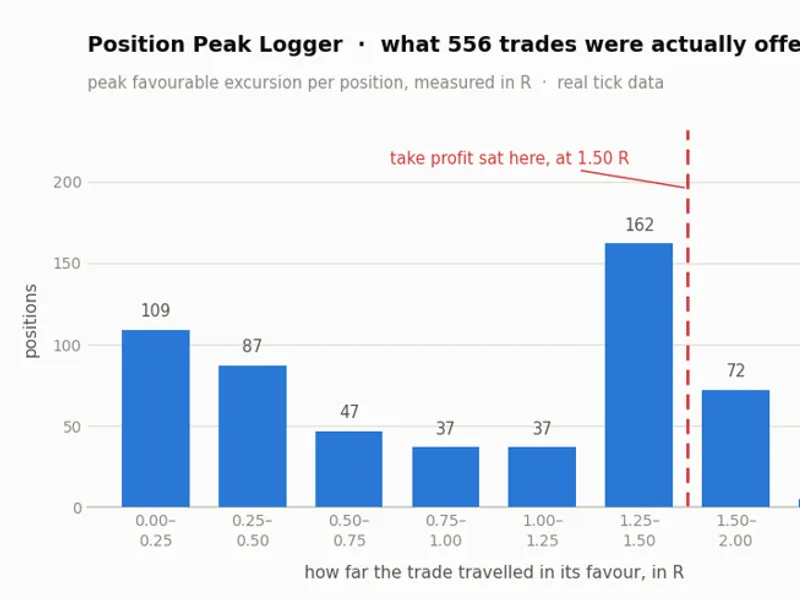
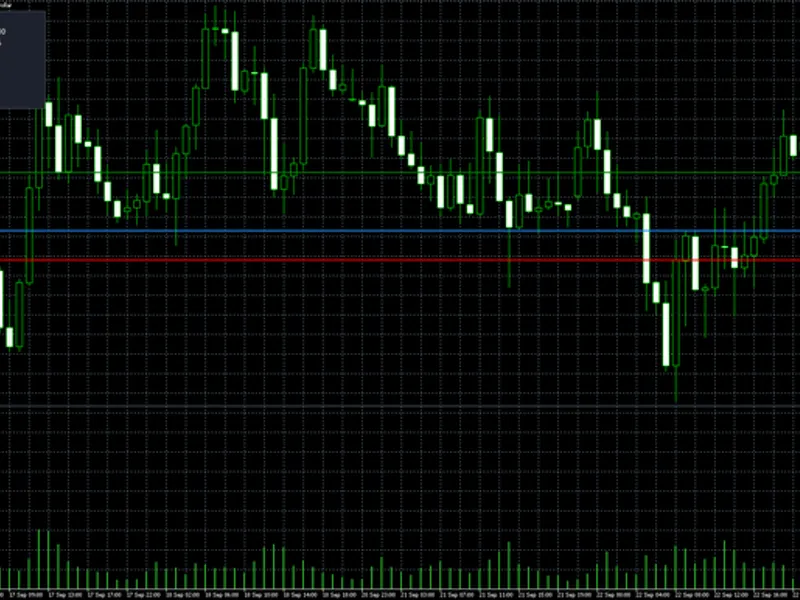
The accompanying chart illustrates a verification run using real tick data. In this test, 556 trades were initiated with a stop loss at 2 x ATR and a take profit at 3 x ATR. By design, each winning trade should measure +1.50 R and each losing trade -1.00 R. The logger accurately reflected these values, with minor deviations attributed to slippage. This verification was performed in 2026.
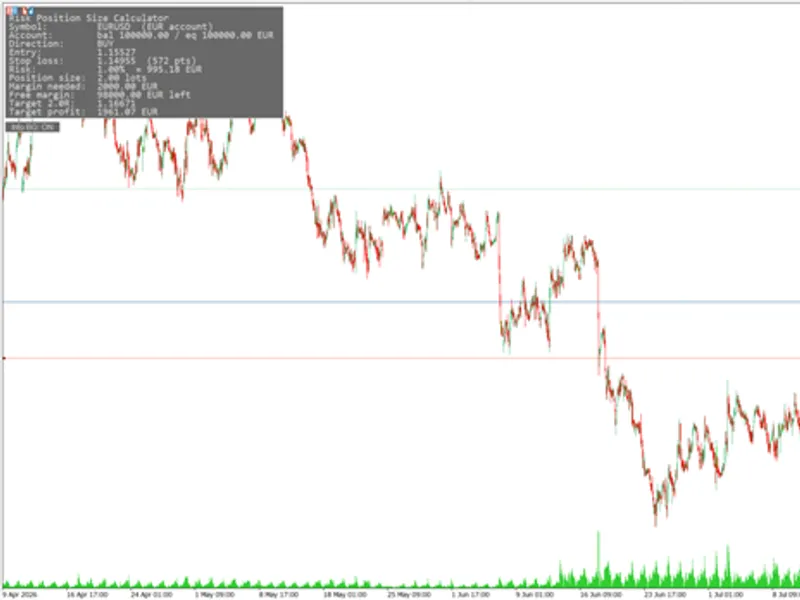
You may also like: Risk-Based Position Size Calculator for MT4/MT5 - excellent alternative for expert users on MetaTrader 5.
Source Code
#property copyright "RobotFX"
#property link "https://robotfx.org"
#property version   "1.00"
#property description "This code is educational. Feel free to use, modify and upgrade as you wish. Visit ROBOTFX.ORG for professional trading tools"
input group "=== Scope ==="
input bool   InpCurrentSymbolOnly = true;
input long   InpMagicFilter       = -1;
input group "=== Output ==="
input string InpFileName          = "PositionPeaks.csv";
input bool   InpPrintToLog        = true;
.......
⚠ Limitations & Risk Warning
- This tool is provided for educational and testing purposes only.
- Past performance does not guarantee future results.
- Trading involves substantial risk of loss. Use on a demo account first.
- Results may vary depending on market conditions, broker, and settings.
- We recommend thorough backtesting and forward testing before using with real funds.