
Inverse Reaction EA
Info
The Inverse Reaction EA is a Expert Advisor for MetaTrader 5 that inverse reaction ea is an automated trading algorithm based on the principle that significant price changes are often followed by an opposing movement. Parameters:The following parameters are intended for the EURUSD symbol on a daily timeframe and are not optimized.
Usage
This tool is typically used for automated trading on major forex pairs and gold.
Platform
This Expert Advisor works exclusively on MetaTrader 5 (both build 600+ and newer versions).
Setup
Place the downloaded file in MQL5/Experts folder via File ? Open Data Folder in MetaTrader 5.
How to Install and Use Inverse Reaction EA
1. Installation: Open the "File" menu, select "Open Data Folder," navigate to MQL/Experts, paste your file, and restart the terminal.
2. Activation: Drag the EA from the Navigator onto a chart, ensure "Allow live trading" is checked in the Common tab, and verify the AutoTrading button is green.
3. Optimization: Right-click your chart, choose "Expert List," click "Properties" to adjust inputs, and save your preferred setup as a set file for future use.
4. Maintenance: Regularly check the "Experts" tab in the terminal window to monitor trade logs and potential execution errors.
Frequently Asked Questions
Q: Why is my EA not opening trades? A: Check the "AutoTrading" button, ensure "Allow live trading" is enabled, and verify your broker allows automated trading on your account type.
Q: Can I run multiple EAs on one chart? A: No, each chart can only host one active EA; however, you can open multiple charts for different currency pairs to run several EAs.
Q: What does the "smiley face" icon mean? A: A smiley face in the top-right corner of the chart indicates the EA is successfully running; a frowny face means it is disabled.
What this tool does
Inverse Reaction EA is an automated trading algorithm based on the principle that significant price changes are often followed by an opposing movement.
Typical Use Case
This Expert Advisor excels in automated trading and technical analysis on MetaTrader 5.
Compatible Platform & Setup
This Expert Advisor works on MetaTrader 5. Place the file in the MQL5/Experts folder and restart the terminal.
Description & Settings
Related: forex news events reaction ea: an mql5 calendar introduction - another powerful expert for MetaTrader 5 traders.
Inverse Reaction EA is an automated trading algorithm based on the principle that significant price changes are often followed by an opposing movement.Also recommended: ICQ Messenger for MetaTrader - similar expert with strong performance on MetaTrader 5.
Parameters:
The following parameters are intended for the EURUSD symbol on a daily timeframe and are not optimized. You should adjust them according to the symbol and timeframe you intend to use.
Stop Loss:
(1000 as default) Sets a safety limit for losses in points.
Take Profit:
(250 as default) Sets the profit target in points.
Trade Volume:
(1.0 as default) Specifies the lot size for each order.
Affordable Order Slippage:
(3 as default) Defines the acceptable deviation from the order price at the time of execution.
Minimum Bar Size for Signal:
(300 points as default) This is the primary filtering parameter for the EA. An inverse reaction often follows a significant market movement (shock). This parameter defines the minimum bar size that is considered a shock. You can experiment with different values, but it should not be set lower than the Take Profit level.
Maximum Bar Size for Signal:
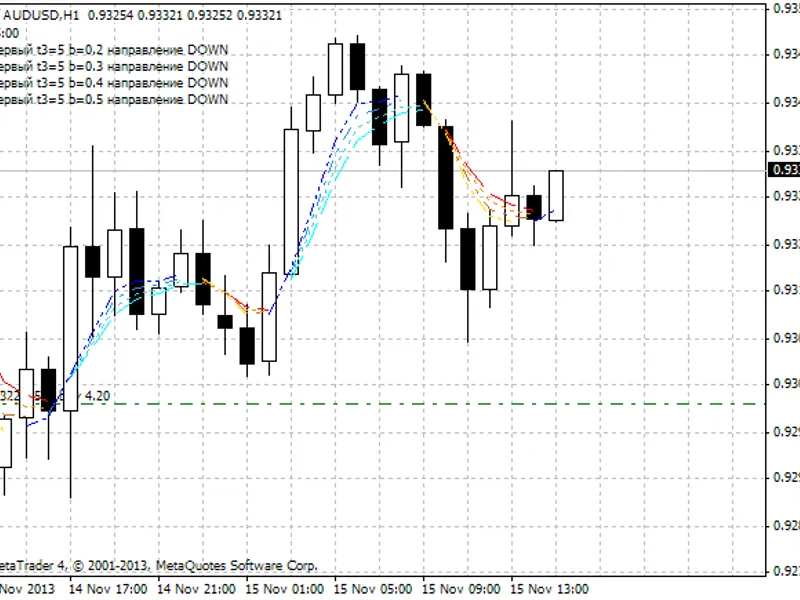
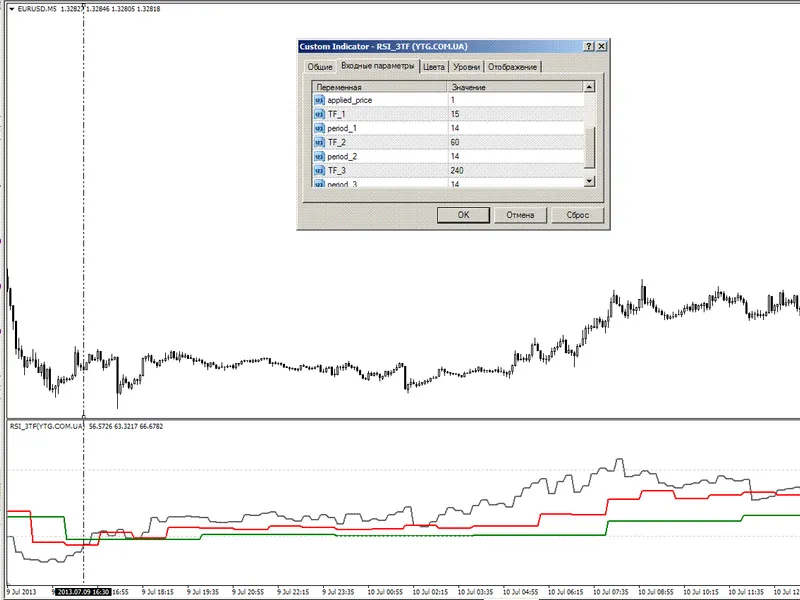
(2000 points as default) This is the secondary filtering parameter for the EA. There is a distinction between minor shocks and major market events (crashes, booms, interventions, etc.). While the original strategy is inspired by major events, this EA focuses on smaller shocks. This parameter sets the maximum size for a shock. Refer to the provided image dated 10.07.2013 for an example. You can experiment with different values.
Confidence Coefficient:
(Golden Ratio as default) This is an indicator parameter. Avoid changing it unless you have a thorough understanding of its function. For more details, please refer to the indicator's documentation.
Moving Average Period:
(3 as default) This is an indicator parameter. Avoid changing it unless you have a thorough understanding of its function. For more details, please refer to the indicators page.
Test Results:
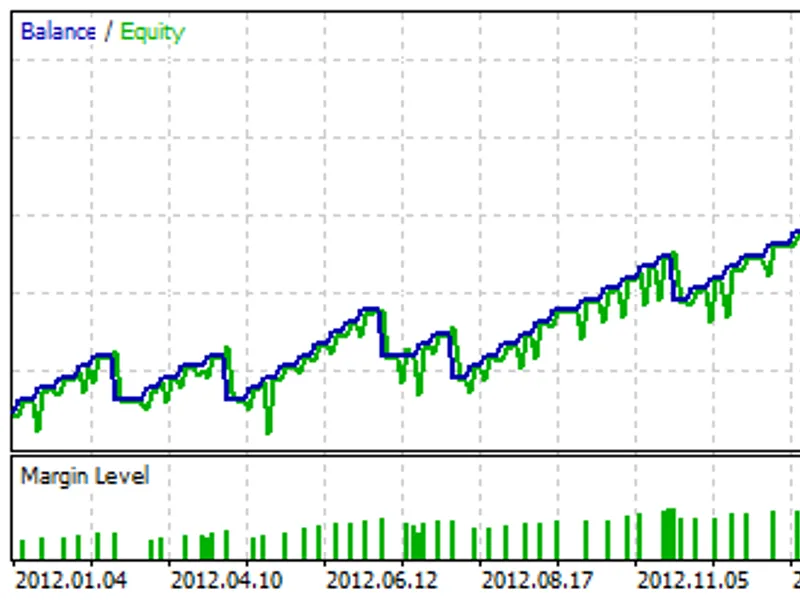
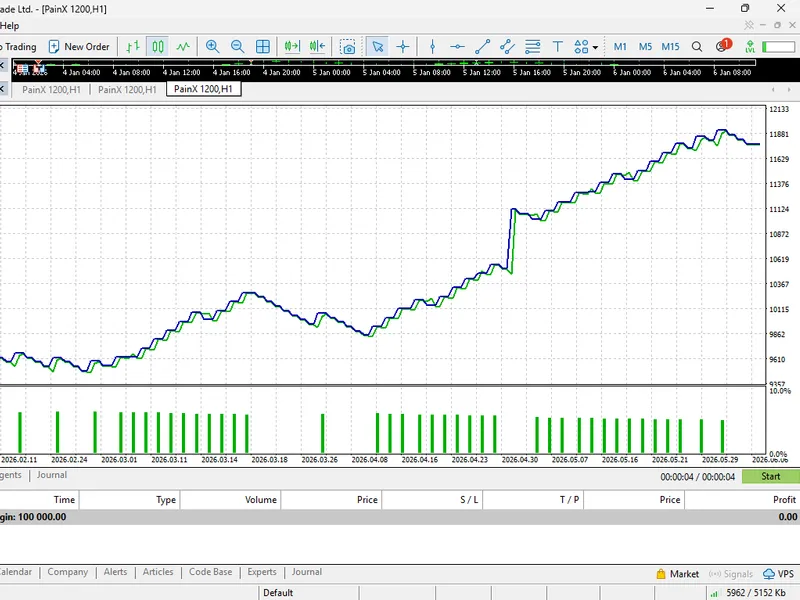
EURUSD, D1, Testing Interval: 01.01.2012 - 01.08.2026, Leverage: 1:100, Initial Deposit: 10,000 USD.
Tips:
The inverse reaction strategy can be unstable immediately following major economic events, which can cause significant market shifts. This is evident in the test results, where the last reported loss occurred during a Federal Reserve speech that impacted long-term expectations. Therefore, it is advisable to avoid implementing this strategy immediately after such news releases.
This Expert Advisor (EA) was developed solely to demonstrate the functionality of the inverse reaction strategy in isolation. It is not a sophisticated or intelligent EA. As mentioned on the indicator's main page, the strategy is significantly more effective when combined with other technical analysis tools. For further details, consult the indicator's page. Consequently, it is strongly advised not to use this EA for live trading under any circumstances.
You may also like: Silver Trend Crazy Chart Expert Advisor - excellent alternative for expert users on MetaTrader 5.
Source Code
#property copyright "robotfx"
#property version   "1.2"
#property link "https://robotfx.org"
#property description "this code is educational. feel free to use, modify and upgrade as you wish. visit robotfx.org for professional trading tools"
#property description "this code is educational. feel free to use, modify and upgrade as you wish. visit robotfx.org for professional trading tools"
#property description "this code is educational. feel free to use, modify and upgrade as you wish. visit robotfx.org for professional trading tools"
#property description "this code is educational. feel free to use, modify and upgrade as you wish. visit robotfx.org for professional trading tools"
#property indicator_separate_window
#property indicator_buffers 3
#property indicator_plots   3
.......
⚠ Limitations & Risk Warning
- This tool is provided for educational and testing purposes only.
- Past performance does not guarantee future results.
- Trading involves substantial risk of loss. Use on a demo account first.
- Results may vary depending on market conditions, broker, and settings.
- We recommend thorough backtesting and forward testing before using with real funds.