










GSLP Active Research EA for Gold Trading
Info
The GSLP Active Research EA for Gold Trading is a Expert Advisor for MetaTrader 5 that three gold entry models. One Transparent Research EA.
Usage
This tool is typically used for automated trading on major forex pairs and gold.
Platform
This Expert Advisor works exclusively on MetaTrader 5 (both build 600+ and newer versions).
Setup
Place the downloaded file in MQL5/Experts folder via File ? Open Data Folder in MetaTrader 5.
How to Install and Use GSLP Active Research EA for Gold Trading
1. Installation: Open the "File" menu, select "Open Data Folder," navigate to MQL/Experts, paste your file, and restart the terminal.
2. Activation: Drag the EA from the Navigator onto a chart, ensure "Allow live trading" is checked in the Common tab, and verify the AutoTrading button is green.
3. Optimization: Right-click your chart, choose "Expert List," click "Properties" to adjust inputs, and save your preferred setup as a set file for future use.
4. Maintenance: Regularly check the "Experts" tab in the terminal window to monitor trade logs and potential execution errors.
Frequently Asked Questions
Q: Why is my EA not opening trades? A: Check the "AutoTrading" button, ensure "Allow live trading" is enabled, and verify your broker allows automated trading on your account type.
Q: Can I run multiple EAs on one chart? A: No, each chart can only host one active EA; however, you can open multiple charts for different currency pairs to run several EAs.
Q: What does the "smiley face" icon mean? A: A smiley face in the top-right corner of the chart indicates the EA is successfully running; a frowny face means it is disabled.
What this tool does
Three Gold Entry Models.
Typical Use Case
This Expert Advisor excels in automated trading and technical analysis on MetaTrader 5.
Compatible Platform & Setup
This Expert Advisor works on MetaTrader 5. Place the file in the MQL5/Experts folder and restart the terminal.
Description & Settings
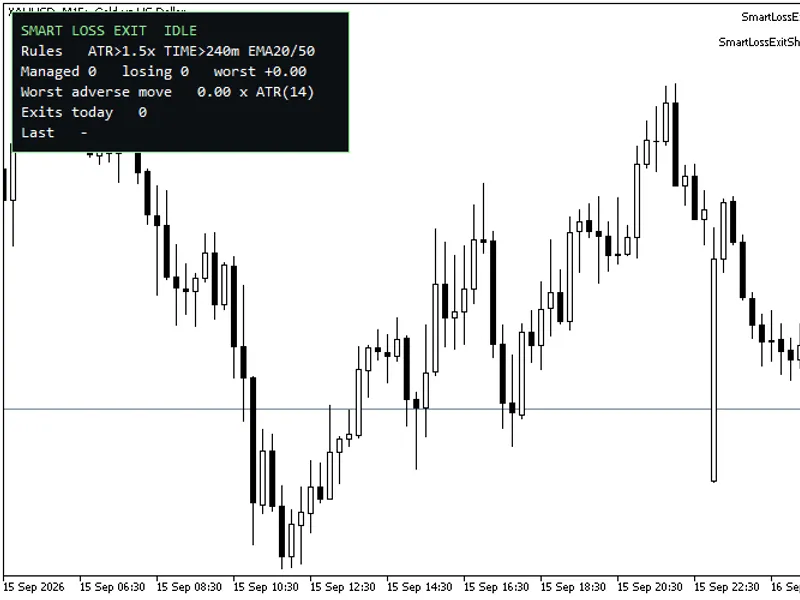
Related: Smart Loss Exit: Proactive Exit for Losing Trades - another powerful expert for MetaTrader 5 traders.
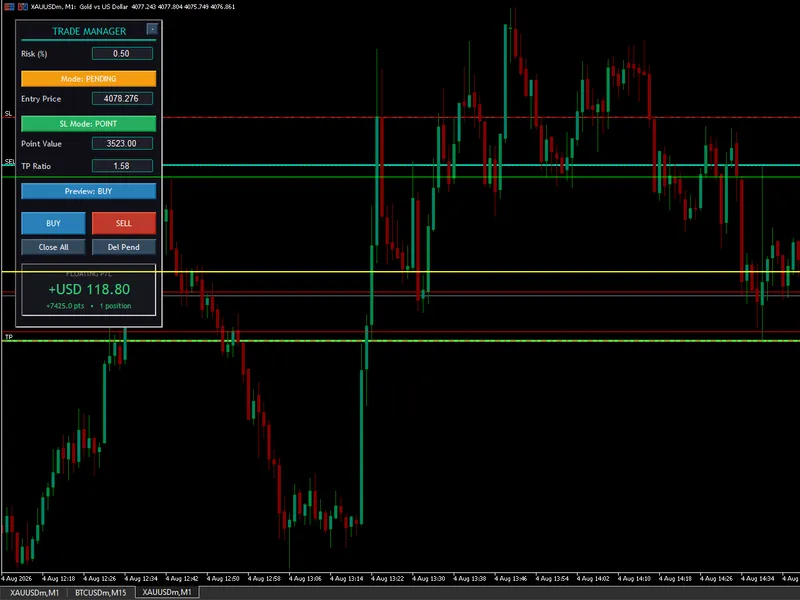
Three Gold Entry Models. One Transparent Research EA.Also recommended: Interactive On-Chart Risk Management and Execution Panel for MT5 - similar expert with strong performance on MetaTrader 5.
GSLP Active Research EA is a free, source-code Expert Advisor for studying active gold trading in MetaTrader 5. It combines three selectable entry models, ATR-based protection, risk-based position sizing and a separate tester cost ledger.
The visible settings remain compact with 17 inputs, including three strategy controls. Select an entry model, set the stop distance and choose the reward-to-risk target. The source code is available for inspection and reproducible experiments.
Research Status:
Version 2.30 increased trading activity, but historical experiments resulted in losses after accounting for modeled costs. This is an educational research implementation; a profitable trading edge has not been demonstrated.
How the Three Entry Models Work
Model
Trading Idea
Trend Pullback
A pullback and resumption within an EMA20/50 trend context.
Channel Breakout
A completed-candle breakout of a 12-bar channel.
Sweep and Reclaim
A sweep of a 12-bar channel boundary followed by a reclaim.
One model operates at a time. Signals use completed candles of the attached chart timeframe, with one decision per new bar. Accepted signals use market orders. The default stop is 1.5 ATR; the take-profit distance is a multiple of the initial stop distance.
The historical research reference is XAUUSD M5 on a USD account. Version 2.31 uses the attached chart symbol and timeframe and account-currency calculations. Other configurations can be tested, but the published gold results do not establish performance elsewhere. London and New York entry sessions include daylight-saving adjustments; session, spread, and risk gates still apply. Broker clock settings must match the broker.
Execution and Risk Features
Risk-based sizing includes estimated costs and a margin-use check.
One position at a time, with stop-loss and take-profit submitted at entry.
Checks for spread, quote freshness, position ownership, recovery state, and trade-server results.
A daily equity-loss lock blocks further entries at the configured threshold.
A compact dashboard displays operating conditions.
No martingale, grid, or lot escalation after losses.
This active design disables daily/session trade-count limits, loss-streak limits, partial closing, breakeven, and trailing stops. Calendar-news filtering and the fixed US macro pause are disabled.
The daily loss setting is an entry lock, not a guaranteed loss cap. It does not close an existing position or cap cumulative drawdown.
Inputs and Defaults
Input
Default
Purpose
ActiveSignalEngine
Trend Pullback
Select the entry model.
ActiveStopATR
1.50
ATR multiple for the stop distance.
FinalTargetR
1.50
Take-profit distance divided by initial stop distance.
RiskPercent
0.50
Equity percentage budget per entry, including estimated costs.
DailyLossLimitPct
3.00
Daily equity-loss threshold for blocking entries.
MaxSpreadPoints
100
Maximum spread in broker points.
BrokerClock
BROKER_EU_DST
Broker clock adjustment convention.
BrokerWinterUTCOffsetHours
2
Winter server-time offset from UTC.
MagicNumber
210931230
Identifier for this EA's activity.
EnableTrading
true
Enable the EA's trading logic.
AllowLiveTrading
false
Real-account trading disabled by default.
ShowDashboard
true
Show the chart dashboard.
EstCommissionPerLotRT
7.0
Estimated commission per lot, round turn, in account currency.
EstSlippagePointsPerSide
10
Estimated slippage per fill, in broker points.
TesterCostModel
true
Enable the supplemental tester cost ledger.
ResearchRunId
active
Label for research output.
VerboseLogs
false
Additional diagnostic logging.
Broker points are not necessarily pips. Review symbol digits, point value, contract specifications, and costs before testing. EstCommissionPerLotRT is entered in account-currency units: 7 means USD 7 on a USD account or EUR 7 on a EUR account. It is not an automatic conversion of a fixed USD amount.
Published Experiment: Results and Limitations
The version 2.30 historical comparison used MetaQuotes-Demo XAUUSD M5, USD 10,000 starting balance, 1:100 leverage, and 0.5% risk per entry. The tester interval was 1 June 2026 to 25 November 2026 (end date exclusive). MT5 reports recorded 100% real ticks.
These figures describe Trend Pullback with a 2R target. The source defaults to 1.5R.
Metric
Pullback 2R Result
Completed positions
1,800
Average entries per month
101.12
Native net result
-USD 2,700.20
Net after supplemental cost model
-USD 5,540.87
Profit factor after modeled costs
0.8756
Native equity drawdown
46.94%
EA-observed cost-model drawdown
64.74%
Main assumptions: USD 7 commission per lot round turn, 10 points of estimated slippage per fill, and 50 ms native execution delay. The ledger supplements native costs and affects the EA's effective equity. It does not change native fill prices or debit the tester's actual balance. Native and modeled drawdown are shown separately.
All six strategy/target combinations lost money after modeled costs in training. The 2R pullback was retained only as a diagnostic candidate. The later historical period was not an untouched holdout. New forward results and independent three-broker validation are not available.
Version 2.31: Chart Compatibility
This update removes the Gold/M5 and USD-only initialization restrictions. The EA now uses its existing chart-based signal and execution logic on the selected symbol and timeframe. The dashboard shows the actual timeframe, and commission units are explicit. Signal rules, position sizing, stops, risk limits, and all 17 input defaults are unchanged.
This is a compatibility correction. The historical performance figures above remain the version 2.30 gold research results. Initialization on a chart does not guarantee entries: history, session, spread, minimum-lot, and other risk checks must still pass.
Installation and First Test
Save GSLP_Active_Research_EA.mq5 in the terminal's MQL5\Experts folder.
Open it in MetaEditor and compile. Custom modules are embedded; remaining includes use the standard MT5 library. The publication source compiled with 0 errors and 0 warnings.
Open Strategy Tester; select XAUUSD M5 to reproduce the research reference, and real ticks where available. Select other symbols and timeframes only for separate compatibility or strategy experiments.
Check the account currency, broker clock, spread, and cost assumptions. Use a USD test account when reproducing the published gold results. The default target is 1.5R; use 2R when deliberately reproducing the diagnostic configuration.
Operational limitations: this version does not restore stop-loss or take-profit levels deleted after entry. Real-account trading is disabled by default; demo trading can operate when the EA and terminal trading permissions are enabled. Begin in Strategy Tester.
You may also like: Interactive Chart Trading Panel with Risk Management for MT5 - excellent alternative for expert users on MetaTrader 5.
Source Code
#property strict
#property copyright "RobotFX"
#property version   "2.31"
#property description "This code is educational. Feel free to use, modify and upgrade as you wish. Visit ROBOTFX.ORG for professional trading tools"
#include <Trade\Trade.mqh>
#include <Trade\PositionInfo.mqh>
#include <Trade\OrderInfo.mqh>
#ifndef GSLP_SAFETY_CORE_230
#define GSLP_SAFETY_CORE_230
.......
⚠ Limitations & Risk Warning
- This tool is provided for educational and testing purposes only.
- Past performance does not guarantee future results.
- Trading involves substantial risk of loss. Use on a demo account first.
- Results may vary depending on market conditions, broker, and settings.
- We recommend thorough backtesting and forward testing before using with real funds.