


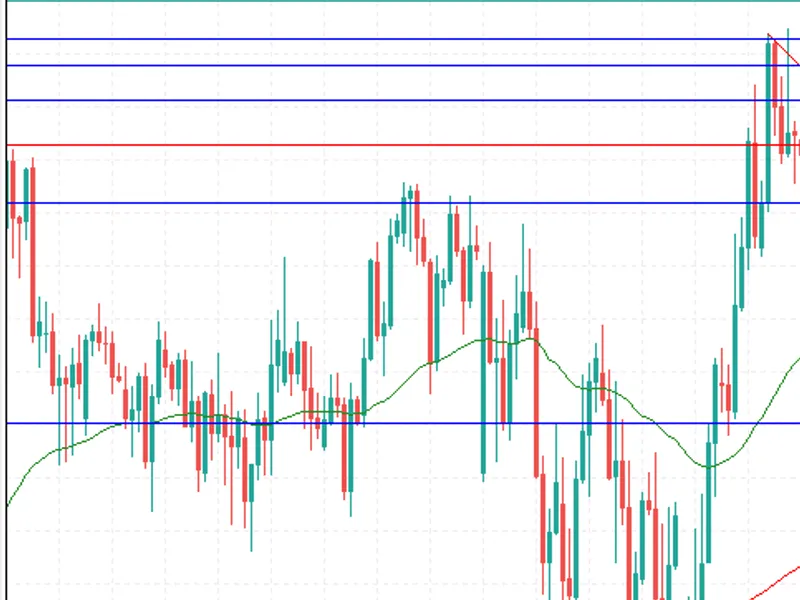
GDS Renko Bollinger 4-Mode EA
Info
The GDS Renko Bollinger 4-Mode EA is a Expert Advisor for MetaTrader 5 that four modes are included and enabled by default:1. BreakoutA completed Renko brick closes beyond an outer Bollinger Band and confirms continuation in the breakout direction.
Usage
This tool is typically used for automated trading on major forex pairs and gold.
Platform
This Expert Advisor works exclusively on MetaTrader 5 (both build 600+ and newer versions).
Setup
Place the downloaded file in MQL5/Experts folder via File ? Open Data Folder in MetaTrader 5.
How to Install and Use GDS Renko Bollinger 4-Mode EA
1. Installation: Open the "File" menu, select "Open Data Folder," navigate to MQL/Experts, paste your file, and restart the terminal.
2. Activation: Drag the EA from the Navigator onto a chart, ensure "Allow live trading" is checked in the Common tab, and verify the AutoTrading button is green.
3. Optimization: Right-click your chart, choose "Expert List," click "Properties" to adjust inputs, and save your preferred setup as a set file for future use.
4. Maintenance: Regularly check the "Experts" tab in the terminal window to monitor trade logs and potential execution errors.
Frequently Asked Questions
Q: Why is my EA not opening trades? A: Check the "AutoTrading" button, ensure "Allow live trading" is enabled, and verify your broker allows automated trading on your account type.
Q: Can I run multiple EAs on one chart? A: No, each chart can only host one active EA; however, you can open multiple charts for different currency pairs to run several EAs.
Q: What does the "smiley face" icon mean? A: A smiley face in the top-right corner of the chart indicates the EA is successfully running; a frowny face means it is disabled.
What this tool does
Four modes are included and enabled by default:1.
Typical Use Case
This Expert Advisor excels in automated trading and technical analysis on MetaTrader 5.
Compatible Platform & Setup
This Expert Advisor works on MetaTrader 5. Place the file in the MQL5/Experts folder and restart the terminal.
Description & Settings
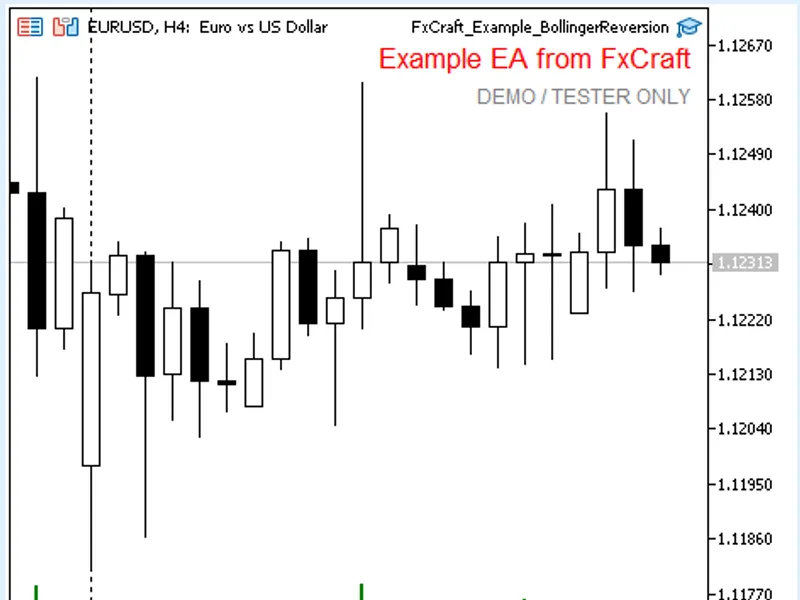
Related: Fx Craft Example EA: Bollinger Bands Mean Reversion - another powerful expert for MetaTrader 5 traders.
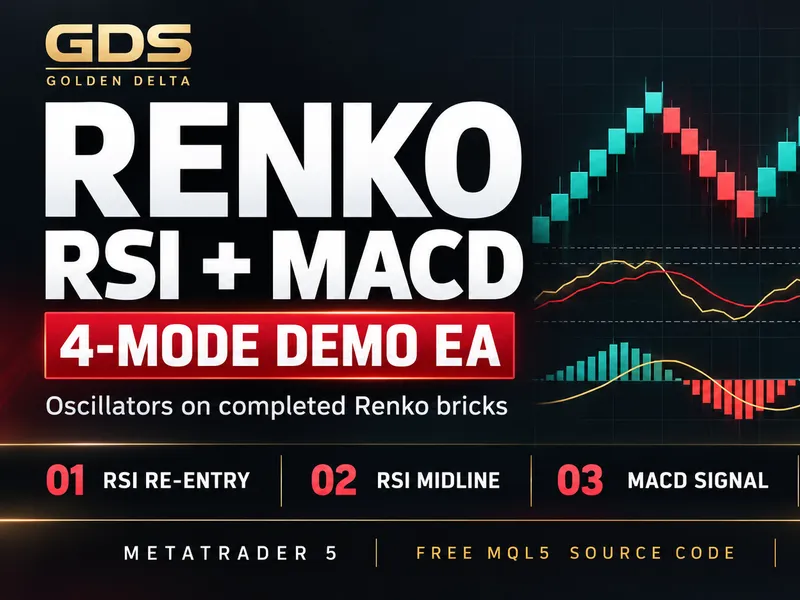
Four modes are included and enabled by default:Also recommended: GDS Renko RSI + MACD 4-Mode EA - similar expert with strong performance on MetaTrader 5.
1. Breakout
A completed Renko brick closes beyond an outer Bollinger Band and confirms continuation in the breakout direction.
Default demonstration profile:
Brick 17, Period 20, Deviation 1.0, Entry Run 2, TP 24 bricks, SL 42 bricks, Max Hold 1230 min, Cooldown 5.
2. Re-entry / Mean Reversion
Price moves outside a band and a completed Renko brick returns inside. The trade looks for a move back toward the Bollinger middle line.
Default demonstration profile:
Brick 30, Period 31, Deviation 1.2, Entry Run 1, TP 28 bricks, SL 48.5 bricks, Max Hold 2580 min, Cooldown 3.
3. Midline Cross
A completed Renko brick crosses the Bollinger middle line. The middle line is used as a simple directional state change.
Default demonstration profile:
Brick 30, Period 5, Deviation 3.0, Entry Run 1, TP 10 bricks, SL 34.5 bricks, Max Hold 2220 min, Cooldown 3.
4. Squeeze Breakout
A breakout is accepted only when the previous Bollinger Band width is below a configurable maximum. This demonstrates a simple volatility-compression filter.
Default demonstration profile:
Brick 14, Period 18, Deviation 2.4, Max Width 34.5 bricks, Entry Run 1, TP 26 bricks, SL 31 bricks, Max Hold 2050 min, Cooldown 1.
Portfolio controls
Each mode can be enabled or disabled independently. On hedging accounts, each mode can hold one position and the common Max Positions input defaults to 4. On netting accounts MetaTrader 5 permits only one net position per symbol, so the EA automatically limits the effective maximum to one.
Skip Opposite Signals is an optional safety filter. When enabled, new entries are skipped if different modes generate opposite directions on the same tick. It is enabled by default.
The EA uses separate magic numbers for the four modes (Base Magic + 1 ... + 4), so positions can be associated with the mode that opened them after a terminal or EA restart.
Historical demonstration
The combined default configuration was checked on XAUUSD M1 from 2026-05-01 to 2026-09-08 using Every tick based on real ticks / 100% real ticks:
48,458,994 ticks
108 trades
Total net profit: $4,084.32 on a $10,000 test deposit
Profit Factor: 4.22
Maximum balance drawdown: 2.06%
Maximum equity drawdown: 2.86%
Recovery Factor: 13.48
Sharpe Ratio: 8.61
Profitable trades: 65.74%
This is a historical educational example. The supplied settings were selected from historical testing and are not evidence of a persistent trading edge or future profitability.
Implementation notes
- Classic fixed-size Renko with two-brick reversal
- Internal Renko construction; no offline charts or custom symbols
- Signals only from completed Renko bricks
- Bollinger calculation uses previous completed Renko closes only
- Four independent Renko/Bollinger engines
- One position per mode on hedging accounts
- Configurable portfolio position limit
- Optional opposite-signal conflict filter
- Requested lot size normalized to symbol volume constraints
- Trading-session checks before trade requests
- Pending exit handling when the market is temporarily closed
- No DLLs and no external indicators
The source is intentionally kept readable so the EA can be used as a starting point for studying Renko, Bollinger Bands, multi-strategy design and causal event processing in MQL5.
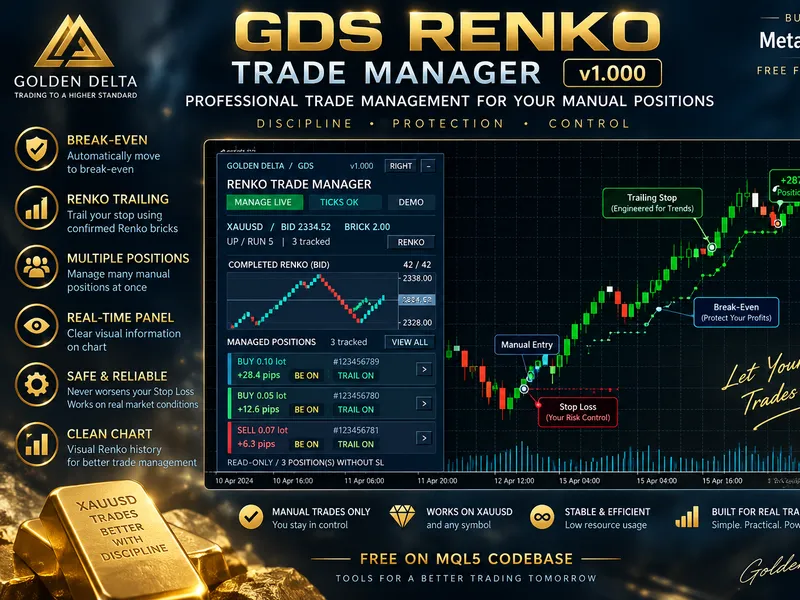
You may also like: GDS Renko Trade Manager for MetaTrader 5 - excellent alternative for expert users on MetaTrader 5.
Source Code
#property copyright "RobotFX"
#property link "https://robotfx.org"
#property version   "1.30"
#property strict
#property description "This code is educational. Feel free to use, modify and upgrade as you wish. Visit ROBOTFX.ORG for professional trading tools"
enum ENUM_GDS_BB_MODE
  {
   GDS_BB_BREAKOUT=0,
   GDS_BB_REENTRY=1,
   GDS_BB_MIDLINE_CROSS=2,
.......
⚠ Limitations & Risk Warning
- This tool is provided for educational and testing purposes only.
- Past performance does not guarantee future results.
- Trading involves substantial risk of loss. Use on a demo account first.
- Results may vary depending on market conditions, broker, and settings.
- We recommend thorough backtesting and forward testing before using with real funds.