



Bollinger Band Width Calculation with Neural Network
Info
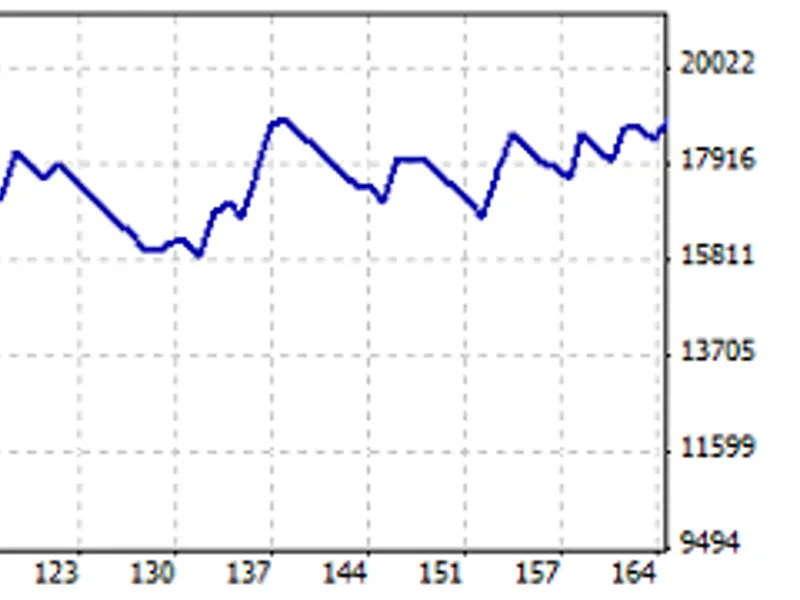
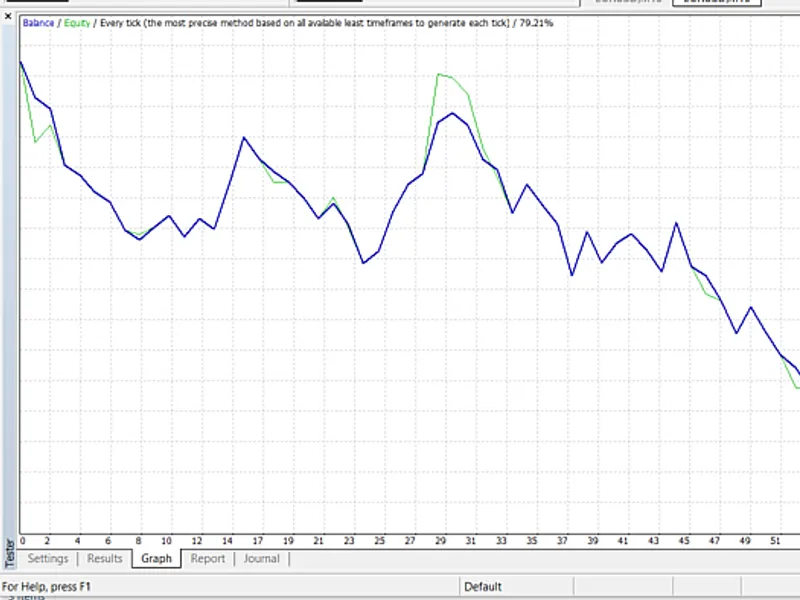
The Bollinger Band Width Calculation with Neural Network is a Expert Advisor for MetaTrader 5 that i have developed a bollinger band width expert advisor, utilizing a neural network approach as part of my studies. The test results are as follows:- Initial deposit: 10,000- Gross profit: 36,000- Time span: 3.
Usage
This tool is typically used for automated trading on major forex pairs and gold.
Platform
This Expert Advisor works exclusively on MetaTrader 5 (both build 600+ and newer versions).
Setup
Place the downloaded file in MQL5/Experts folder via File ? Open Data Folder in MetaTrader 5.
How to Install and Use Bollinger Band Width Calculation with Neural Network
1. Installation: Open the "File" menu, select "Open Data Folder," navigate to MQL/Experts, paste your file, and restart the terminal.
2. Activation: Drag the EA from the Navigator onto a chart, ensure "Allow live trading" is checked in the Common tab, and verify the AutoTrading button is green.
3. Optimization: Right-click your chart, choose "Expert List," click "Properties" to adjust inputs, and save your preferred setup as a set file for future use.
4. Maintenance: Regularly check the "Experts" tab in the terminal window to monitor trade logs and potential execution errors.
Frequently Asked Questions
Q: Why is my EA not opening trades? A: Check the "AutoTrading" button, ensure "Allow live trading" is enabled, and verify your broker allows automated trading on your account type.
Q: Can I run multiple EAs on one chart? A: No, each chart can only host one active EA; however, you can open multiple charts for different currency pairs to run several EAs.
Q: What does the "smiley face" icon mean? A: A smiley face in the top-right corner of the chart indicates the EA is successfully running; a frowny face means it is disabled.
What this tool does
I have developed a Bollinger Band Width Expert Advisor, utilizing a neural network approach as part of my studies.
Typical Use Case
This Expert Advisor excels in automated trading and technical analysis on MetaTrader 5.
Compatible Platform & Setup
This Expert Advisor works on MetaTrader 5. Place the file in the MQL5/Experts folder and restart the terminal.
Description & Settings
Related: Fx Craft Example EA: Bollinger Bands Mean Reversion - another powerful expert for MetaTrader 5 traders.
I have developed a Bollinger Band Width Expert Advisor, utilizing a neural network approach as part of my studies. The test results are as follows:Also recommended: GDS Renko Bollinger 4-Mode EA - similar expert with strong performance on MetaTrader 5.
- Initial deposit: 10,000
- Gross profit: 36,000
- Time span: 3.5 months
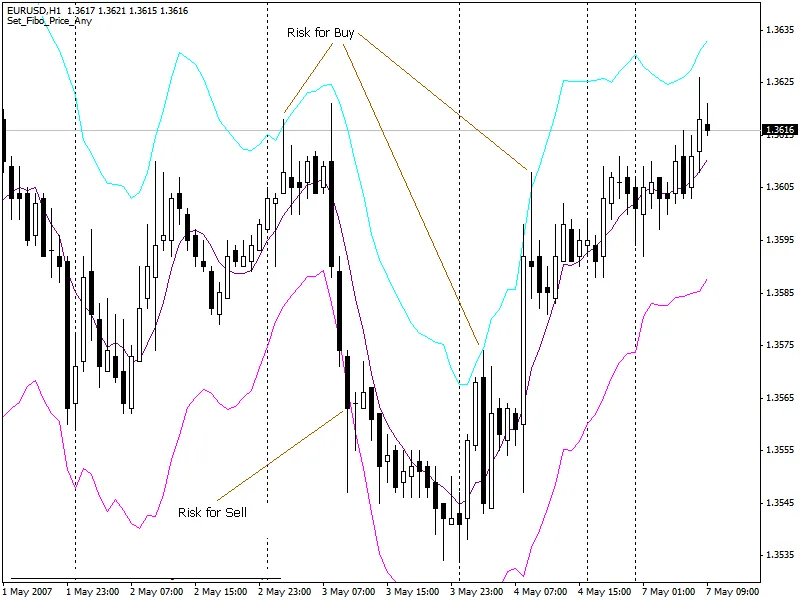
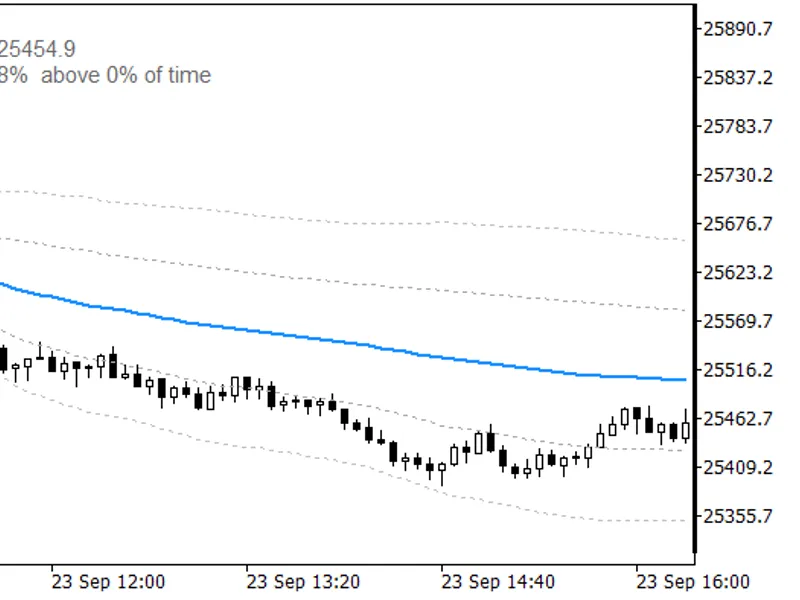
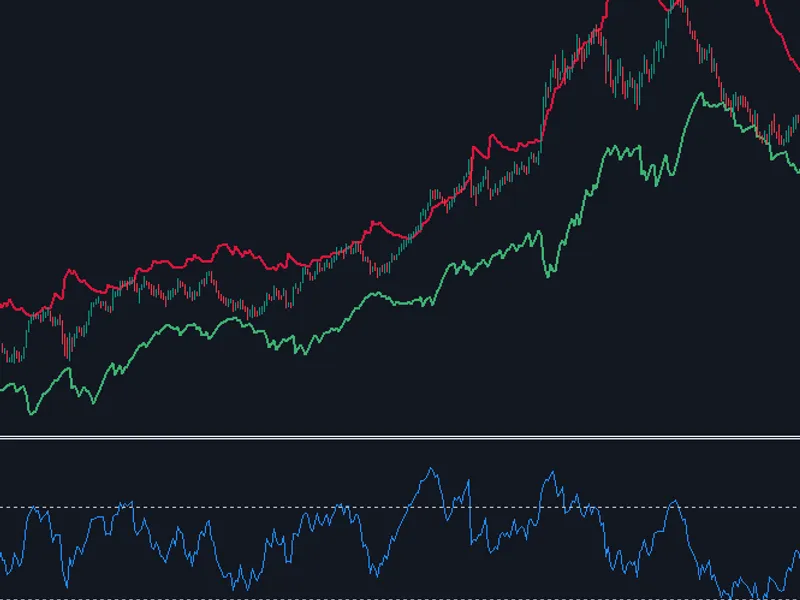
Bollinger Band Width is a band formation in technical analysis. In his book, 'Bollinger on Bollinger Bands', John Bollinger introduces Bollinger Band Width as one of two indicators derived from Bollinger Bands, the other being %b.
Bandwidth measures the percentage difference between the upper and lower bands. As the bands narrow, bandwidth decreases, and as they widen, it increases. Since Bollinger Bands are based on standard deviation, falling bandwidth indicates decreasing volatility, while rising bandwidth suggests increasing volatility.
Here are some important patterns to consider:
- Narrowness: Narrow bandwidth is relative and should be assessed relative to prior values over time. A sufficient look-back period is crucial to define the bandwidth range for a specific symbol.
- The Squeeze: Bollinger Bandwidth is renowned for identifying the squeeze, which occurs when volatility drops significantly, causing the bands to narrow. This is based on the standard deviation, a volatility measure. The theory suggests that low volatility periods are followed by high volatility ones. A narrow bandwidth, or squeeze, can precede a substantial advance or decline. After a squeeze, a price surge and band break signal the beginning of a new move. An upward break above the upper band indicates a new advance, while a downward break below the lower band signals a new decline.
The width calculation used the classical method: (BBUpperBand - BBLowerBand) / BBMidleBand
Formula:
inputs[i*2]=(((iBands_UpperBuf[i] - iBands_LowerBuf[i]) / iBands_BaseBuf[i]) - (x_min+x_minn) * (d2-d1)) / ((x_maxx+x_max) - (x_min+x_minn)) + d1;
The expert advisor's test results are promising, with a test period from 2022.01.01 to 2022.04.13. The balance and complete test results are available in the attached zip file.
Recommendations:
- This expert advisor is not recommended for use in real accounts.
- Consider incorporating volume indicators like CCI or MFI into the code for enhanced performance.
Thank you for your interest.
You may also like: bollinger bands ®-based expert advisor - excellent alternative for expert users on MetaTrader 5.
Source Code
#property copyright "robotfx"
#property link "https://robotfx.org"
#property version   "1.00"
input int      stoploss=30;      // stop loss
input int      takeprofit=100;   // take profit
input int      ea_magic=12345;   // ea magic number
input double   lot=1.0;          // lots to trade
input double w0=0.8;
input double w1=0.4;
input double w2=-0.9;
.......
⚠ Limitations & Risk Warning
- This tool is provided for educational and testing purposes only.
- Past performance does not guarantee future results.
- Trading involves substantial risk of loss. Use on a demo account first.
- Results may vary depending on market conditions, broker, and settings.
- We recommend thorough backtesting and forward testing before using with real funds.