




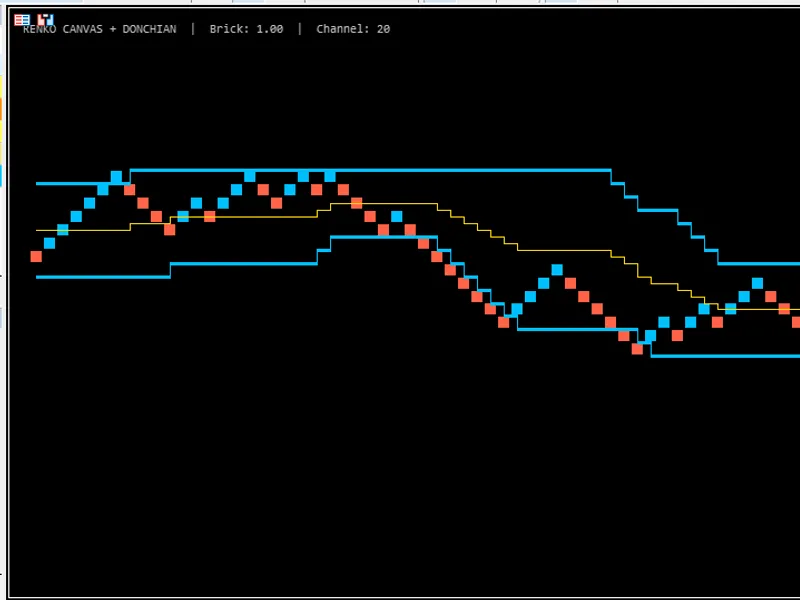
Hodrick-Prescott Channel Indicator
Info
The Hodrick-Prescott Channel Indicator is a Indicator for MetaTrader 4 that a description of the hodrick-prescott channel indicator. The process begins with calculating filtered close prices, which are then subjected to a larger period filter.
Usage
This tool is typically used for enhancing chart analysis and decision making.
Platform
This Indicator works exclusively on MetaTrader 4 (both build 600+ and newer versions).
Setup
Place the downloaded file in MQL4/Indicators folder via File ? Open Data Folder in MetaTrader 4.
How to Install and Use Hodrick-Prescott Channel Indicator
1. Installation: Place your file in the MQL/Indicators folder via "Open Data Folder" and restart your terminal.
2. Loading: Find the indicator in the Navigator, drag it onto your chart, and configure the input parameters in the popup window.
3. Customization: Press Ctrl+I to open the indicator list, select your tool, and click "Properties" to change colors, levels, or visual styles.
4. Updating: Replace the old file in the Indicators folder with the new version and restart the platform to apply changes.
Frequently Asked Questions
Q: Why is my indicator not showing? A: Verify the file is in the MQL/Indicators folder, or try right-clicking the "Indicators" tree in the Navigator and clicking "Refresh."
Q: Do custom indicators slow down the platform? A: Too many complex indicators can impact performance; remove unused ones via the "Indicator List" (Ctrl+I).
Q: Can I use MT4 indicators on MT5? A: No, MQL4 and MQL5 are distinct languages; ensure the indicator is compiled specifically for your platform version.
What this tool does
A description of the Hodrick-Prescott channel indicator.
Typical Use Case
This Indicator excels in automated trading and technical analysis on MetaTrader 4.
Compatible Platform & Setup
This Indicator works on MetaTrader 4. Place the file in the MQL4/Indicators folder and restart the terminal.
Description & Settings
Related: donchian channel indicator - another powerful indicator for MetaTrader 4 traders.
A description of the Hodrick-Prescott channel indicator.The process begins with calculating filtered close prices, which are then subjected to a larger period filter. This yields two arrays: hp and hpslow.
Also recommended: all channel indicator - similar indicator with strong performance on MetaTrader 4.
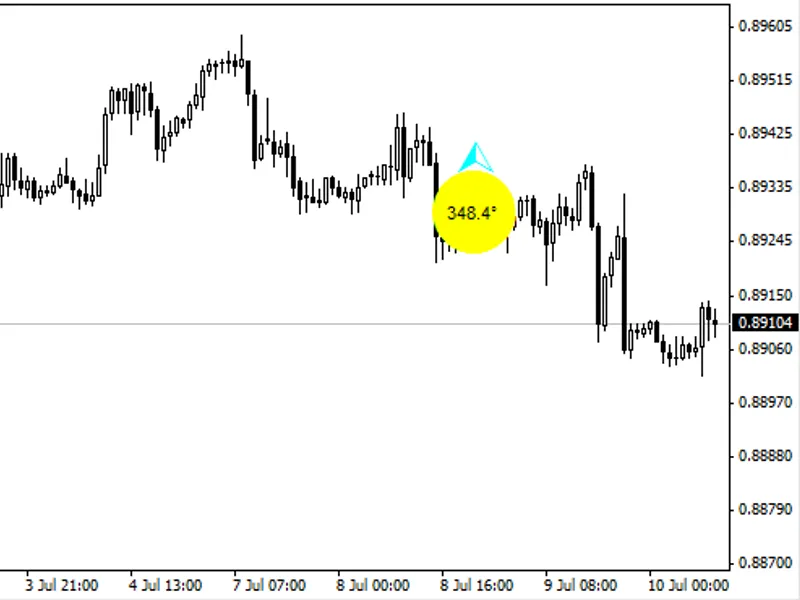
The next step involves computing the standard deviation of the hp relative to the hpslow and plotting the channel.The indicator displays the average spread value and the ratio of the channel width to the hpslow value on the zero bar, presented as a percentage in the bottom right corner of the chart. A double-click on the text label allows for repositioning it. Pressing the delete key will remove the label. The text will reappear upon switching timeframes.
Understanding the Channel Values
This channel is derived from the Hodrick-Prescott filter, a type of non-lagging digital filter. While these filters appear visually appealing compared to moving averages, they are redrawn with each new bar.
This redrawing occurs because implementing a true non-lagging filter is mathematically impossible. Any filter will inherently have a delay equal to or greater than the number of bars used for averaging. This is evident when adjusting the period in a moving average indicator; a longer period provides better smoothing but increases the delay.
The only method to eliminate this delay involves a two-pass filtering process. The input bars are filtered from left to right, and then the resulting sequence is filtered again from right to left. The initial filtering direction is inconsequential, provided the second pass is in the opposite direction.
In practice, non-lagging filters offer a trade-off between delay and smoothing. It is important to recognize that achieving perfect results is unattainable, as predicting the future is impossible.
This filter is intended for identifying the immediate direction of price movement over a few bars. When both this channel and a standard deviation channel are applied to the chart, their directions will align closely on the rightmost bars. However, while a standard deviation channel is represented by three straight lines, this channel indicates historical price direction with a degree of accuracy that diminishes with deeper historical data.
During the adaptation of the indicator to MQL4, specific code was included to draw the channel's "tails." When run on the M1 timeframe and observed for approximately half an hour without changing timeframes, the channel will exhibit its "tail" movement. This "tail" disappears when timeframes are switched.
The indicator is recommended for scalping and is not suitable for long-term strategies or as a replacement for traditional moving averages.
Indicator Input Parameters:
hp fast period - the period for the HP filter.
hp slow period - the period for the HPSLOW filter.
fontcolor - the color of the font.
You may also like: commodity channel index (cci) - excellent alternative for indicator users on MetaTrader 4.
Source Code
/.......
⚠ Limitations & Risk Warning
- This tool is provided for educational and testing purposes only.
- Past performance does not guarantee future results.
- Trading involves substantial risk of loss. Use on a demo account first.
- Results may vary depending on market conditions, broker, and settings.
- We recommend thorough backtesting and forward testing before using with real funds.