

news ea template without dl l
Info
The news ea template without dl l is a Expert Advisor for MetaTrader 4 that in essence, this is source code (template) of the expert advisor that downloads news from the investing. com, written in the mql4 without the use of dll.
Usage
This tool is typically used for automated trading on major forex pairs and gold.
Platform
This Expert Advisor works exclusively on MetaTrader 4 (both build 600+ and newer versions).
Setup
Place the downloaded file in MQL4/Experts folder via File ? Open Data Folder in MetaTrader 4.
How to Install and Use news ea template without dl l
1. Installation: Open the "File" menu, select "Open Data Folder," navigate to MQL/Experts, paste your file, and restart the terminal.
2. Activation: Drag the EA from the Navigator onto a chart, ensure "Allow live trading" is checked in the Common tab, and verify the AutoTrading button is green.
3. Optimization: Right-click your chart, choose "Expert List," click "Properties" to adjust inputs, and save your preferred setup as a set file for future use.
4. Maintenance: Regularly check the "Experts" tab in the terminal window to monitor trade logs and potential execution errors.
Frequently Asked Questions
Q: Why is my EA not opening trades? A: Check the "AutoTrading" button, ensure "Allow live trading" is enabled, and verify your broker allows automated trading on your account type.
Q: Can I run multiple EAs on one chart? A: No, each chart can only host one active EA; however, you can open multiple charts for different currency pairs to run several EAs.
Q: What does the "smiley face" icon mean? A: A smiley face in the top-right corner of the chart indicates the EA is successfully running; a frowny face means it is disabled.
What this tool does
in essence, this is source code (template) of the expert advisor that downloads news from the investing.
Typical Use Case
This Expert Advisor excels in automated trading and technical analysis on MetaTrader 4.
Compatible Platform & Setup
This Expert Advisor works on MetaTrader 4. Place the file in the MQL4/Experts folder and restart the terminal.
Description & Settings
Related: e-news-lucky$ - automated news trading expert advisor - another powerful expert for MetaTrader 4 traders.
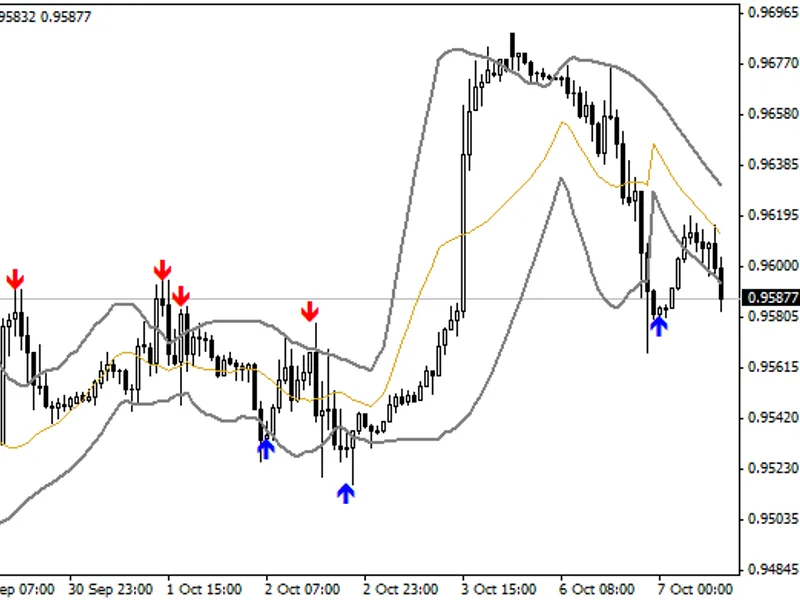
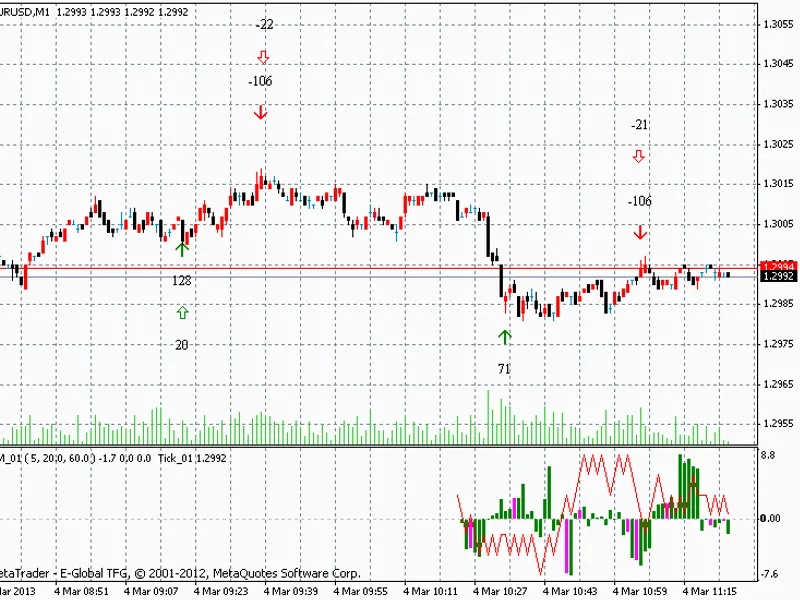
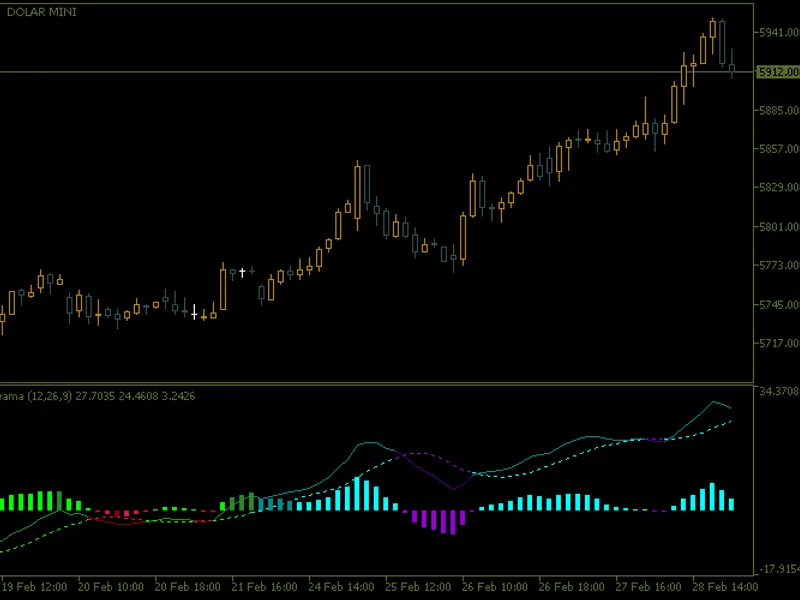
in essence, this is source code (template) of the expert advisor that downloads news from the investing.com, written in the mql4 without the use of dll. if you were looking for a way to do this in your product for the market (use of dll is not allowed there), then this is what you need. now anyone can implement the feature of working according to the news background — and anyone can do this himself. the template is based on the indicator.
Also recommended: e-news-lucky$ - similar expert with strong performance on MetaTrader 4.
for example, it is possible to make the ea to not trade at all during the news release, or make it close all profitable positions before the news release, or make it place pending orders before the news, there are numerous options. i give you a draft — create.but despite it being only a template, it is fully operational as news background indicator — generates signals, drawn lines.
recommendations:
the code contains this segment
currently, the ea simply generates a comment stating that there is news or there is no news. you can insert the conditions you want to execute during the news events instead of these comments.
list of variables:
beforenewsstop
- time in minutes before the news for the ea to pause operation, for example, 5 minutes before the news release. the ea switches to "news time" mode.
afternewsstop
- time in minutes after the news for the ea to pause operation, for example, 5 minutes after the news release. the ea deactivates the "news time" mode.
newslight, newsmedium, newshard
- enable downloading weak, medium and strong news.
offset
- time zone (gmt).
newssymb
- list of all currencies, for which the news should be downloaded. if empty, currencies of the current symbol are used.
drawlines
- draw lines on the chart.
next
- draw only the upcoming news, do not draw the past news.
signal
- alert about the approaching news at the distance of beforenewsstop minutes.
if you are unable to insert the required functions into the ea, contact me.
You may also like: automated news trader expert advisor - excellent alternative for expert users on MetaTrader 4.
Source Code
#property copyright "robotfx"
#property link "https://robotfx.org"
#property version   "1.0"
#property description "this code is educational. feel free to use, modify and upgrade as you wish. visit robotfx.org for professional trading tools"
#property strict
input  int afternewsstop=5; // indent after news, minuts
input  int beforenewsstop=5; // indent before news, minuts
input bool newslight= false; // enable light news
input bool newsmedium=false; // enable medium news
input bool newshard=true; // enable hard news
.......
⚠ Limitations & Risk Warning
- This tool is provided for educational and testing purposes only.
- Past performance does not guarantee future results.
- Trading involves substantial risk of loss. Use on a demo account first.
- Results may vary depending on market conditions, broker, and settings.
- We recommend thorough backtesting and forward testing before using with real funds.