


Expert Advisor for Custom Indicators
Info
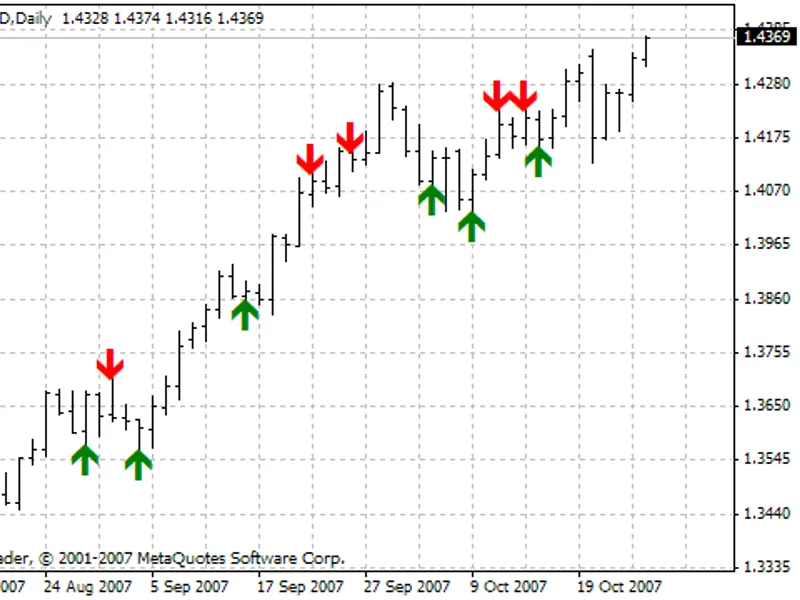
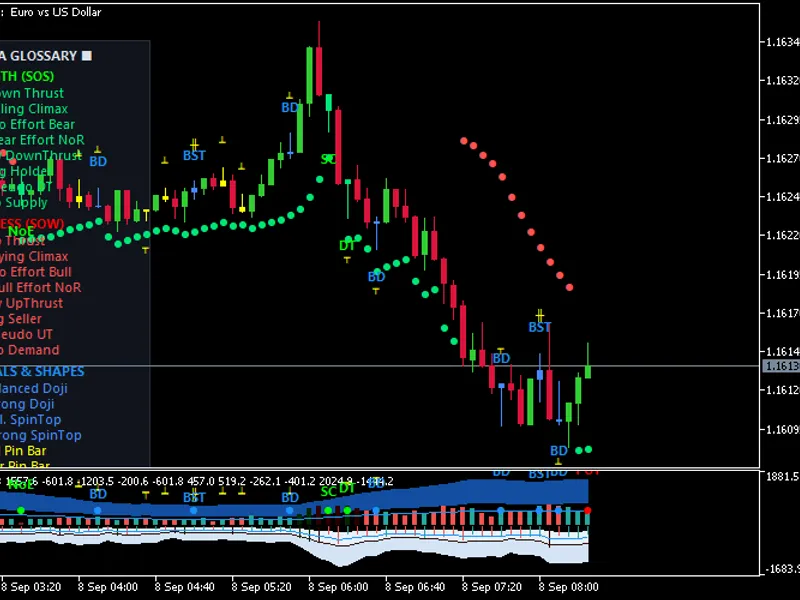
The Expert Advisor for Custom Indicators is a Expert Advisor for MetaTrader 4 that this expert advisor (ea) is designed to work with custom indicators that draw buy/sell arrows, except for indicators with string parameters. The EA allows you to specify the name of the custom indicator and its parameters, as well as the buffer indices for buy/sell arrows.
Usage
This tool is typically used for automated trading on major forex pairs and gold.
Platform
This Expert Advisor works exclusively on MetaTrader 4 (both build 600+ and newer versions).
Setup
Place the downloaded file in MQL4/Experts folder via File ? Open Data Folder in MetaTrader 4.
How to Install and Use Expert Advisor for Custom Indicators
1. Installation: Open the "File" menu, select "Open Data Folder," navigate to MQL/Experts, paste your file, and restart the terminal.
2. Activation: Drag the EA from the Navigator onto a chart, ensure "Allow live trading" is checked in the Common tab, and verify the AutoTrading button is green.
3. Optimization: Right-click your chart, choose "Expert List," click "Properties" to adjust inputs, and save your preferred setup as a set file for future use.
4. Maintenance: Regularly check the "Experts" tab in the terminal window to monitor trade logs and potential execution errors.
Frequently Asked Questions
Q: Why is my EA not opening trades? A: Check the "AutoTrading" button, ensure "Allow live trading" is enabled, and verify your broker allows automated trading on your account type.
Q: Can I run multiple EAs on one chart? A: No, each chart can only host one active EA; however, you can open multiple charts for different currency pairs to run several EAs.
Q: What does the "smiley face" icon mean? A: A smiley face in the top-right corner of the chart indicates the EA is successfully running; a frowny face means it is disabled.
What this tool does
This Expert Advisor (EA) is designed to work with custom indicators that draw buy/sell arrows, except for indicators with string parameters.
Typical Use Case
This Expert Advisor excels in automated trading and technical analysis on MetaTrader 4.
Compatible Platform & Setup
This Expert Advisor works on MetaTrader 4. Place the file in the MQL4/Experts folder and restart the terminal.
Description & Settings
Related: e-trailing2: enhanced trailing stop expert advisor - another powerful expert for MetaTrader 4 traders.
This Expert Advisor (EA) is designed to work with custom indicators that draw buy/sell arrows, except for indicators with string parameters.Also recommended: e-signal of trade expert advisor - similar expert with strong performance on MetaTrader 4.
The EA allows you to specify the name of the custom indicator and its parameters, as well as the buffer indices for buy/sell arrows. It supports optimization of up to five indicator parameters, which can be replaced with the values of opt_1_value to opt_5_value variables.
Parameters
Timeframe - Working timeframe of the EA: 0 for the chart's timeframe or a specific value like 1, 5, 15, 30, 60, 240, 1440, etc.
ICustomName - Name of the custom indicator.
ICustomParam - Parameters of the custom indicator, delimited by '/'. Use 1 for true and 0 for false for boolean variables. String variables are not supported.
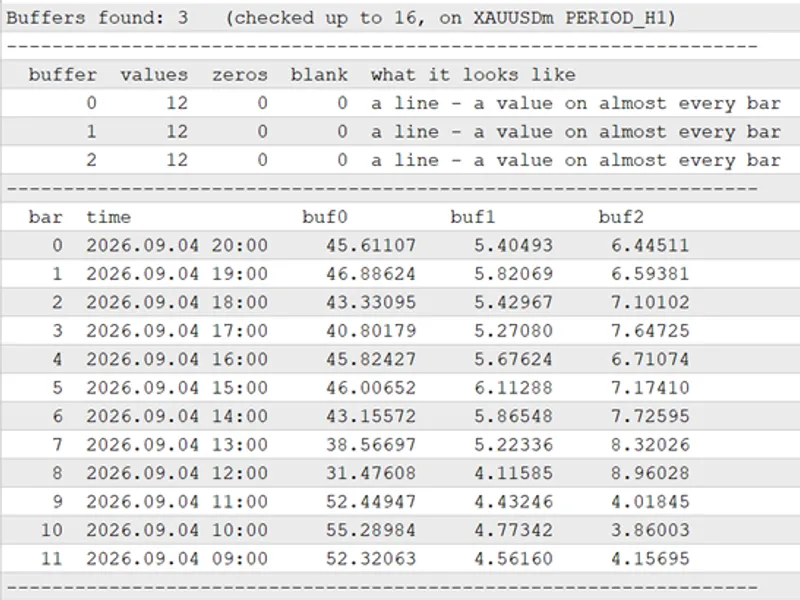
IBuyBufIndex - Index of the buffer with buy arrows.
ISellBufIndex - Index of the buffer with sell arrows.
IShift - Offset of the indicator. 1 for formed bars, 0 for forming bar (not recommended). Values 2, 3, 4, etc. are also possible.
Opt_1_Use - Enable optimization of the first variable.
Opt_1_Index - Index of the first variable in the ICustomParam array (zero-based).
Opt_1_Value - Value of the first variable to be optimized.
Opt_2_Use - Enable optimization of the second variable.
Opt_2_Index - Index of the second variable in the ICustomParam array.
Opt_2_Value - Value of the second variable to be optimized.
Opt_3_Use - Enable optimization of the third variable.
Opt_3_Index - Index of the third variable in the ICustomParam array.
Opt_3_Value - Value of the third variable to be optimized.
Opt_4_Use - Enable optimization of the fourth variable.
Opt_4_Index - Index of the fourth variable in the ICustomParam array.
Opt_4_Value - Value of the fourth variable to be optimized.
Opt_5_Use - Enable optimization of the fifth variable.
Opt_5_Index - Index of the fifth variable in the ICustomParam array.
Opt_5_Value - Value of the fifth variable to be optimized.
MMMethod - Money management method: 0 for fixed lots, 1 for risk percentage of free margin, 2 for risk percentage of free margin normalized by meansstep.
Lots - Lot size when MMMethod is 0.
Risk - Risk percentage of funds when MMMethod is 1 or 2.
MeansType - Type of funds used for lot calculation: 1 for balance, 2 for equity, 3 for free margin.
MeansStep - Step of funds used when MMMethod is 2.
LotsDigits - Number of decimal places for lot size.
Slippage - Allowed price deviation.
StopLoss - Stop loss value.
TakeProfit - Take profit value.
Magic_N - Magic number.
MaxOrdersCount - Maximum total number of open orders (-1 for unlimited).
MaxBuyCount - Maximum number of open buy orders (-1 for unlimited).
MaxSellCount - Maximum number of open sell orders (-1 for unlimited).
SleepBars - Timeout after opening an order, in bars of the working timeframe.
CancelSleeping - Enable timeout cancellation when opening an order in the opposite direction.
CloseOnRev - Close orders in the opposite direction before opening a new one.
TrailingStop_Use - Enable trailing stop function.
TrailingStopStart - Order profit to activate trailing stop.
TrailingStop - Trailing stop level.
Breakeven_Use - Enable breakeven function.
BreakevenStart - Order profit to activate breakeven.
BreakevenLevel - Level to place stop loss from the breakeven activation price.
Note
The archive includes test_example.set with example settings for the ind_test indicator (crossing of two MAs) and variables for optimization. The ind_test indicator is provided.
1. Added support for different indicators for opening and closing signals. Parameters for opening indicators start with _o_, and for closing indicators with _c_. Three modes are available for opening and closing indicators (_oС_mode):
Mode 1 - Indicator is not used for closing. Only stop loss and take profit are used for closing.
Mode 2 - Closing indicator is not used. Orders are closed by stop loss, take profit, or opposite signals from the opening indicator. Stop loss and take profit can be disabled by setting their values to 0.
Mode 3 - Separate closing signals based on the closing indicator (_c_). An additional mode allows copying opening indicator parameters to the closing indicator (c_useopenparam). This mode is useful for indicators generating opening and closing signals, improving optimization speed.
2. Support for indicators with lines. Two lines (main and signal) or one line with levels can be used. The _o_mode variable selects the indicator type:
Mode 1 - Indicator draws arrows. _o_m1_ibuybufindex and _o_m1_isellbufindex specify buffer indices. For closing, use _c_m1_iclosebuybufindex and _c_m1_iclosesellbufindex.
Mode 2 - Main and signal lines are used. Buy/sell signals are generated when the main line crosses the signal line. _o_m2_imainbufindex and _o_m2_isignalbufindex specify buffer indices. For closing, use _c_m2_imainbufindex and _c_m2_isignalbufindex.
Mode 3 - One indicator line is used. _o_m3_ibufindex specifies the buffer index. _o_m3_buylevel and _o_m3_selllevel set the level values. Buy signals are generated when the buy level is crossed from below, and sell signals when the sell level is crossed from above. For closing, use _c_m3_ibufindex, _c_m3_closebuylevel, and _c_m3_closeselllevel.
Added _o_mode mode 4 - Extremum by three points. Uses one indicator line. _o_m4_ibufindex specifies the buffer index. For closing, use _c_m4_ibufindex.
1. Added support for pending orders. 2. Added section separators in the properties window. The ordtype variable selects the order type: 0 for market, 1 for stop, 2 for limit.
The 'pending orders' section manages pending order operations:
PendLevel - Level from the current market price to place the pending order.
PendPromPrice - Price calculation method for pending orders: 0 for close price, 1 for bar open price.
PendNewSigMode - Pending order control method on new signals: 0 for no action, 1 for replace, 2 for replace only to a better level.
PendPriceFollow - Price following mode. Modifies the order on every change of the pendpromprice variable, replacing it to a better price.
PendDelete - Delete pending order on opposite signals. If false, allows simultaneous pending orders in opposite directions.
PendExpiration - Order expiration time in minutes (minimum 11 minutes).
You may also like: e-news-lucky$ - automated news trading expert advisor - excellent alternative for expert users on MetaTrader 4.
⚠ Limitations & Risk Warning
- This tool is provided for educational and testing purposes only.
- Past performance does not guarantee future results.
- Trading involves substantial risk of loss. Use on a demo account first.
- Results may vary depending on market conditions, broker, and settings.
- We recommend thorough backtesting and forward testing before using with real funds.