



Custom Adaptive Moving Average Indicator
Info
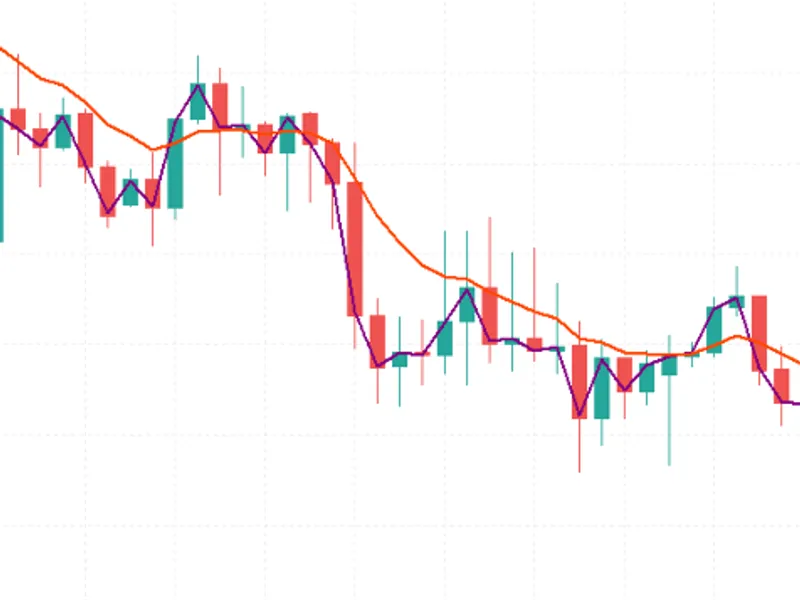
The Custom Adaptive Moving Average Indicator is a Indicator for MetaTrader 5 that a sophisticated, non-repainting trend indicator that employs a two-stage adaptive moving average system to provide clearer trend insights and signal crossovers. Custom Average IndicatorThe CustomAverage indicator is designed as a standalone trend-following tool utilizing a dual averaging technique.
Usage
This tool is typically used for enhancing chart analysis and decision making.
Platform
This Indicator works exclusively on MetaTrader 5 (both build 600+ and newer versions).
Setup
Place the downloaded file in MQL5/Indicators folder via File ? Open Data Folder in MetaTrader 5.
How to Install and Use Custom Adaptive Moving Average Indicator
1. Installation: Place your file in the MQL/Indicators folder via "Open Data Folder" and restart your terminal.
2. Loading: Find the indicator in the Navigator, drag it onto your chart, and configure the input parameters in the popup window.
3. Customization: Press Ctrl+I to open the indicator list, select your tool, and click "Properties" to change colors, levels, or visual styles.
4. Updating: Replace the old file in the Indicators folder with the new version and restart the platform to apply changes.
Frequently Asked Questions
Q: Why is my indicator not showing? A: Verify the file is in the MQL/Indicators folder, or try right-clicking the "Indicators" tree in the Navigator and clicking "Refresh."
Q: Do custom indicators slow down the platform? A: Too many complex indicators can impact performance; remove unused ones via the "Indicator List" (Ctrl+I).
Q: Can I use MT4 indicators on MT5? A: No, MQL4 and MQL5 are distinct languages; ensure the indicator is compiled specifically for your platform version.
What this tool does
A sophisticated, non-repainting trend indicator that employs a two-stage adaptive moving average system to provide clearer trend insights and signal crossovers.
Typical Use Case
This Indicator excels in automated trading and technical analysis on MetaTrader 5.
Compatible Platform & Setup
This Indicator works on MetaTrader 5. Place the file in the MQL5/Indicators folder and restart the terminal.
Description & Settings
Related: Volatility Regime Shader: Adaptive Volatility Classification for MT4/MT5 - another powerful indicator for MetaTrader 5 traders.
A sophisticated, non-repainting trend indicator that employs a two-stage adaptive moving average system to provide clearer trend insights and signal crossovers.Also recommended: Adaptive Kalman Trend Filter Indicator - similar indicator with strong performance on MetaTrader 5.
Custom Average Indicator
The CustomAverage indicator is designed as a standalone trend-following tool utilizing a dual averaging technique. It first calculates a base average from price data and then applies a secondary, independent smoothing stage to this result. This approach generates a single adaptive line that balances responsiveness to price changes with a reduction in market noise, offering a smoother trend representation than traditional single-period moving averages.
Core Concept
Traditional moving averages often present a trade-off between responsiveness to price movements and susceptibility to market noise. A shorter period makes the average reactive but prone to false signals in ranging markets, while a longer period reduces noise but introduces significant lag. CustomAverage addresses this by dividing the calculation into two distinct filtering stages:
Stage 1 - Base Average:
This stage computes a primary moving average using one of four selectable methods (SMA, EMA, SMMA, LWMA) applied to a chosen price series (e.g., close, open, median, typical, weighted).
Stage 2 - Smoothing:
A second moving average, again selectable from the four methods, is applied to the output of Stage 1. Because it filters an already-averaged series, a shorter period for this stage can effectively reduce residual jitter without adding substantial lag.
The indicator calculates values progressively from left to right, using only completed bars. It does not repaint historical data and remains efficient by recalculating only necessary data points on new ticks.
Interpretation and Signals
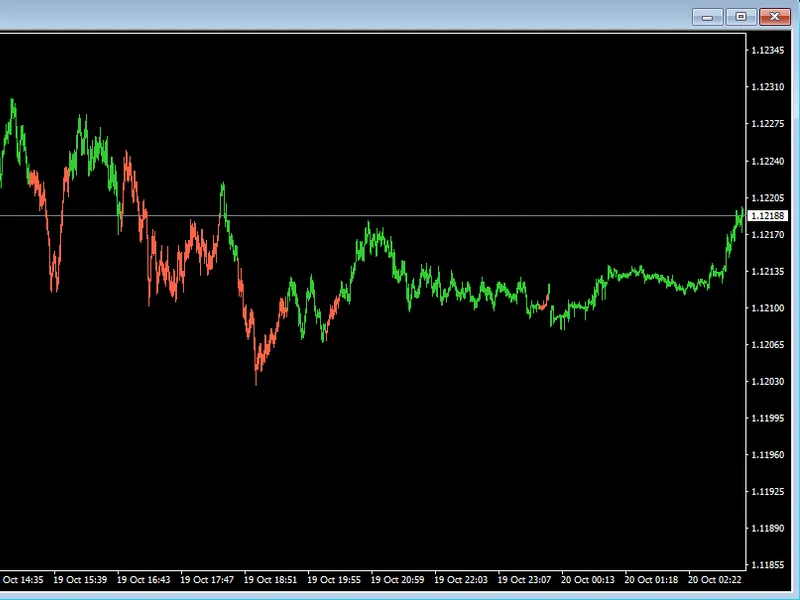
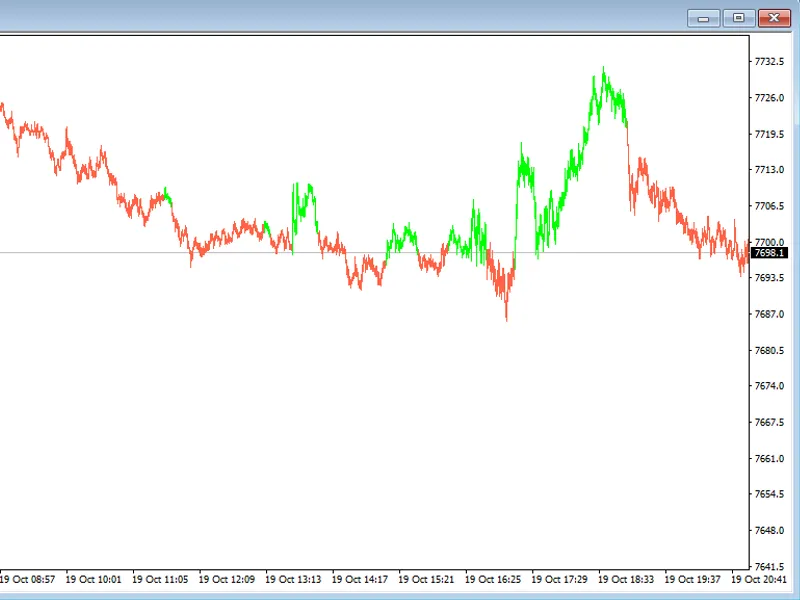
The main line of the indicator displays the final, twice-averaged value. Its color dynamically reflects its slope, changing to indicate upward or downward trends at a glance.
Bullish Crossover Arrow:
A bullish arrow appears below a bar where the price closes above the average after being below it on the preceding bar, signaling a potential upward price movement.
Bearish Crossover Arrow:
A bearish arrow appears above a bar where the price closes below the average after being above it on the preceding bar, indicating a potential downward price movement.
On-Chart Label:
A text label is displayed in a corner of the chart, showing the current numerical value of the average, updated with each calculation.
The indicator is not designed to provide direct trading recommendations. It should be used as a tool to identify trend direction, dynamic support/resistance levels, and timing for entries and exits in conjunction with a comprehensive trading strategy and risk management plan.
External Variable Settings
Variable Name
Default Value
Description
InpMAPeriod
14
Period for the Stage 1 base average calculation.
InpMAMethod
MODE_EMA
Averaging method for Stage 1: SMA, EMA, SMMA, or LWMA.
InpAppliedPrice
PRICE_CLOSE
Price series used for Stage 1 (close, open, high, low, median, typical, or weighted).
InpSmoothPeriod
5
Period for the Stage 2 smoothing applied to the Stage 1 result. A value of 0 or 1 disables Stage 2.
InpSmoothMethod
MODE_SMMA
Averaging method for Stage 2: SMA, EMA, SMMA, or LWMA.
InpShowSignals
true
Toggles the display of price/average crossover arrows.
InpArrowUpCode
233
Wingdings symbol code for the bullish crossover arrow.
InpArrowDownCode
234
Wingdings symbol code for the bearish crossover arrow.
InpArrowUpColor
clrLime
Color of the bullish crossover arrow.
InpArrowDownColor
clrRed
Color of the bearish crossover arrow.
InpColorUp
clrDodgerBlue
Line color when the average is rising.
InpColorDown
clrOrangeRed
Line color when the average is falling.
InpLineWidth
2
Width of the plotted line in pixels.
InpShowLabel
true
Toggles the on-chart text label showing the current average value.
InpLabelCorner
CORNER_RIGHT_UPPER
Chart corner for anchoring the value label.
Recommended Usage
This indicator is compatible with any trading symbol and timeframe. It functions identically across netting and hedging account types, including demo and live accounts.
A starting point for H1-H4 charts is the default setting of 14 periods for the base average with EMA, combined with a 5-period SMMA smoothing stage. For faster intraday trading (M1-M15), reducing both periods may be beneficial. For longer-term trading on D1-W1 charts, increasing the InpMAPeriod can help filter out noise.
Setting InpSmoothPeriod to 0 or 1 effectively turns the indicator into a standard single-stage moving average, allowing for direct comparison of the smoothing stage's impact on the same chart.
As with all moving average-based tools, the indicator's line follows price with inherent lag. It is most effective when used as a trend filter or as a dynamic support/resistance reference, rather than as a standalone entry signal. Combining the crossover arrows with a broader trading plan that includes market structure, volatility analysis, and risk management is advised.
The indicator plots on the main chart window and creates a single chart label object. This object is automatically removed upon deinitialization (e.g., timeframe change, indicator removal, template reload), ensuring no orphaned objects are left on the chart.
You may also like: Any Indicator Alert: Notifications and Multi-Timeframe Alerts for Any Custom Indicator - excellent alternative for indicator users on MetaTrader 5.
Source Code
#property copyright "RobotFX"
#property link "https://robotfx.org"
#property version   "1.00"
#property description "This code is educational. Feel free to use, modify and upgrade as you wish. Visit ROBOTFX.ORG for professional trading tools"
#property indicator_chart_window
#property indicator_buffers 5
#property indicator_plots   3
#property indicator_label1  "CustomAverage"
#property indicator_type1   DRAW_COLOR_LINE
#property indicator_color1  clrDodgerBlue, clrOrangeRed
.......
⚠ Limitations & Risk Warning
- This tool is provided for educational and testing purposes only.
- Past performance does not guarantee future results.
- Trading involves substantial risk of loss. Use on a demo account first.
- Results may vary depending on market conditions, broker, and settings.
- We recommend thorough backtesting and forward testing before using with real funds.