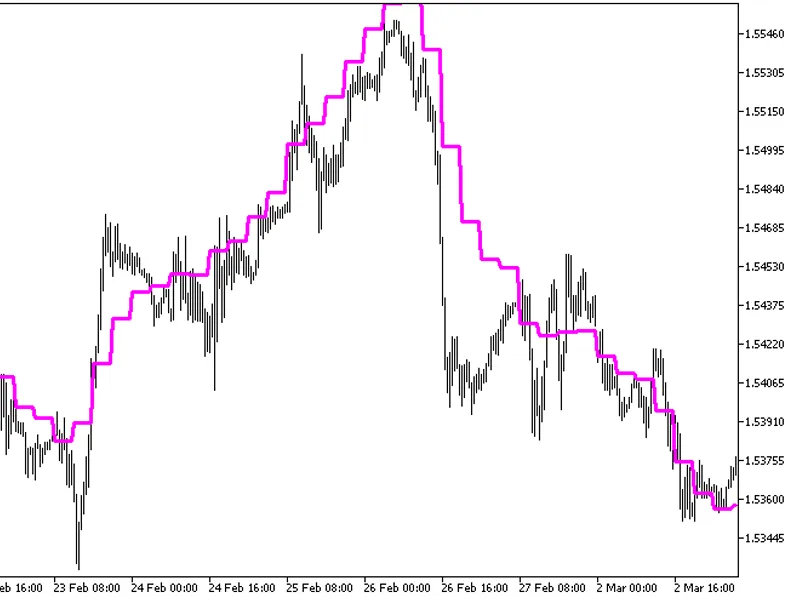
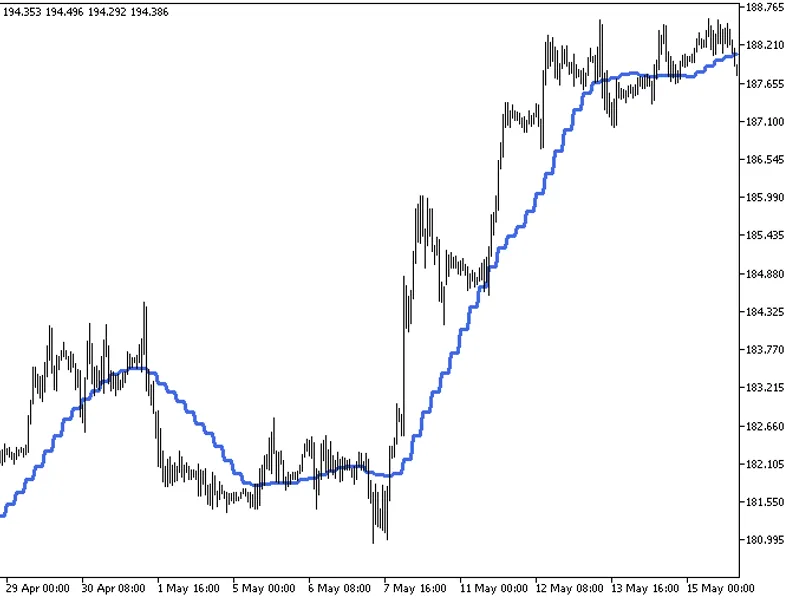
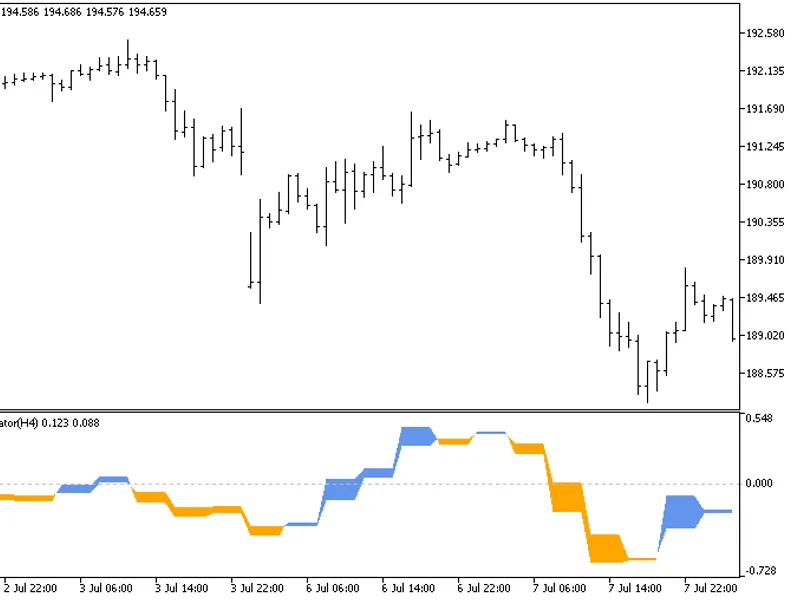
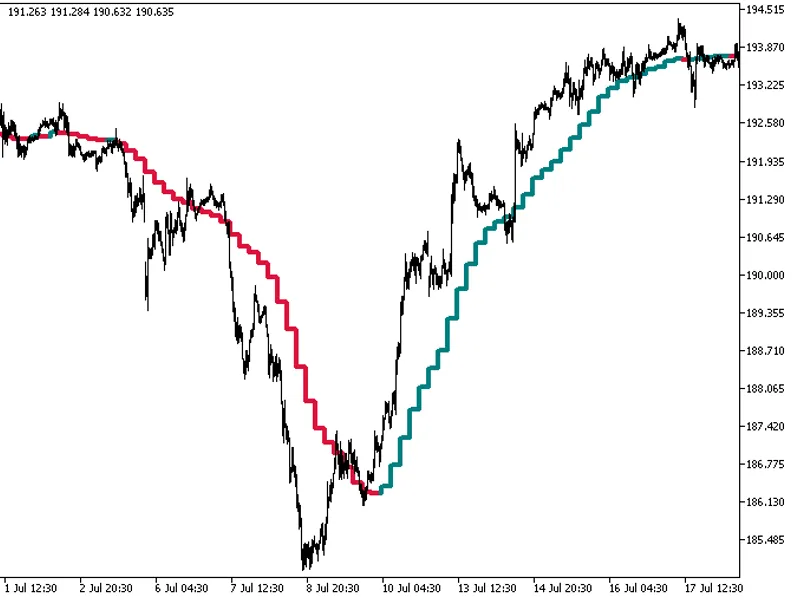
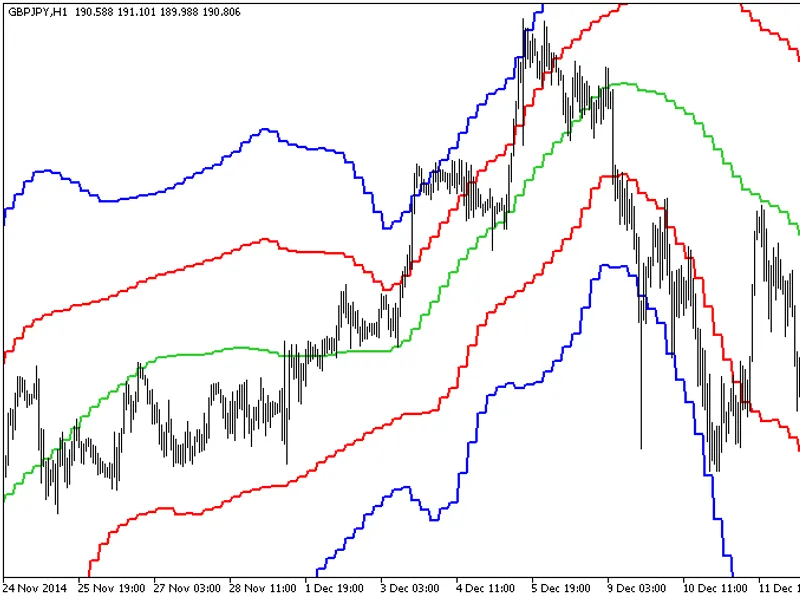
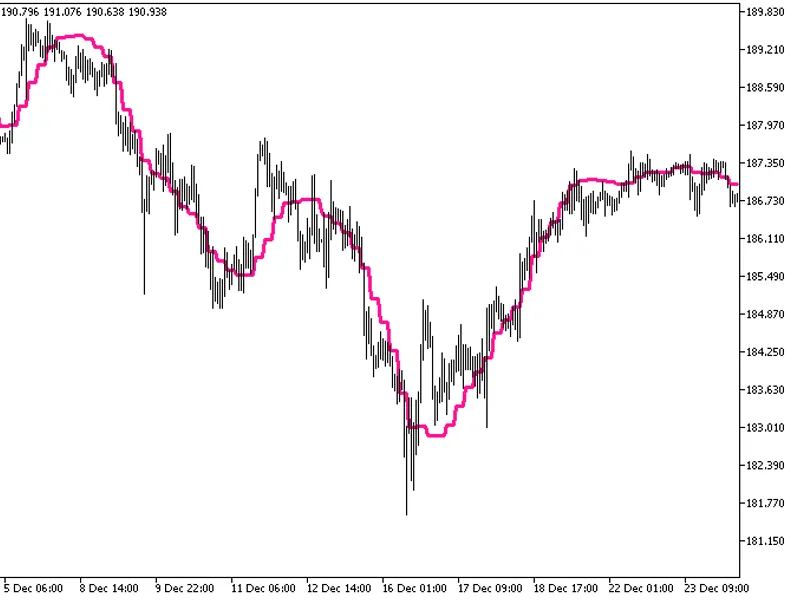
The indicator with the timeframe selection option in the input parameters.This indicator requires the EMAPredictive2.mq5 indicator file. Place it in <terminal_data_folder>\mq...
The indicator with the timeframe selection option in the input parameters.This indicator requires the EMAPredictive3.mq5 indicator file. Place it in <terminal_data_folder>\mq...
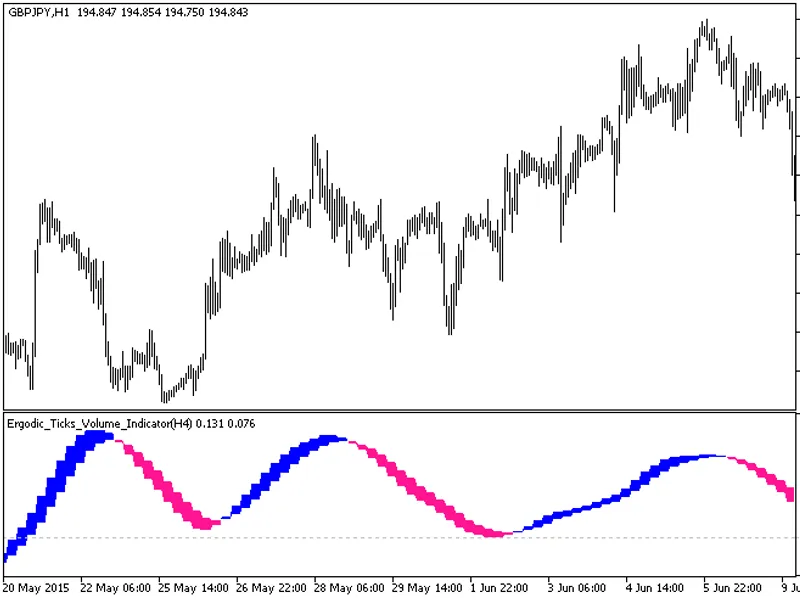
The Ergodic Ticks Volume Indicator HTF is a powerful tool with a unique feature: the ability to select the timeframe.This indicator requires the Ergodic_Ticks_Volume_Indicator.mq5 ...
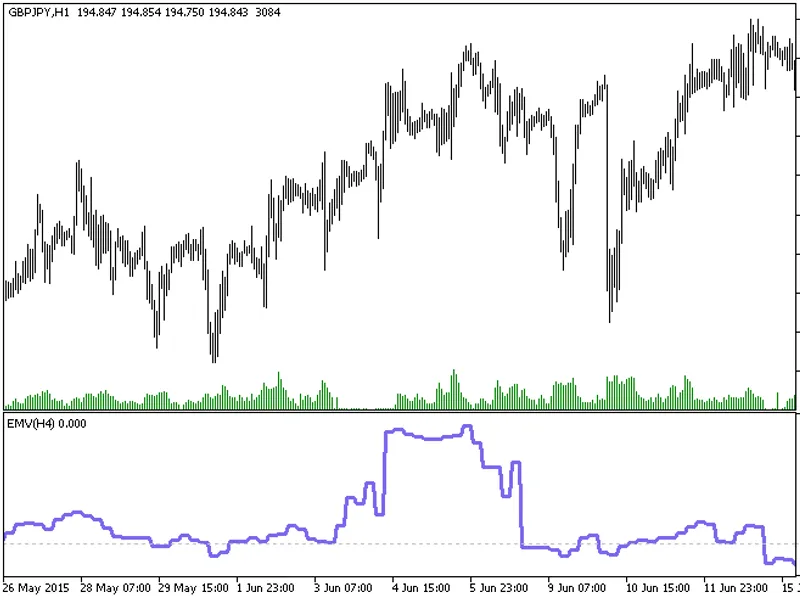
The indicator with the timeframe selection option available in the input parameters:The indicator requires EMV.mq5 indicator file. Place it in \mql5\indicators.Fig.1. The EMV_HTF i...
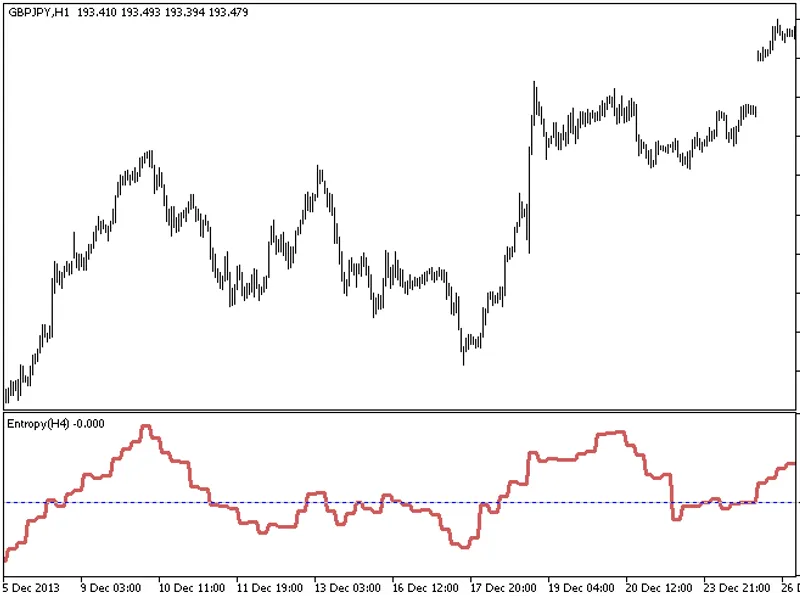
The Entropy HTF indicator offers a unique feature: the ability to select the timeframe in the input parameters.This indicator requires the Entropy.mq5 file, which should be placed ...
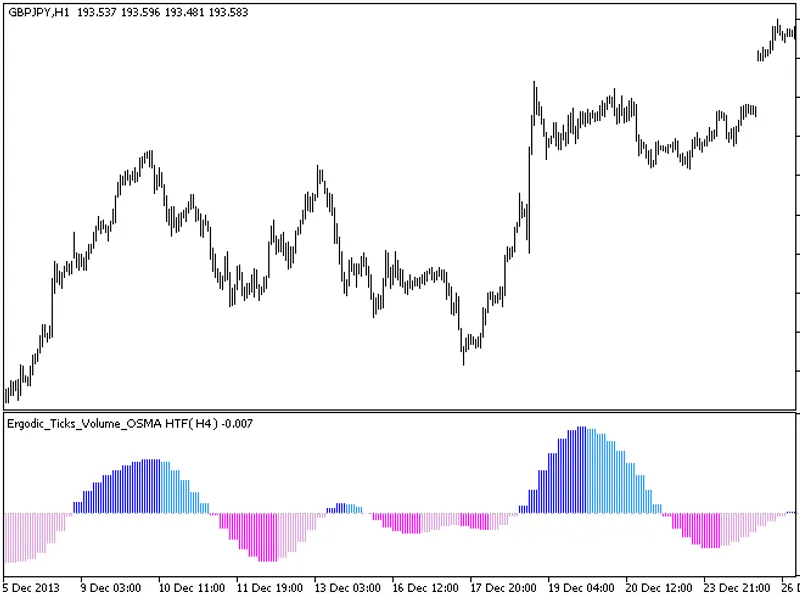
The Ergodic Ticks Volume OSMA indicator with a timeframe selection option in the input parameters.This indicator requires the Ergodic Ticks Volume OSMA.mq5 indicator file. Place it...
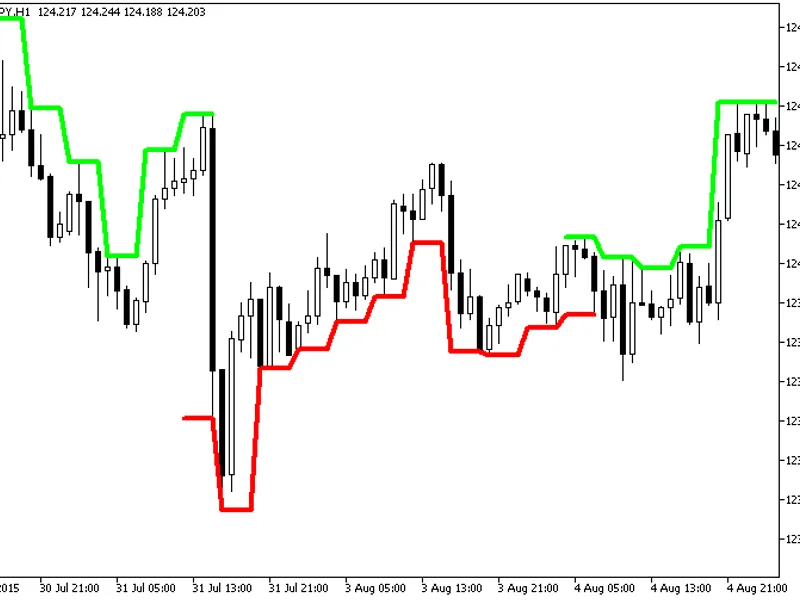
The Extreme Line HTF indicator offers a unique feature: the ability to select the timeframe in the input parameters.To utilize this indicator, ensure you have the extremline.mq5 in...
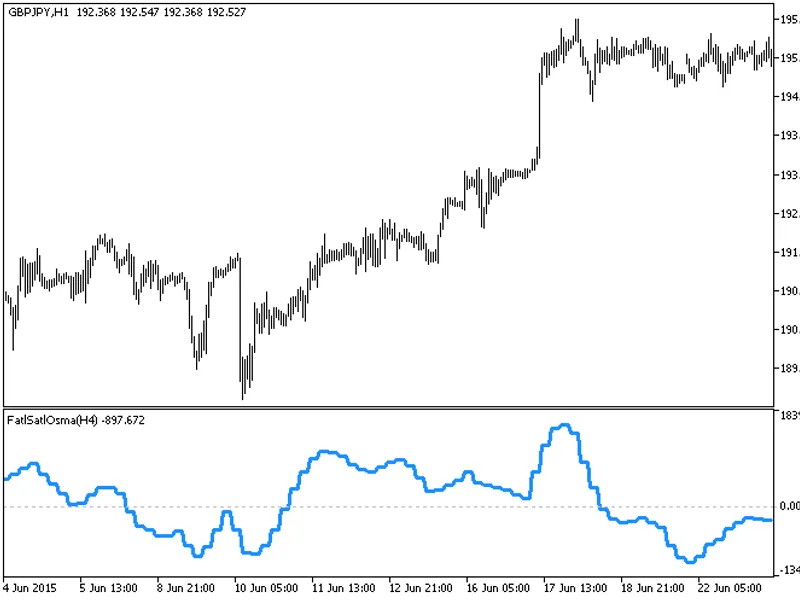
The indicator with the timeframe selection option in the input parameters.This indicator requires the FATLSATLOSMA.mq5 indicator file. Place it in \mql5\indicators.Fig. 1. The FATL...
The indicator offers a timeframe selection feature in its input parameters.It requires the finetuningma.mq5 indicator file, which should be placed in the <terminal_data_folder&g...
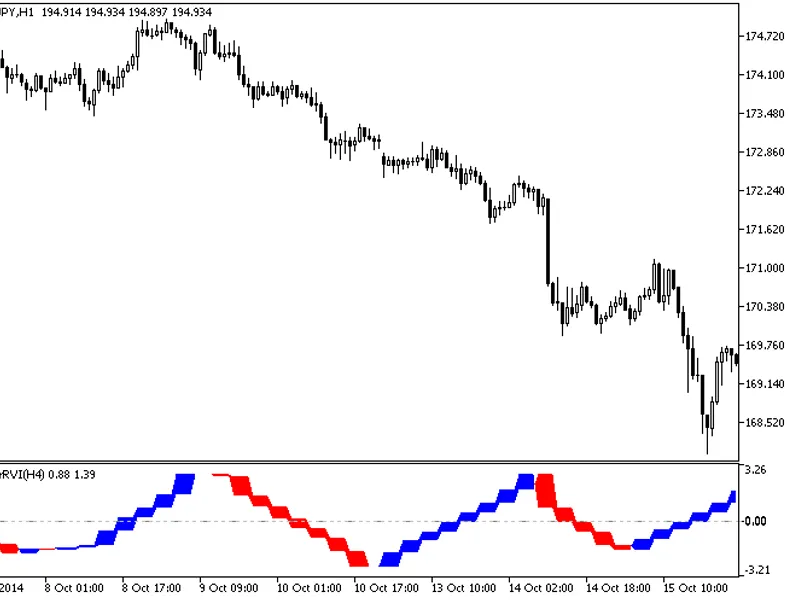
The Fisher RV i HTF indicator offers a unique feature: the ability to select the timeframe in the input parameters.To use this indicator, you'll need the FisherRVI.mq5 file. Place ...
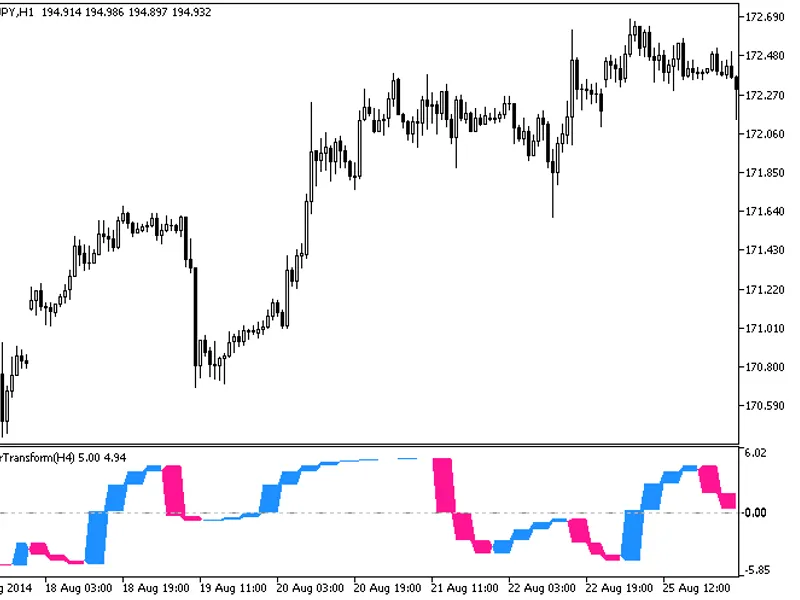
The Fisher Transform HTF indicator offers a versatile timeframe selection feature in its input parameters.To utilize this indicator, ensure you have the fishertransform.mq5 file pl...
The Fine Tuning MA ST Dev indicator is an advanced tool that enhances trend analysis by incorporating standard deviation calculations.It builds upon the Moving Average (MA) concept...
The Fractal AM a MBK HTF indicator offers a unique feature: the ability to select the timeframe directly from the input parameters.This indicator requires the fractalama_mbk.mq5 fi...
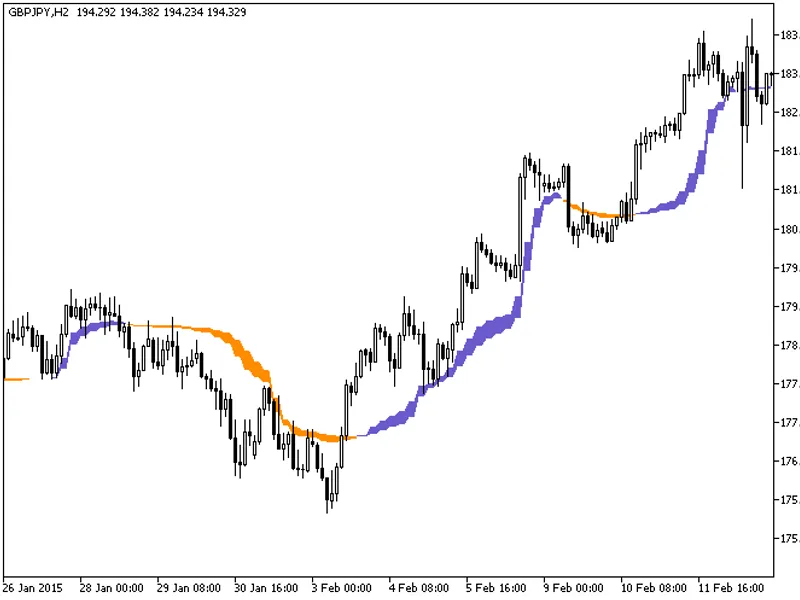
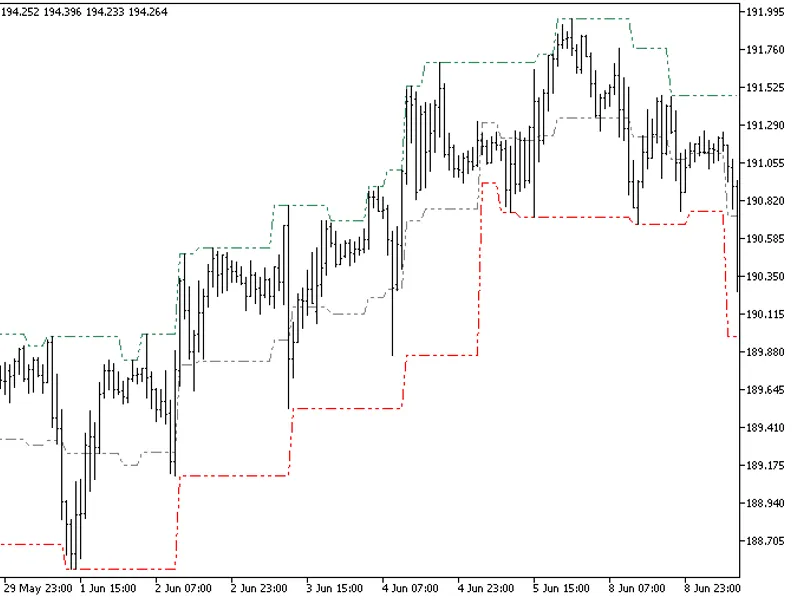
The Fractal Channel HTF indicator offers timeframe selection in its input parameters.Note: This indicator requires the FractalChannel.mq5 file. Ensure it's placed in the correct di...
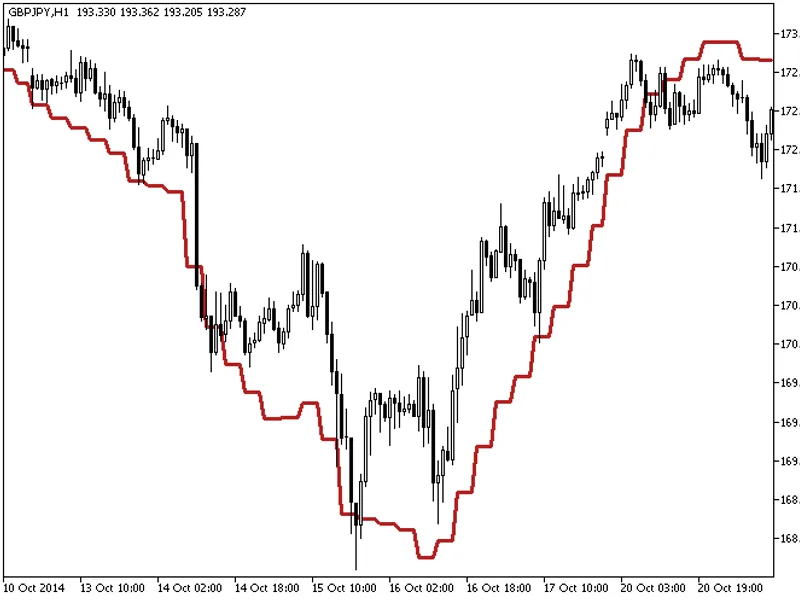
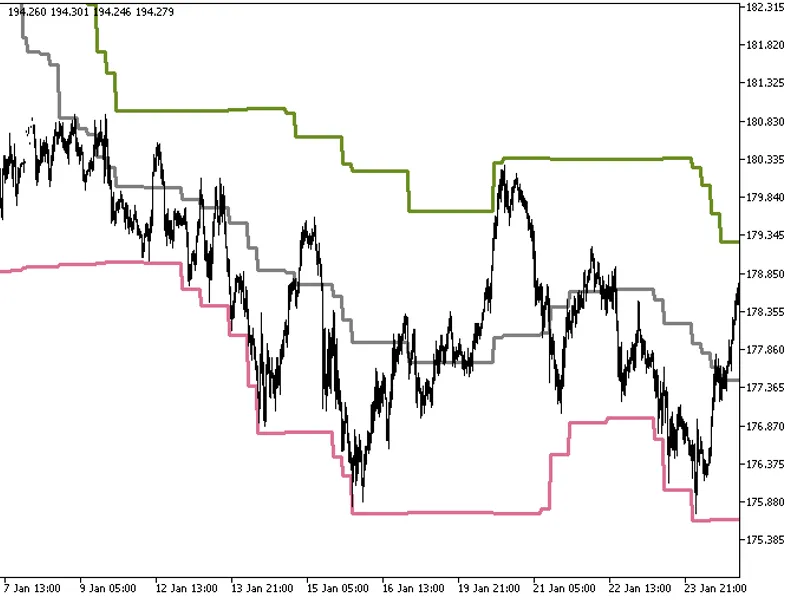
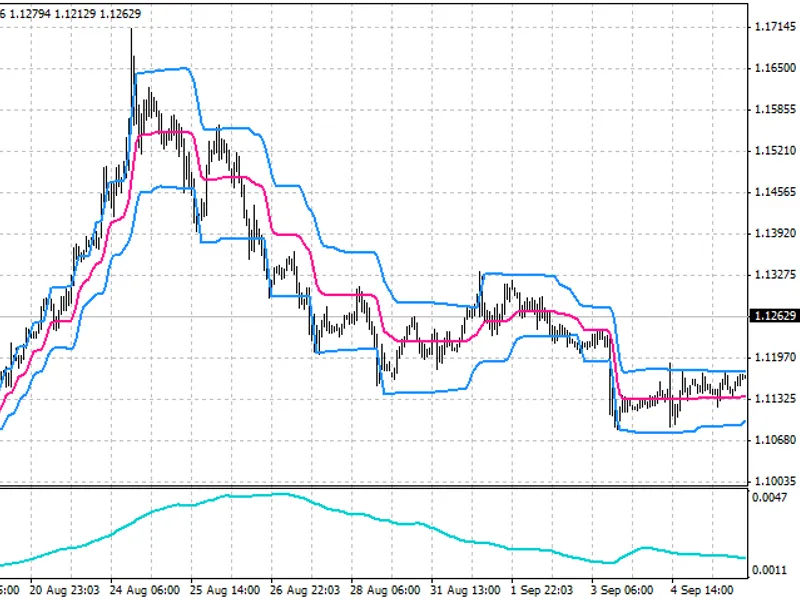
The Donchian Channels indicator with a timeframe selection option in the input parameters.This indicator requires the DonchianChannels.mq5 file, which should be placed in the <t...
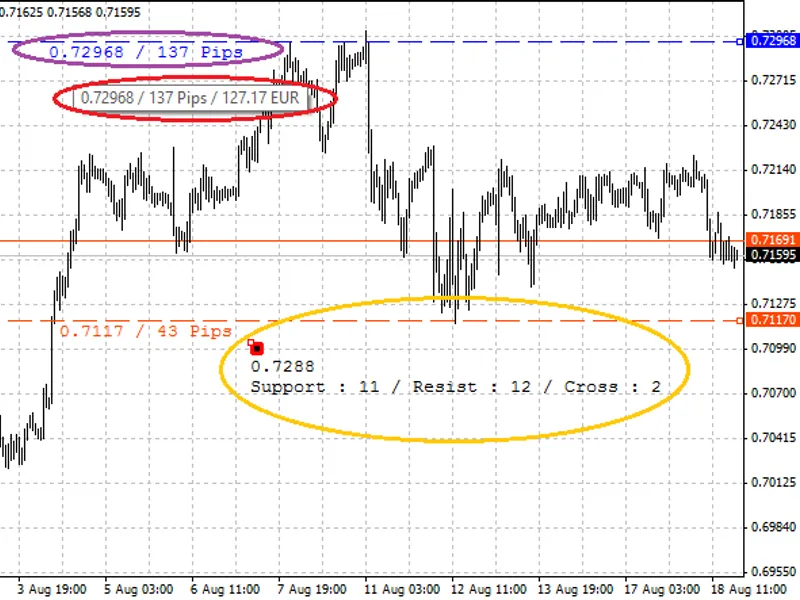
This tool is designed to assist traders in identifying and tracking support and resistance levels on their charts.Changelog:How to use:Place your mouse cursor at the desired locati...
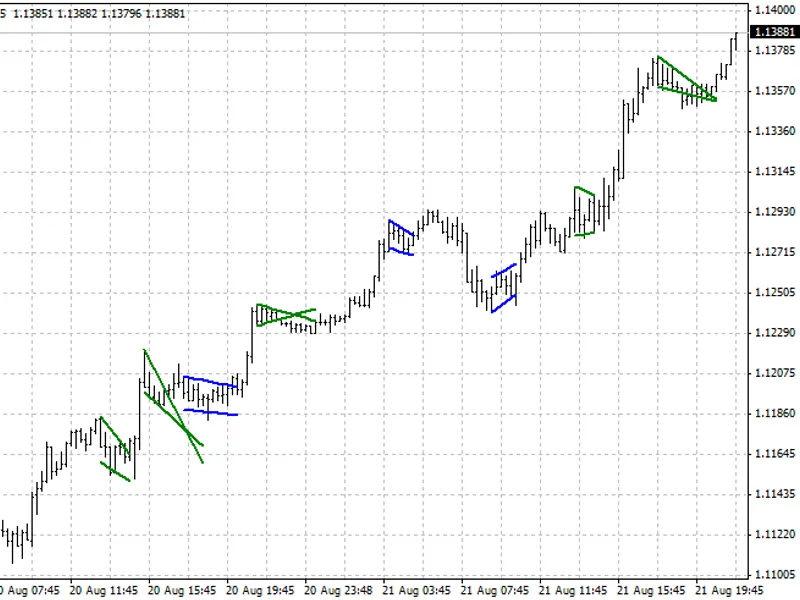
This indicator identifies flag and pennant patterns, which are crucial in technical analysis.These patterns suggest a temporary pause in the market after a significant price moveme...
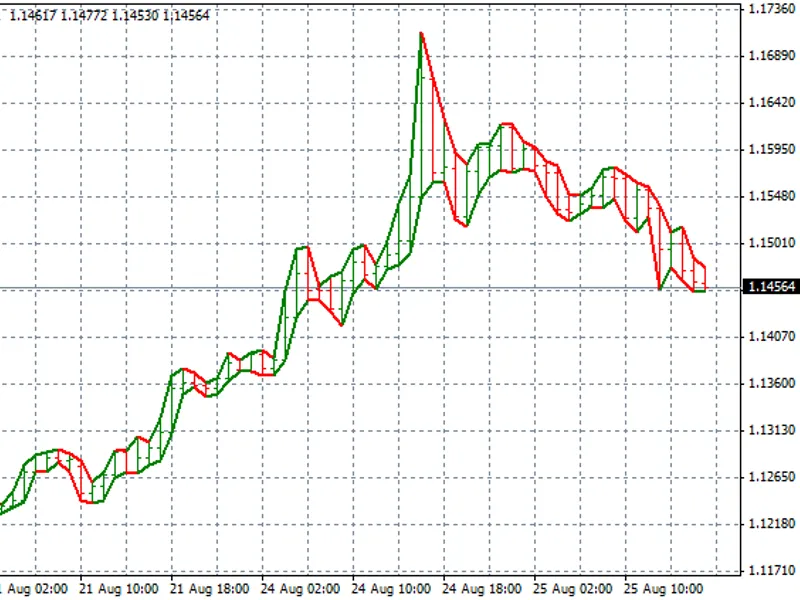
Candlestick charts offer a unique perspective by emphasizing the relationship between open and close prices, providing a clearer view of market dynamics.Parameters:- Open and close...
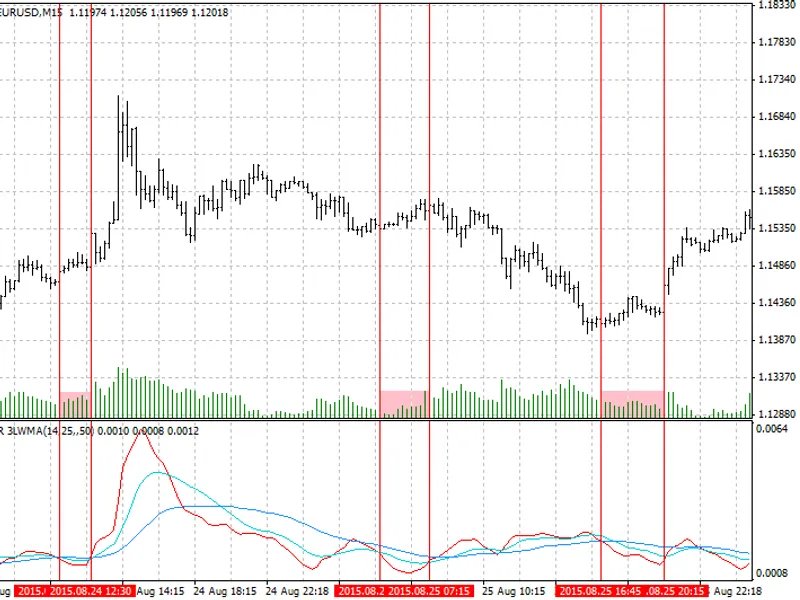
This indicator displays three periods of ATR LWMA, aiding in the identification of declining volatility.Updates (05/09/2026):v 1.01 — Minor bug fixes.Display:Red line — Signal peri...
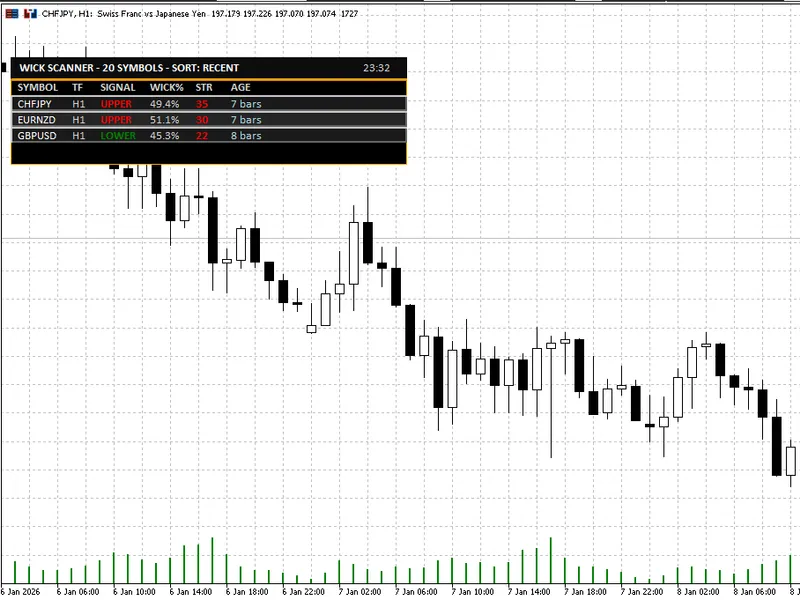
The Wick Rejection Scanner Dashboard is a powerful MT5 indicator designed to streamline the process of identifying and analyzing wick-based rejection candles across multiple symbol...
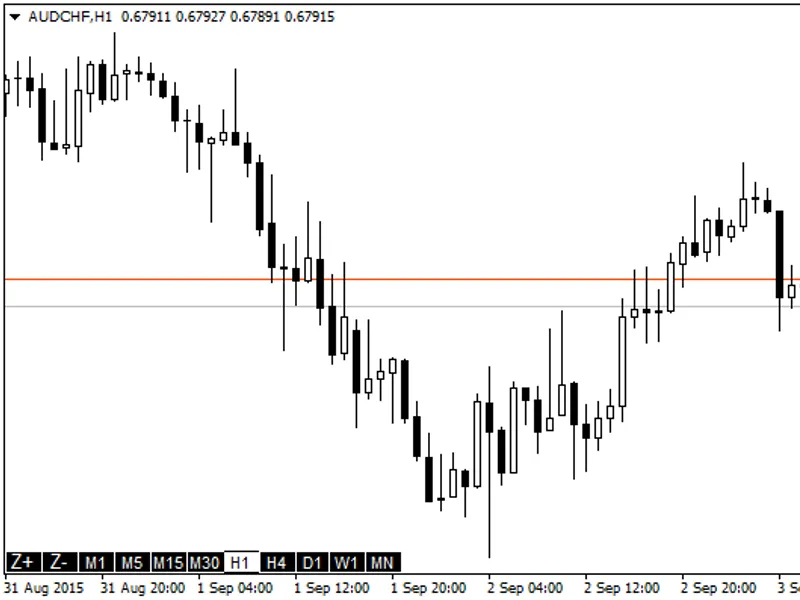
Simple buttons to change the timeframe and zoom directly in the chart.This feature allows you to modify the chart's timeframe and zoom settings effortlessly, ensuring you work on t...
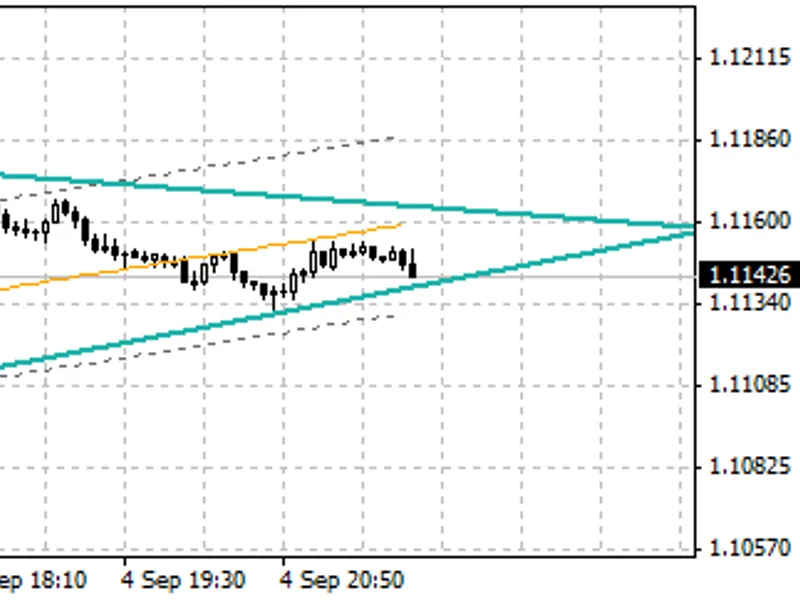
This indicator identifies wedge patterns and provides visual cues for analysis.Visual Elements:- Sea green lines represent the wedge.- Yellow line indicates the trend.- Gray dotted...
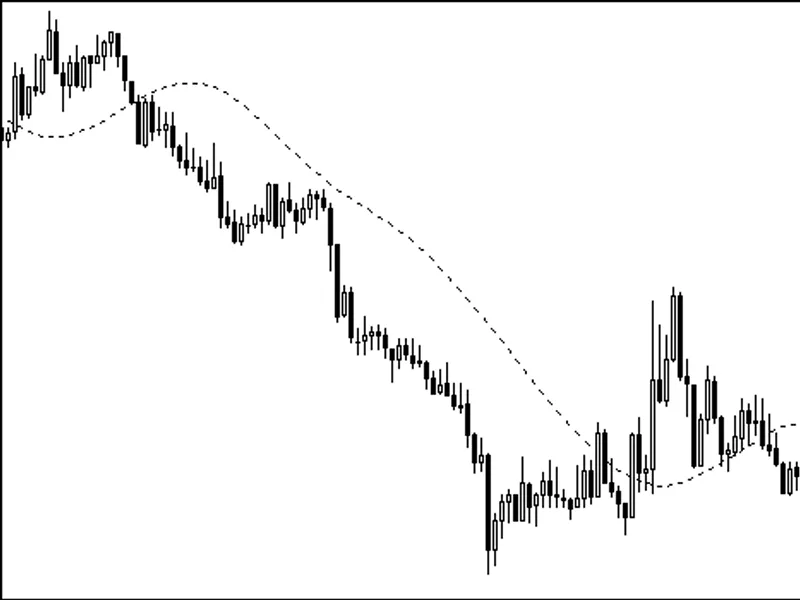
This indicator calculates and displays the Triangular Moving Average (TMA) on the chart.The TMA is a technical analysis tool that smooths price data by applying a moving average to...
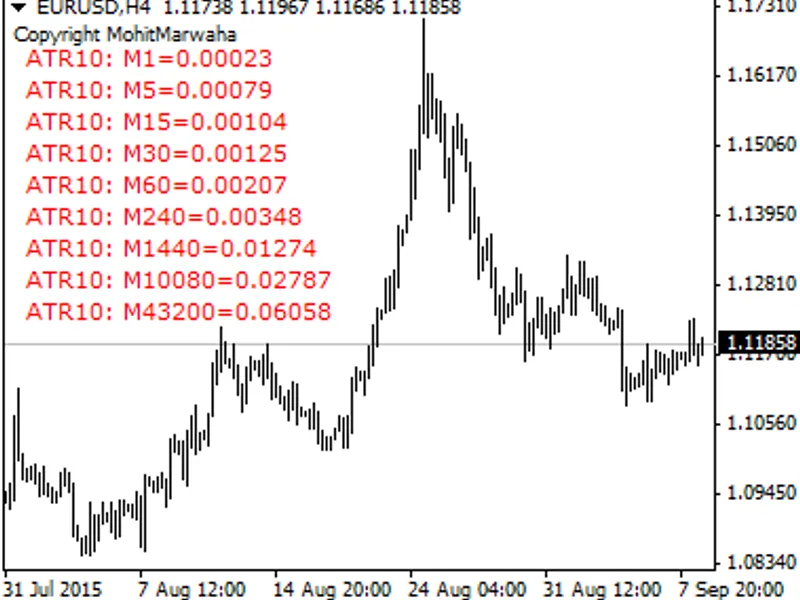
This indicator plots the values of the user-defined ATR (Average True Range) period for all timeframes in a text block format. The position of the text block can be customized by t...
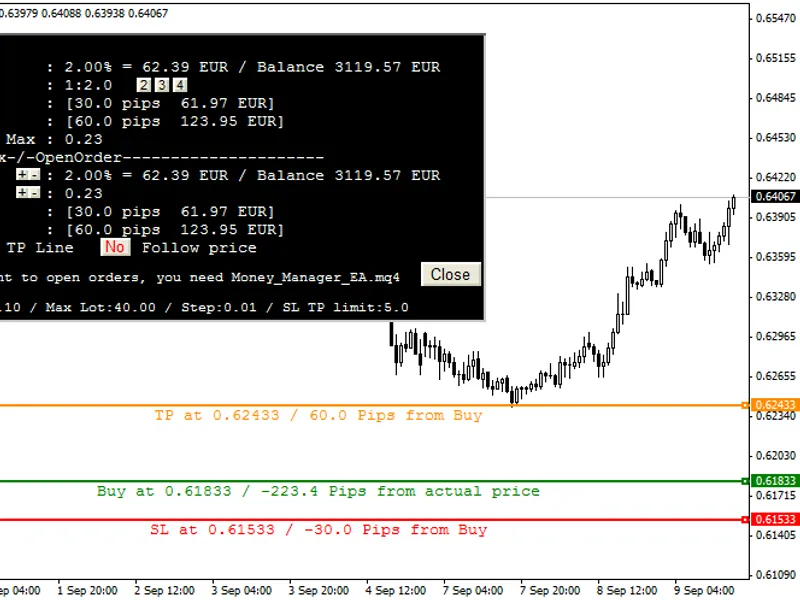
Changelog:v1.03:- Enhanced stability.- Improved compatibility with 1-digit symbols.- Corrected EA for better error handling and open order functionality.v1.02:- Introduced magic nu...
This indicator displays a step channel based on volatility, utilizing the base volatility indicator.Updates (12/09/2022):v 1.01 — Introduced hybrid mode.The base volatility indicat...
Changelog:v1.08: Bug fixes and compilation after a period of inactivity.v1.07: Stop Loss (SL) and Take Profit (TP) can now be set individually for each chart.Grid customization: Se...
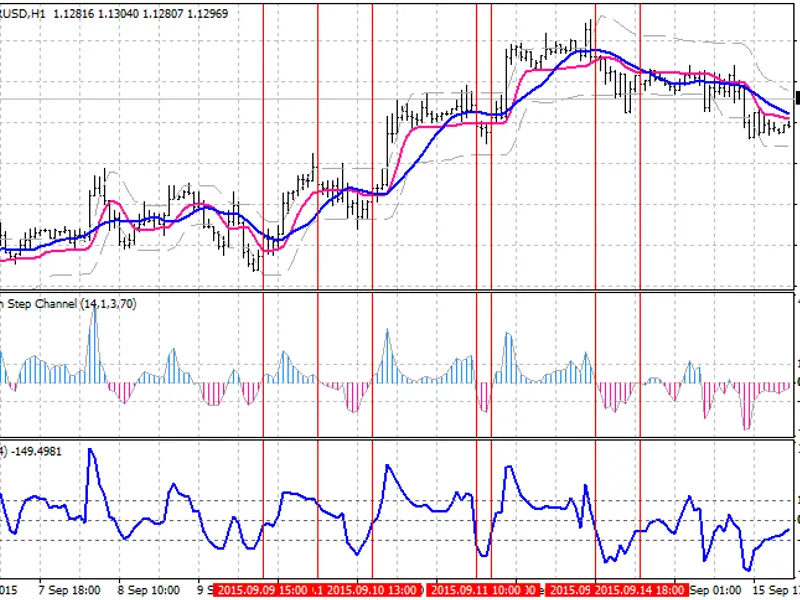
This line is created from the result of a tug of war between raising and falling prices.The chart displays the differences between these forces.Blue Line: Typical SMA(14)Pink Line:...
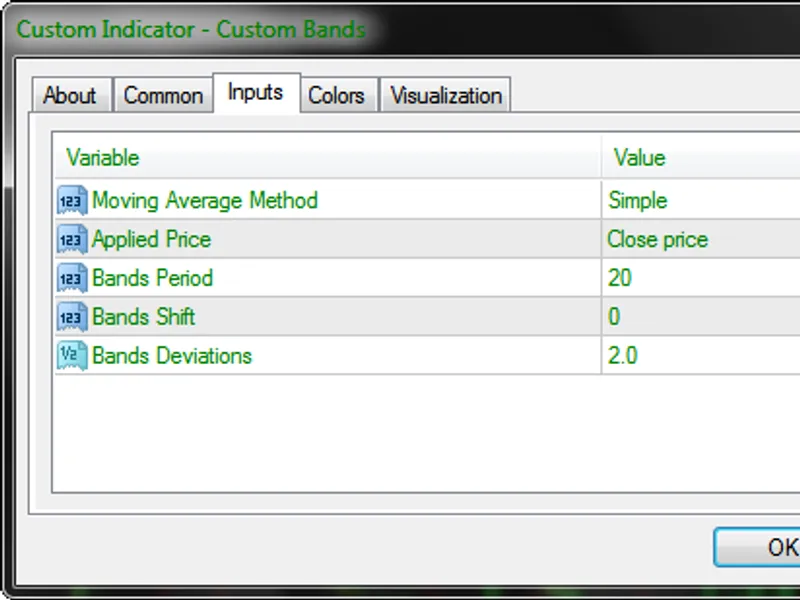
This indicator is a custom version of Bollinger Bands, adapted from the original bands.mq4 by MetaQuotes Software Corp.It offers a range of customizable settings to suit your tradi...
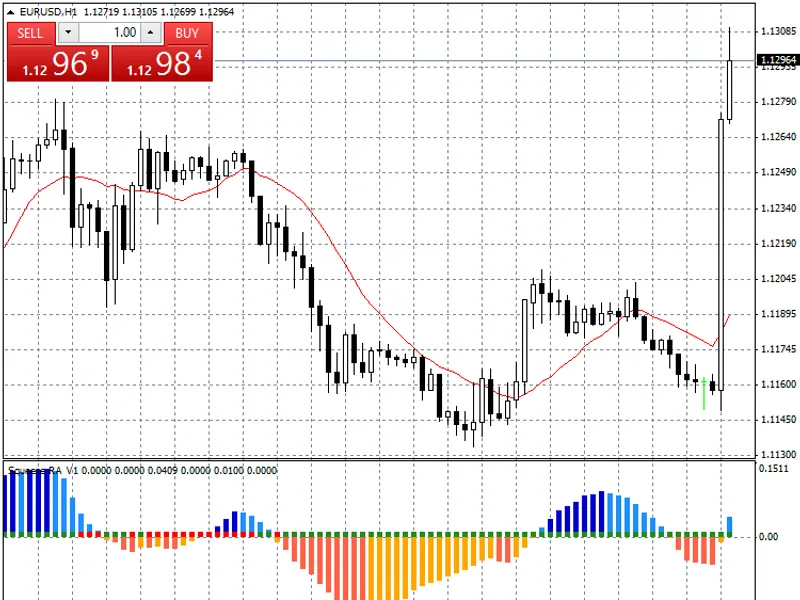
The main enhancements include plotting squeeze values (with some BB/KC calculation adjustments) on the zero-line, followed by smoothing momentum values as rising/falling positive/n...
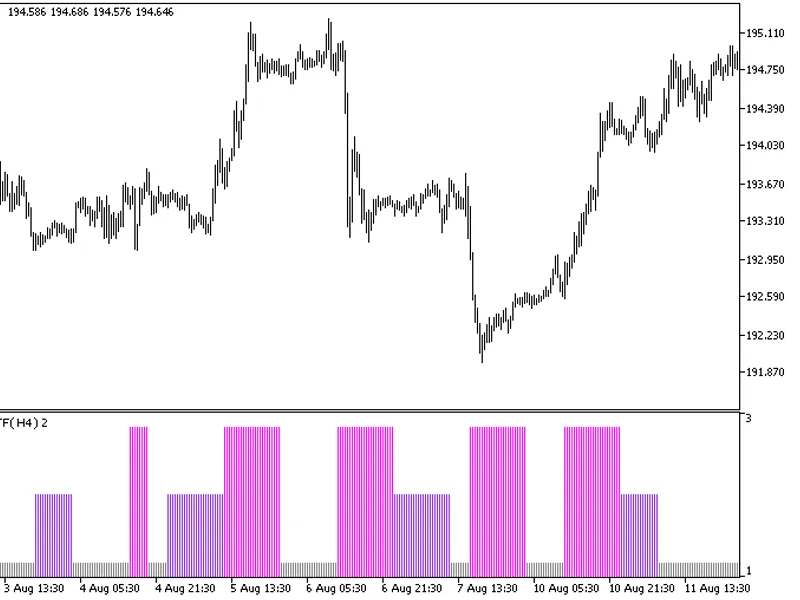
This indicator offers a timeframe selection option in the input parameters.Note: This indicator requires the flat-trend.mq5 indicator file. Place it in \mql5\indicators.Fig.1. The ...
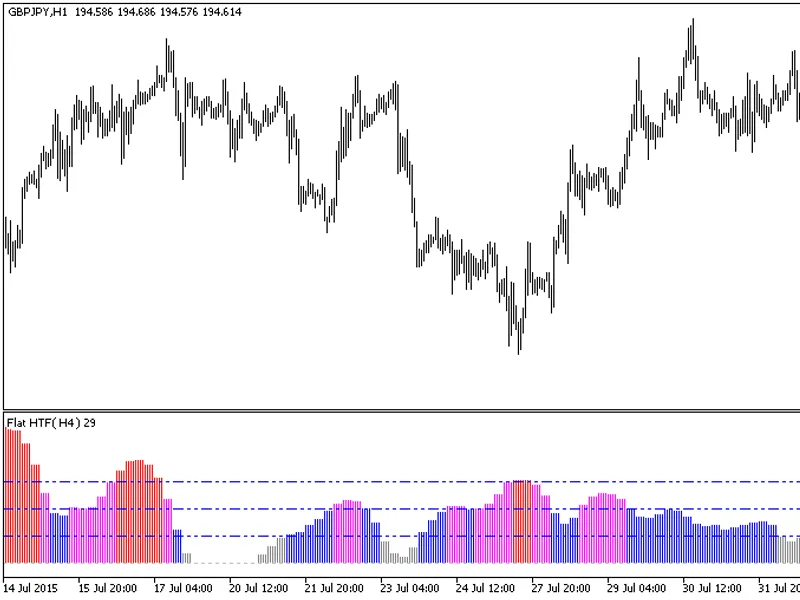
The indicator with the timeframe selection option in the input parameters.This indicator requires the flat.mq5 indicator file. Place it in <terminal_data_folder>\mql5\indicat...
The indicator with the timeframe selection option in the input parameters.This indicator requires the ForecastOscilator.mq5 indicator file. Place it in <terminal_data_folder>...
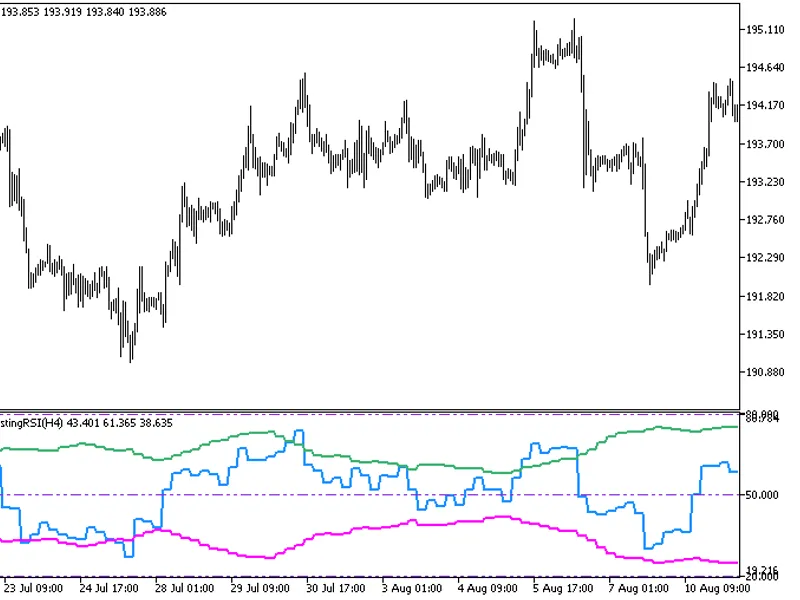
This indicator offers a unique feature: the ability to select the timeframe directly from the input parameters.To use this indicator, you'll need the FX5_SelfAdjustingRSI.mq5 indic...
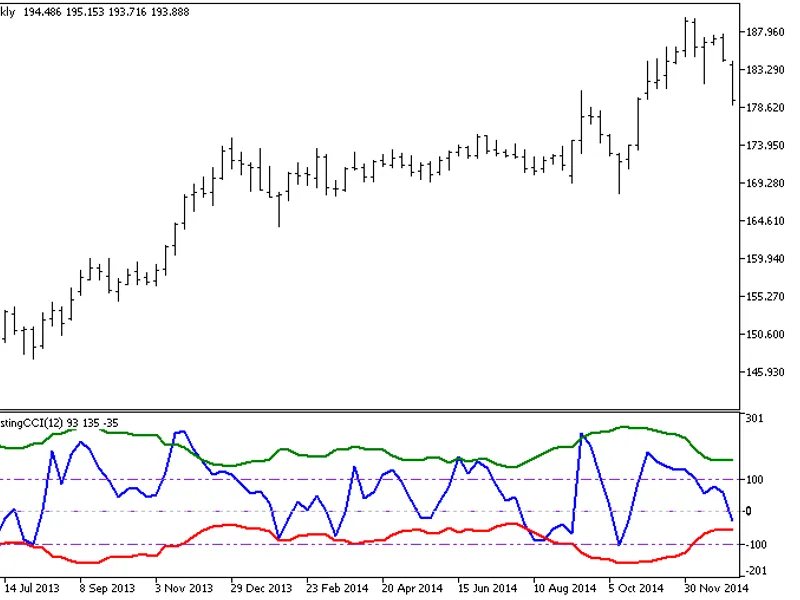
FX5This indicator combines the CCI oscillator with Bollinger Bands to define the overbought and oversold areas.Indicator Input Parameters:Fig.1. FX5 Self-Adjusting CCI Indicator...
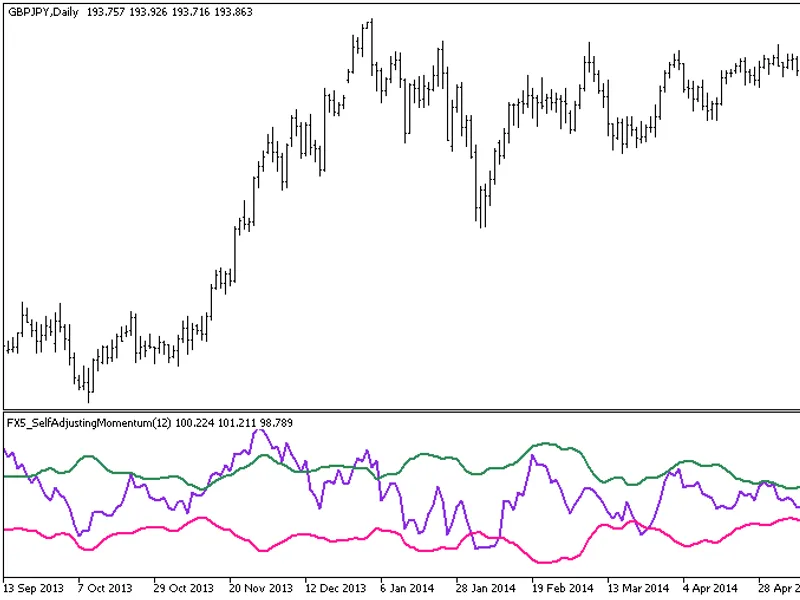
FX5 is a momentum oscillator with a unique feature: the boundaries of the overbought/oversold areas are presented as Bollinger Bands.Indicator Input Parameters:Fig. 1. FX5 Self-Adj...
FX5This indicator is an RVI oscillator with overbought/oversold boundaries in the form of Bollinger Bands.Indicator Input Parameters:Fig. 1. FX5 Self-Adjusting RVI Indicator...
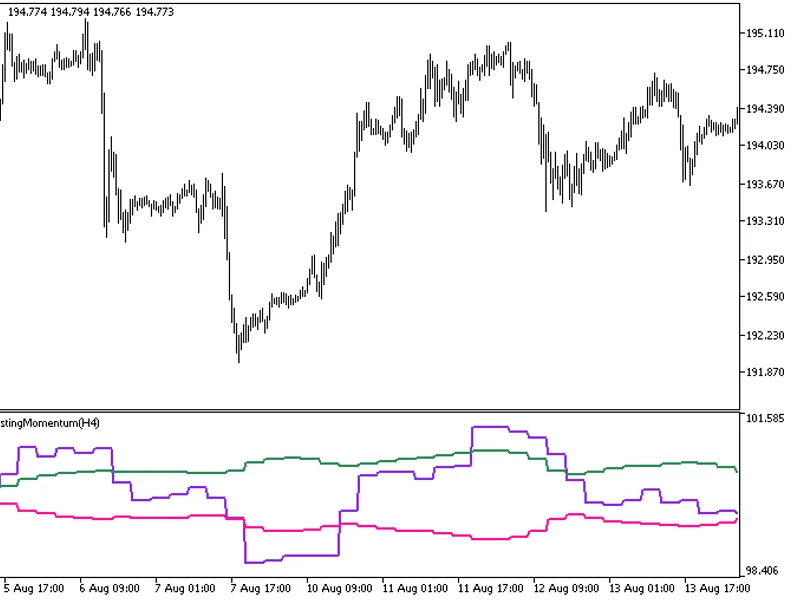
The FX5 Self Adjusting Momentum HTF indicator offers a unique feature: the ability to select the timeframe directly from the input parameters.To utilize this indicator, ensure you ...
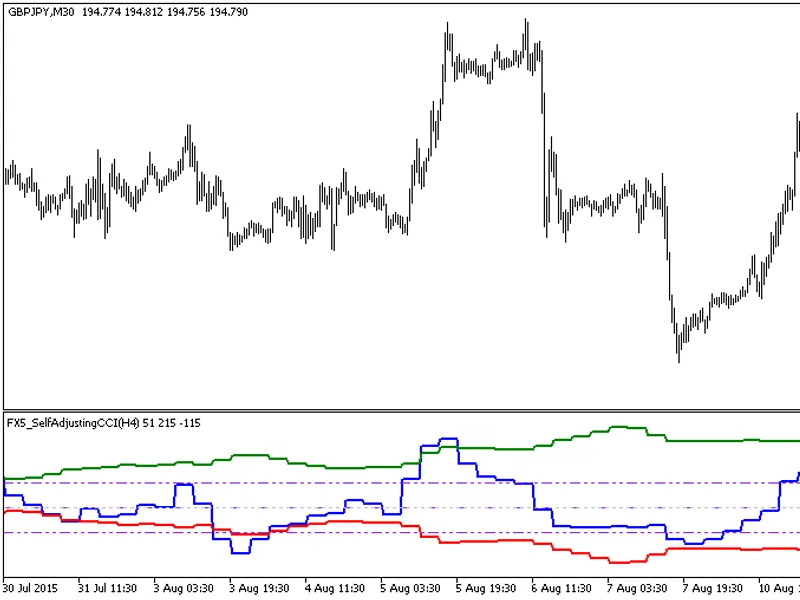
This indicator offers a unique feature: the ability to select the timeframe directly from the input parameters.To use this indicator, you'll need the fx5_selfadjustingcci.mq5 file....
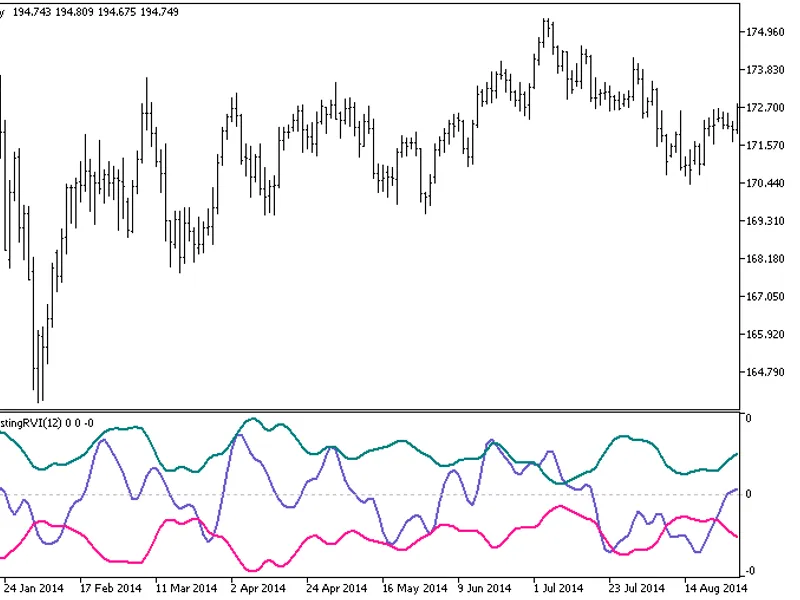
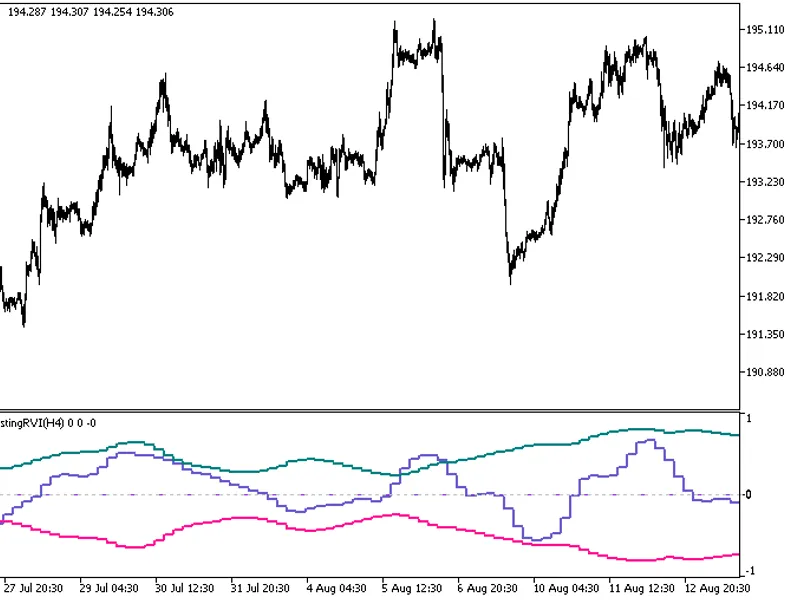
This indicator offers a unique feature: the ability to select the timeframe in the input parameters.To use this indicator, you'll need the fx5_selfadjustingrvi.mq5 file. Place it i...
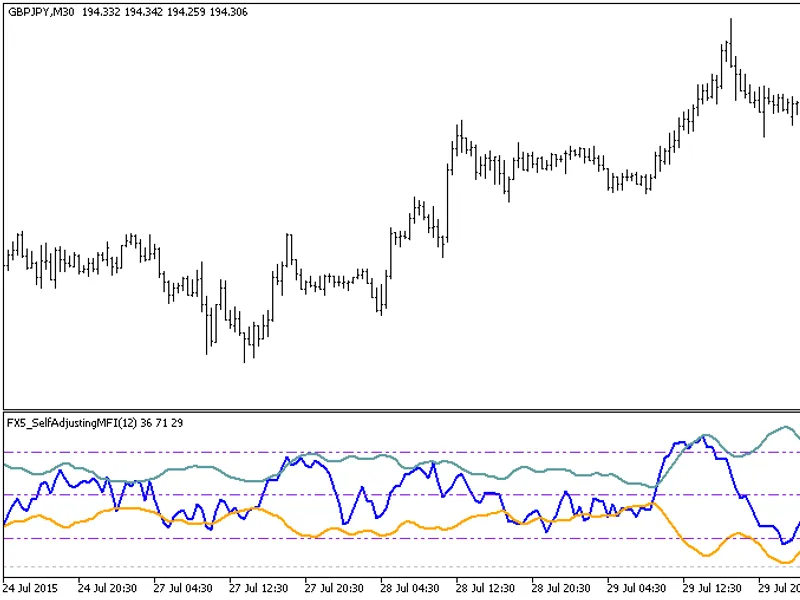
FX5This indicator is an MFI oscillator with overbought/oversold areas defined by Bollinger Bands.Indicator Input Parameters:Fig. 1: FX5_SelfAdjustingMFI Indicator...
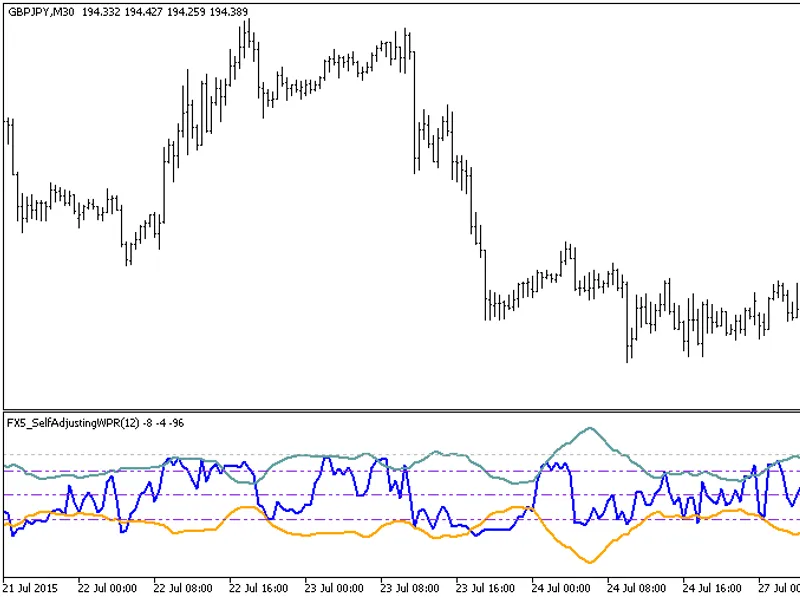
FX5This indicator displays the WPR oscillator with the boundaries of the overbought/oversold areas in the form of Bollinger Bands.Indicator Input Parameters:Fig.1. FX5 Self-Adjusti...
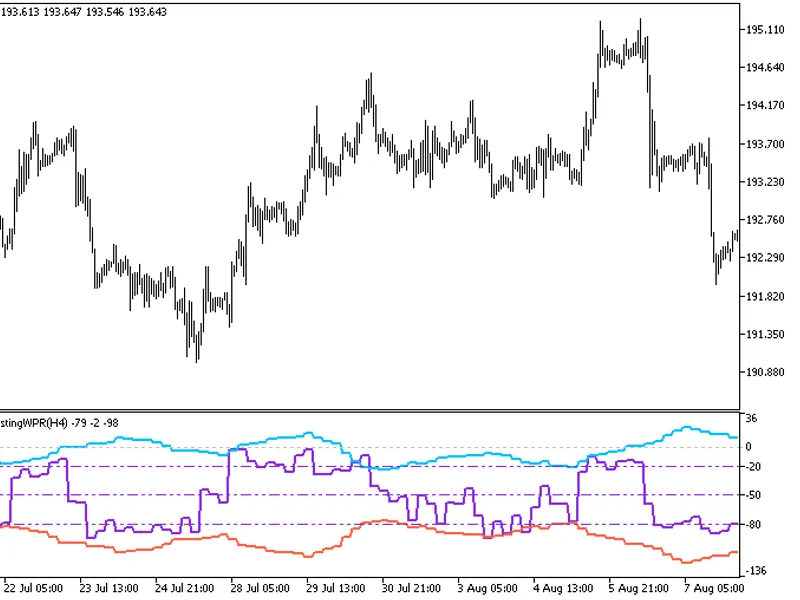
This indicator provides the option to select the timeframe in the input parameters.Note: This indicator requires the fx5_selfadjustingwpr.mq5 indicator file. Place it in \mql5\indi...
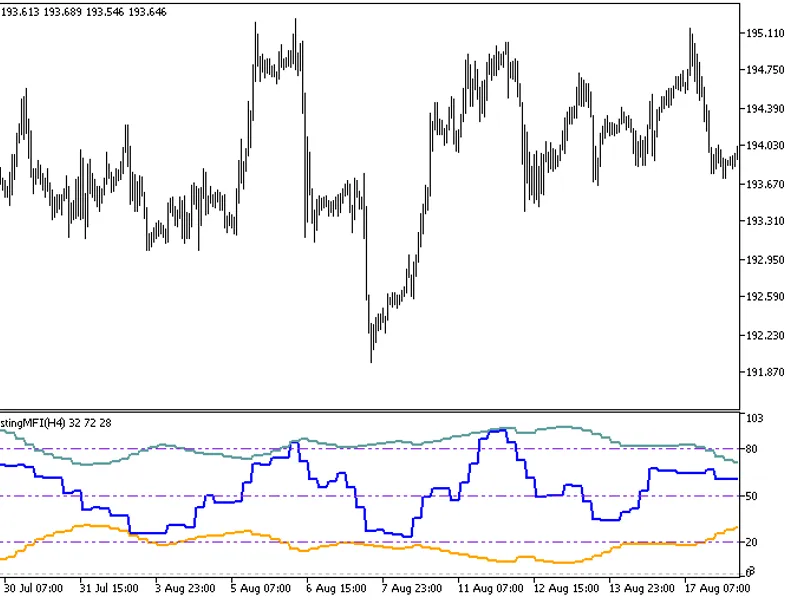
This indicator offers a unique feature: the ability to select the timeframe in the input parameters.To use this indicator, you'll need the fx5_selfadjustingmfi.mq5 file. Place it i...
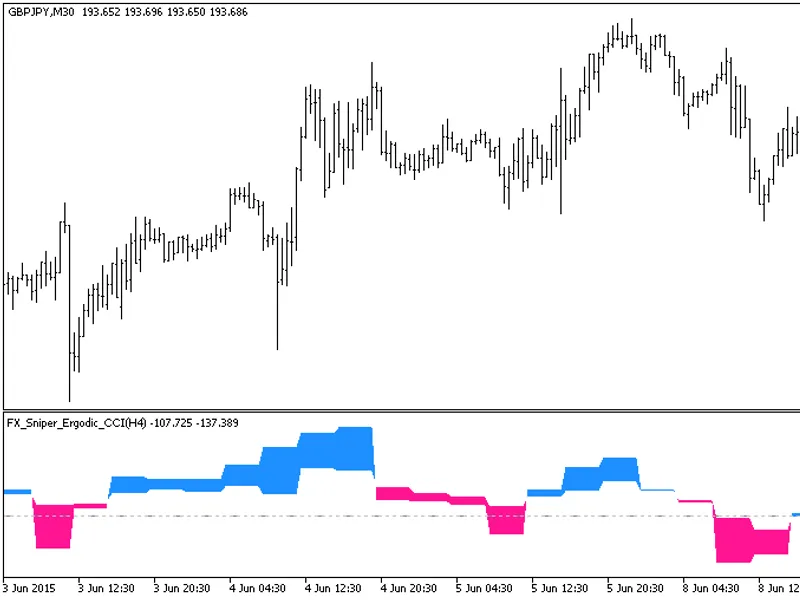
This indicator offers a unique feature: the ability to select the timeframe in the input parameters.To use this indicator, you'll need the fx_sniper_ergodic_cci.mq5 indicator file....
The indicator with the timeframe selection option in the input parameters.This indicator requires the gaus_ma.mq5 indicator file. Place it in <terminal_data_folder>\mql5\indi...
The indicator with the timeframe selection option available in the input parameters:This indicator requires the GRFLeadingEdge.mq5 indicator file. Place it in <terminal_data_fol...
The GRF Leading Edge Mov HTF indicator offers a timeframe selection option in its input parameters.This indicator requires the GRFLeadingEdgeMov.mq5 file, which should be placed in...