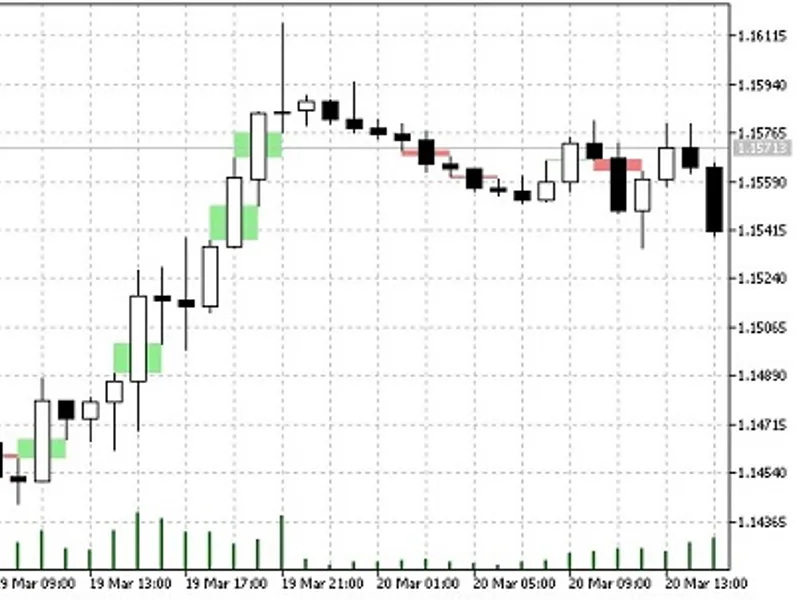
SM C Fair Value Gap (FV G) Auto-Detector
This is a powerful addition to your MetaTrader 5 toolkit designed to optimize market analysis and performance. This technical indicator acts as a specialized analysis tool designed to visualize market data. It helps traders identify emerging trends, momentum shifts, and key support or resistance levels by plotting statistical calculations directly onto price charts.
How to Setup and Use SM C Fair Value Gap (FV G) Auto-Detector
1. Installation: Place your file in the MQL/Indicators folder via "Open Data Folder" and restart your terminal.
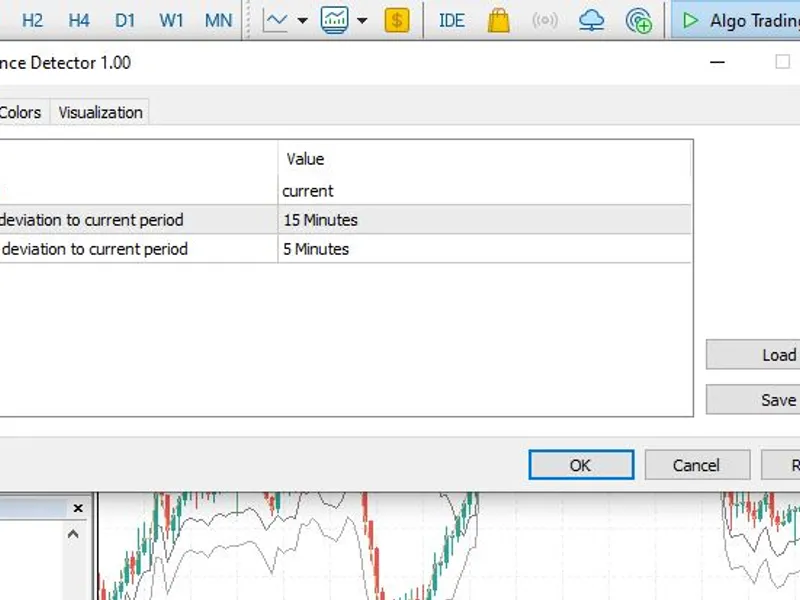
2. Loading: Find the indicator in the Navigator, drag it onto your chart, and configure the input parameters in the popup window.
3. Customization: Press Ctrl+I to open the indicator list, select your tool, and click "Properties" to change colors, levels, or visual styles.
4. Updating: Replace the old file in the Indicators folder with the new version and restart the platform to apply changes.
Frequently Asked Questions
Q: Why is my indicator not showing? A: Verify the file is in the MQL/Indicators folder, or try right-clicking the "Indicators" tree in the Navigator and clicking "Refresh."
Q: Do custom indicators slow down the platform? A: Too many complex indicators can impact performance; remove unused ones via the "Indicator List" (Ctrl+I).
Q: Can I use MT4 indicators on MT5? A: No, MQL4 and MQL5 are distinct languages; ensure the indicator is compiled specifically for your platform version.
Description & Settings
This indicator is a pure price action utility designed for Smart Money Concepts (SMC) traders. It automatically scans the chart to detect and visualize Fair Value Gaps (FVGs), also known as imbalances or inefficiencies, in real-time.
A Fair Value Gap occurs when there is a three-candle sequence where the wicks of the first and third candles do not overlap, leaving a "gap" in the body of the second candle. These zones act as strong magnets for price, often serving as high-probability targets or reversal zones when the market returns to mitigate the imbalance.
Key Features:
Instant Detection:
Automatically identifies both Bullish (Demand) and Bearish (Supply) FVGs as soon as the third candle closes.
Non-Repainting:
The logic relies strictly on closed candles, ensuring that once an FVG is drawn, it never repaints or shifts.
Lightweight:
Optimized code that scans a user-defined history length, ensuring zero terminal lag even when attached to multiple charts.
Input Parameters:
InpHistoryBars:
The maximum number of historical bars the indicator will scan (default is 500 to keep the terminal extremely fast).
InpColorBull:
Custom color selection for Bullish FVGs.
InpColorBear:
Custom color selection for Bearish FVGs.
Recommended Usage:
Attach this indicator to execution timeframes (like M5 or M15) to spot precise entry imbalances, or use it on higher timeframes (H1 or H4) to define structural liquidity targets.