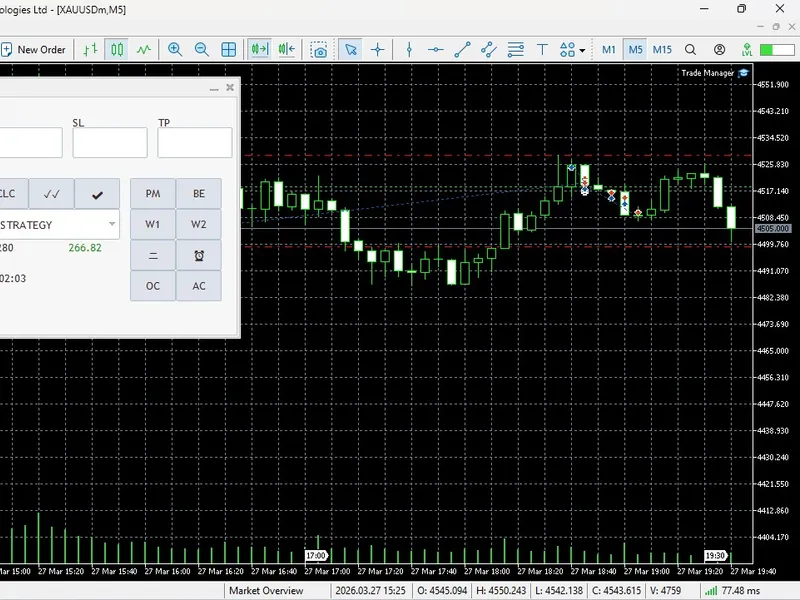

quantum algo trade panel
Info
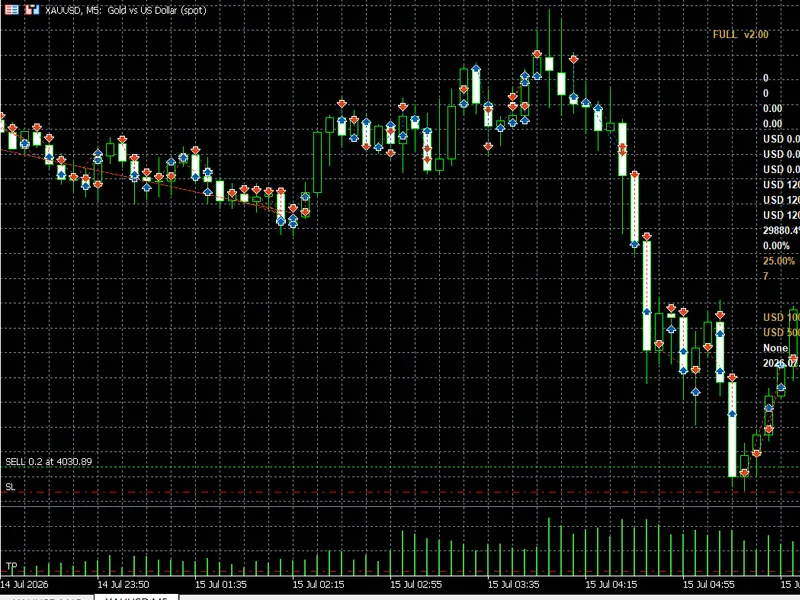
The quantum algo trade panel is a Indicator for MetaTrader 5 that advanced risk management & executionstop the manual calculations and let quantumalgo take over with its automatic position size calculator. this feature instantly calculates your volume based on your stop loss and predefined risk percentage.
Usage
This tool is typically used for enhancing chart analysis and decision making.
Platform
This Indicator works exclusively on MetaTrader 5 (both build 600+ and newer versions).
Setup
Place the downloaded file in MQL5/Indicators folder via File ? Open Data Folder in MetaTrader 5.
How to Install and Use quantum algo trade panel
1. Installation: Place your file in the MQL/Indicators folder via "Open Data Folder" and restart your terminal.
2. Loading: Find the indicator in the Navigator, drag it onto your chart, and configure the input parameters in the popup window.
3. Customization: Press Ctrl+I to open the indicator list, select your tool, and click "Properties" to change colors, levels, or visual styles.
4. Updating: Replace the old file in the Indicators folder with the new version and restart the platform to apply changes.
Frequently Asked Questions
Q: Why is my indicator not showing? A: Verify the file is in the MQL/Indicators folder, or try right-clicking the "Indicators" tree in the Navigator and clicking "Refresh."
Q: Do custom indicators slow down the platform? A: Too many complex indicators can impact performance; remove unused ones via the "Indicator List" (Ctrl+I).
Q: Can I use MT4 indicators on MT5? A: No, MQL4 and MQL5 are distinct languages; ensure the indicator is compiled specifically for your platform version.
What this tool does
advanced risk management & executionstop the manual calculations and let quantumalgo take over with its automatic position size calculator.
Typical Use Case
This Indicator excels in automated trading and technical analysis on MetaTrader 5.
Compatible Platform & Setup
This Indicator works on MetaTrader 5. Place the file in the MQL5/Indicators folder and restart the terminal.
Description & Settings
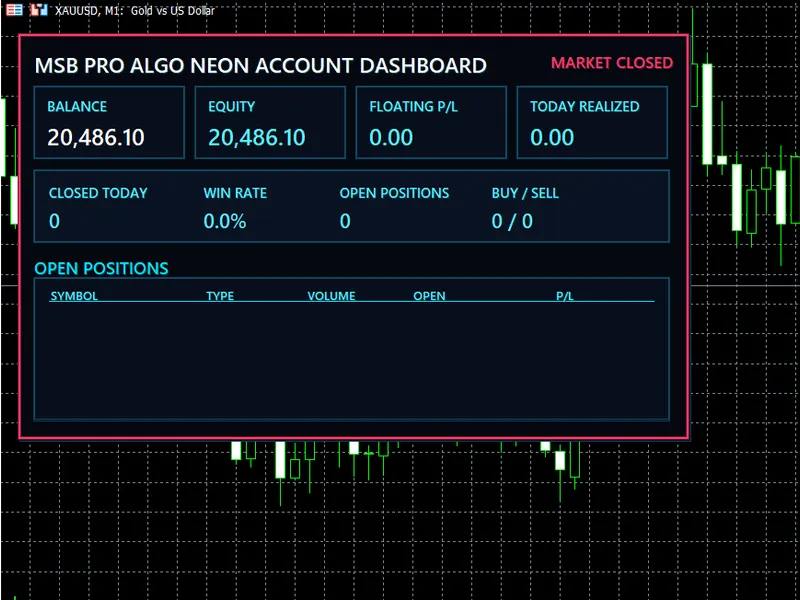
Related: MSB Pro Algo Neon Account Dashboard for MT5 - another powerful indicator for MetaTrader 5 traders.
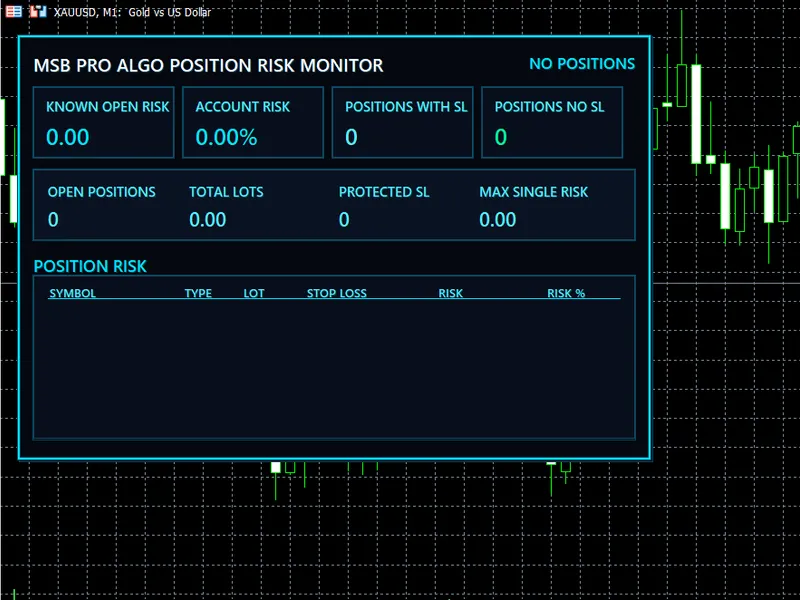
advanced risk management & executionAlso recommended: MSB Pro ALGO Position Risk Monitor for MT5 - similar indicator with strong performance on MetaTrader 5.
stop the manual calculations and let quantumalgo take over with its automatic position size calculator. this feature instantly calculates your volume based on your stop loss and predefined risk percentage.total volume at risk:
get a real-time visual representation of the capital at risk in your trades.
position splitting (twin trading):
execute two orders simultaneously, each at 50% lot size. set one to a 1:1 risk-reward ratio (rrr) and let the other run without a take profit for maximum profit potential.
margin intelligence:
stay informed with a display of your free margin and the exact margin required to open a new position.
professional strategy filters & alerts
quantumalgo is more than just a trade manager; it's a powerful strategy engine. it includes built-in logic for bill williams (profitunity) and ichimoku kinko hyo.
bill williams wise man 1, 2, & 3:
receive automated alerts for specific profitunity signals.
symmetrical pair filter:
an institutional-grade feature that cancels alerts for correlated pairs if a position is already open, ensuring you don't over-expose your portfolio.
advanced price filters:
filter your entries using the alligator, kijunsen, or senkou span a to trade only in high-probability zones.
smart alerts:
get notified when the price crosses custom lines, moving averages, or ichimoku levels.
automated trade handling
global break-even:
move all positions on the current chart to break-even (be) with a single click.
auto-management (pm mode):
activate the position management function to automate trailing stops and exits based on your custom settings.
session visualizer:
instantly draw session boxes to identify london, new york, or asian ranges.
interactive interface guide (icon legend)
execution & setup:
m/p:
switch between market and pending orders.
s / b:
set the direction to sell or buy.
st / lm:
choose between stop and limit orders.
三 (lines):
show/hide visual sl, tp, and entry lines for drag-and-drop execution.
clc:
quickly calculate lot size based on risk %.
✔:
send a single order |
✓✓:
send split/twin orders.
management & analytics:
pm:
enable automatic position management (trailing/auto-exits).
be:
instant break-even for all active trades.
scn:
the ichimoku scanner - scan your entire market watch for multi-timeframe trends.
✖:
emergency close all positions on the current chart.
🖉:
visual audit - draw rectangles over sl/tp zones for clear pnl visualization.
clr:
reset all input fields instantly.
alerts & strategy:
ichimoku ▼:
strategy selector to tag trades (smc, order block, etc.) for improved journal tracking.
w1, w2, w3:
turn on/off wise man signal alerts.
⼆ & ⏰:
set horizontal alert lines with price-close notifications.
mbe:
advanced 'move to break-even' triggered by price closing past a specific line.
utility functions:
oc / ac / cc:
bulk chart management - open all market watch charts, open charts with active positions, or close all charts.
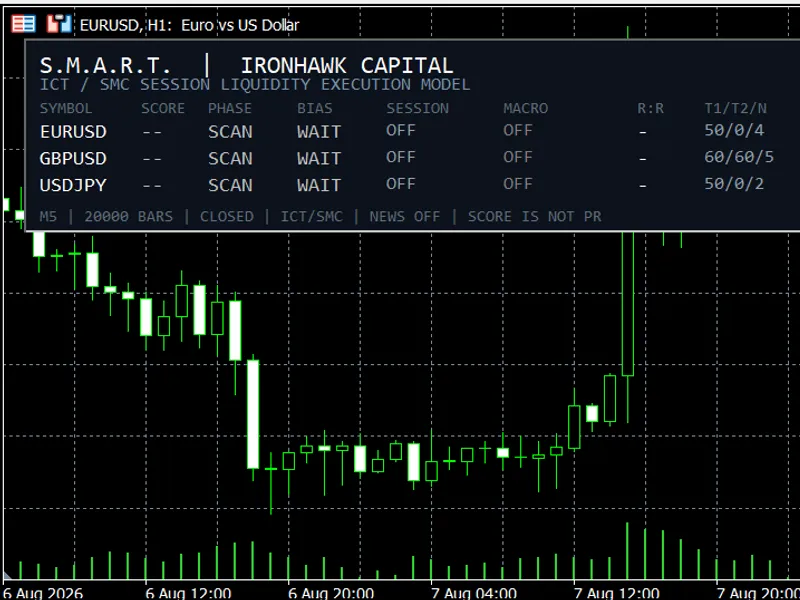
You may also like: Session Manipulation and Algorithmic Reaction Tracker (S.M.A.R.T.) - ICT/SMC Analysis Tool - excellent alternative for indicator users on MetaTrader 5.
Source Code
#property copyright "robotfx"
#property version   "3.00"
#property indicator_chart_window
input group "==== premium ui settings ===="
input int    xoffset      = 25;
input int    yoffset      = 65;
input color  dashbg       = c'250,250,250';
input int    opacity      = 220;
input group "==== session timings (broker time) ===="
input bool   showsessions = true;
.......
⚠ Limitations & Risk Warning
- This tool is provided for educational and testing purposes only.
- Past performance does not guarantee future results.
- Trading involves substantial risk of loss. Use on a demo account first.
- Results may vary depending on market conditions, broker, and settings.
- We recommend thorough backtesting and forward testing before using with real funds.