









prop guard mt5 daily loss and max drawdown dead-line visualizer (dashboard and line)
Info
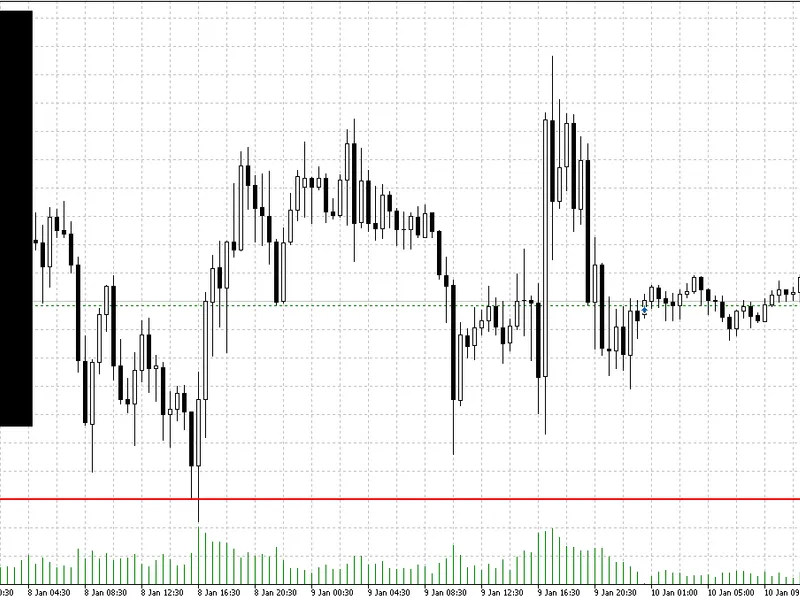
The prop guard mt5 daily loss and max drawdown dead-line visualizer (dashboard and line) is a Indicator for MetaTrader 5 that overview propguard mt5is a chart-window indicatordesigned for traders who must respect strict prop-firm risk rules (daily loss limit and overall max drawdown). instead of watching numbers in the terminal, propguard converts your risk limits into a clear, visual price levelon the chart — the dead-line.
Usage
This tool is typically used for enhancing chart analysis and decision making.
Platform
This Indicator works exclusively on MetaTrader 5 (both build 600+ and newer versions).
Setup
Place the downloaded file in MQL5/Indicators folder via File ? Open Data Folder in MetaTrader 5.
How to Install and Use prop guard mt5 daily loss and max drawdown dead-line visualizer (dashboard and line)
1. Installation: Place your file in the MQL/Indicators folder via "Open Data Folder" and restart your terminal.
2. Loading: Find the indicator in the Navigator, drag it onto your chart, and configure the input parameters in the popup window.
3. Customization: Press Ctrl+I to open the indicator list, select your tool, and click "Properties" to change colors, levels, or visual styles.
4. Updating: Replace the old file in the Indicators folder with the new version and restart the platform to apply changes.
Frequently Asked Questions
Q: Why is my indicator not showing? A: Verify the file is in the MQL/Indicators folder, or try right-clicking the "Indicators" tree in the Navigator and clicking "Refresh."
Q: Do custom indicators slow down the platform? A: Too many complex indicators can impact performance; remove unused ones via the "Indicator List" (Ctrl+I).
Q: Can I use MT4 indicators on MT5? A: No, MQL4 and MQL5 are distinct languages; ensure the indicator is compiled specifically for your platform version.
What this tool does
overview propguard mt5is a chart-window indicatordesigned for traders who must respect strict prop-firm risk rules (daily loss limit and overall max drawdown).
Typical Use Case
This Indicator excels in automated trading and technical analysis on MetaTrader 5.
Compatible Platform & Setup
This Indicator works on MetaTrader 5. Place the file in the MQL5/Indicators folder and restart the terminal.
Description & Settings
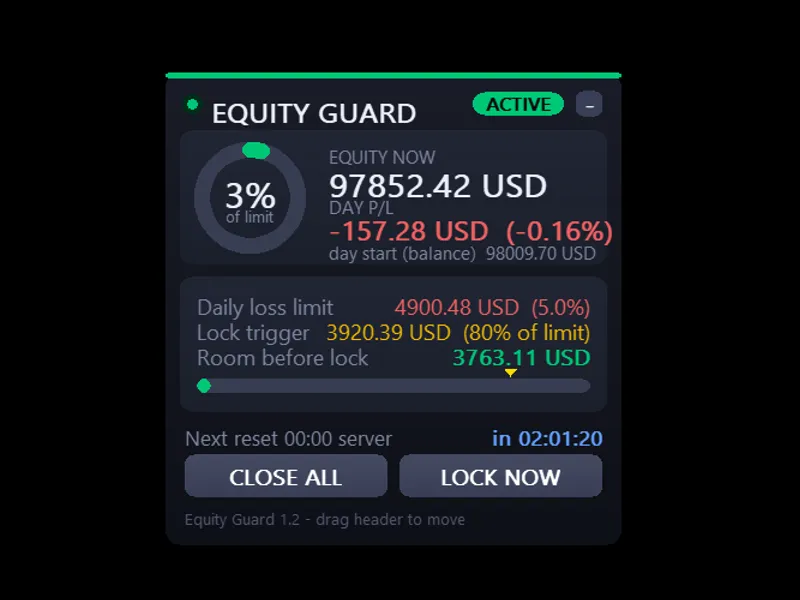
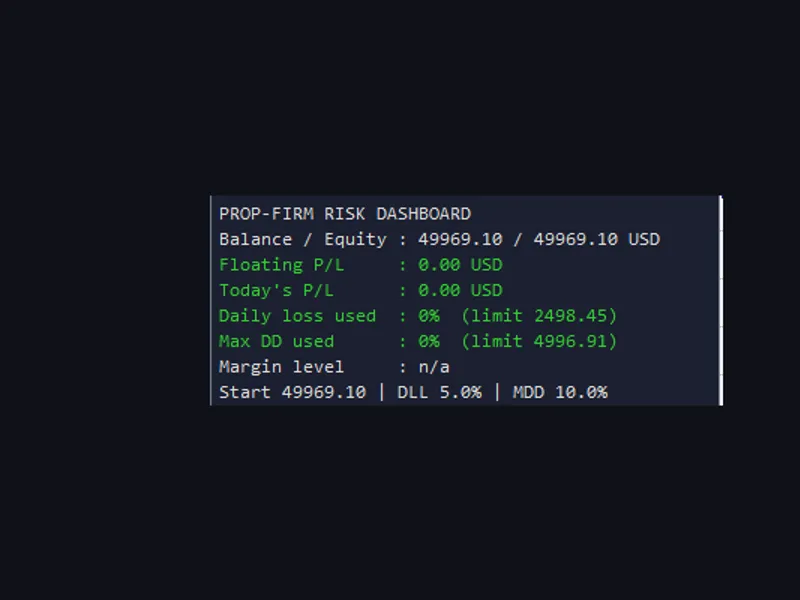
Related: Prop Firm Risk Dashboard: Monitor Daily Loss and Drawdown - another powerful indicator for MetaTrader 5 traders.
overviewAlso recommended: prop-firm traders utility dashboard - similar indicator with strong performance on MetaTrader 5.
propguard mt5is a
chart-window indicator
designed for traders who must respect strict prop-firm risk rules (daily loss limit and overall max drawdown). instead of watching numbers in the terminal, propguard converts your risk limits into a
clear, visual price level
on the chart — the
dead-line
.
when price reaches the dead-line (based on your current exposure), your account would reach the configured drawdown boundary. this helps you make faster decisions, reduce emotional trading, and avoid rule violations.
core concept: the “dead-line”
prop firms typically define loss limits in currency or percentage terms (daily and overall). propguard translates these limits into a
dynamic chart level
:
if you are
net long
, the dead-line is the price below the current market where your allowed loss is exhausted.
if you are
net short
, the dead-line is the price above the current market where your allowed loss is exhausted.
this line updates in real time and reflects:
current
equity
current
open positions on the chart symbol
the symbol’s tick value / tick size (multi-asset compatible)
what the indicator displays
1) effective dead-line (main line)
propguard always draws the
most restrictive
limit as a single “effective” dead-line:
daily
or
overall
(whichever is closer to the current price / stricter)
2) optional separate lines
if enabled, you can additionally display:
daily dead-line
overall dead-line
3) on-chart dashboard panel
a compact panel shows:
balance and equity
daily / overall maximum allowed loss
daily / overall minimum equity levels
long lots / short lots (on this symbol)
daily and overall dead-line prices
effective rule (daily / overall)
remaining buffer in
currency
and
points
, with optional warning highlight
trailing drawdown mode (prop-style)
propguard supports both common drawdown models:
trailing drawdown on
daily reference:
daily peak equity
overall reference:
overall peak equity
the dead-line can move as you reach new equity highs (risk line “trails”)
trailing drawdown off
daily reference:
start-of-day balance
(see notes below)
overall reference:
start capital
(manual input)
dead-line is based on fixed reference values
safety handling (edge cases)
propguard is designed to behave safely and transparently:
no open positions on the symbol
→ lines are hidden, dashboard shows “no positions”.
hedged / near-zero net sensitivity
(net exposure effectively neutral)→ lines are hidden, dashboard shows “hedged (no dead-line)”.
limit already violated
→ dashboard shows
“violated!”
and remaining buffer becomes negative.
inputs (quick guide)
daily max dd (%)
— daily loss limit in percent
overall max dd (%)
— maximum drawdown limit in percent
trailing drawdown mode
— peak-equity trailing on/off
account start capital
— used when trailing is off (overall reference)
show daily & overall lines separately
— show both limits or only the effective line
dashboard corner / x offset / y offset
— panel placement
line colors / width
— visual customization
warning threshold (%)
— highlight remaining buffer when close to violation
notes and important limitations (read before use)
symbol-specific logic:
the dead-line is calculated from
positions on the current chart symbol only
.if you trade multiple symbols, attach propguard to each relevant chart.
visualization tool:
propguard helps you visualize risk boundaries, but it does not execute trades, close positions, or enforce rules automatically.
who this is for
prop-firm traders who need to respect daily loss and max drawdown rules
traders who want a
visual risk boundary
instead of constantly watching equity numbers
multi-asset traders (fx, indices, metals, crypto cfds) who want a universal sensitivity approach
You may also like: asq propguard: real-time prop firm rule monitor for metatrader 5 - excellent alternative for indicator users on MetaTrader 5.
Source Code
/.......
⚠ Limitations & Risk Warning
- This tool is provided for educational and testing purposes only.
- Past performance does not guarantee future results.
- Trading involves substantial risk of loss. Use on a demo account first.
- Results may vary depending on market conditions, broker, and settings.
- We recommend thorough backtesting and forward testing before using with real funds.