
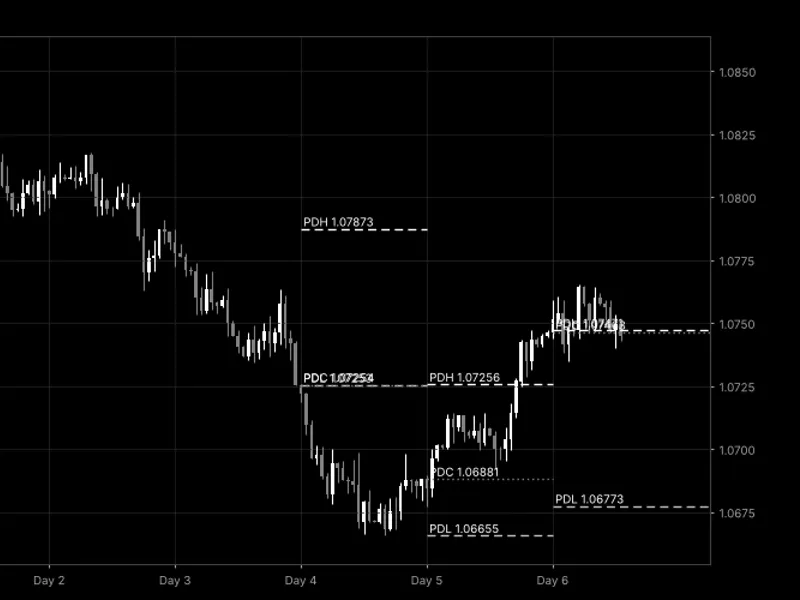
Previous Day High/Low with First Touch Marker for MT4/MT5
Info
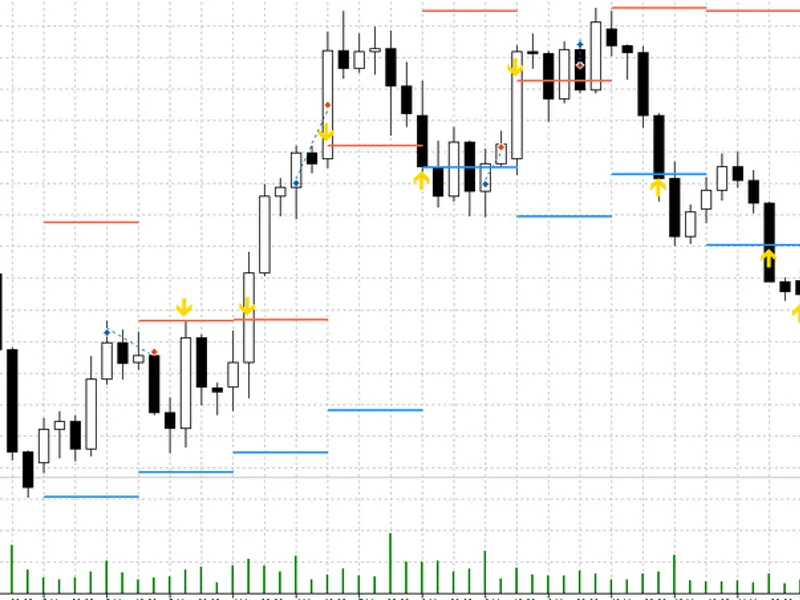
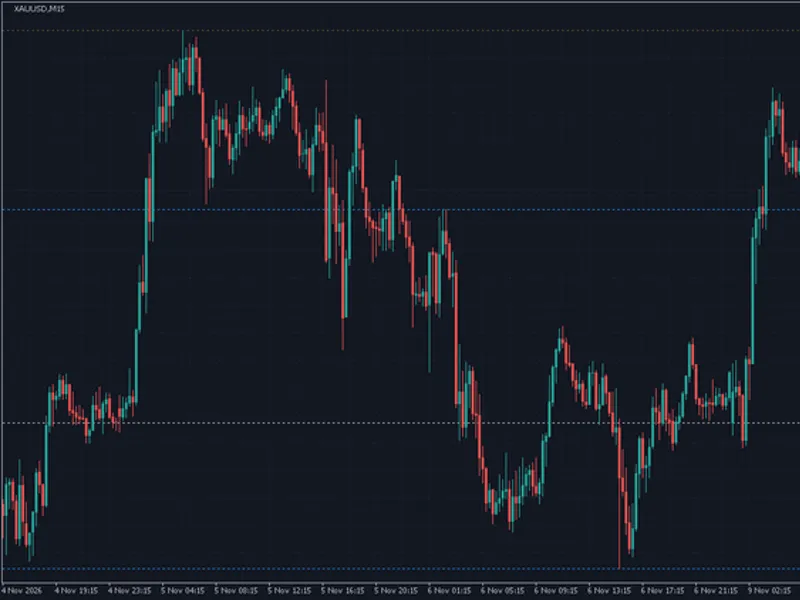
The Previous Day High/Low with First Touch Marker for MT4/MT5 is a Indicator for MetaTrader 5 that previous day high/low with first touch markerthis indicator draws the previous day's high (pdh) and previous day's low (pdl) over each of the last n days. It marks the first time price touches each level during the day with an arrow.
Usage
This tool is typically used for enhancing chart analysis and decision making.
Platform
This Indicator works exclusively on MetaTrader 5 (both build 600+ and newer versions).
Setup
Place the downloaded file in MQL5/Indicators folder via File ? Open Data Folder in MetaTrader 5.
How to Install and Use Previous Day High/Low with First Touch Marker for MT4/MT5
1. Installation: Place your file in the MQL/Indicators folder via "Open Data Folder" and restart your terminal.
2. Loading: Find the indicator in the Navigator, drag it onto your chart, and configure the input parameters in the popup window.
3. Customization: Press Ctrl+I to open the indicator list, select your tool, and click "Properties" to change colors, levels, or visual styles.
4. Updating: Replace the old file in the Indicators folder with the new version and restart the platform to apply changes.
Frequently Asked Questions
Q: Why is my indicator not showing? A: Verify the file is in the MQL/Indicators folder, or try right-clicking the "Indicators" tree in the Navigator and clicking "Refresh."
Q: Do custom indicators slow down the platform? A: Too many complex indicators can impact performance; remove unused ones via the "Indicator List" (Ctrl+I).
Q: Can I use MT4 indicators on MT5? A: No, MQL4 and MQL5 are distinct languages; ensure the indicator is compiled specifically for your platform version.
What this tool does
Previous Day High/Low with First Touch MarkerThis indicator draws the previous day's high (PDH) and previous day's low (PDL) over each of the last N days.
Typical Use Case
This Indicator excels in automated trading and technical analysis on MetaTrader 5.
Compatible Platform & Setup
This Indicator works on MetaTrader 5. Place the file in the MQL5/Indicators folder and restart the terminal.
Description & Settings
Related: Previous Day and Week Levels with Round Numbers - another powerful indicator for MetaTrader 5 traders.
Previous Day High/Low with First Touch MarkerAlso recommended: ICT Session Boxes: Four GMT Windows with Automatic Broker Offset and High/Low Lines - similar indicator with strong performance on MetaTrader 5.
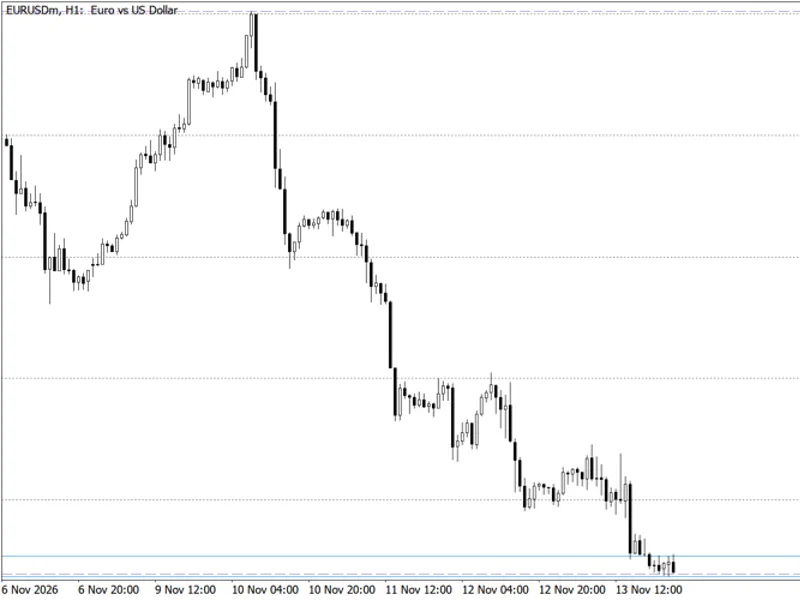
This indicator draws the previous day's high (PDH) and previous day's low (PDL) over each of the last N days. It marks the first time price touches each level during the day with an arrow. This is designed for traders who use yesterday's extremes as intraday reference levels and want to easily see when price first reaches them, both on historical and live charts.
How it Works
For each day, the PDH and PDL are determined from the previous Day 1 (D1) bar of the selected symbol. These daily levels are aligned with the broker's server time.
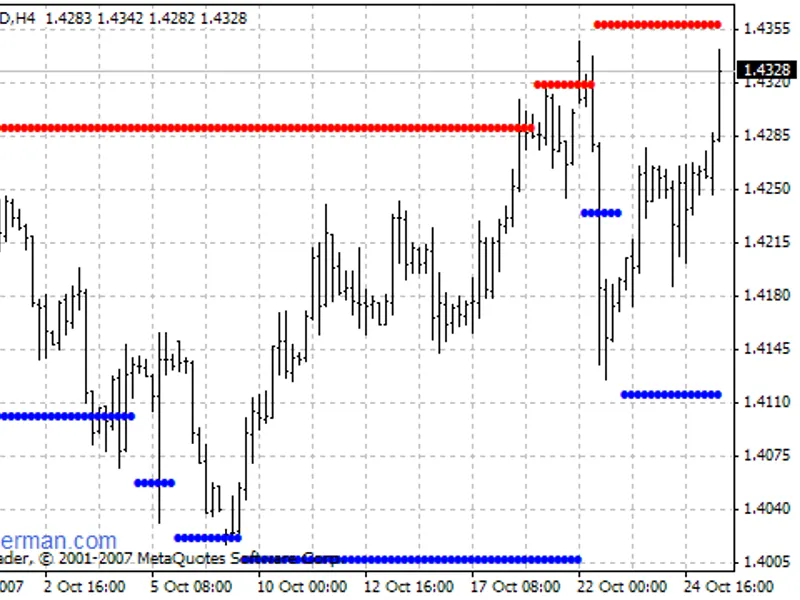
Each pair of levels (PDH and PDL) is displayed only for the specific day it pertains to. The PDH is shown in red, and the PDL is shown in blue. These lines are not drawn as continuous, unending lines.
A touch is only registered after the price has moved at least the specified minimum distance (MinDist %) away from the level. If a day opens with the price already at or very near a level, a touch is not counted until the price has moved away from the level and then returned to touch it.
To ensure the chart remains clear and uncluttered, only the very first touch of each level per day is marked with a distinct arrow (colored gold).
An optional alert can be configured to trigger when today's first touch occurs on the current bar. This alert will trigger only once per level per day.
Inputs
InpDays: Specifies the number of past days for which the indicator will draw the PDH and PDL levels. The default is 10 days.
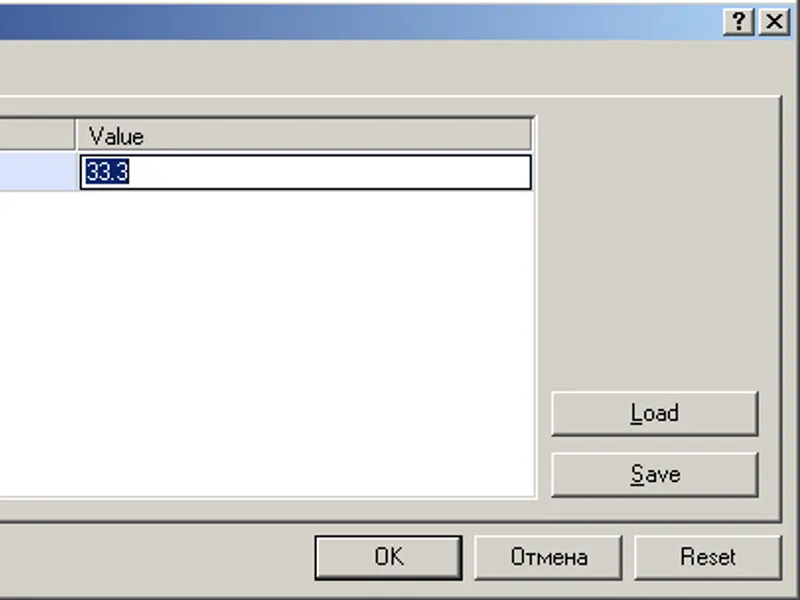
InpMinDistPct: Defines the minimum distance, expressed as a percentage of the price, that the price must move away from a level before a touch is considered valid. The default is 0.075%.
InpAlert: A boolean input (true/false) to enable or disable the alert for today's first touch. The default is true.
InpHighColor, InpLowColor, InpTouchColor: These inputs allow customization of the colors used for the PDH line, the PDL line, and the first-touch arrows, respectively.
Notes
It is recommended to attach this indicator to intraday charts, such as H4 or lower. On D1 charts and above, the indicator will load but will not draw any objects, as the concept of an intraday first touch is not applicable.
The indicator exclusively draws graphical objects (prefixed with PDFT_). It does not utilize buffers and automatically removes its objects when it is deleted from the chart.
If the D1 history is not yet loaded (for instance, when the market is closed), the indicator will attempt to reload the data every second until it becomes available.
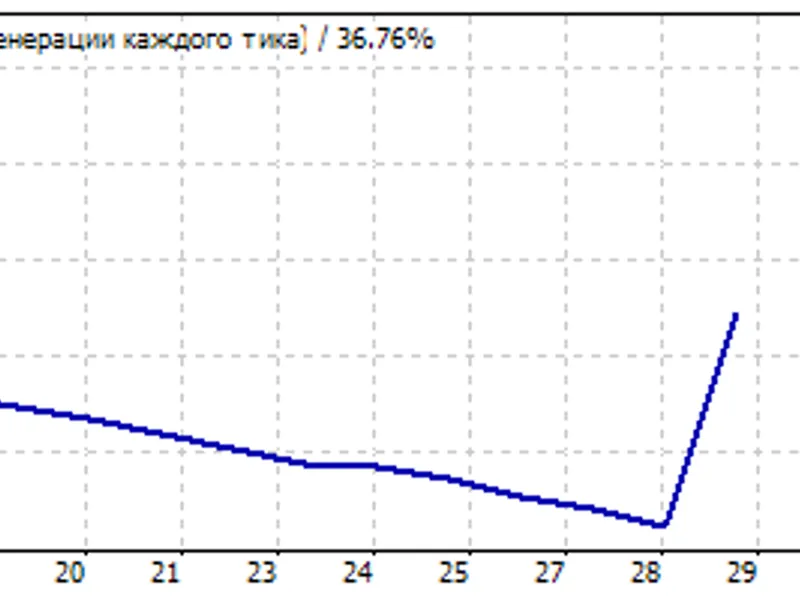
It is important to note that a first touch is intended as a reference point for analysis, not as a direct trading signal. Based on testing conducted from 2010 to 2026, trading the breakout of a level at the first touch resulted in approximately a 50% win rate, and fading the level performed worse. Therefore, it is advised to use this indicator in conjunction with your own trading rules and strategies.
You may also like: Previous Day High, Low, and Close Levels Indicator - excellent alternative for indicator users on MetaTrader 5.
Source Code
#property copyright "RobotFX"
#property version   "1.02"
#property description "This code is educational. Feel free to use, modify and upgrade as you wish. Visit ROBOTFX.ORG for professional trading tools"
#property indicator_chart_window
#property indicator_buffers 0
#property indicator_plots   0
input int    InpDays       = 10;
input double InpMinDistPct = 0.075;
input bool   InpAlert      = true;
input color  InpHighColor  = clrTomato;
.......
⚠ Limitations & Risk Warning
- This tool is provided for educational and testing purposes only.
- Past performance does not guarantee future results.
- Trading involves substantial risk of loss. Use on a demo account first.
- Results may vary depending on market conditions, broker, and settings.
- We recommend thorough backtesting and forward testing before using with real funds.