




Portfolio Correlation and Margin Risk Calculator
Info
The Portfolio Correlation and Margin Risk Calculator is a Indicator for MetaTrader 5 that most mt5 traders size each position on its own and never see how their open or planned positions interact as a portfolio. Two instruments that look independent can move almost identically during the same news event, and a set of small positions can silently add up to a dangerous share of account equity in combined margin.
Usage
This tool is typically used for enhancing chart analysis and decision making.
Platform
This Indicator works exclusively on MetaTrader 5 (both build 600+ and newer versions).
Setup
Place the downloaded file in MQL5/Indicators folder via File ? Open Data Folder in MetaTrader 5.
How to Install and Use Portfolio Correlation and Margin Risk Calculator
1. Installation: Place your file in the MQL/Indicators folder via "Open Data Folder" and restart your terminal.
2. Loading: Find the indicator in the Navigator, drag it onto your chart, and configure the input parameters in the popup window.
3. Customization: Press Ctrl+I to open the indicator list, select your tool, and click "Properties" to change colors, levels, or visual styles.
4. Updating: Replace the old file in the Indicators folder with the new version and restart the platform to apply changes.
Frequently Asked Questions
Q: Why is my indicator not showing? A: Verify the file is in the MQL/Indicators folder, or try right-clicking the "Indicators" tree in the Navigator and clicking "Refresh."
Q: Do custom indicators slow down the platform? A: Too many complex indicators can impact performance; remove unused ones via the "Indicator List" (Ctrl+I).
Q: Can I use MT4 indicators on MT5? A: No, MQL4 and MQL5 are distinct languages; ensure the indicator is compiled specifically for your platform version.
What this tool does
Most MT5 traders size each position on its own and never see how their open or planned positions interact as a portfolio.
Typical Use Case
This Indicator excels in automated trading and technical analysis on MetaTrader 5.
Compatible Platform & Setup
This Indicator works on MetaTrader 5. Place the file in the MQL5/Indicators folder and restart the terminal.
Description & Settings
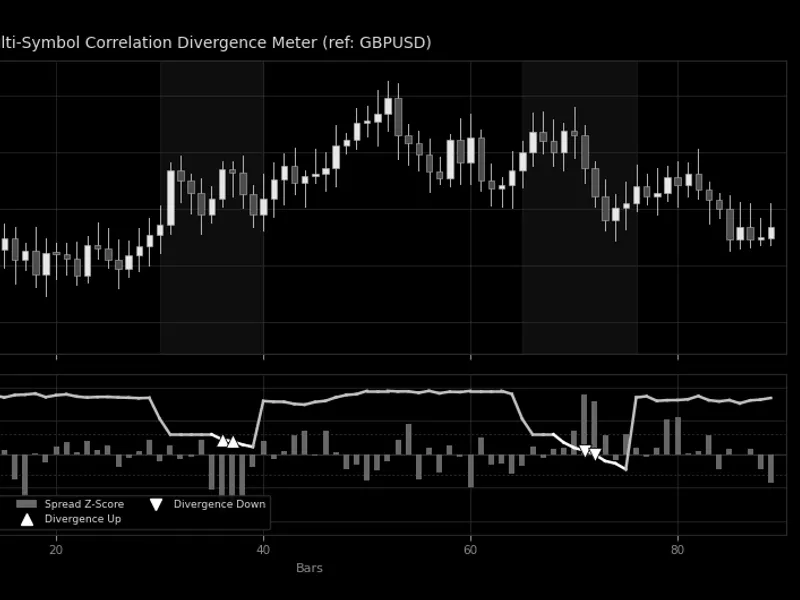
Related: Multi-Symbol Correlation Divergence Meter - another powerful indicator for MetaTrader 5 traders.
Most MT5 traders size each position on its own and never see how their open or planned positions interact as a portfolio. Two instruments that look independent can move almost identically during the same news event, and a set of small positions can silently add up to a dangerous share of account equity in combined margin.Also recommended: Rolling Return Autocorrelation Regime Oscillator - similar indicator with strong performance on MetaTrader 5.
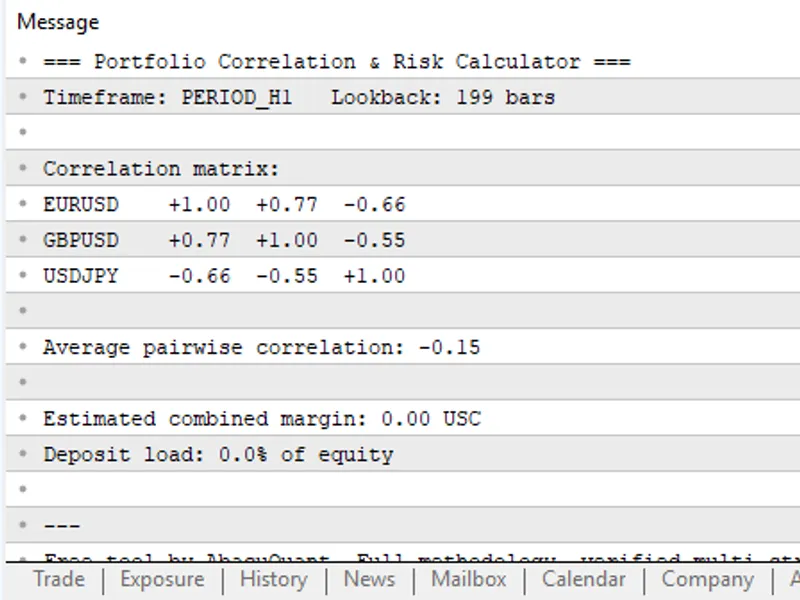
The indicator reads a comma-separated list of symbols and lot sizes and prints a full report in the Experts tab and, optionally, on the chart itself:
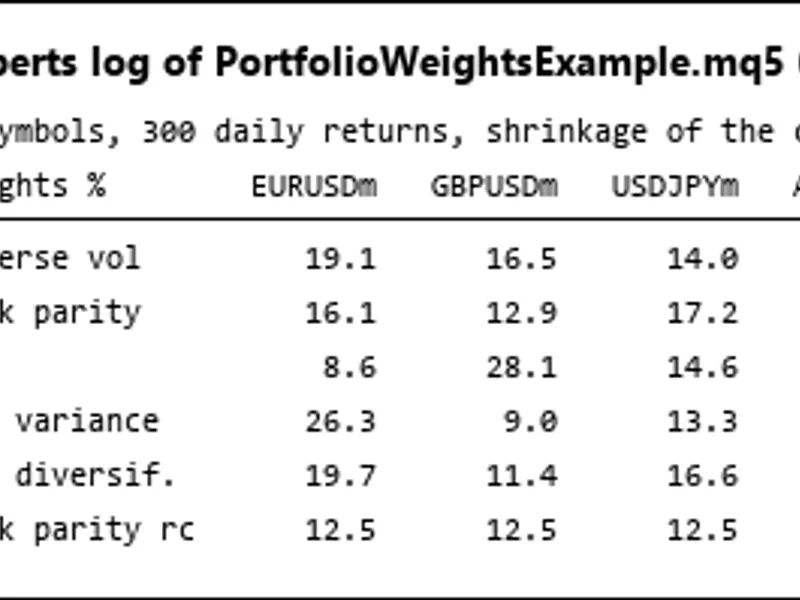
- Pairwise correlation matrix - Pearson correlation between the historical bar-to-bar returns of every pair of instruments, over a configurable lookback and timeframe.
- Average pairwise correlation - a single number summarizing how diversified or concentrated the set is.
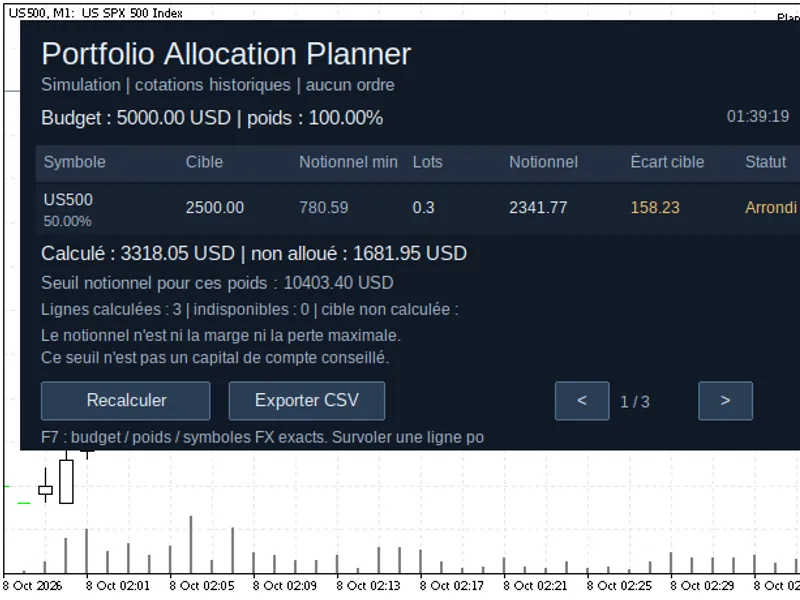
- Combined estimated margin - the total margin your broker would require to open every listed instrument at its given lot size, in account currency.
- Deposit load - that combined margin as a percentage of current account equity, with a one-time alert when it crosses a threshold you set.
Input. Set InpSymbols (e.g. EURUSD,GBPUSD,XAUUSD,USDJPY) and InpLots (e.g. 0.10,0.10,0.10,0.10) as comma-separated lists, same order, 2 to 10 instruments. Each symbol is auto-added to Market Watch if it is not already there.
Parameters. InpTimeframe and InpLookbackBars control the return series used for correlation; InpMarginWarnPct sets the deposit-load alert threshold; InpRefreshSec sets how often the report recalculates; InpShowPanel toggles the on-chart Comment() panel.
The tool is written in pure MQL5. It needs no external libraries, no Python, and no DLLs - everything runs natively inside MetaTrader 5.
It is designed to help traders manage their portfolios more effectively, by providing a clear and concise view of their positions and potential risks, as of 2026.
You may also like: interactive correlation matrix heatmap for mt5 - excellent alternative for indicator users on MetaTrader 5.
Source Code
яю
#property copyright "RobotFX"
#property link "https://robotfx.org"
#property version    "1.00"
#property description "This code is educational. Feel free to use, modify and upgrade as you wish. Visit ROBOTFX.ORG for professional trading tools"
#property indicator_chart_window
#property indicator_plots 0
#define MAX_SYMS 10
#define MAX_BARS 500
input string          InpSymbols       = "EURUSD,GBPUSD,XAUUSD,USDJPY";
.......
⚠ Limitations & Risk Warning
- This tool is provided for educational and testing purposes only.
- Past performance does not guarantee future results.
- Trading involves substantial risk of loss. Use on a demo account first.
- Results may vary depending on market conditions, broker, and settings.
- We recommend thorough backtesting and forward testing before using with real funds.