
attention level
Info
The attention level is a Indicator for MetaTrader 5 that as an intraday trader with two years of experience, i know how important it is to accurately predict price movement within a day. incorrect prediction of intraday price direction may produce very sad results, even when using a good money or risk management system.
Usage
This tool is typically used for enhancing chart analysis and decision making.
Platform
This Indicator works exclusively on MetaTrader 5 (both build 600+ and newer versions).
Setup
Place the downloaded file in MQL5/Indicators folder via File ? Open Data Folder in MetaTrader 5.
How to Install and Use attention level
1. Installation: Place your file in the MQL/Indicators folder via "Open Data Folder" and restart your terminal.
2. Loading: Find the indicator in the Navigator, drag it onto your chart, and configure the input parameters in the popup window.
3. Customization: Press Ctrl+I to open the indicator list, select your tool, and click "Properties" to change colors, levels, or visual styles.
4. Updating: Replace the old file in the Indicators folder with the new version and restart the platform to apply changes.
Frequently Asked Questions
Q: Why is my indicator not showing? A: Verify the file is in the MQL/Indicators folder, or try right-clicking the "Indicators" tree in the Navigator and clicking "Refresh."
Q: Do custom indicators slow down the platform? A: Too many complex indicators can impact performance; remove unused ones via the "Indicator List" (Ctrl+I).
Q: Can I use MT4 indicators on MT5? A: No, MQL4 and MQL5 are distinct languages; ensure the indicator is compiled specifically for your platform version.
What this tool does
as an intraday trader with two years of experience, i know how important it is to accurately predict price movement within a day.
Typical Use Case
This Indicator excels in automated trading and technical analysis on MetaTrader 5.
Compatible Platform & Setup
This Indicator works on MetaTrader 5. Place the file in the MQL5/Indicators folder and restart the terminal.
Description & Settings
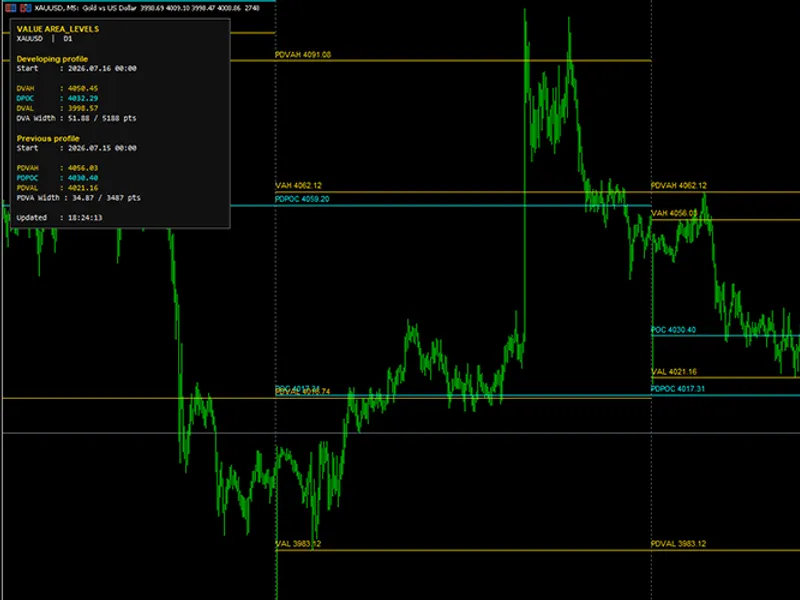
Related: Value Area Levels Indicator - another powerful indicator for MetaTrader 5 traders.
as an intraday trader with two years of experience, i know how important it is to accurately predict price movement within a day. incorrect prediction of intraday price direction may produce very sad results, even when using a good money or risk management system. and what if you had several such days in a row? this may become a psychological issue putting high pressure on a trader. during the development of my trading system i had to invent methods to overcome such problem. and here i want to share my most interesting idea.
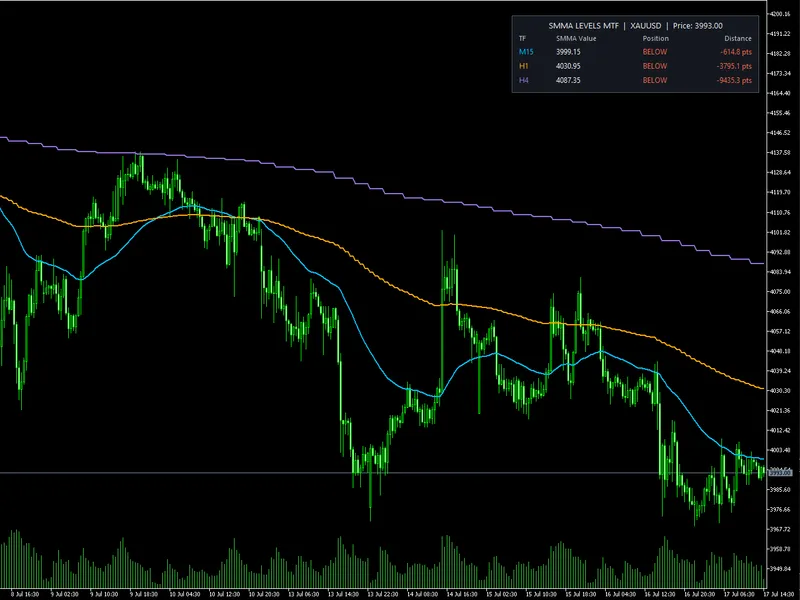
Also recommended: SMMA Levels MTF Indicator - similar indicator with strong performance on MetaTrader 5.
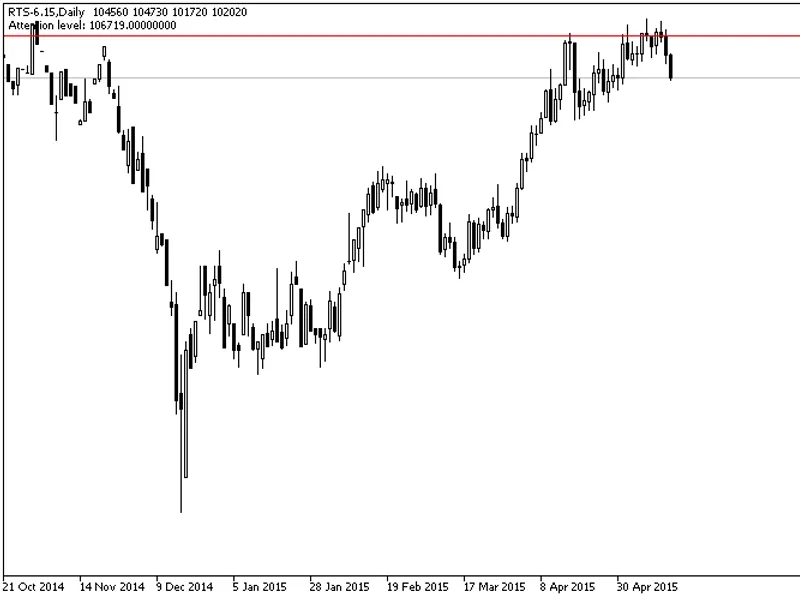
i present you a simple indicator which places a horizontal level on a chart. i would call it an attention level. so, what is this level and how it is calculated? it's all very simple — i take a 10-day value of the atr indicator, on a daily interval, of course, and if the previous day of the symbol i trade was growing, i subtract this atr value from its maximum price. if the day was falling, then i add the atr value to its minimum price. then i draw a horizontal level through one of these values.if i trade by an uptrend, and the price falls below the attention level, i stop all trade operations, because it's obvious that the market situation has changed and doesn't match the original trade plan. i don't have to lose money buying on a probably reversed trend or during its correction period.
this simple idea has saved me a lot of money on stop orders which would trigger if i didn't use this indicator.
fig.1. daily chart of the rts index futures contract and the attention level
fig.2. h1 chart of the rts index futures contract and the attention level
the code itself is very simple, i used the clist and cobjecthline classes from the standard library to quickly create and manage graphical objects.
tips:
if you predicted an uptrend, and the price has passed the attention level in the reverse direction, you should stop trading and revise your trade plan, and also refrain from further buying.
if you predicted a downtrend, and the price has passed the attention level in the reverse direction, you should stop trading and revise your trading plan, and also refrain from further selling.
indicator settings:
atr_maperiod
— averaging period of atr indicator (by default, 10 days).
levelcolor
— level line color (by default, red).
levelstyle
— level line style (by default, solid).
levelwidth —
level line thickness (by default, 1).
You may also like: 3-Level ZZ Semafor Indicator - excellent alternative for indicator users on MetaTrader 5.
Source Code
#property copyright "robotfx"
#property link "https://robotfx.org"
#property version   "1.00"
#property description "this code is educational. feel free to use, modify and upgrade as you wish. visit robotfx.org for professional trading tools"
#property description "this code is educational. feel free to use, modify and upgrade as you wish. visit robotfx.org for professional trading tools"
#property indicator_chart_window
#property indicator_buffers 1
#property indicator_plots   1
#include <chartobjects\chartobjectslines.mqh>//
#include <arrays\list.mqh>
.......
⚠ Limitations & Risk Warning
- This tool is provided for educational and testing purposes only.
- Past performance does not guarantee future results.
- Trading involves substantial risk of loss. Use on a demo account first.
- Results may vary depending on market conditions, broker, and settings.
- We recommend thorough backtesting and forward testing before using with real funds.