Control Trade Sessions
This professional-grade solution for MetaTrader 5 helps traders achieve greater efficiency in their daily workflow. This library provides a collection of modular, reusable code. It is utilized by developers to organize common functions, allowing for the integration of complex logic across multiple Expert Advisors, indicators, or scripts without the need for code duplication.
How to Setup and Use Control Trade Sessions
1. Storage: Place library files in the MQL/Libraries directory to ensure they are accessible to your projects.
2. Implementation: Include the library in your code using the #import directive, ensuring you match the exact function names and parameters.
3. Compilation: Ensure the library is present in the directory before you compile your main EA or script, as the compiler links them during this phase.
4. Management: Keep libraries organized in sub-folders if you manage many custom functions to maintain a clean project structure.
Frequently Asked Questions
Q: What is a library file used for? A: Libraries store reusable code modules, allowing you to centralize common logic used by multiple EAs or indicators.
Q: Is a library executable? A: No, libraries are non-executable files containing functions; they must be imported into an EA, indicator, or script to function.
Q: Can I update a library while the platform is running? A: You should compile your EA or script after updating a library to ensure the latest code changes are integrated.
Description & Settings
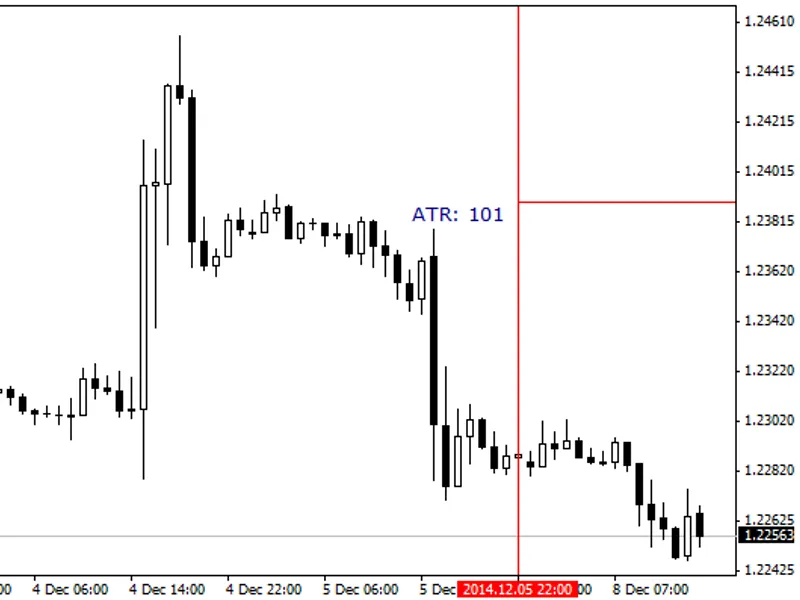
Library for trading session control. On startup it counts trading session times for all 7 days of the week (there can be cryptocurrency trading on Sat and Sun), up to 10 sessions per day. Then in OnTick() you can do checks, and if a tick came outside the trading session, you can exit further processing of it. Example of use:
The result is a printout like this:
The code was created while working on one of the projects, I decided to separate it into a library to connect it to any other project. New MQL5 functions are used to read the trading session for any day, including weekends. Works as fast as possible, only 1 check is made on each tick inside the trading session:. Where NextTradeStop is the end time of the current trading session. At each tick outside the trading session 1 check is also made: Only at the transition between sessions the arrays are accessed to get the time of the next session. For example on my DC the trading session is from 00:15 to 23:55. With the first tick after 00:15 NextTradeStop will be set to 23:55 and then only this condition will be checked all day long.
Your trading
sessions You can also specify the time of trading sessions manually. To activate this option, add the line.
It will create 7 sinputs for entering trading sessions by days of the week.
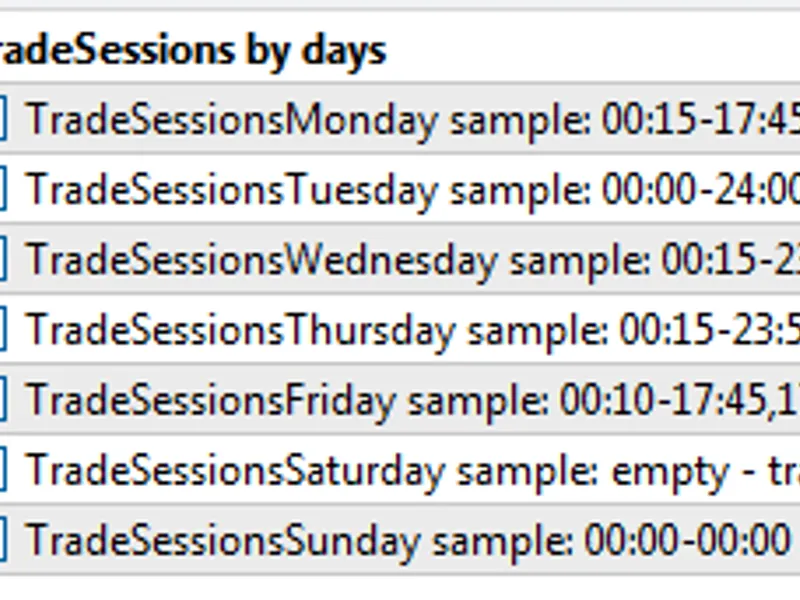
Enter session times without spaces, strictly with : - and ,
It looks like this in the parameters tab:
And this is how it will be output in the log:
If the end time of the session is less than the start time, for example 20:00-8:00, then the session will continue until 8:00 of the next day. This can be useful in cases when the trading session is in a different time zone from the server time.
The time of trading sessions can also be specified in the code without inputs. The LoadFromInputs() function is created for this purpose. It can be called without Inputs, but directly from the code with a string array, as in the example.
If the Expert Advisor is multicurrency and different instruments have different trading session times, you can make a separate instance of TRADE_SESSIONS for each instrument and call LoadFromInputs() with session data and check isSessionTrade(). To do this, you will have to modify the code similar to this example.