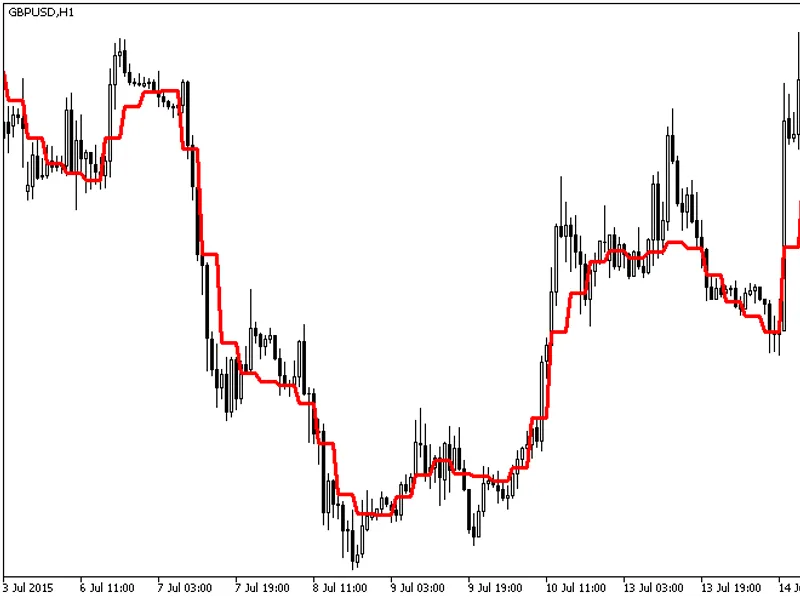
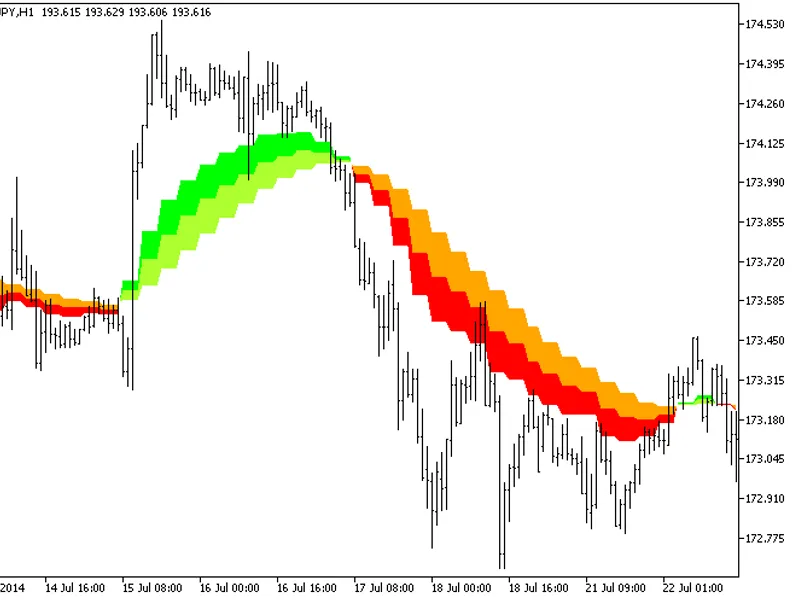
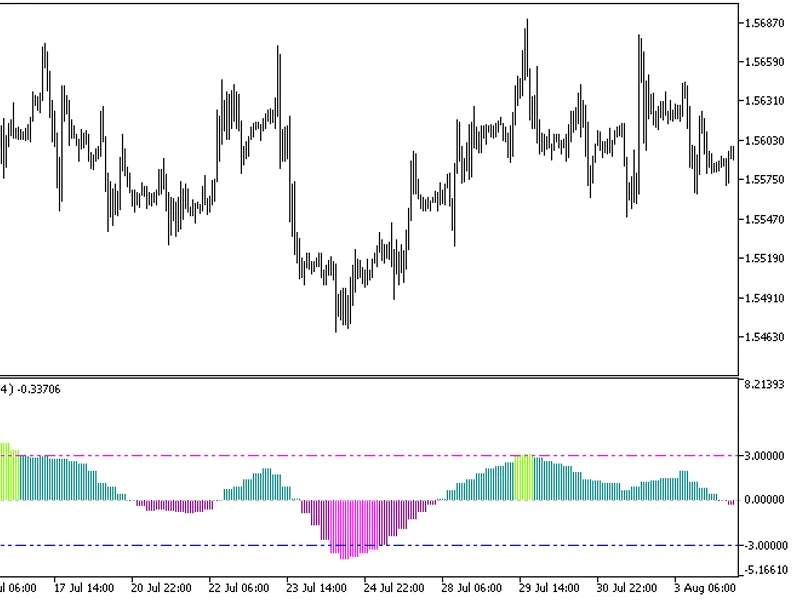
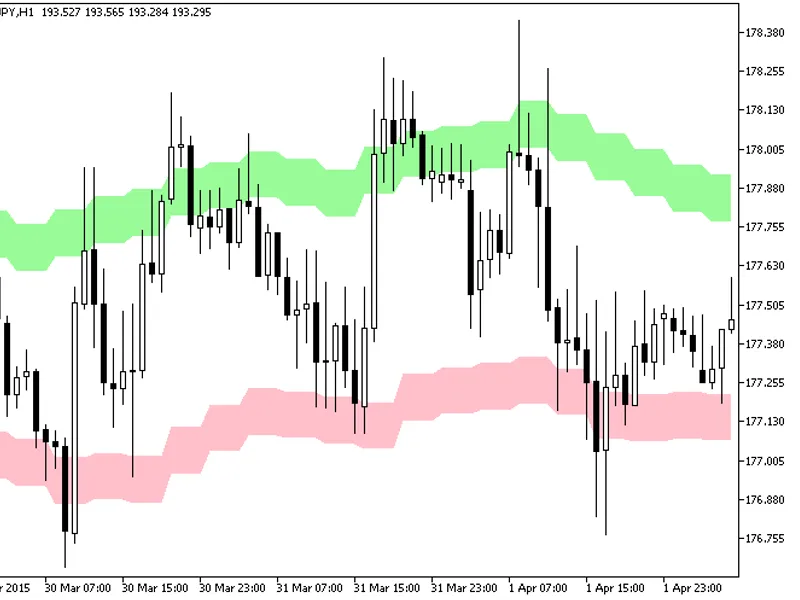
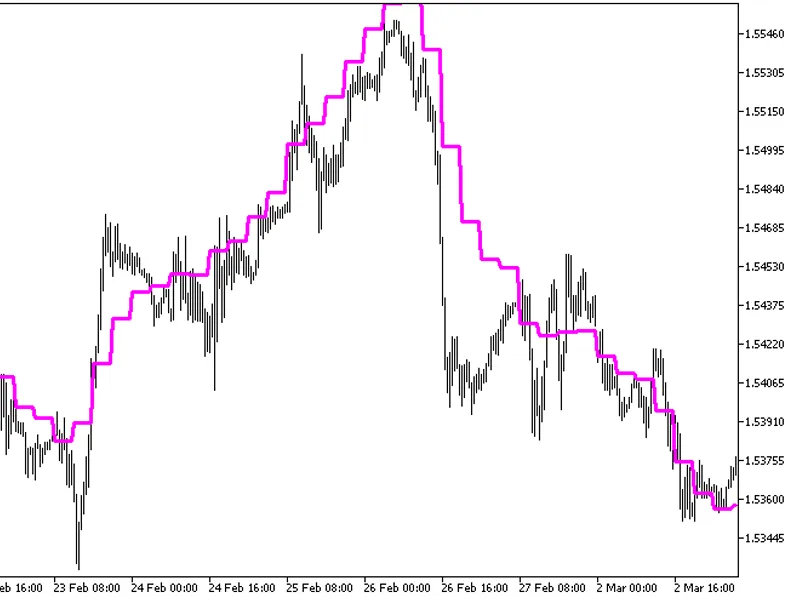
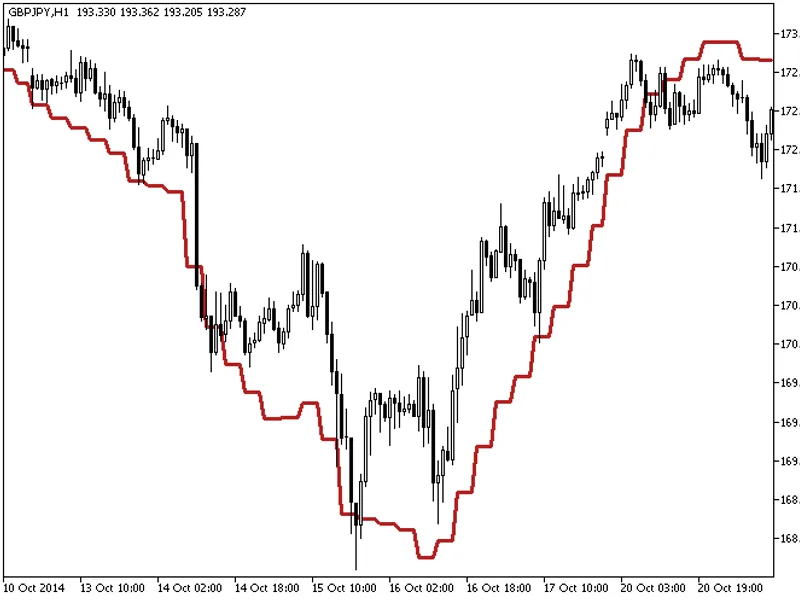
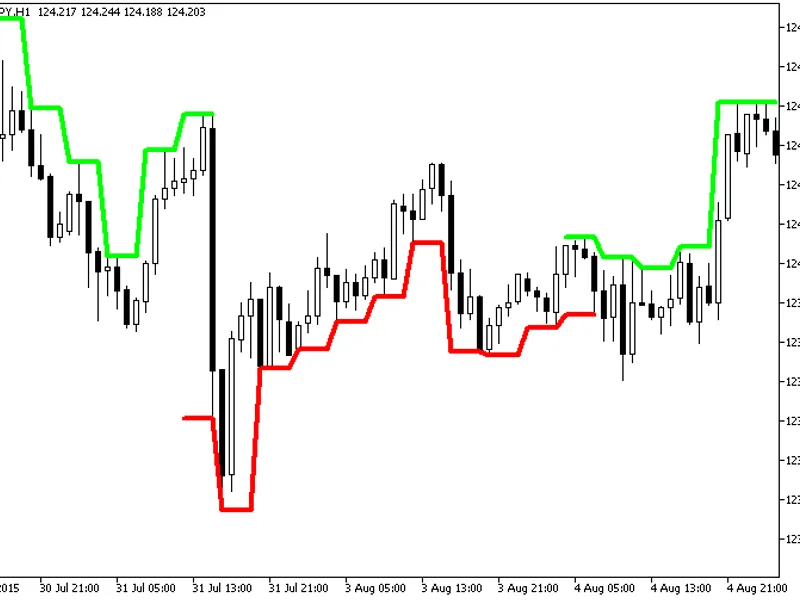
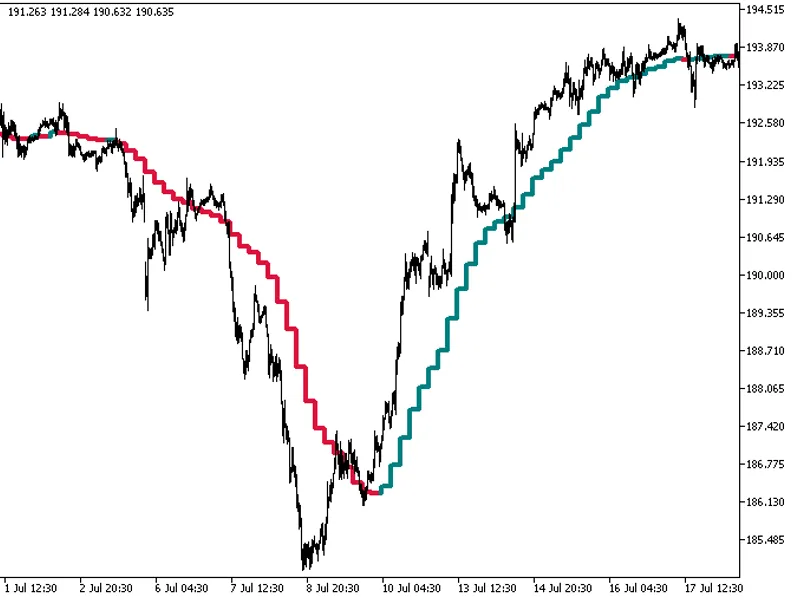
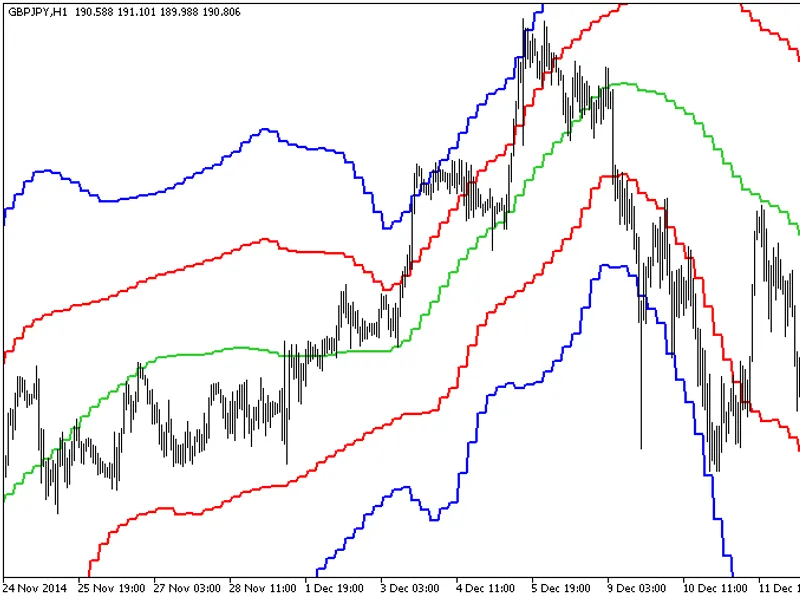
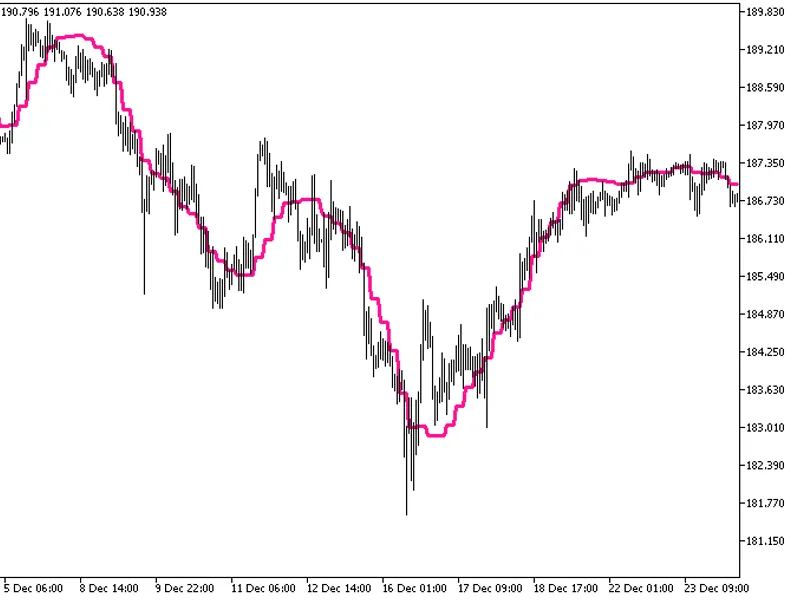
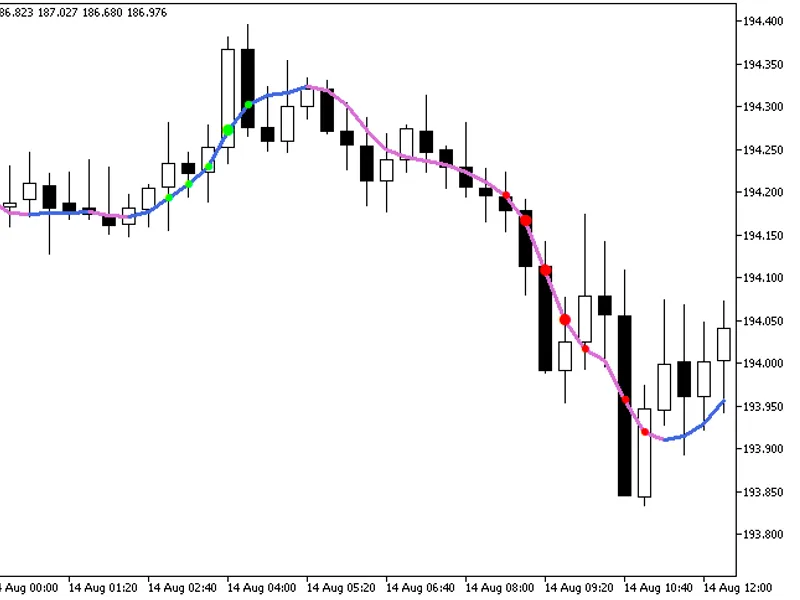
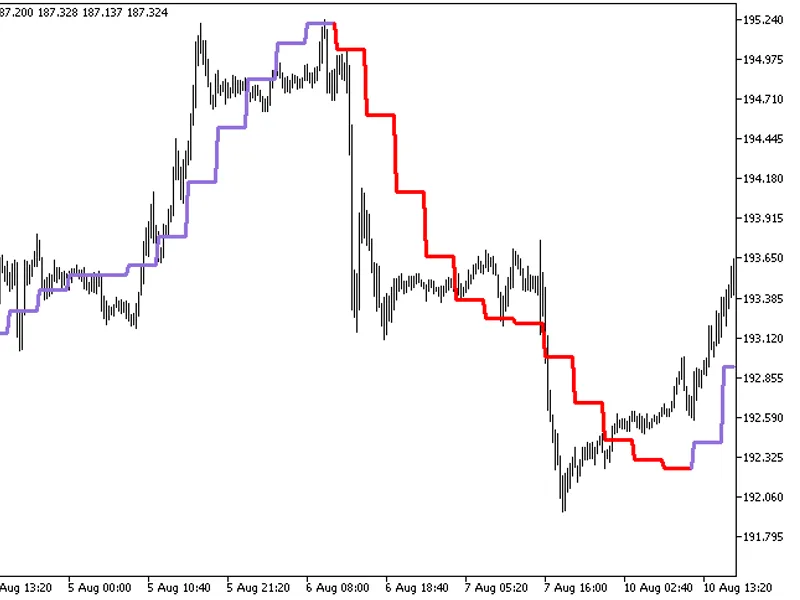
The indicator with the timeframe selection option in the input parameters.This indicator requires the decema.mq5 indicator file. Place it in <terminal_data_folder>\mql5\indic...
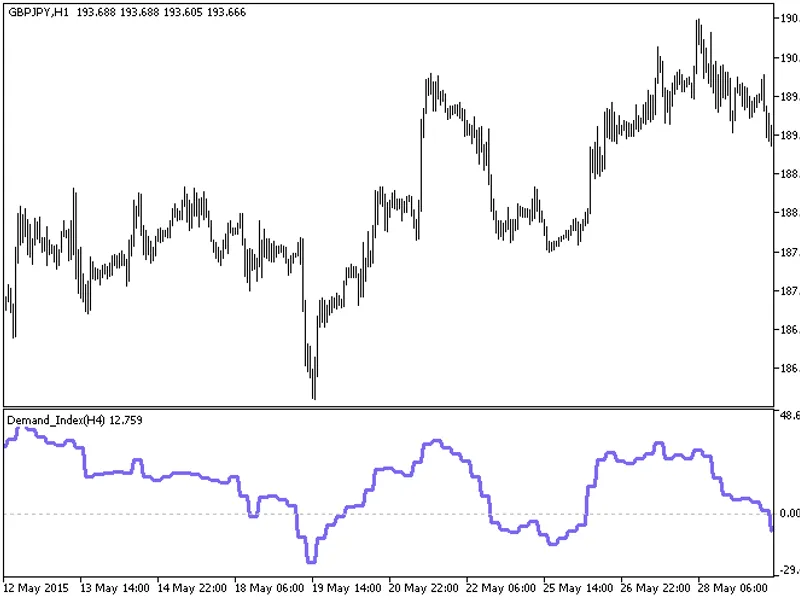
The Demand Index HTF indicator offers a unique feature: the ability to select the timeframe in the input parameters.This indicator relies on the demand_index.mq5 file, which should...
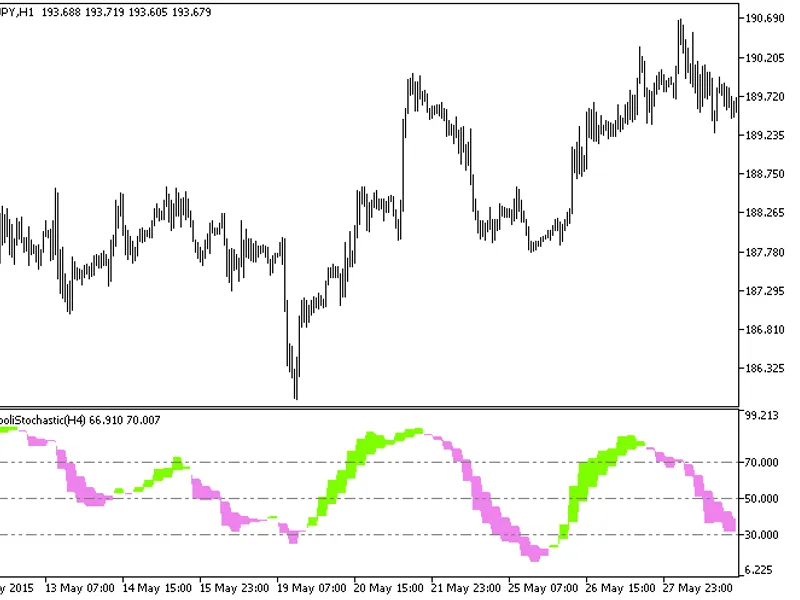
The Di Napoli Stochastic HTF indicator offers a versatile timeframe selection feature in its input parameters.This indicator relies on the dinapolistochastic.mq5 file, which should...
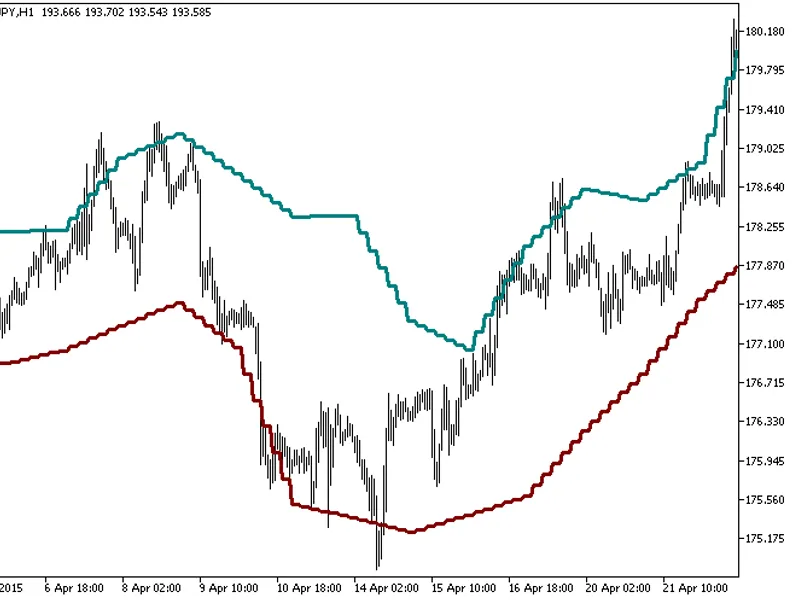
The Din Fibo Nex indicator with the Timeframe (TF) selection option available in the input parameters.The indicator requires the Din_Fibo_Nex.mq5 indicator file. Place it in \mql5\...
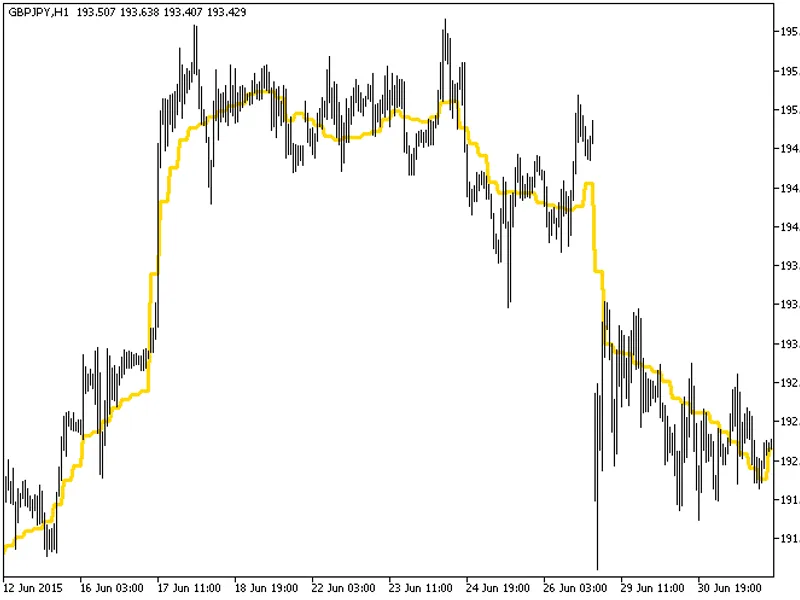
The indicator with the timeframe selection option available in the input parameters:The indicator requires DEMA_RLH.mq5 indicator file. Place it in \mql5\indicators.Fig.1. The DEMA...
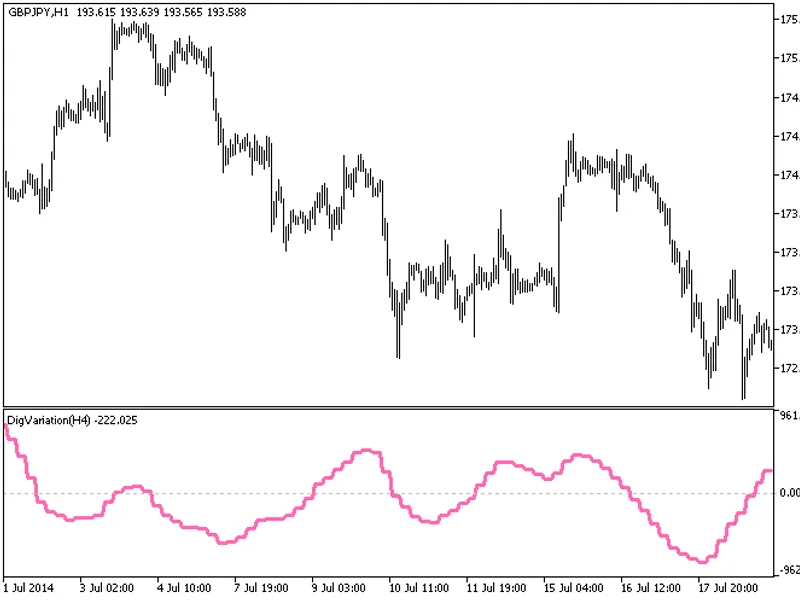
The indicator with the timeframe selection option in the input parameters.This indicator requires the digvariation.mq5 indicator file. Place it in \mql5\indicators.Fig.1. The digva...
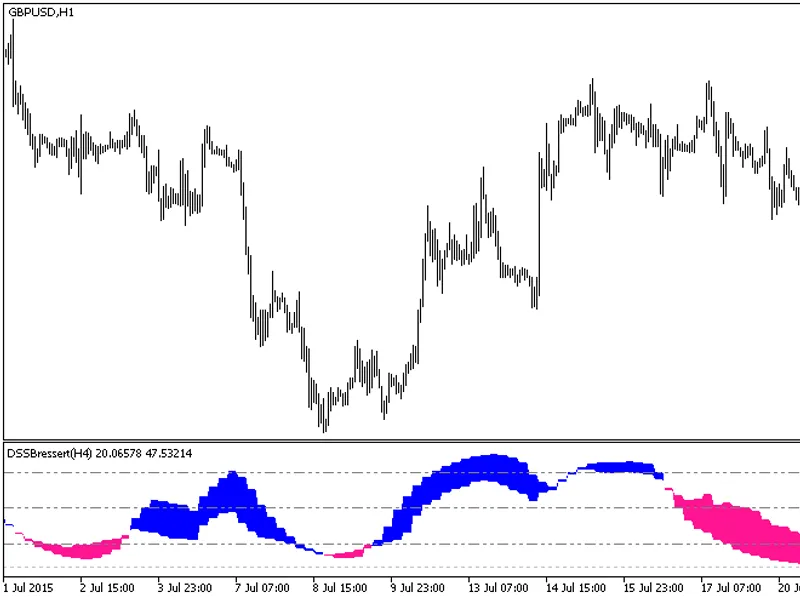
The DSS Bressert HTF indicator offers a unique feature: the ability to select the timeframe.This indicator requires the dssbressert.mq5 file, which should be placed in the <term...
The indicator with the timeframe selection option in the input parameters.This indicator requires the ef_distance.mq5 indicator file. Place it in \mql5\indicators.Fig. 1. The ef_di...
The indicator with the timeframe selection option in the input parameters.This indicator requires the emaangle.mq5 indicator file. Place it in <terminal_data_folder>\mql5\ind...
The indicator with the timeframe selection option in the input parameters.This indicator requires the emabands_v1.mq5 indicator file. Place it in <terminal_data_folder>\mql5\...
The indicator with the timeframe selection option in the input parameters.This indicator requires the EMAPredictive2.mq5 indicator file. Place it in <terminal_data_folder>\mq...
The indicator with the timeframe selection option in the input parameters.This indicator requires the EMAPredictive3.mq5 indicator file. Place it in <terminal_data_folder>\mq...
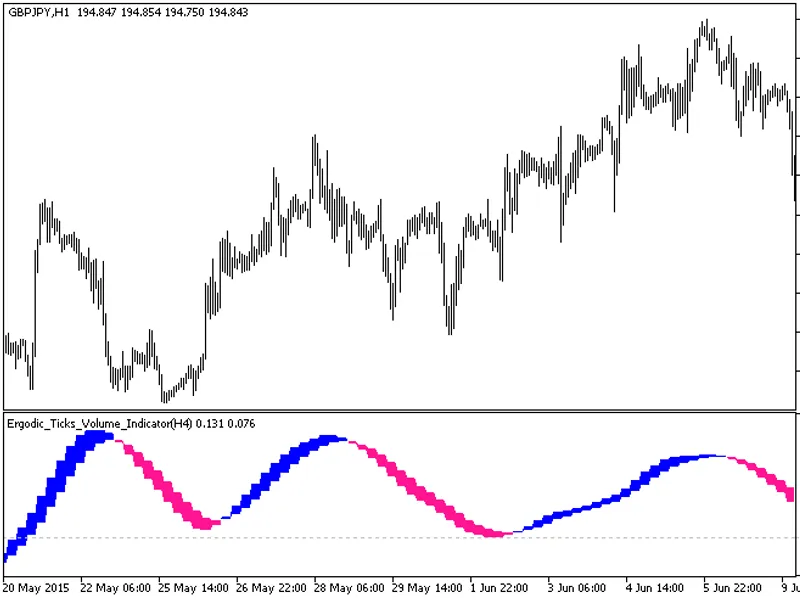
The Ergodic Ticks Volume Indicator HTF is a powerful tool with a unique feature: the ability to select the timeframe.This indicator requires the Ergodic_Ticks_Volume_Indicator.mq5 ...
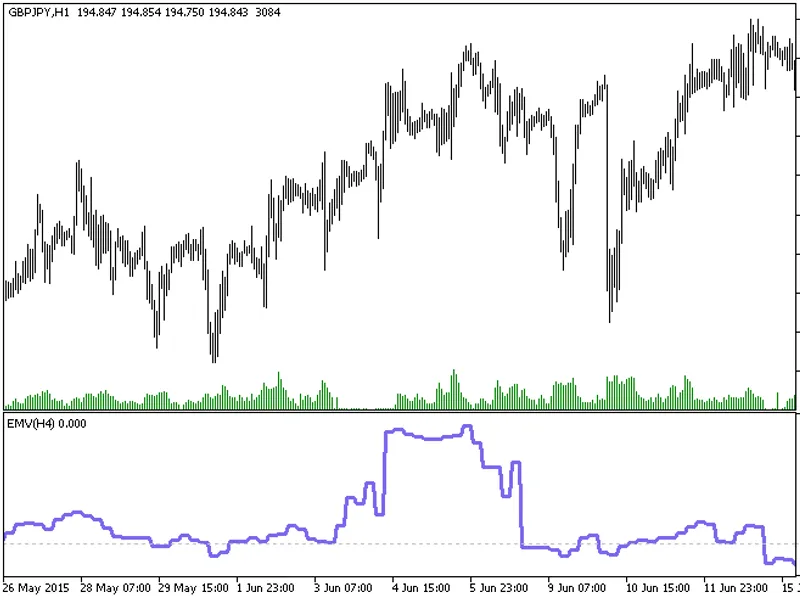
The indicator with the timeframe selection option available in the input parameters:The indicator requires EMV.mq5 indicator file. Place it in \mql5\indicators.Fig.1. The EMV_HTF i...
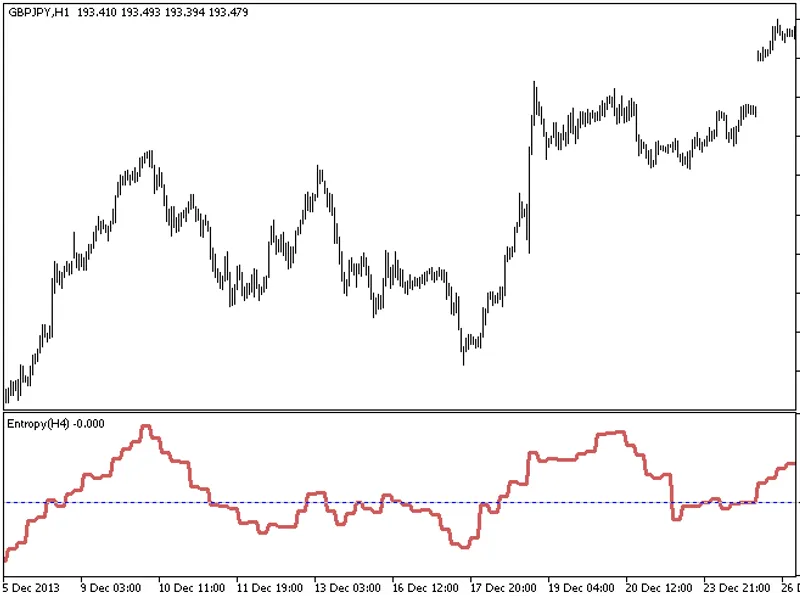
The Entropy HTF indicator offers a unique feature: the ability to select the timeframe in the input parameters.This indicator requires the Entropy.mq5 file, which should be placed ...
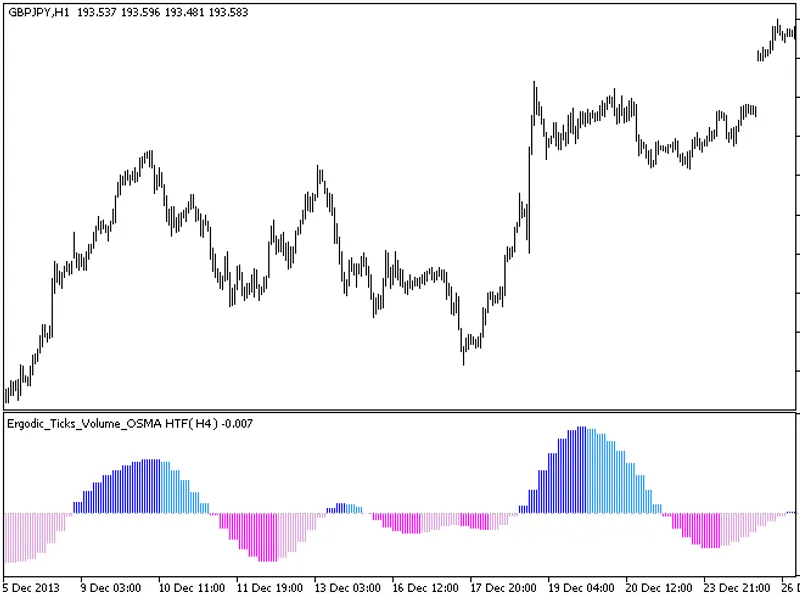
The Ergodic Ticks Volume OSMA indicator with a timeframe selection option in the input parameters.This indicator requires the Ergodic Ticks Volume OSMA.mq5 indicator file. Place it...
The Extreme Line HTF indicator offers a unique feature: the ability to select the timeframe in the input parameters.To utilize this indicator, ensure you have the extremline.mq5 in...
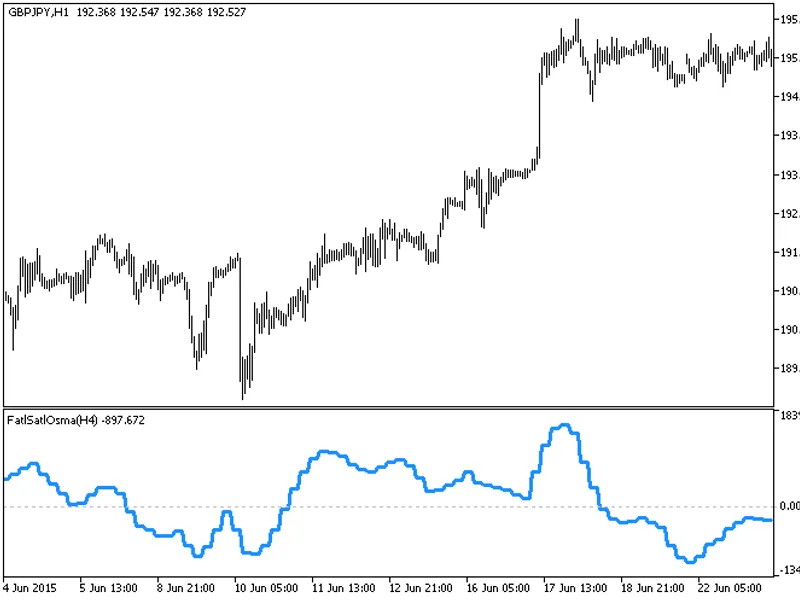
The indicator with the timeframe selection option in the input parameters.This indicator requires the FATLSATLOSMA.mq5 indicator file. Place it in \mql5\indicators.Fig. 1. The FATL...
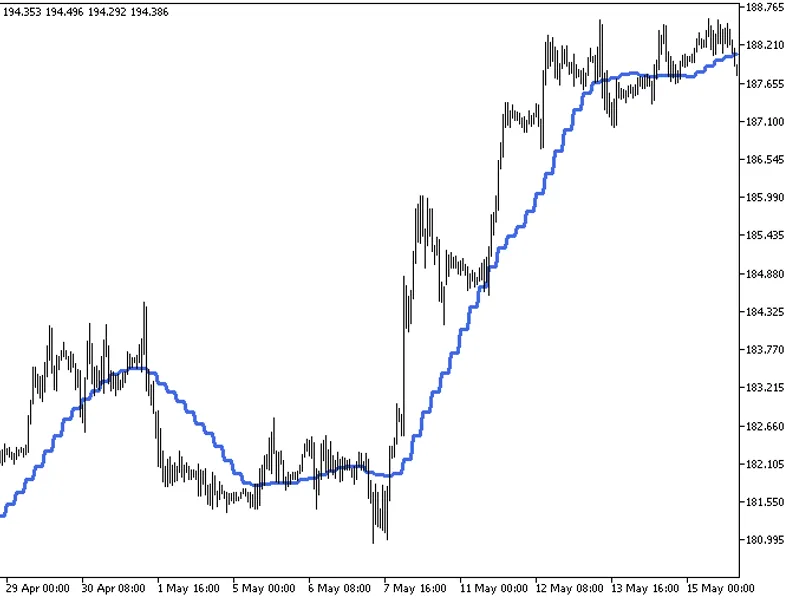
The indicator offers a timeframe selection feature in its input parameters.It requires the finetuningma.mq5 indicator file, which should be placed in the <terminal_data_folder&g...
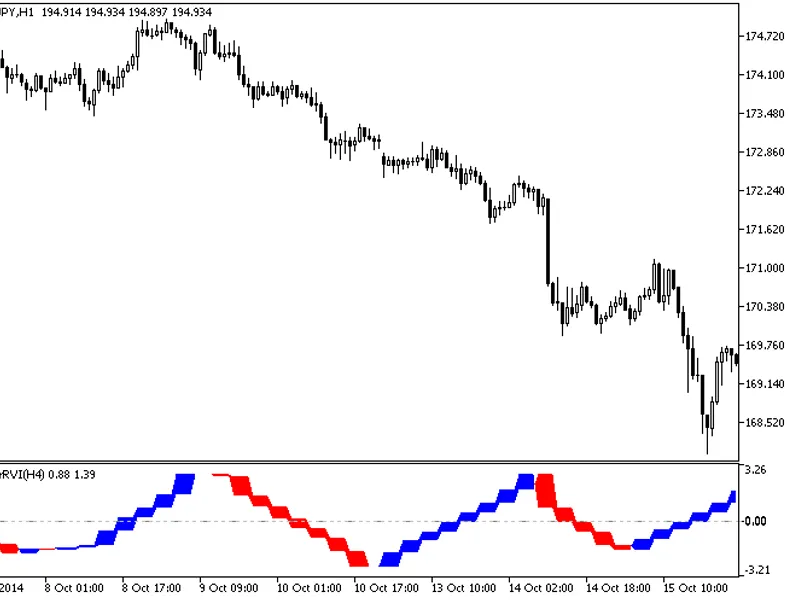
The Fisher RV i HTF indicator offers a unique feature: the ability to select the timeframe in the input parameters.To use this indicator, you'll need the FisherRVI.mq5 file. Place ...
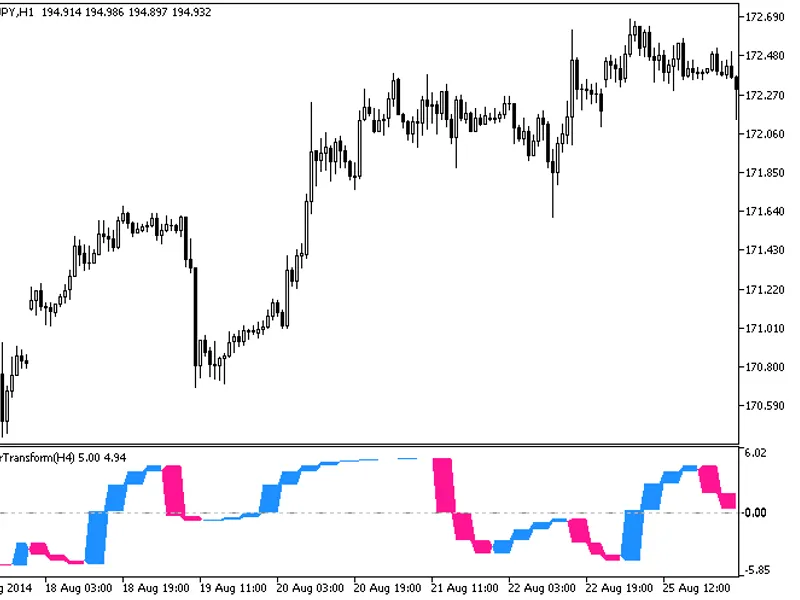
The Fisher Transform HTF indicator offers a versatile timeframe selection feature in its input parameters.To utilize this indicator, ensure you have the fishertransform.mq5 file pl...
The Fine Tuning MA ST Dev indicator is an advanced tool that enhances trend analysis by incorporating standard deviation calculations.It builds upon the Moving Average (MA) concept...
The Fractal AM a MBK HTF indicator offers a unique feature: the ability to select the timeframe directly from the input parameters.This indicator requires the fractalama_mbk.mq5 fi...
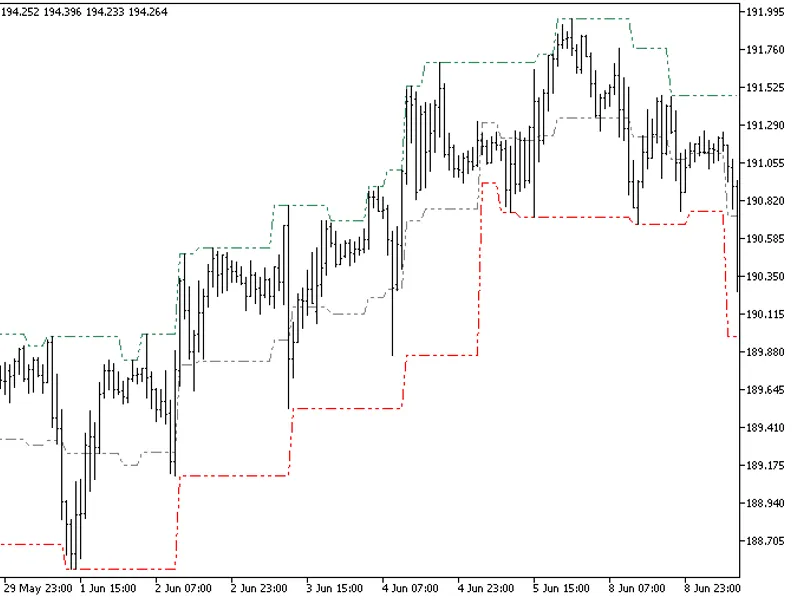
The Fractal Channel HTF indicator offers timeframe selection in its input parameters.Note: This indicator requires the FractalChannel.mq5 file. Ensure it's placed in the correct di...
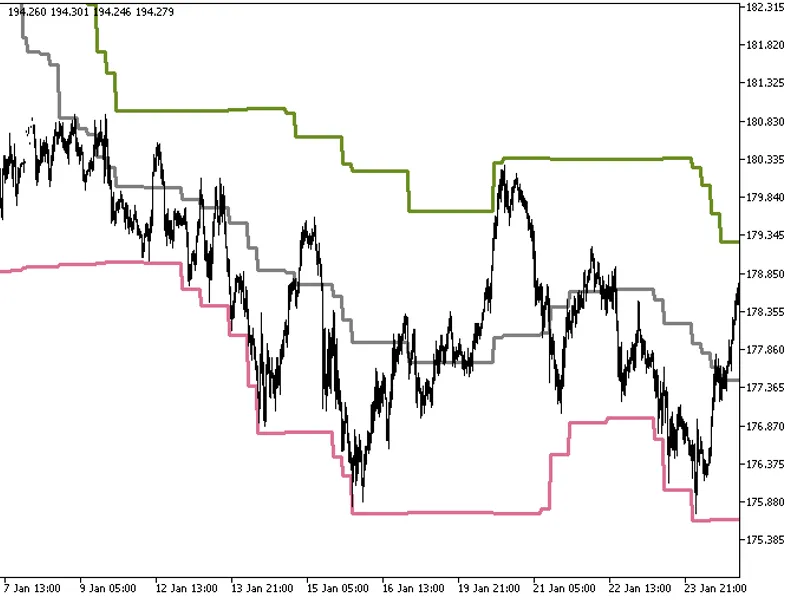
The Donchian Channels indicator with a timeframe selection option in the input parameters.This indicator requires the DonchianChannels.mq5 file, which should be placed in the <t...
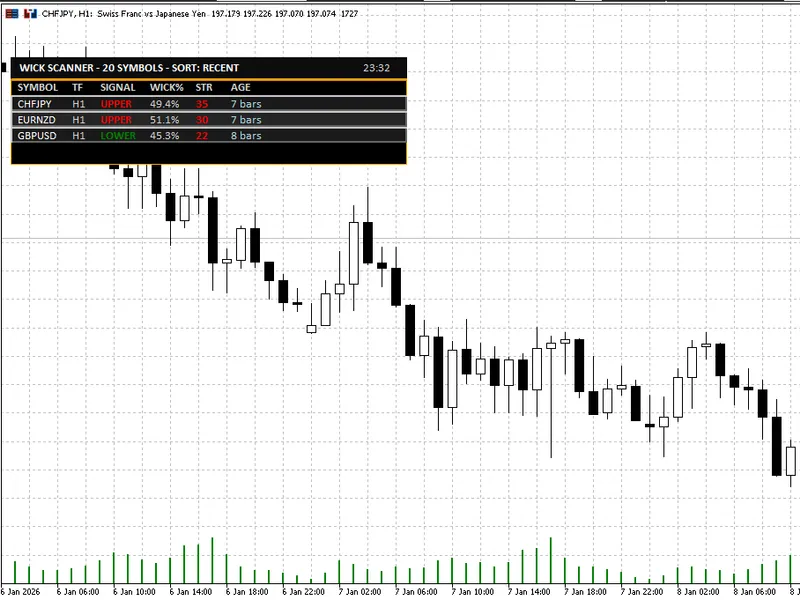
The Wick Rejection Scanner Dashboard is a powerful MT5 indicator designed to streamline the process of identifying and analyzing wick-based rejection candles across multiple symbol...
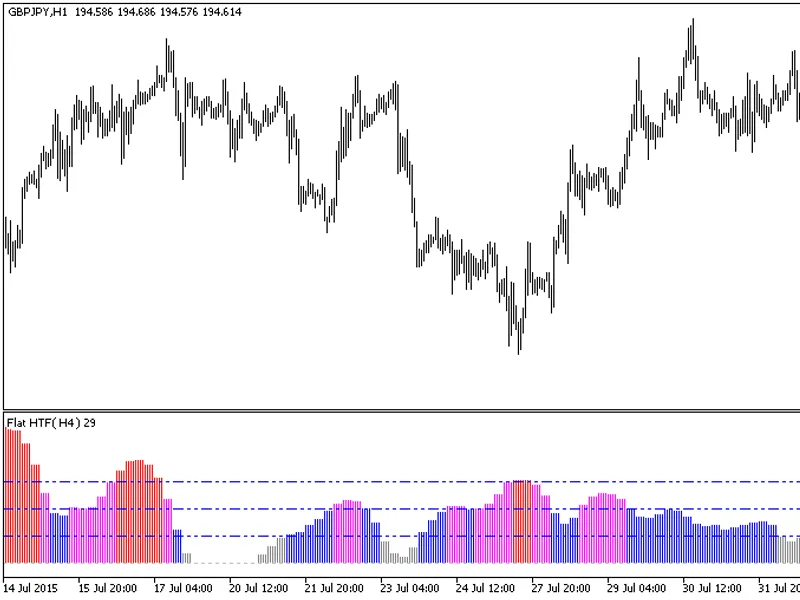
This indicator offers a timeframe selection option in the input parameters.Note: This indicator requires the flat-trend.mq5 indicator file. Place it in \mql5\indicators.Fig.1. The ...
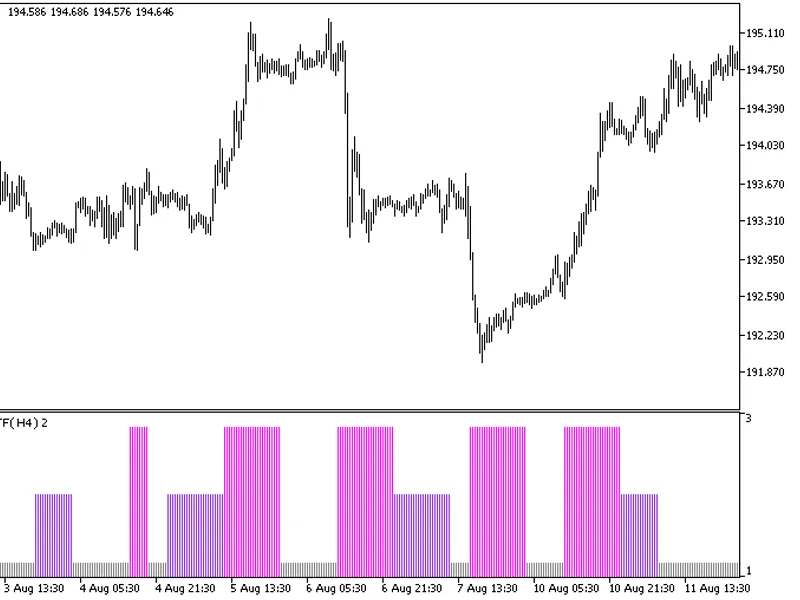
The indicator with the timeframe selection option in the input parameters.This indicator requires the flat.mq5 indicator file. Place it in <terminal_data_folder>\mql5\indicat...
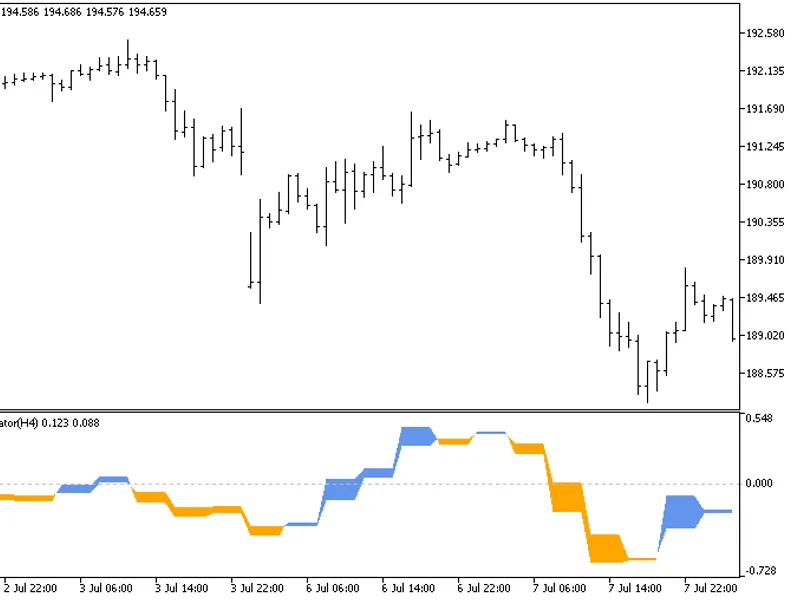
The indicator with the timeframe selection option in the input parameters.This indicator requires the ForecastOscilator.mq5 indicator file. Place it in <terminal_data_folder>...
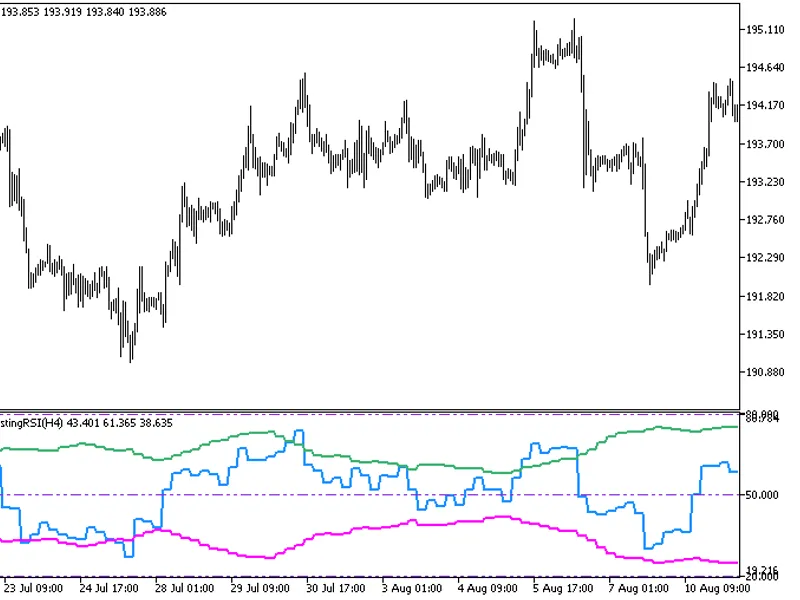
This indicator offers a unique feature: the ability to select the timeframe directly from the input parameters.To use this indicator, you'll need the FX5_SelfAdjustingRSI.mq5 indic...
FX5This indicator combines the CCI oscillator with Bollinger Bands to define the overbought and oversold areas.Indicator Input Parameters:Fig.1. FX5 Self-Adjusting CCI Indicator...
FX5 is a momentum oscillator with a unique feature: the boundaries of the overbought/oversold areas are presented as Bollinger Bands.Indicator Input Parameters:Fig. 1. FX5 Self-Adj...
FX5This indicator is an RVI oscillator with overbought/oversold boundaries in the form of Bollinger Bands.Indicator Input Parameters:Fig. 1. FX5 Self-Adjusting RVI Indicator...
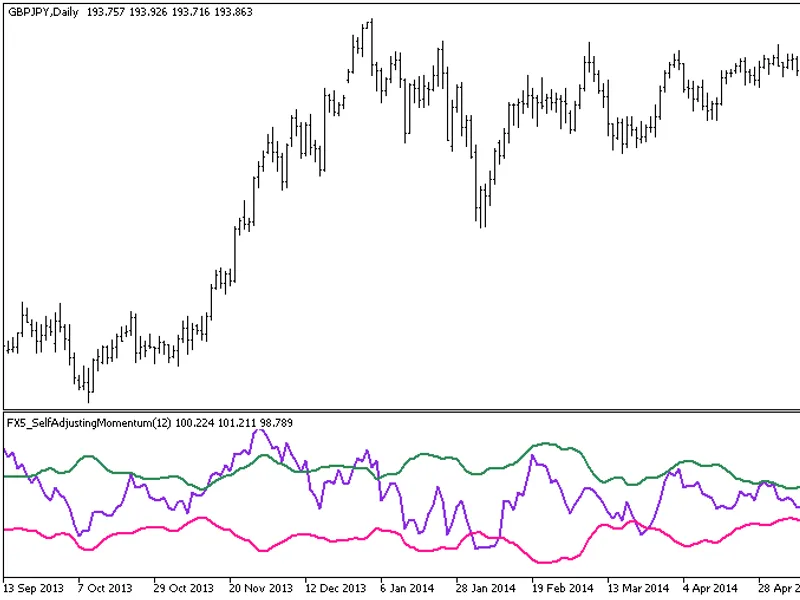
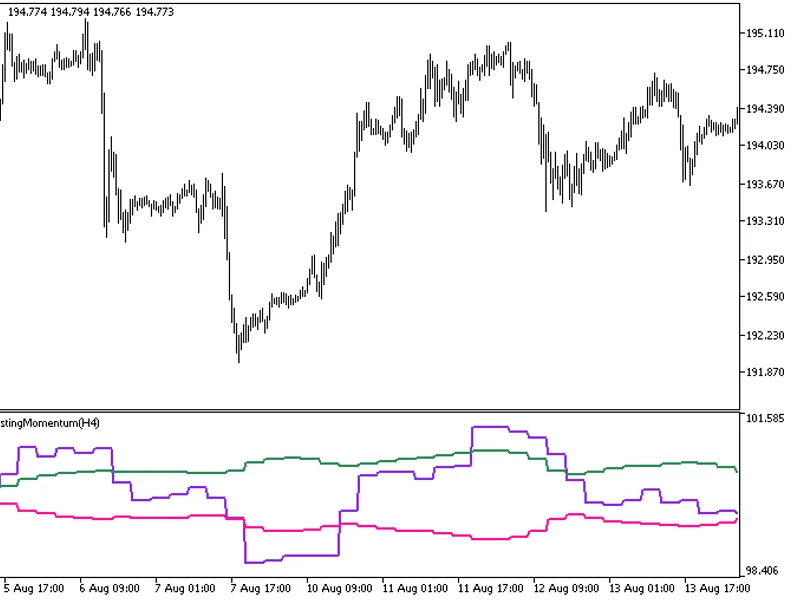
The FX5 Self Adjusting Momentum HTF indicator offers a unique feature: the ability to select the timeframe directly from the input parameters.To utilize this indicator, ensure you ...
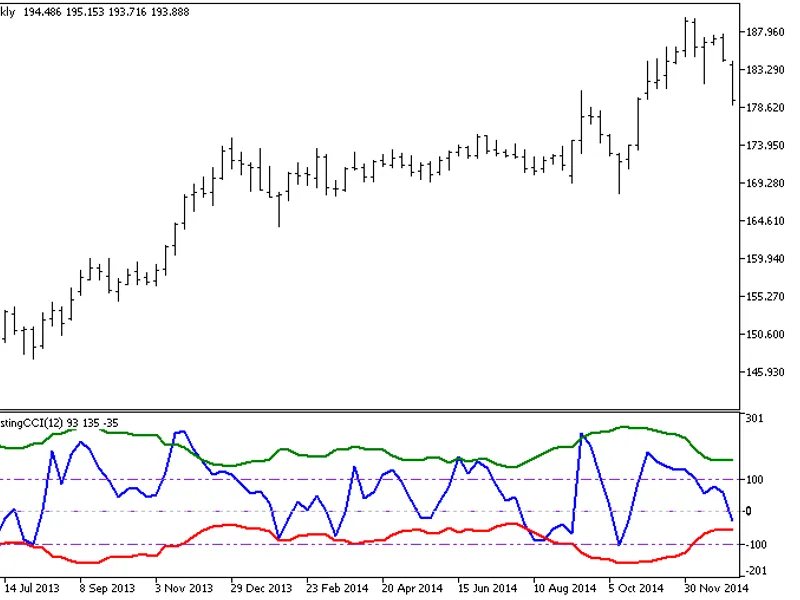
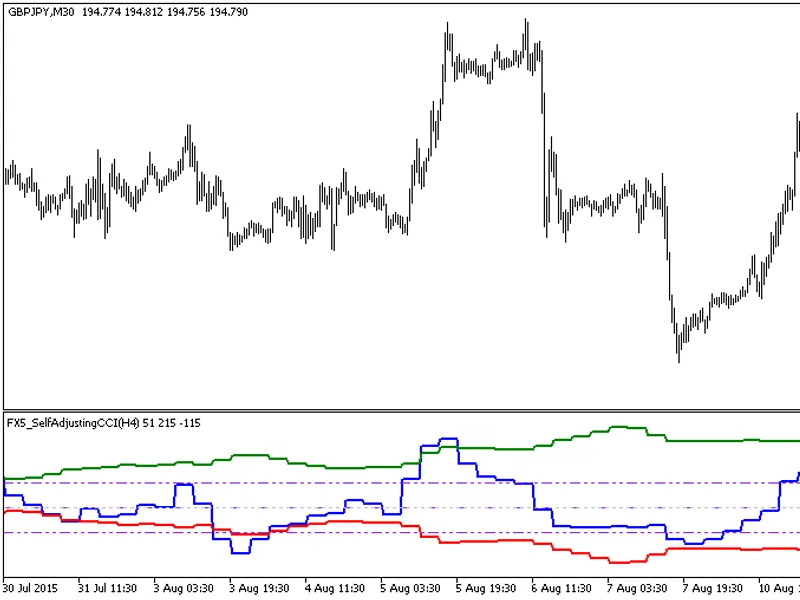
This indicator offers a unique feature: the ability to select the timeframe directly from the input parameters.To use this indicator, you'll need the fx5_selfadjustingcci.mq5 file....
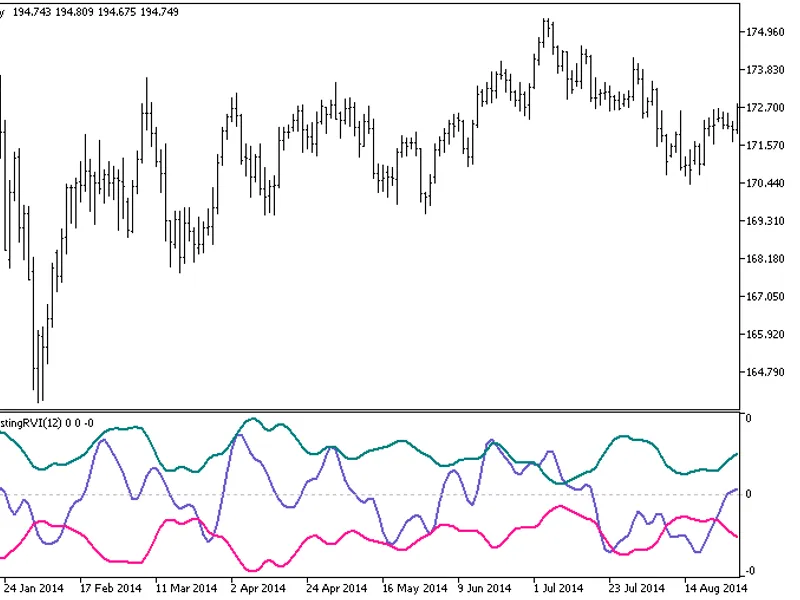
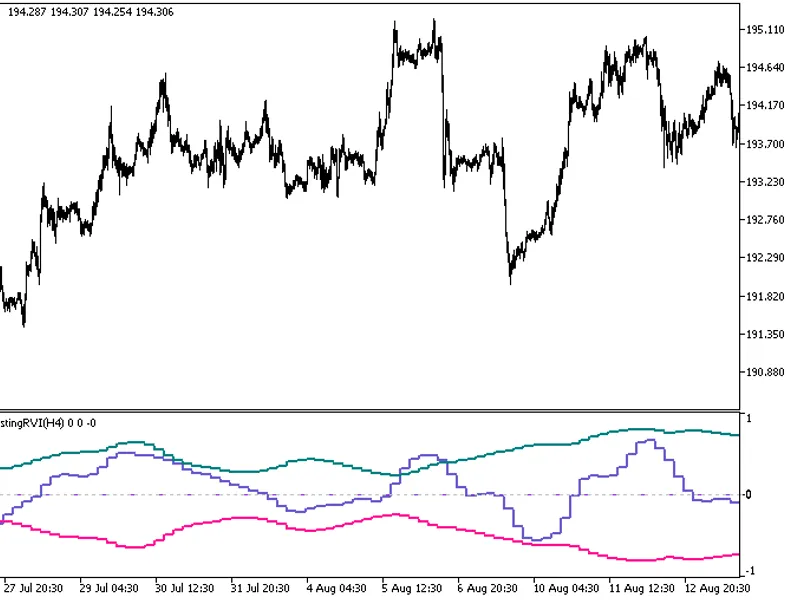
This indicator offers a unique feature: the ability to select the timeframe in the input parameters.To use this indicator, you'll need the fx5_selfadjustingrvi.mq5 file. Place it i...
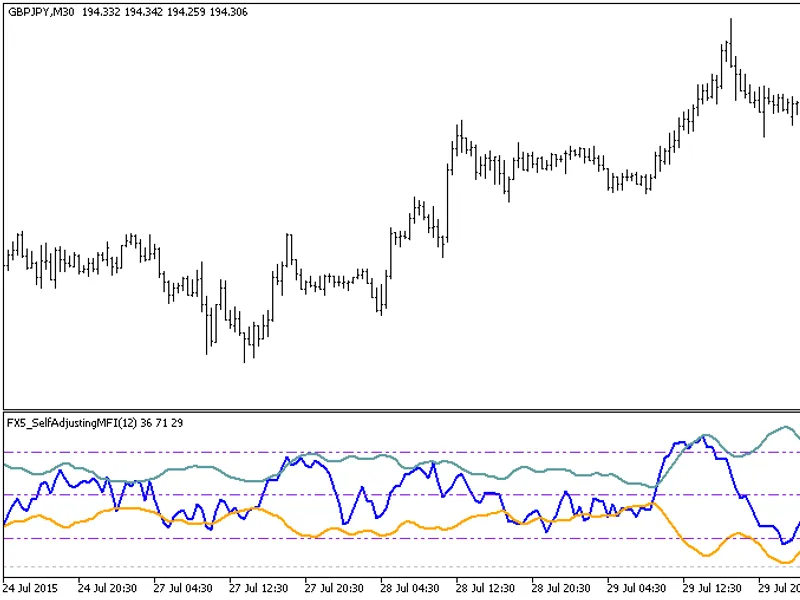
FX5This indicator is an MFI oscillator with overbought/oversold areas defined by Bollinger Bands.Indicator Input Parameters:Fig. 1: FX5_SelfAdjustingMFI Indicator...
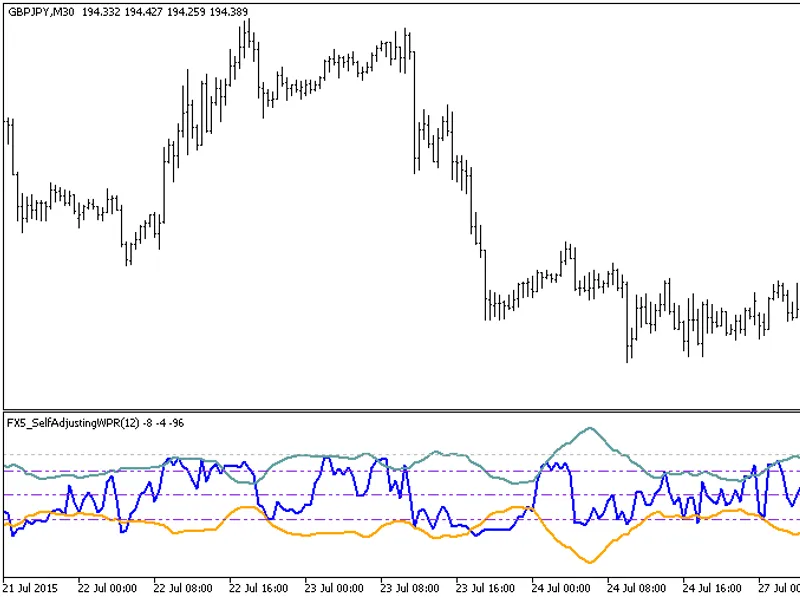
FX5This indicator displays the WPR oscillator with the boundaries of the overbought/oversold areas in the form of Bollinger Bands.Indicator Input Parameters:Fig.1. FX5 Self-Adjusti...
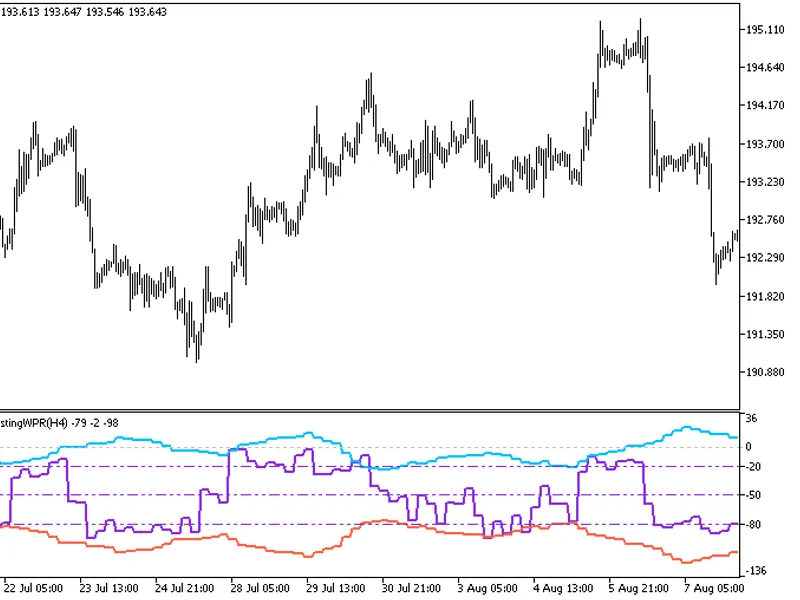
This indicator provides the option to select the timeframe in the input parameters.Note: This indicator requires the fx5_selfadjustingwpr.mq5 indicator file. Place it in \mql5\indi...
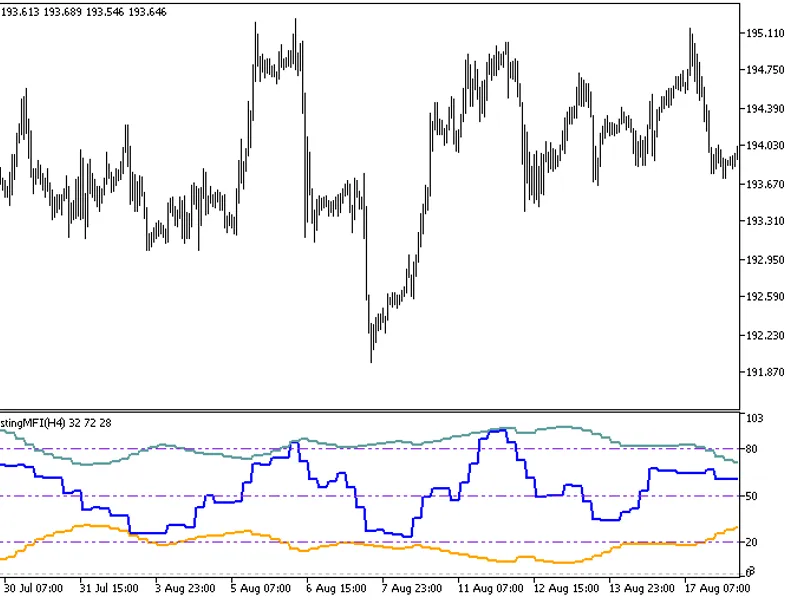
This indicator offers a unique feature: the ability to select the timeframe in the input parameters.To use this indicator, you'll need the fx5_selfadjustingmfi.mq5 file. Place it i...
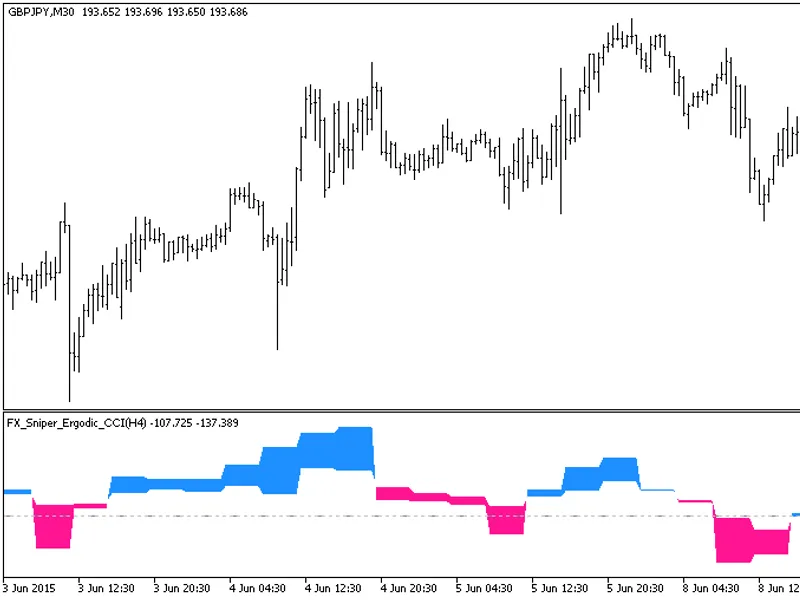
This indicator offers a unique feature: the ability to select the timeframe in the input parameters.To use this indicator, you'll need the fx_sniper_ergodic_cci.mq5 indicator file....
The indicator with the timeframe selection option in the input parameters.This indicator requires the gaus_ma.mq5 indicator file. Place it in <terminal_data_folder>\mql5\indi...
The indicator with the timeframe selection option available in the input parameters:This indicator requires the GRFLeadingEdge.mq5 indicator file. Place it in <terminal_data_fol...
The GRF Leading Edge Mov HTF indicator offers a timeframe selection option in its input parameters.This indicator requires the GRFLeadingEdgeMov.mq5 file, which should be placed in...
The indicator provides additional trend strength indication using colored dots based on the standard deviation algorithm.When the standard deviation of the Decema indicator falls b...
The indicator with the timeframe selection option available in the input parameters:This indicator requires the ColorHMA.mq5 indicator file. Place it in <terminal_data_folder>...
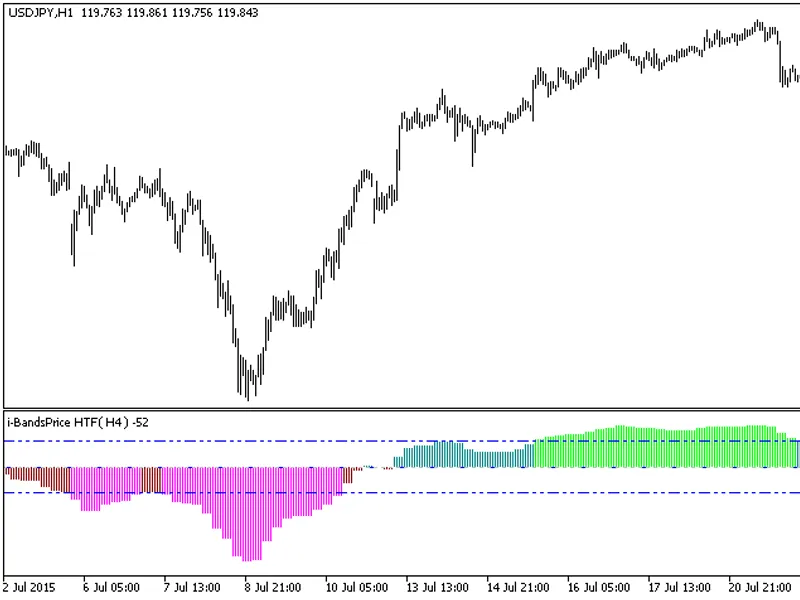
The I-Bands Price HTF indicator offers a unique feature: the ability to select the timeframe directly from the input parameters.This indicator requires the I-BandsPrice.mq5 file, w...
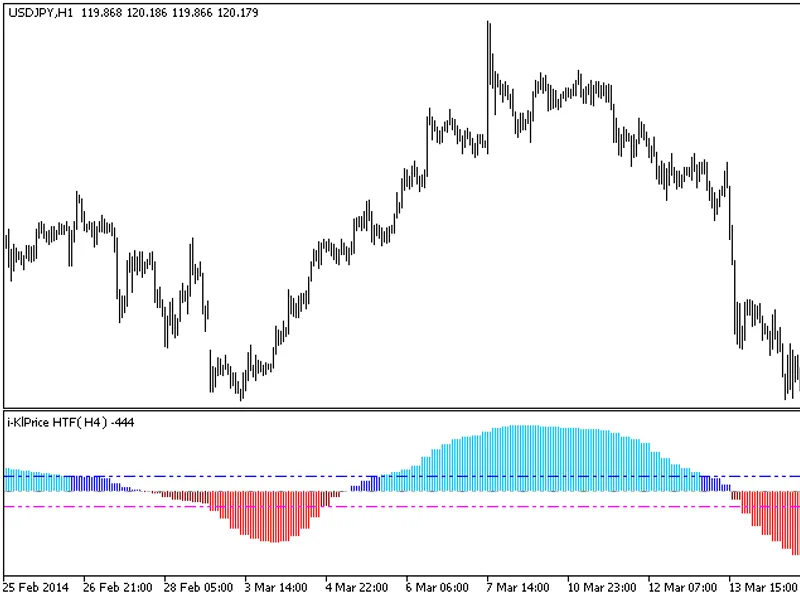
The indicator with the timeframe selection option available in the input parameters.This indicator requires the I-KLPrice.mq5 indicator file. Place it in \mql5\indicators.Fig.1. Th...