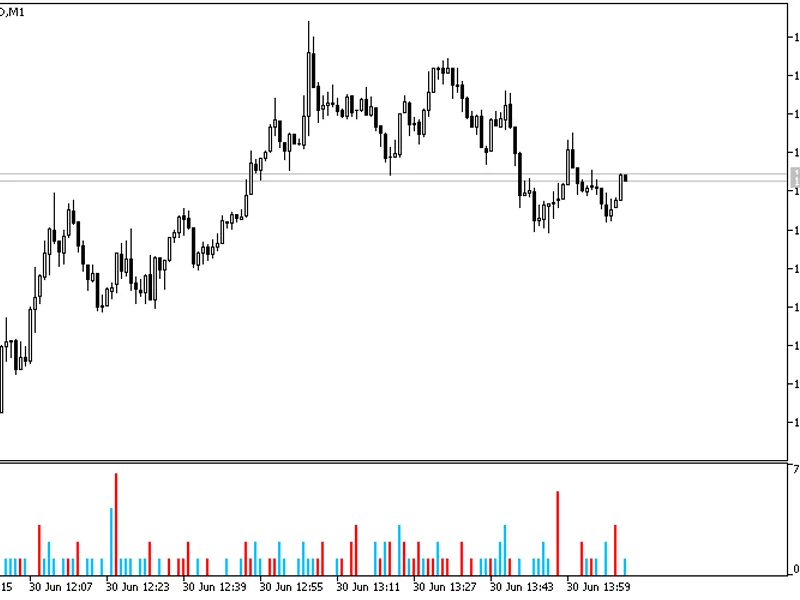
This indicator visualizes price gaps as a histogram. Red bars indicate up gaps that are likely to fill down, while blue bars represent down gaps that will fill up.A unique feature ...
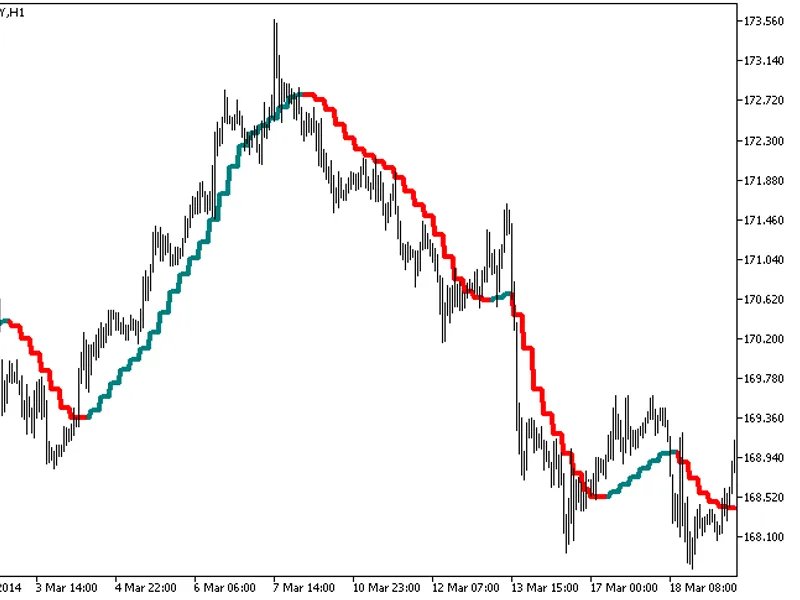
The indicator with the timeframe selection option available in the input parameters.The indicator requires ColorZerolagX10MA.mq5 indicator file. Place it in \mql5\indicators.Fig.1....
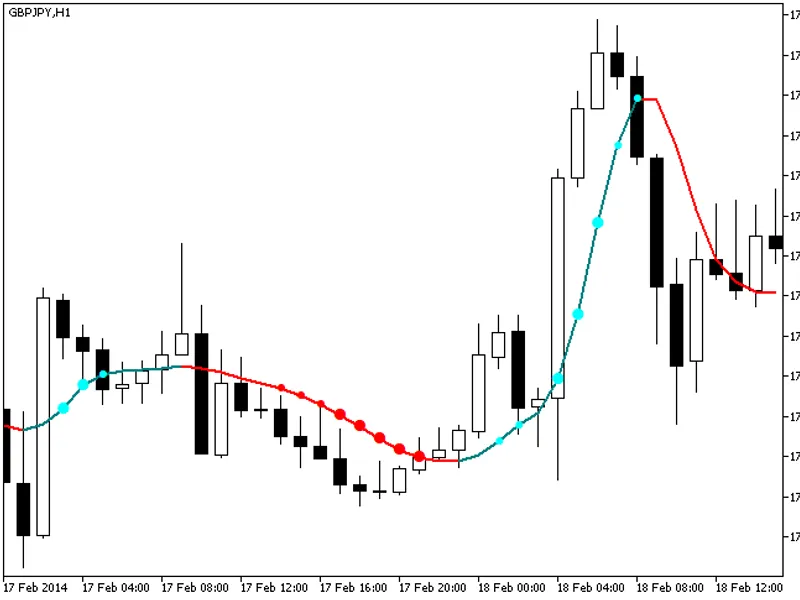
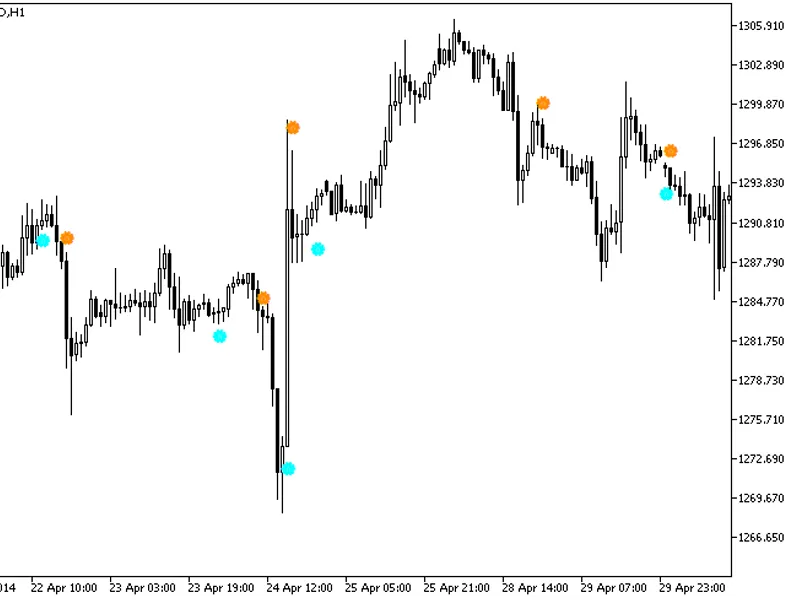
The indicator provides additional trend strength indication through colored dots based on the standard deviation algorithm.When the standard deviation of the ColorZerolagX10MA indi...
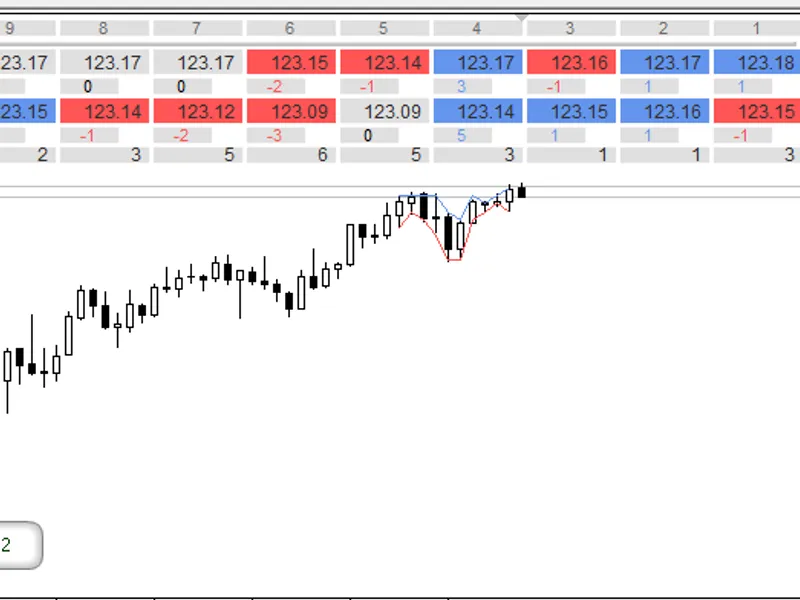
By default, this indicator displays nine values of two different moving averages (MA) for the , a difference between previous sequential MA values and a difference between MAs in p...
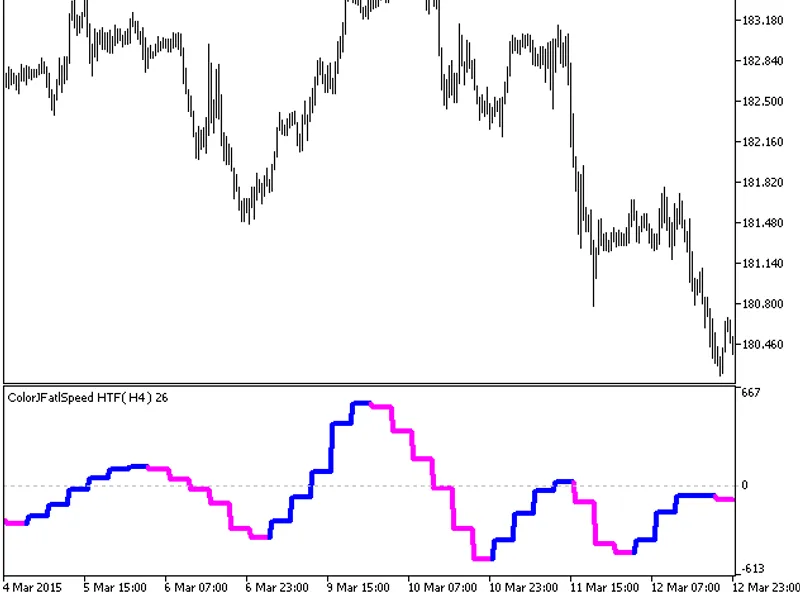
The indicator offers timeframe selection in its input parameters.It requires the colorjfatlspeed.mq5 indicator file, which should be placed in \mql5\indicators.Fig.1. The colorjfat...
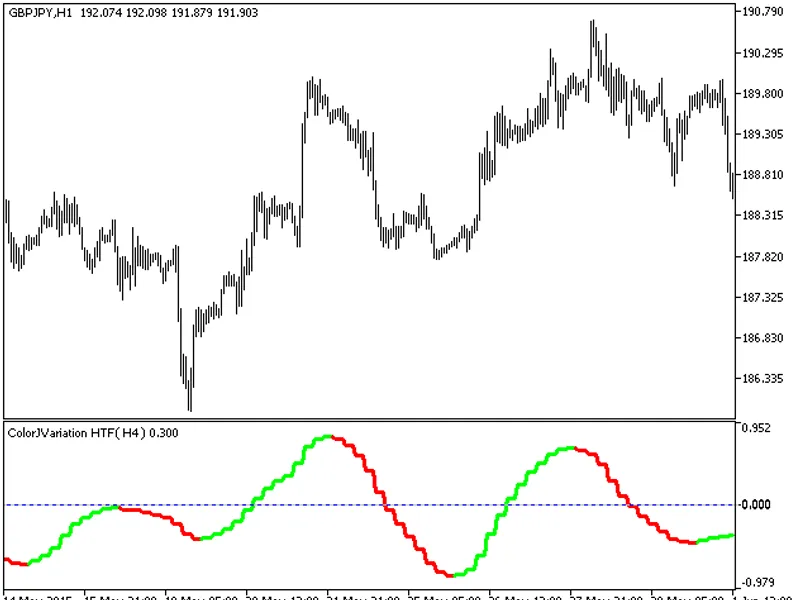
The indicator offers a timeframe selection feature in its input parameters.Note: The indicator relies on the colorjvariation.mq5 file, which should be placed in the <terminal_da...
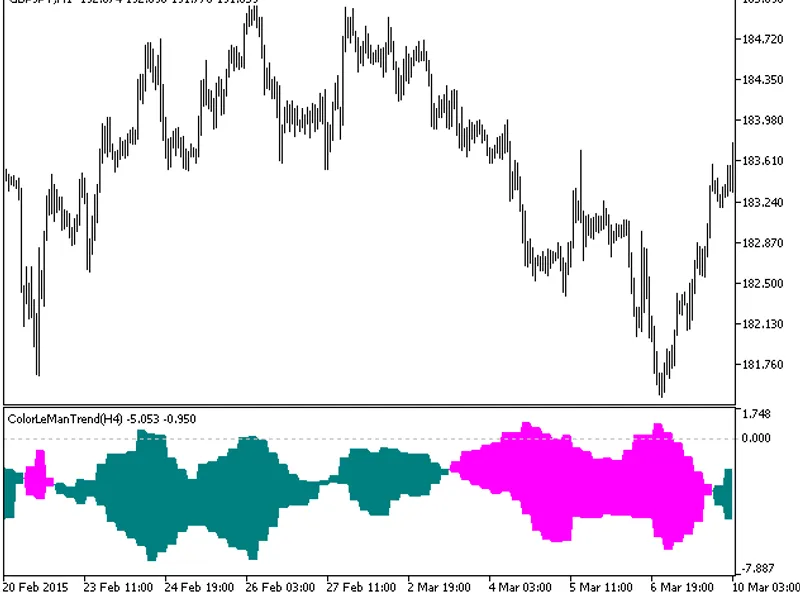
The indicator offers a timeframe selection feature in its input parameters.Note: The indicator requires the colorlemantrend.mq5 file, which should be placed in <terminal_data_fo...
This indicator offers a timeframe selection feature in its input parameters.Note: This indicator requires the colorlinearregslope_v2.mq5 indicator file. Place it in <terminal_da...
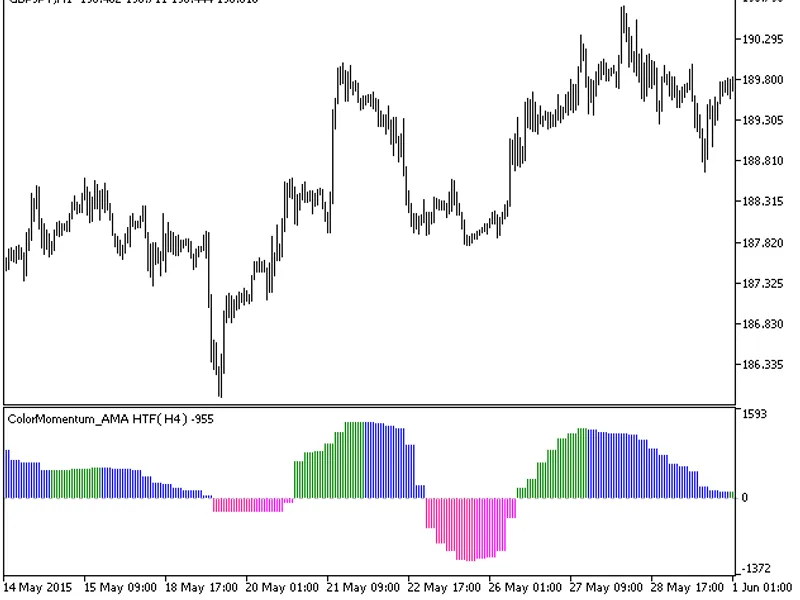
The ColorMomentum_AMA indicator is now available with a timeframe selection option in the input parameters.This indicator requires the ColorMomentum_AMA.mq5 indicator file. Please ...
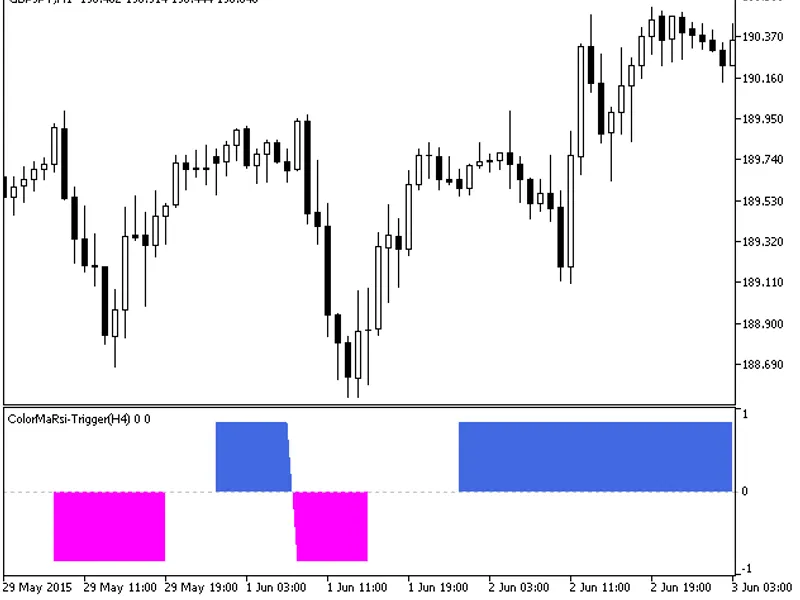
The ColorMaRSI-Trigger indicator with the Timeframe (HTF) selection option is available in the input parameters.The indicator requires the ColorMaRSI-Trigger.mq5 indicator file. Pl...
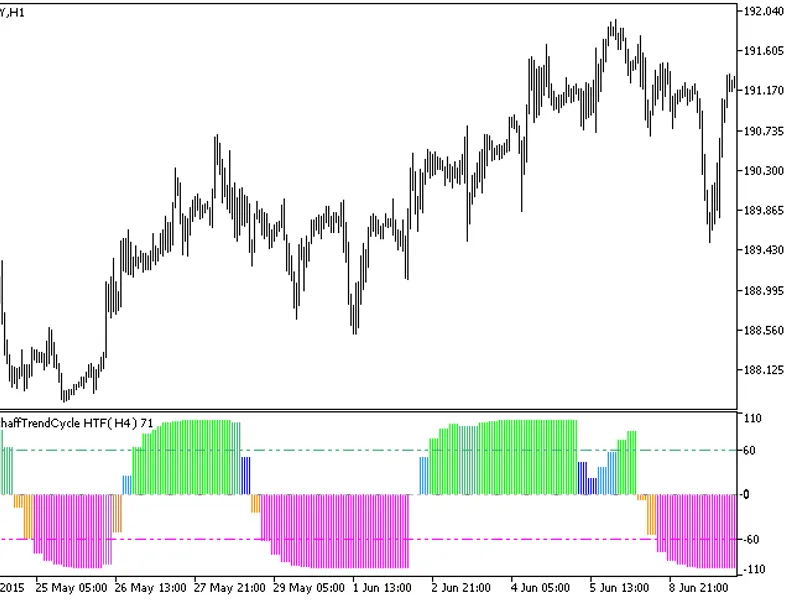
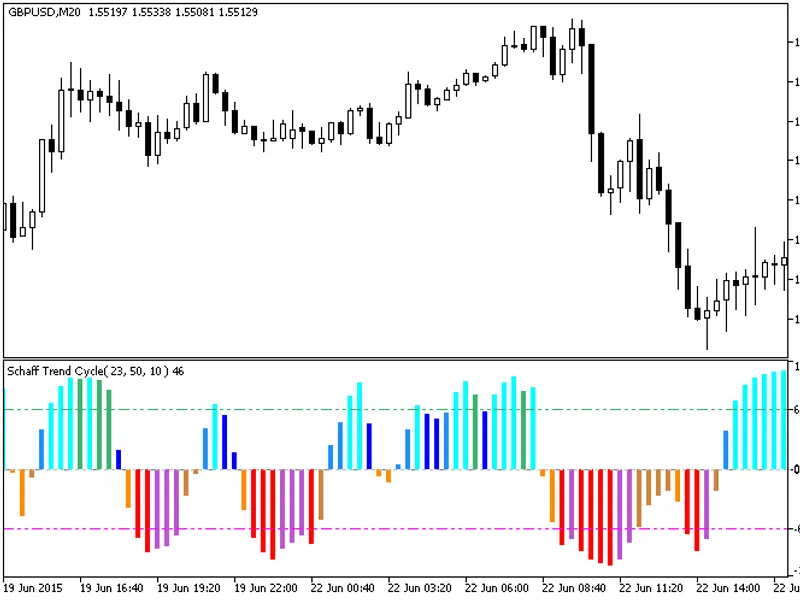
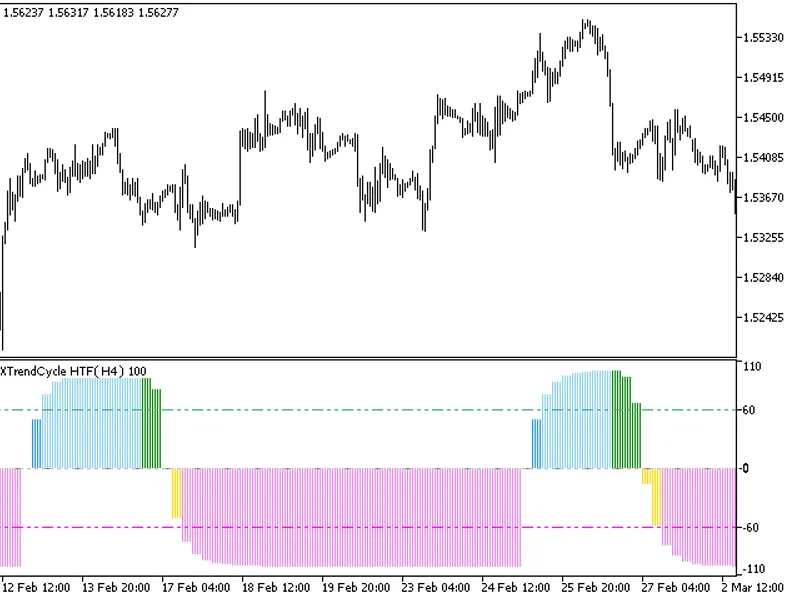
The indicator offers a timeframe selection feature in its input parameters.Note: The indicator requires the ColorSchaffTrendCycle.mq5 file. Place it in <terminal_data_folder>...
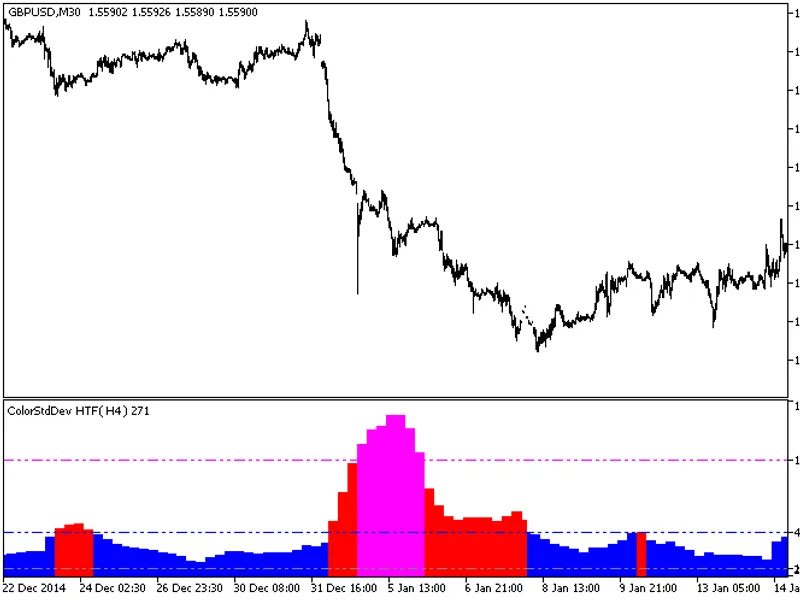
The indicator with the timeframe selection option available in the input parameters.The indicator requires the colorstddev.mq5 indicator file. Place it in \mql5\indicators.Fig.1. T...
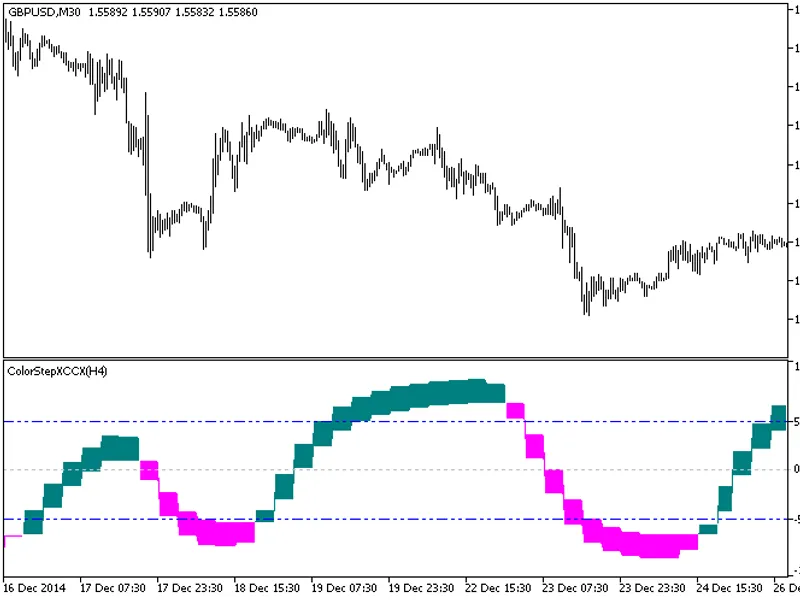
The indicator offers a unique feature: the ability to select the timeframe directly from the input parameters.To utilize this indicator, ensure you have the colorstepxccx.mq5 indic...
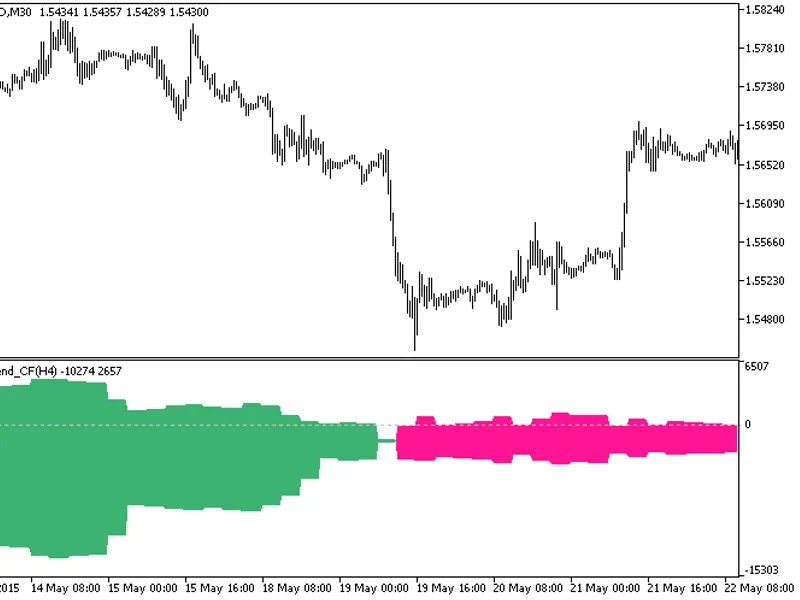
The indicator offers a timeframe selection feature in its input parameters.Note: The indicator requires the colortrend_cf.mq5 indicator file. Place it in <terminal_data_folder&g...
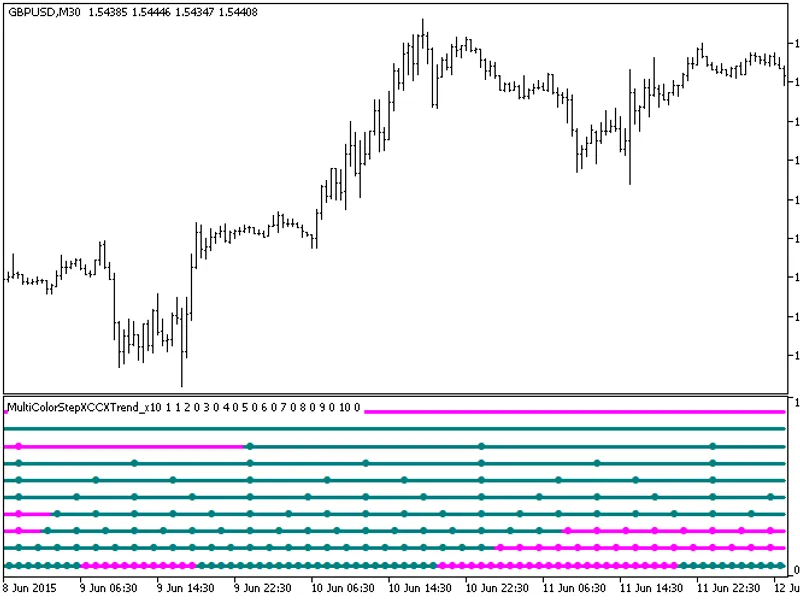
The MultiColorStepXCCXTrend_X10 indicator provides insights into current trends by displaying indicator directions from ten distinct timeframes.Each of the ten indicator lines repr...
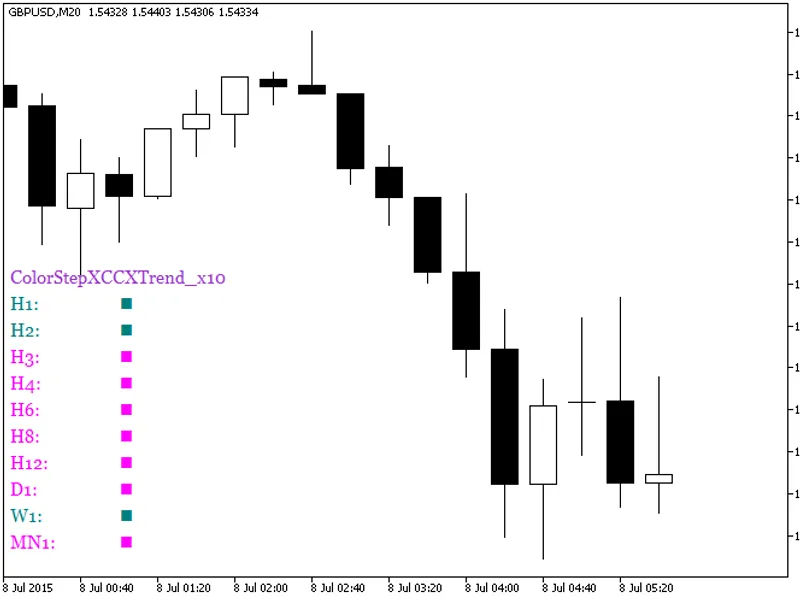
The ColorStepXCCXTrend_X10 indicator displays the oscillator direction across ten distinct timeframes.The indicator employs a color-coding system to represent oscillator movement: ...
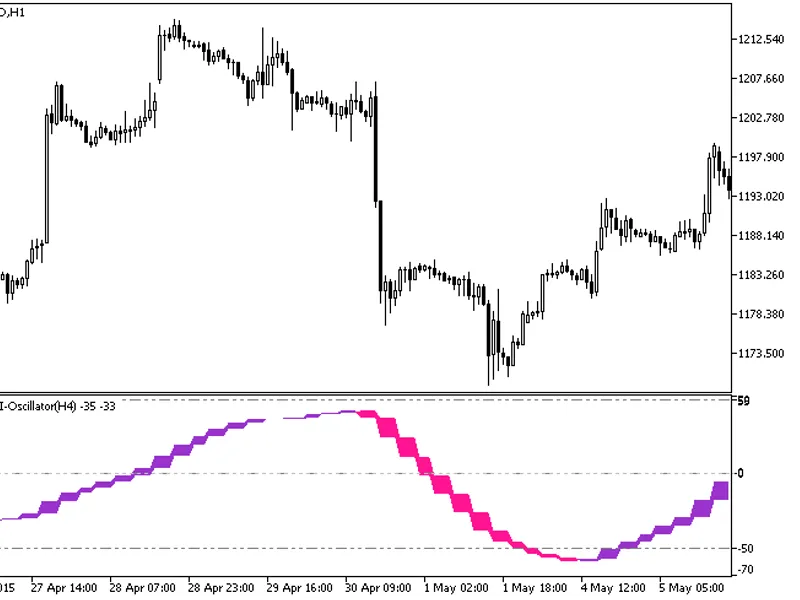
The indicator with the timeframe selection option in the input parameters.Indicator Requirements:The indicator requires the colortsi-oscillator.mq5 indicator file. Place it in <...
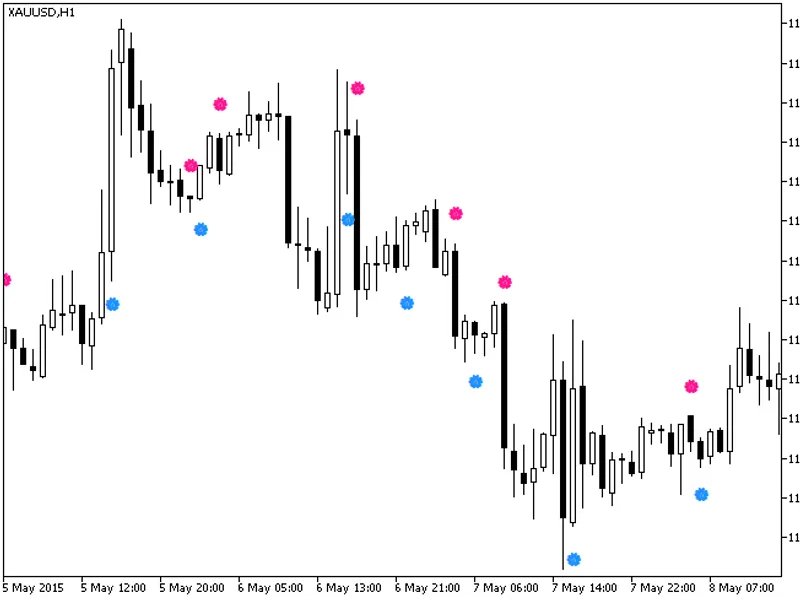
This is a semaphore signal indicator based on the TSI (True Strength Index) algorithm.The indicator utilizes the smoothalgorithms.mqh library, specifically the classes within it, t...
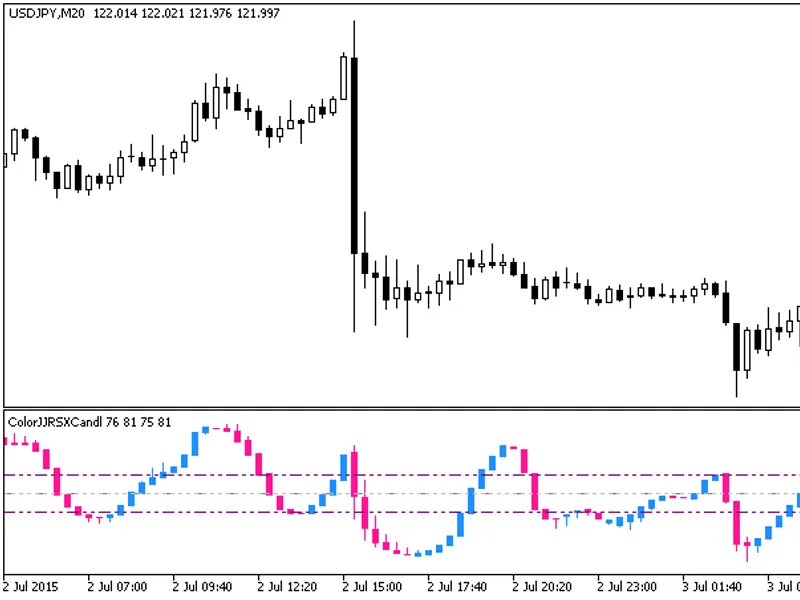
This indicator displays a sequence of candlesticks, providing a unique visual representation of price data. The candlesticks are generated by applying the XRSX algorithm to relevan...
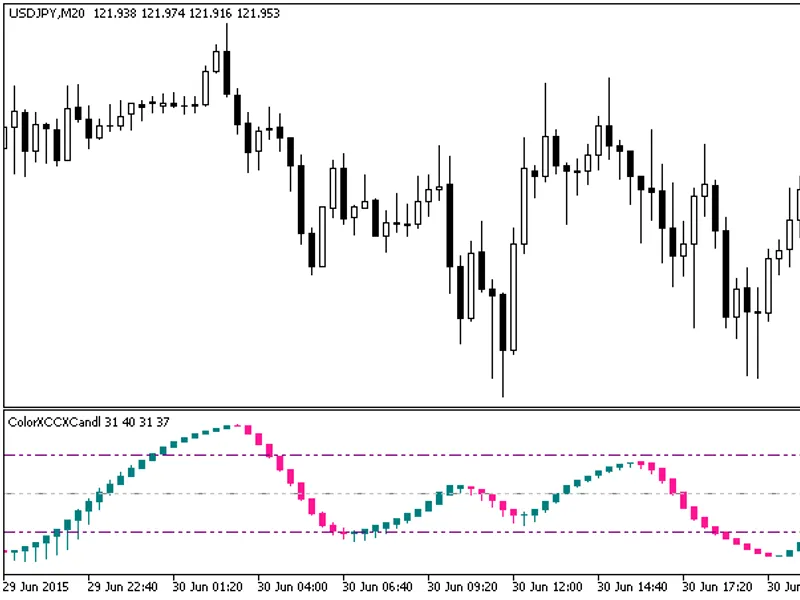
The indicator is a sequence of candlesticks, generated by the XCCX algorithm's processing of relevant price time series.This approach can provide more informative analysis in vario...
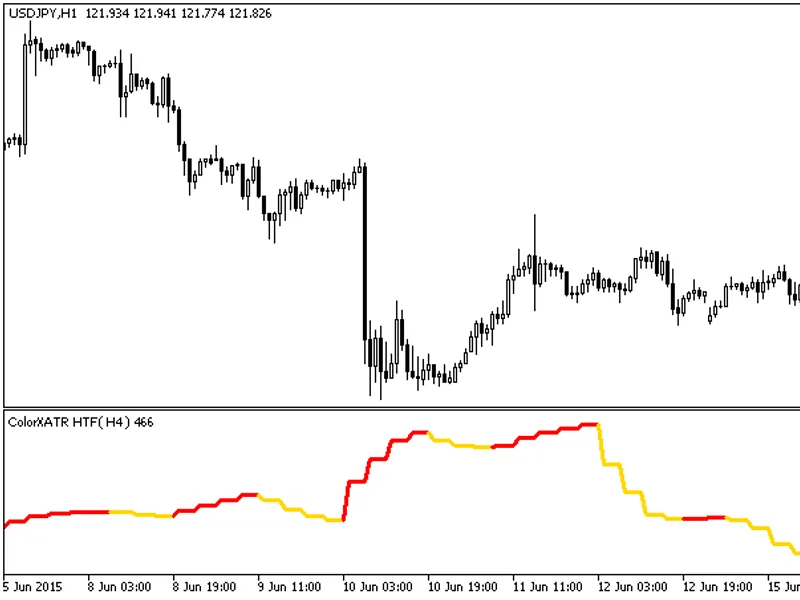
The ColorXATR HTF indicator is a powerful tool with a unique feature: the ability to select the timeframe.This indicator requires the ColorXATR.mq5 file, which should be placed in ...
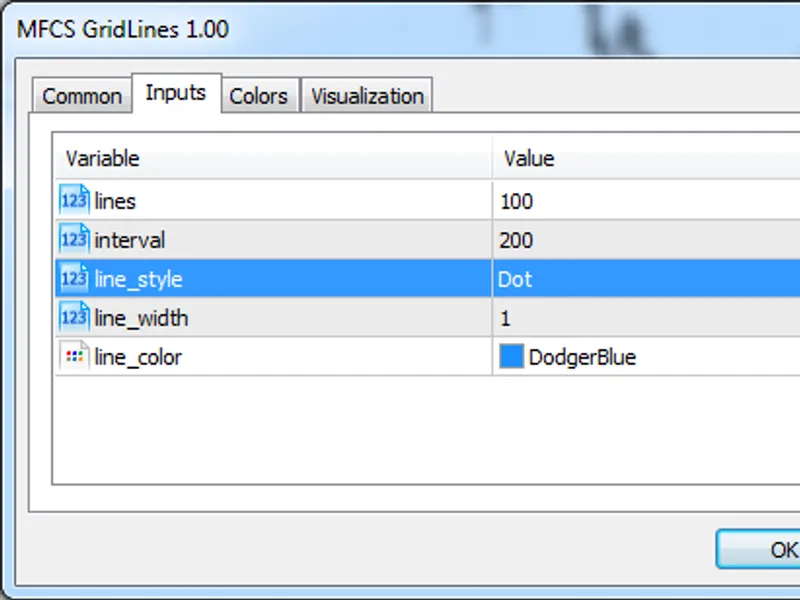
This indicator generates static horizontal price lines at a specified interval on the chart, aiding in price action trading.To utilize this indicator, add it to the main chart and ...
This indicator is based on the difference between two RSI oscillators with distinct periods. It is a useful tool for traders to identify and analyze market trends and cycles.The Co...
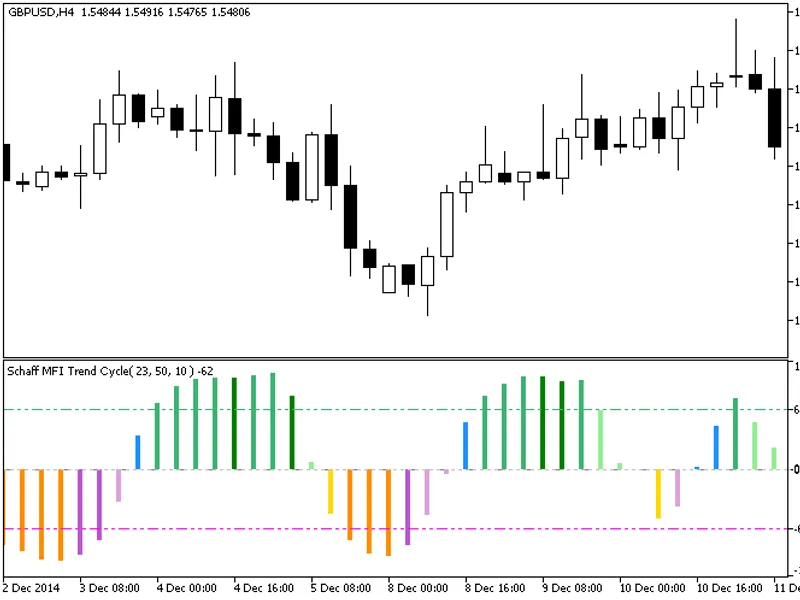
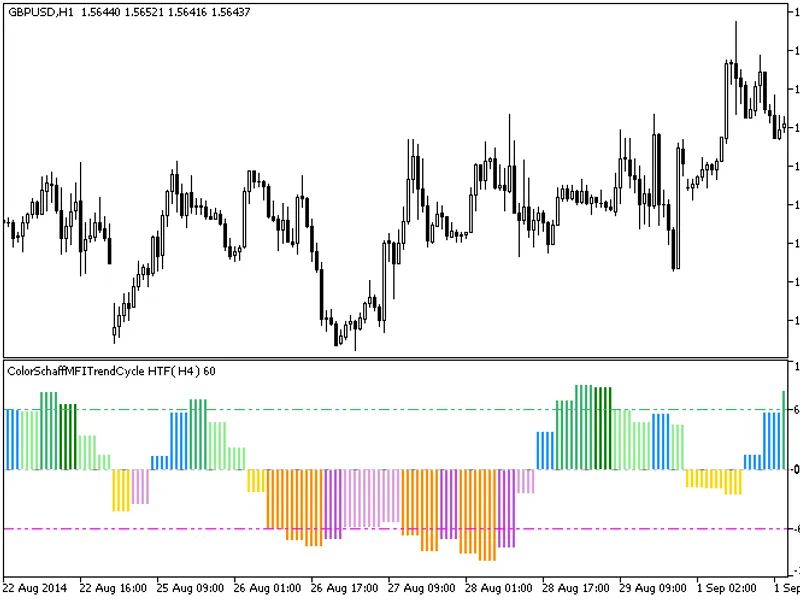
This indicator offers a unique feature: the ability to select the timeframe in the input parameters.To use this indicator, you'll need the ColorSchaffMFITrendCycle.mq5 indicator fi...
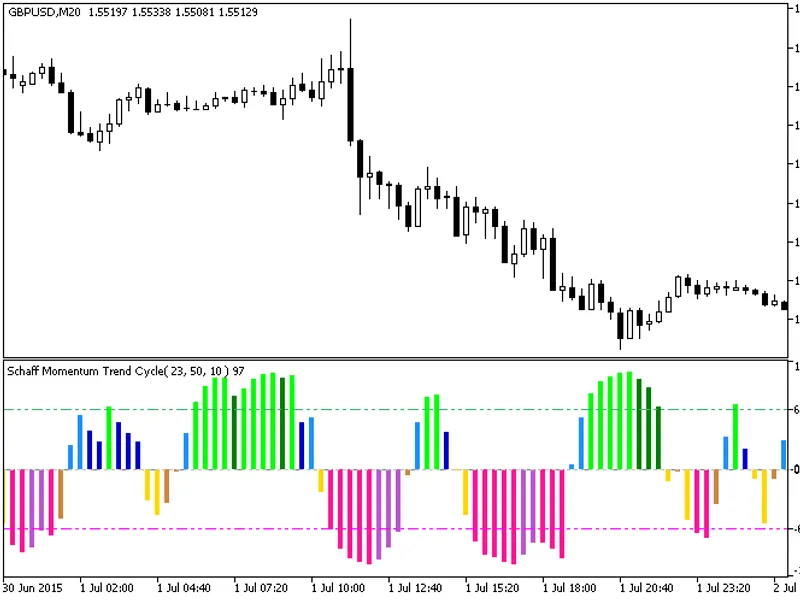
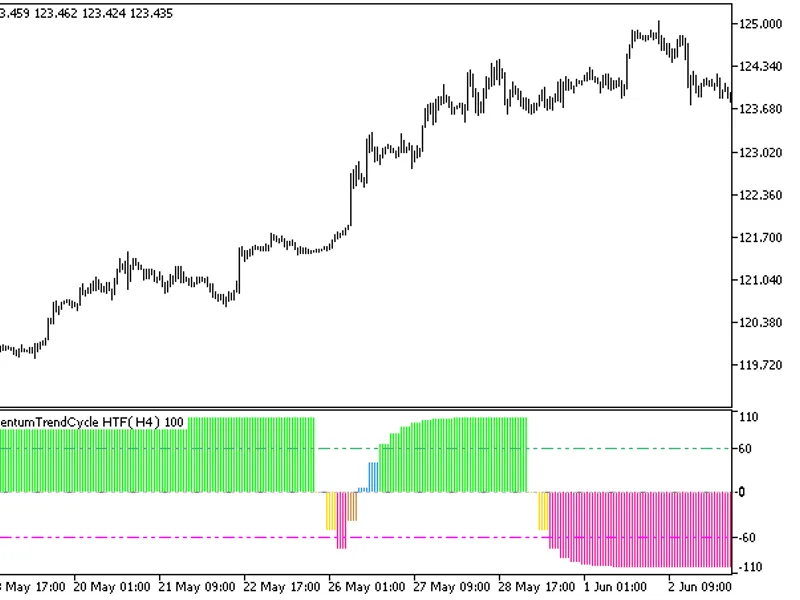
This indicator offers a timeframe selection feature in its input parameters.It requires the ColorSchaffMomentumTrendCycle.mq5 indicator file, which should be placed in the <term...
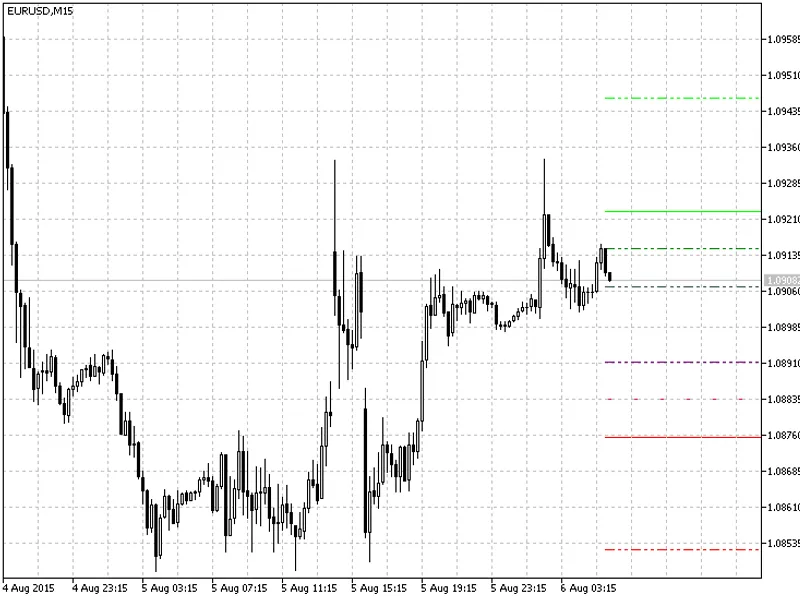
This indicator is an adaptation of the Camarilla Equation, originally developed in 2026. It has been modified to display lines on the right side of the chart, providing a cleaner v...
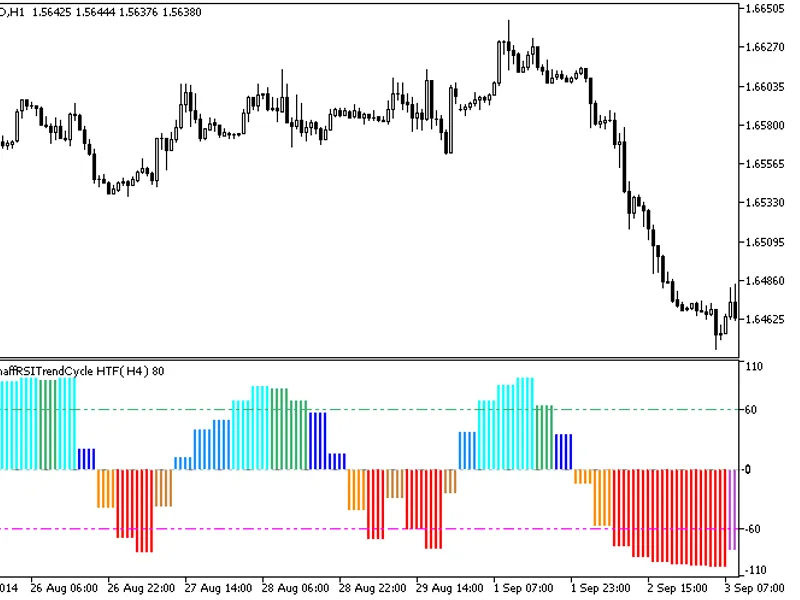
The indicator offers a unique feature: the ability to select the timeframe in the input parameters.To use this indicator, you'll need the ColorSchaffRSITrendCycle.mq5 file. Place t...
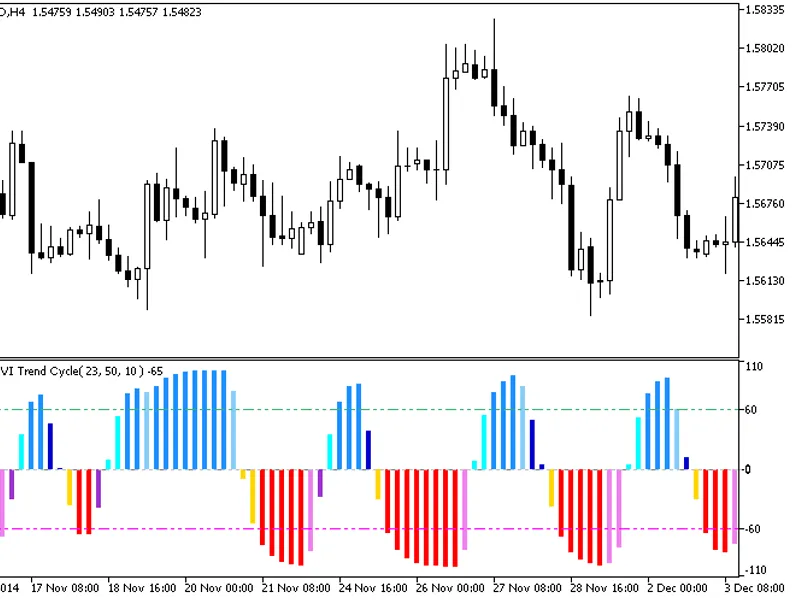
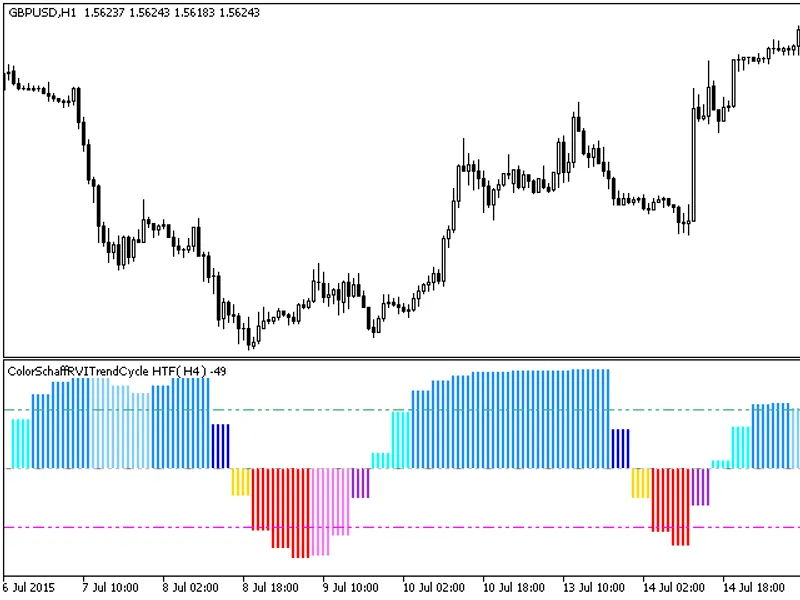
The indicator with the timeframe selection option in the input parameters.This indicator requires the ColorSchaffRViTrendCycle.mq5 indicator file. Place it in /mql5/indicators.Fig....
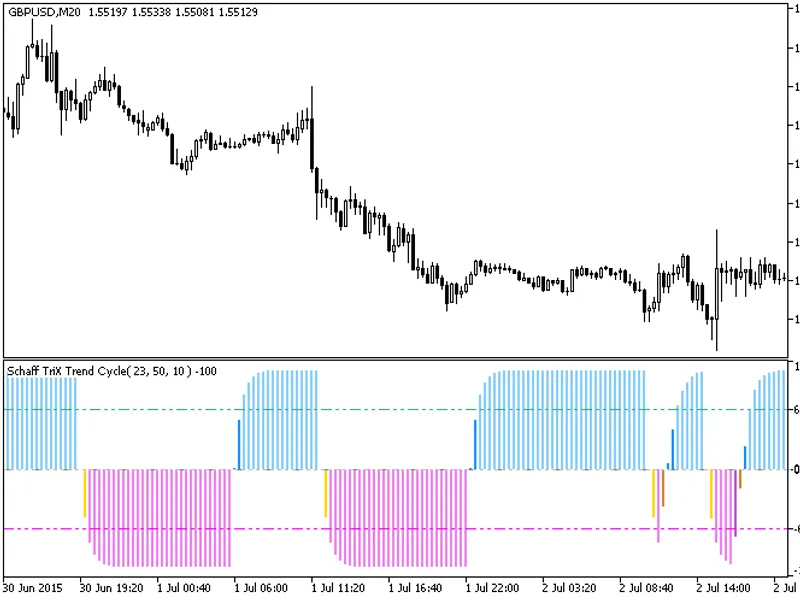
The indicator offers a versatile timeframe selection feature in its input parameters.To utilize this indicator, you'll need the ColorSchaffTriXtrendCycle.mq5 indicator file, which ...
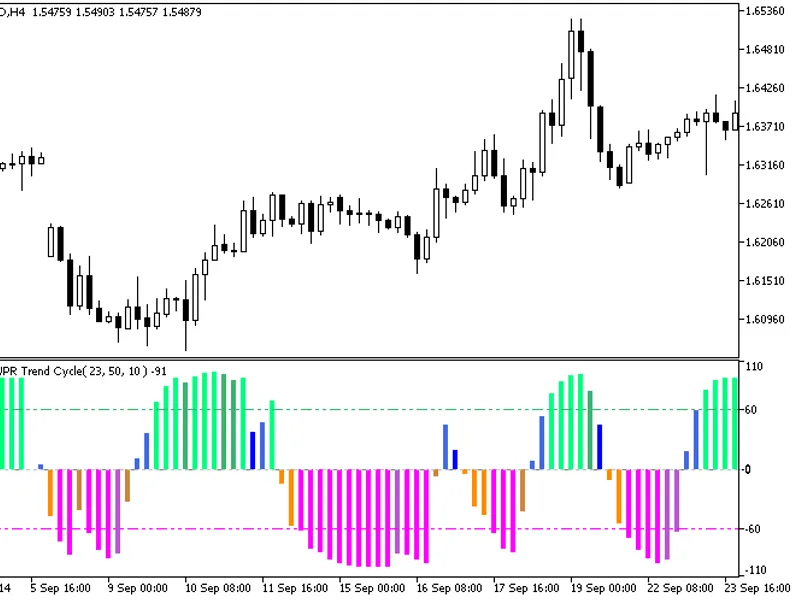
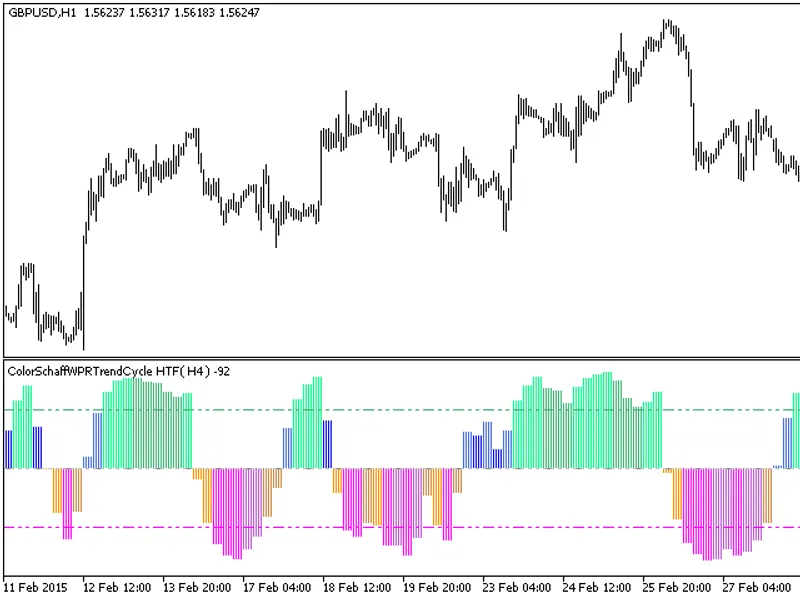
The indicator with the timeframe selection option available in the input parameters.The indicator requires ColorSchaffWPRTrendCycle.mq5 indicator file. Place it in <terminal_dat...
The indicator is a sequence of candlesticks, generated by processing relevant price timeseries through the ColorSchaffRSXTrendCycle algorithm.This approach provides a more informat...
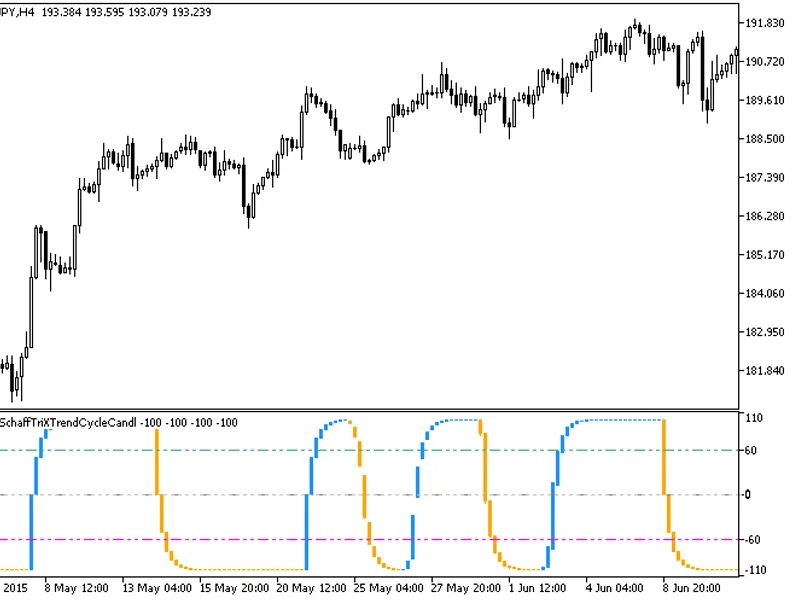
This indicator displays a sequence of candlesticks, which are generated by applying the ColorSchaffTriXtrendCycleCandle algorithm to relevant price time series data.The candlestick...
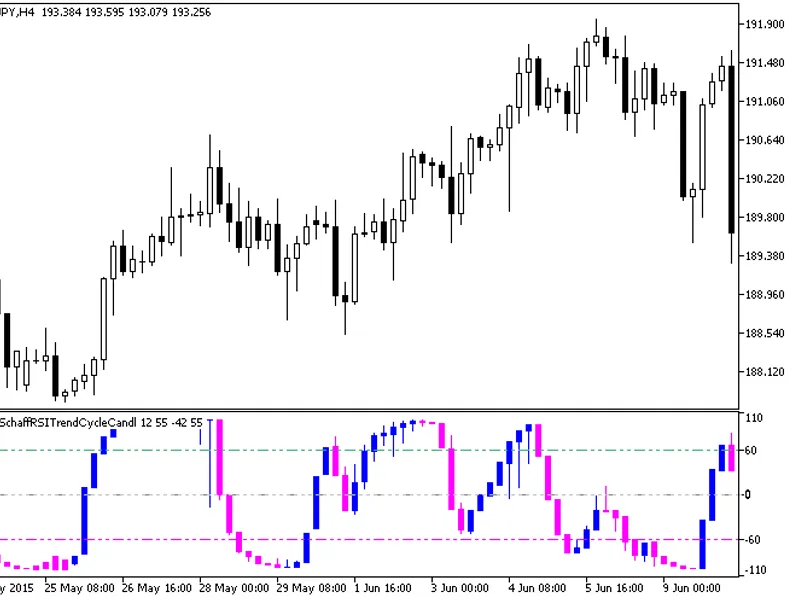
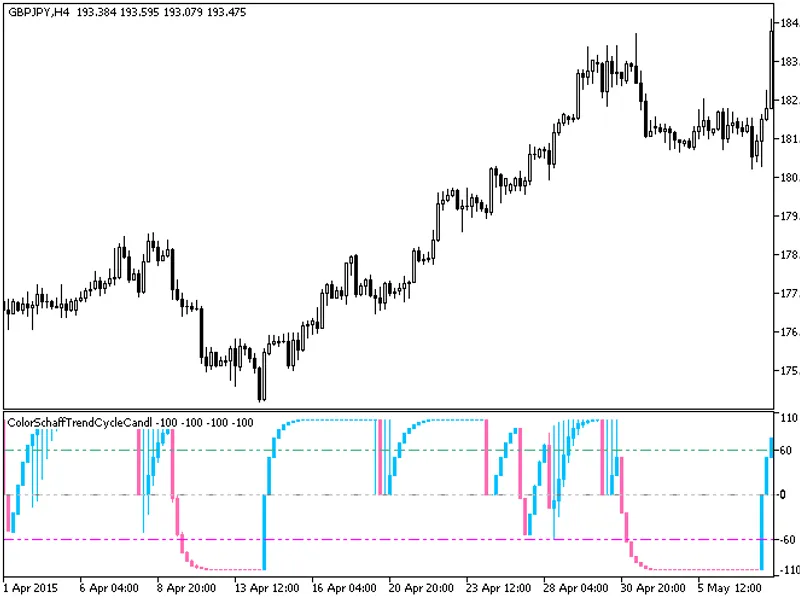
The indicator is a sequence of candlesticks, generated by processing relevant price time series through the ColorSchaffTrendCycle algorithm.This approach can provide more informati...
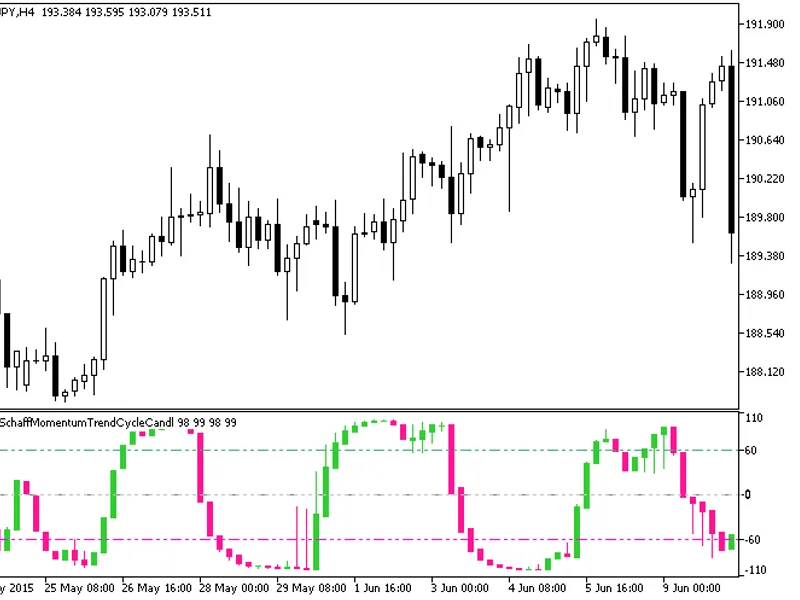
The indicator is a sequence of candlesticks, generated by processing relevant price time series through the ColorSchaffMomentumTrendCycle algorithm.This approach offers enhanced an...
The Cyber Cycle Cloud HTF indicator offers a unique feature: the ability to select the timeframe directly from the input parameters.This indicator requires the cybercycle.mq5 file,...
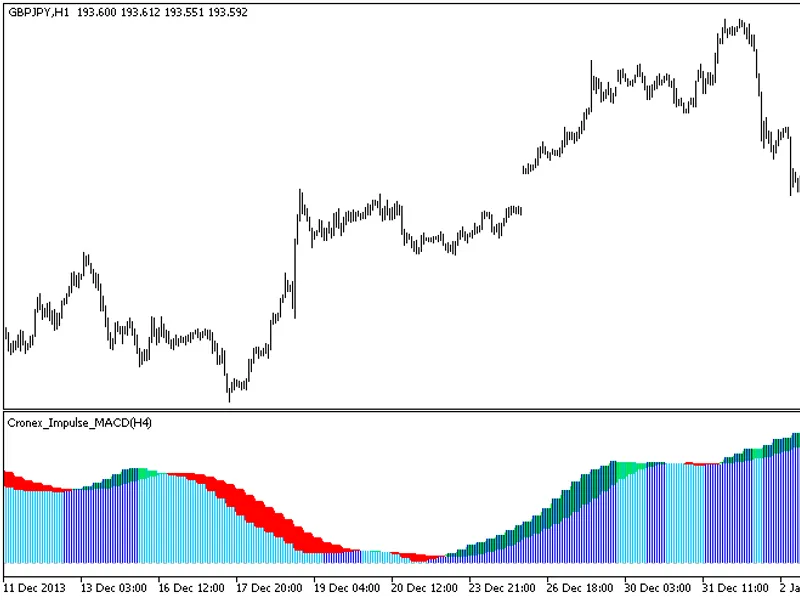
The indicator offers a unique feature: the ability to select the timeframe in the input parameters.To utilize this indicator, you'll need the CronEx Impulse MACD.mq5 indicator file...
The indicator offers a unique feature: the ability to select the timeframe directly from the input parameters.To utilize this indicator, you'll need the colorxdinma.mq5 indicator f...
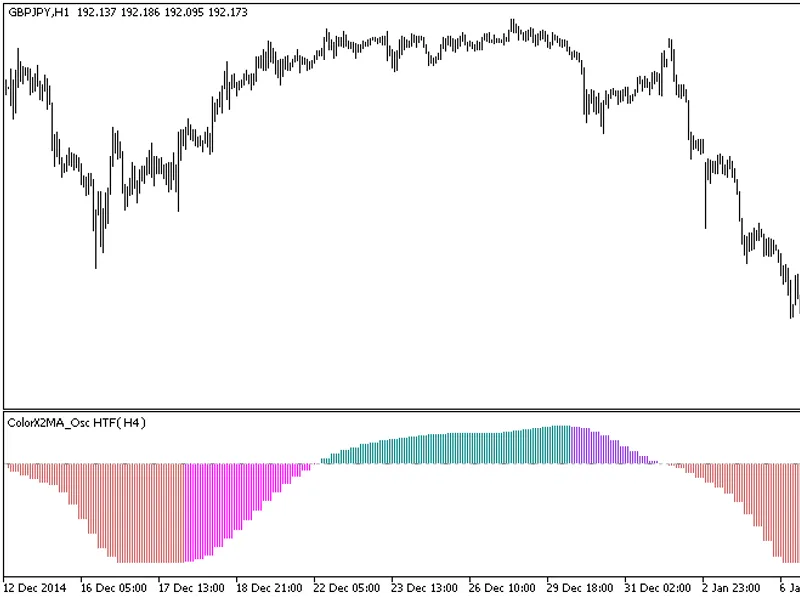
The indicator with the timeframe selection option in the input parameters.This indicator requires the colorx2ma_osc.mq5 indicator file. Place it in <terminal_data_folder>\mql...
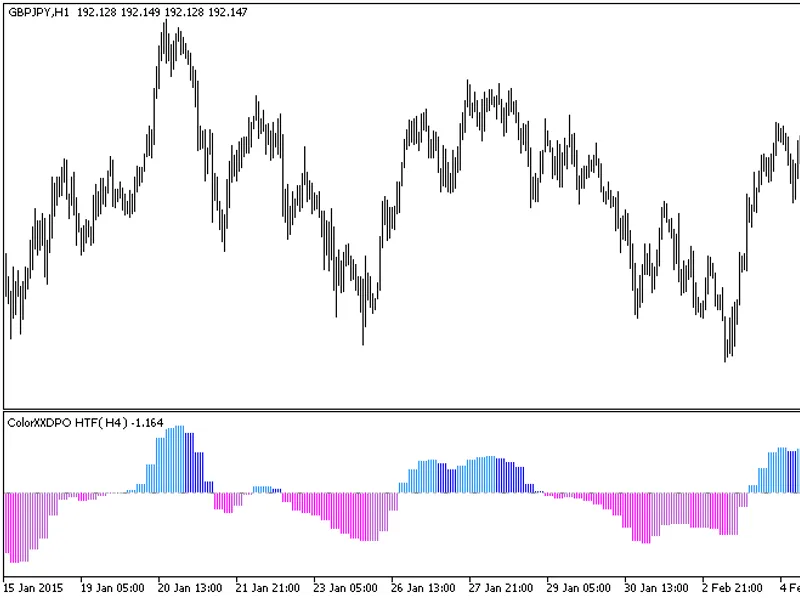
The indicator with the timeframe selection option available in the input parameters:The indicator requires the Colorxxdpo.mq5 indicator file. Place it in <terminal_data_folder&g...
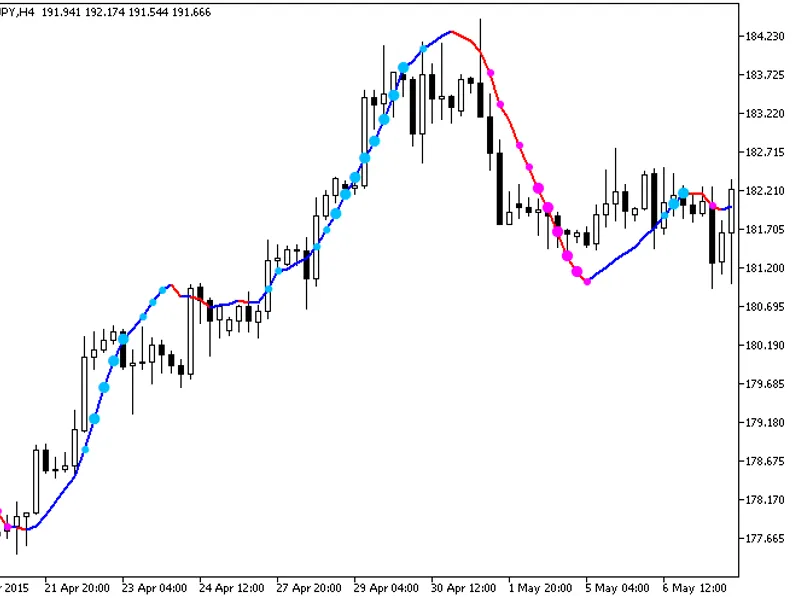
Indicator with additional trend strength indication using colored dots based on the standard deviation algorithm.If the standard deviation of the ColorXDINMA indicator is between t...
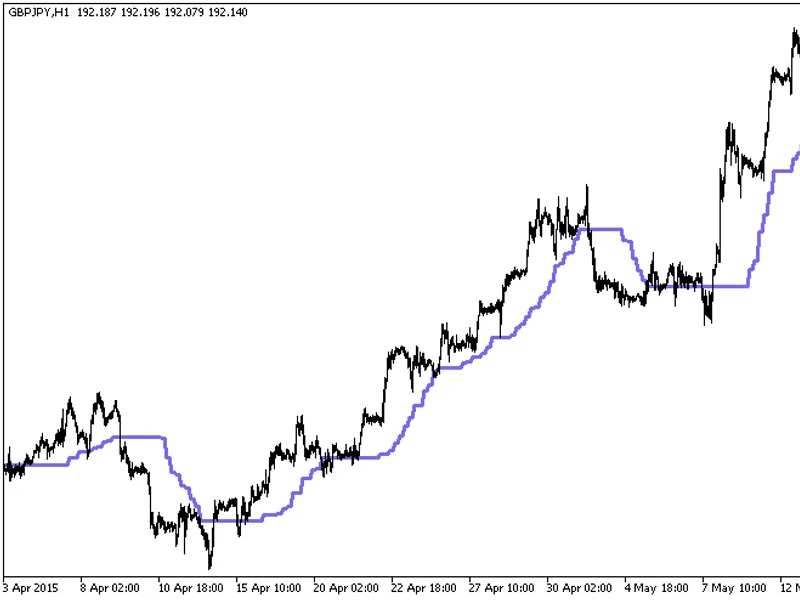
The indicator with the timeframe selection option available in the input parameters.The indicator requires the CorrectedAverage.mq5 indicator file. Place it in <terminal_data_fo...
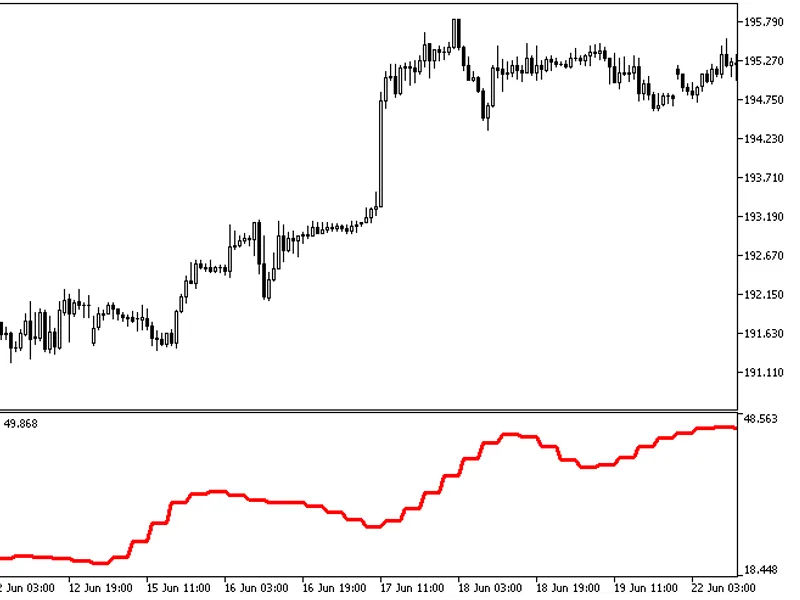
The Cycle Period HTF indicator offers a unique feature: the ability to select the timeframe in the input parameters.To utilize this indicator, you'll need the cycleperiod.mq5 indic...