
Tandem: A Pair Trading Strategy for MetaTrader
Info
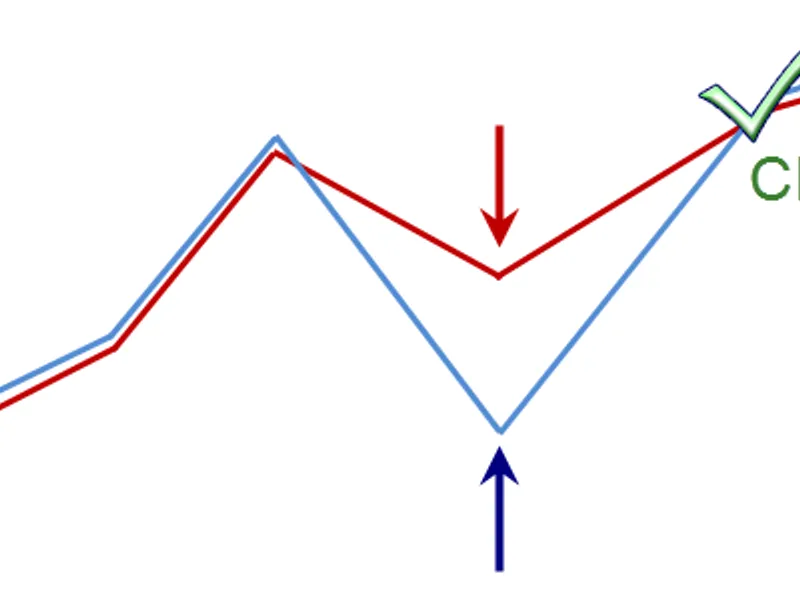
The Tandem: A Pair Trading Strategy for MetaTrader is a Expert Advisor for MetaTrader 5 that if you are new to pair trading, you can find more information in the literature section. The concept can be summarized as follows:When comparing the charts of two similar assets by overlaying them, we observe that they diverge at certain intervals and then converge again.
Usage
This tool is typically used for automated trading on major forex pairs and gold.
Platform
This Expert Advisor works exclusively on MetaTrader 5 (both build 600+ and newer versions).
Setup
Place the downloaded file in MQL5/Experts folder via File ? Open Data Folder in MetaTrader 5.
How to Install and Use Tandem: A Pair Trading Strategy for MetaTrader
1. Installation: Open the "File" menu, select "Open Data Folder," navigate to MQL/Experts, paste your file, and restart the terminal.
2. Activation: Drag the EA from the Navigator onto a chart, ensure "Allow live trading" is checked in the Common tab, and verify the AutoTrading button is green.
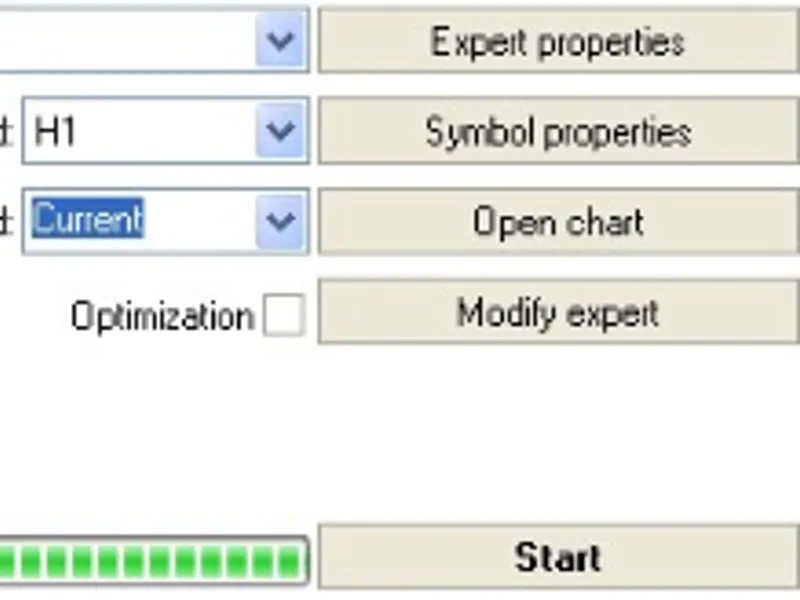
3. Optimization: Right-click your chart, choose "Expert List," click "Properties" to adjust inputs, and save your preferred setup as a set file for future use.
4. Maintenance: Regularly check the "Experts" tab in the terminal window to monitor trade logs and potential execution errors.
Frequently Asked Questions
Q: Why is my EA not opening trades? A: Check the "AutoTrading" button, ensure "Allow live trading" is enabled, and verify your broker allows automated trading on your account type.
Q: Can I run multiple EAs on one chart? A: No, each chart can only host one active EA; however, you can open multiple charts for different currency pairs to run several EAs.
Q: What does the "smiley face" icon mean? A: A smiley face in the top-right corner of the chart indicates the EA is successfully running; a frowny face means it is disabled.
What this tool does
If you are new to pair trading, you can find more information in the literature section.
Typical Use Case
This Expert Advisor excels in automated trading and technical analysis on MetaTrader 5.
Compatible Platform & Setup
This Expert Advisor works on MetaTrader 5. Place the file in the MQL5/Experts folder and restart the terminal.
Description & Settings
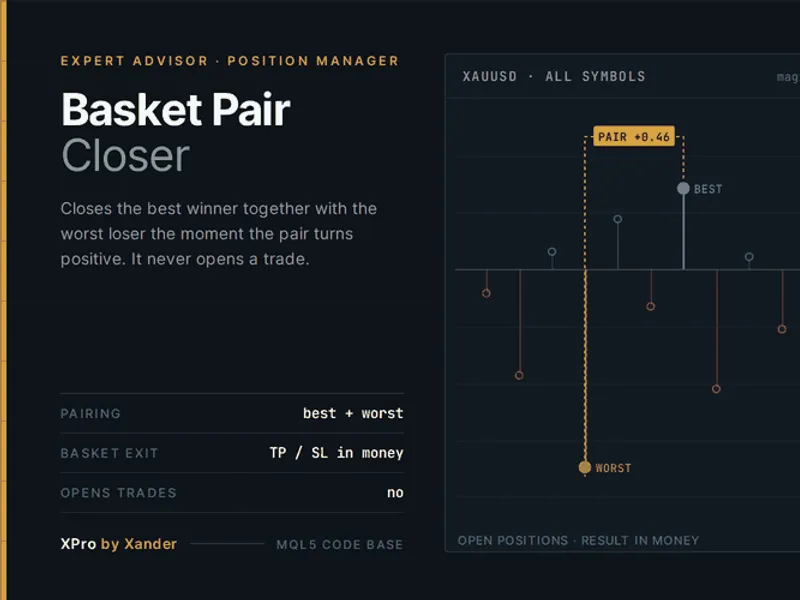
Related: Basket Pair Closer: Efficiently Close Trading Positions - another powerful expert for MetaTrader 5 traders.
If you are new to pair trading, you can find more information in the literature section. The concept can be summarized as follows:Also recommended: Pairs Trading Robot - similar expert with strong performance on MetaTrader 5.
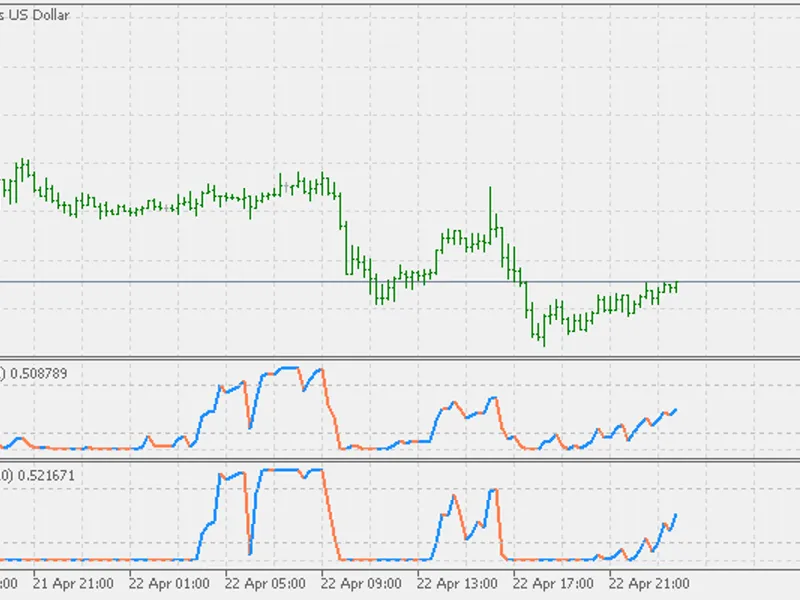
When comparing the charts of two similar assets by overlaying them, we observe that they diverge at certain intervals and then converge again. This pattern repeats consistently. The idea is to capitalize on these divergences to generate profits.
The Expert Advisor is designed for EURUSD H1, with GBUSD as the default correlating pair (symbol2 variable or 'indirect symbol'). It tracks the market by constantly averaging and adjusting both assets, ensuring the charts are overlaid. Before overlaying, the EA establishes an unrestricted starting point, assuming the two pairs have crossed for the first time. It then scales symbol2 to match the price fluctuation range of the primary symbol. Statistical data is collected for a defined range of 'field of training' candles, and maximum symbol divergences are identified.
If a divergence occurs within the 'correction of signal border' (correctlimit) from the maximum divergence, a new position is opened, or more specifically, a pair of positions (one for each symbol). If the symbols continue to diverge, a second pair of deals is initiated after the same number of points. The maximum number of such transactions is controlled by the 'maximum number of transactions' (maxdeals) variable.
The 'coefficient length of the search of separation' (correctdist) variable adjusts the training period for more in-depth analysis.
The Expert Advisor trades on two currency pairs, considering both direct and reverse correlations. The 'correlation coefficient' (correlation switch) facilitates this process. Alternatively, you can trade on a single pair by analyzing the divergences of two pairs. For instance, you can trade on EURGBP instead of trading on two pairs, EURUSD and GBUSD. To do this, enter 'eurgbp' into the 'which pair to trade instead of two (cross)' (cross) variable. If you prefer trading on GBPEUR, set the 'direct cross-rate' (crosstype) variable to false.
Retraining is triggered after the knowledge obtained during the last training expires, using 'interval of retraining' (optimum) candles.
The Expert Advisor provides two signals for closing all deals: when the symbols move back by 'close on reducing of discrepancies' (closecorr) from the maximum divergence and when the open positions reach the specified profit percentage.
The MQL include files contain auxiliary functions essential for the Expert Advisor's proper functioning. 'mymql_v2.1.mqh' provides functions for adapting the EA from MQL4 to MQL5, while 'printlog.mqh' is required for creating an equity.csv table during testing, which records account equity changes for drawdown analysis and comparison of equity changes across various trading systems.
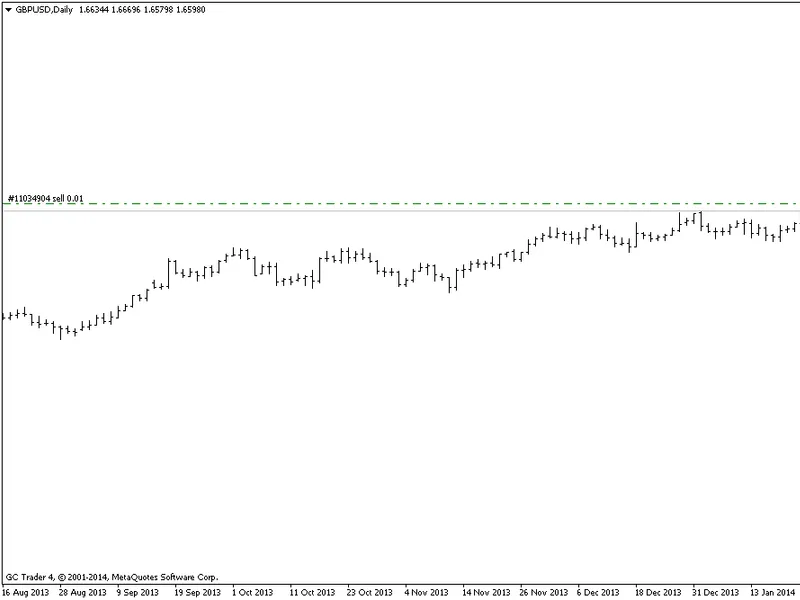
Test with default parameters for 11 years using open prices on EURUSD H1.
Literature:
The magazine in the strategii_parnogo_treydinga.zip archive (in Russian).
History of Changes:
September 8, 2026 - Enhanced the Expert Advisor code to address potential 'holes' in the indirect symbol's history.
You may also like: Vector EA: Moving Average Expert Advisor for Major Forex Pairs - excellent alternative for expert users on MetaTrader 5.
Source Code
#property copyright "robotfx"
#property link "https://robotfx.org"
#property version   "1.08"
#include <trade\trade.mqh>
#include <mymql_v2.1.mqh>
#include <printlog.mqh>
input string symbol2 = "gbpusd"; //indirect instrument
input string cross=""; //which pair to trade instead of two (cross)
input bool   crosstype=true; //direct cross-rate
input int    magicnumber = 1004;    //identifier of adviser
.......
⚠ Limitations & Risk Warning
- This tool is provided for educational and testing purposes only.
- Past performance does not guarantee future results.
- Trading involves substantial risk of loss. Use on a demo account first.
- Results may vary depending on market conditions, broker, and settings.
- We recommend thorough backtesting and forward testing before using with real funds.