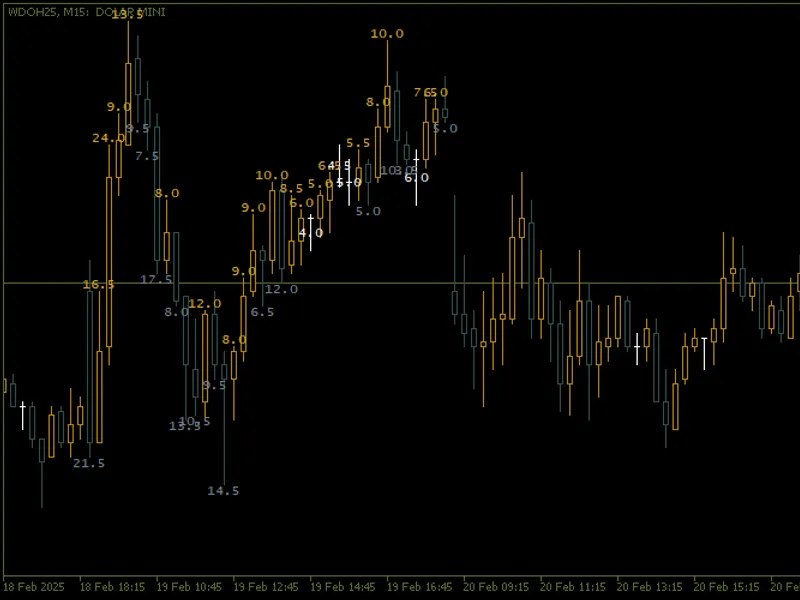
Candle size
This professional-grade solution for MetaTrader 5 helps traders achieve greater efficiency in their daily workflow. This technical indicator acts as a specialized analysis tool designed to visualize market data. It helps traders identify emerging trends, momentum shifts, and key support or resistance levels by plotting statistical calculations directly onto price charts.
How to Setup and Use Candle size
1. Installation: Place your file in the MQL/Indicators folder via "Open Data Folder" and restart your terminal.
2. Loading: Find the indicator in the Navigator, drag it onto your chart, and configure the input parameters in the popup window.
3. Customization: Press Ctrl+I to open the indicator list, select your tool, and click "Properties" to change colors, levels, or visual styles.
4. Updating: Replace the old file in the Indicators folder with the new version and restart the platform to apply changes.
Frequently Asked Questions
Q: Why is my indicator not showing? A: Verify the file is in the MQL/Indicators folder, or try right-clicking the "Indicators" tree in the Navigator and clicking "Refresh."
Q: Do custom indicators slow down the platform? A: Too many complex indicators can impact performance; remove unused ones via the "Indicator List" (Ctrl+I).
Q: Can I use MT4 indicators on MT5? A: No, MQL4 and MQL5 are distinct languages; ensure the indicator is compiled specifically for your platform version.
Description & Settings
Main Ideas Incorporated in the Code
Candle Size Calculation
:
The indicator measures the amplitude of the candles (difference between high and low) and displays the value in points or pips.
Different colours are used to distinguish bullish and bearish candles, making visual interpretation easier.
Customisation by Day of the Week
:
Allows you to process candles from a specific day of the week (e.g. Monday, Tuesday, etc.) or every day.
It assigns unique colours to each day of the week, making it easy to observe daily patterns.
Dynamic Text Positioning
:
Text can be moved vertically in relation to the candle to avoid overlapping with other chart elements.
Automatically adjusts the position of the text to remain within the visible limits of the chart.
Style and Formatting
:
The user can customise the font, font size, colour and anchor type of the text.
Supports different line styles (e.g. dashed, dotted) for better visualisation.
Automatic Cleaning
:
When detaching the indicator from the chart, all objects created are automatically removed to keep the chart clean.
Description of External Variables
All the user-configurable external variables are described below:
Recommended Instruments and Timeframes
Instruments
: This indicator can be used with any financial instrument available on the MetaTrader 5 platform, including currency pairs, indices, commodities and cryptocurrencies.
Timeframes
: It works on all timeframes, from 1-minute charts to weekly charts. However, it is recommended to use larger timeframes (e.g. H1, D1) to get a clearer and more accurate analysis of volatility.
Indicator interpretation
Candle size
:
A larger candle indicates greater volatility during the period.
A smaller candle suggests less activity or consolidation in the market.
Colours
:
Bullish candles are displayed in a specific colour (e.g. gold).
Bearish candles are displayed in another colour (e.g. grey).
Days of the week
:
Assigning different colours to each day of the week allows you to observe patterns in price behaviour on specific days.
Example of Practical Use
Volatility Analysis
: Helps traders identify days or periods with higher volatility based on the size of the candles.
Daily Patterns
: Processing candles from a specific day allows you to observe patterns of price behaviour on specific days.
Decision Making
: Provides quick visual insights into the strength of bullish and bearish movements, helping you make trading decisions.
Illustrative images
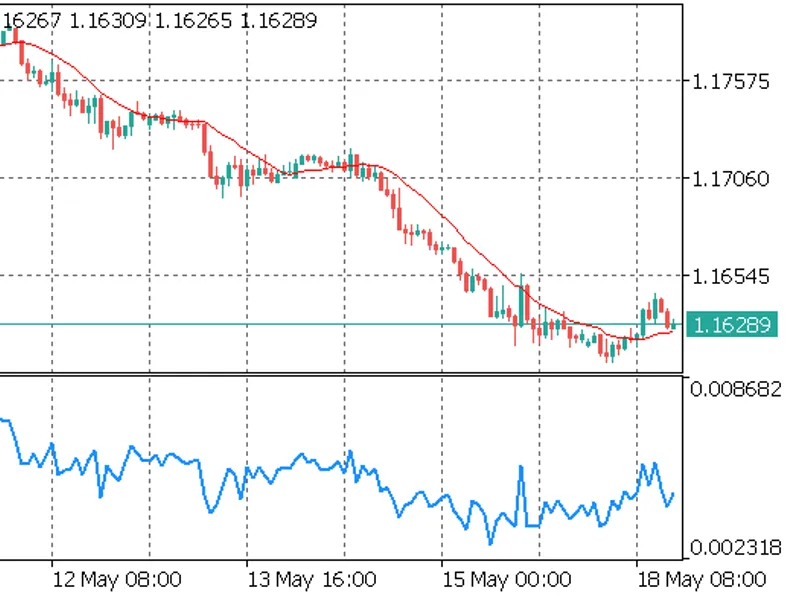
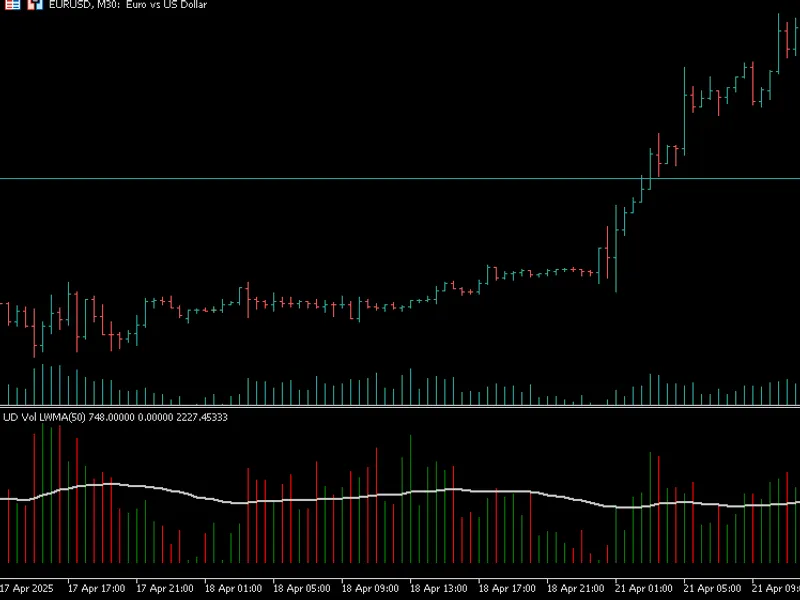
Figure 1: Example chart with the indicator applied. The colours differentiate bullish and bearish candles, while the text displays the size of each candle.