
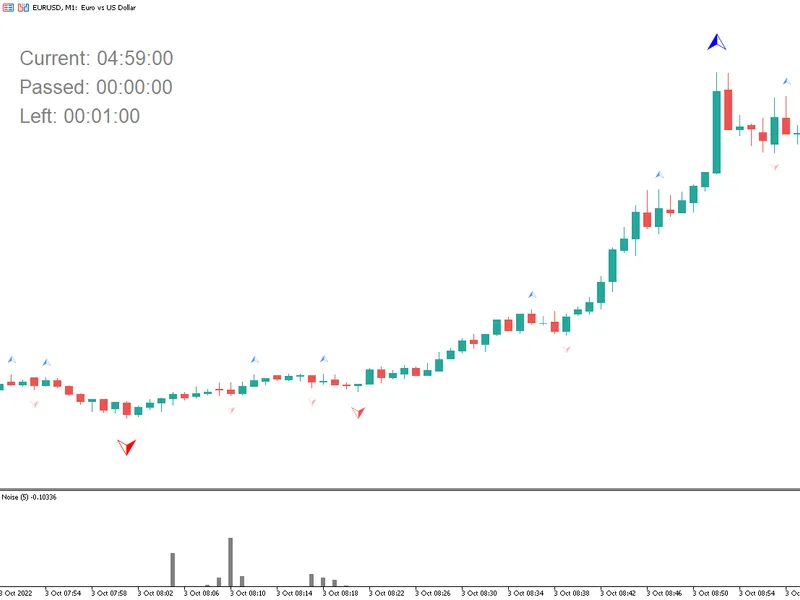
Rogue Tick Detector for MT4/MT5
Info
The Rogue Tick Detector for MT4/MT5 is a Indicator for MetaTrader 4 that rogue tick detectorintroductiontraders increasingly rely on automated trading and custom studies in mt4/mt5 to implement their strategies unattended. The effectiveness of these tools depends on the primary input: the price feed.
Usage
This tool is typically used for enhancing chart analysis and decision making.
Platform
This Indicator works exclusively on MetaTrader 4 (both build 600+ and newer versions).
Setup
Place the downloaded file in MQL4/Indicators folder via File ? Open Data Folder in MetaTrader 4.
How to Install and Use Rogue Tick Detector for MT4/MT5
1. Installation: Place your file in the MQL/Indicators folder via "Open Data Folder" and restart your terminal.
2. Loading: Find the indicator in the Navigator, drag it onto your chart, and configure the input parameters in the popup window.
3. Customization: Press Ctrl+I to open the indicator list, select your tool, and click "Properties" to change colors, levels, or visual styles.
4. Updating: Replace the old file in the Indicators folder with the new version and restart the platform to apply changes.
Frequently Asked Questions
Q: Why is my indicator not showing? A: Verify the file is in the MQL/Indicators folder, or try right-clicking the "Indicators" tree in the Navigator and clicking "Refresh."
Q: Do custom indicators slow down the platform? A: Too many complex indicators can impact performance; remove unused ones via the "Indicator List" (Ctrl+I).
Q: Can I use MT4 indicators on MT5? A: No, MQL4 and MQL5 are distinct languages; ensure the indicator is compiled specifically for your platform version.
What this tool does
Rogue Tick DetectorIntroductionTraders increasingly rely on automated trading and custom studies in MT4/MT5 to implement their strategies unattended.
Typical Use Case
This Indicator excels in automated trading and technical analysis on MetaTrader 4.
Compatible Platform & Setup
This Indicator works on MetaTrader 4. Place the file in the MQL4/Indicators folder and restart the terminal.
Description & Settings
Related: tick on chart indicator suite - another powerful indicator for MetaTrader 4 traders.
Rogue Tick DetectorIntroduction
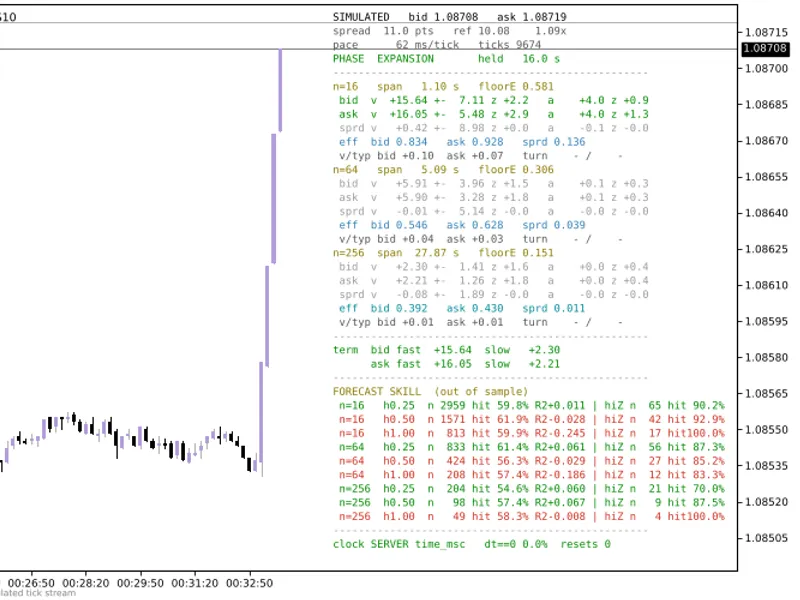
Traders increasingly rely on automated trading and custom studies in MT4/MT5 to implement their strategies unattended. The effectiveness of these tools depends on the primary input: the price feed. Each new price quote (bid/ask) arrives as a tick. If the price feed contains old or stale ticks, the presented price may no longer be valid. When trading with algorithms, a trader might not notice a significant price discrepancy quickly enough on the chart until after the fact.
Also recommended: nrtr indicator with candlestick painting - similar indicator with strong performance on MetaTrader 4.
The basic logic of the Rogue Tick Detector tool is as follows:
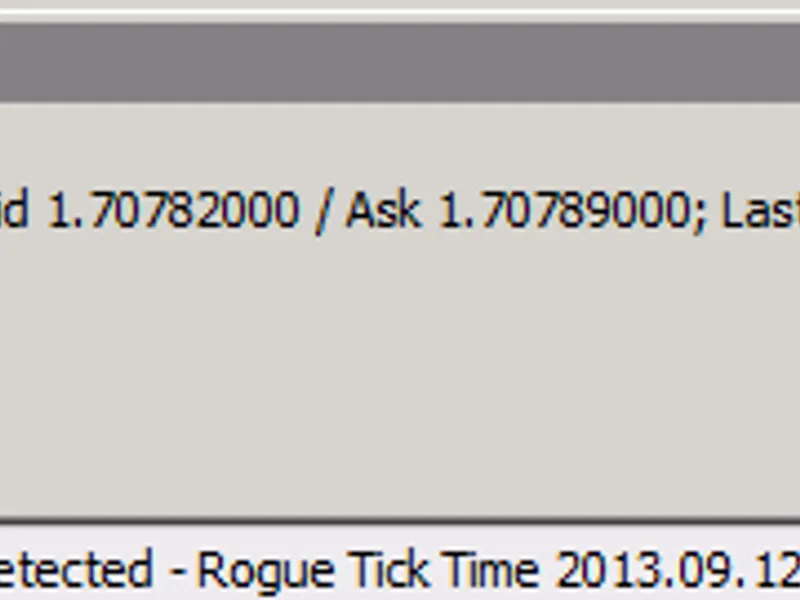
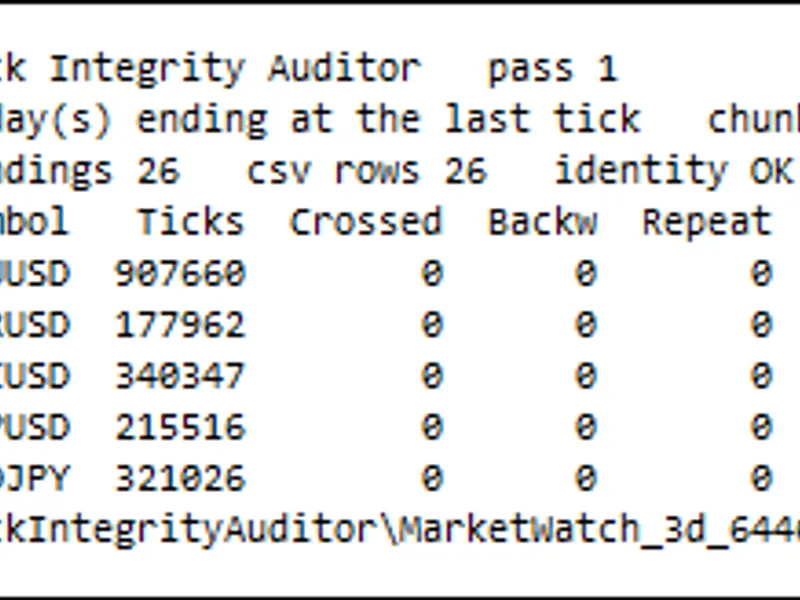
A price feed is linear, meaning current prices increase, decrease, or stay the same relative to the previous price. Each price quote (tick) is supposed to be sequential in time. For example, a price quote with timestamp 12:20:25 should always arrive and be processed by the platform before a quote with timestamp 12:20:26. If a tick with timestamp 12:20:25 arrives after the tick with timestamp 12:20:26, an error message appears. This can be configured as a popup, email, or written log entry. The log entry will include the symbol name, the rogue tick details, and the previous tick's bid/ask and timestamp information.
The tool checks the incoming tick's (tick0) timestamp and compares it to the previous tick's timestamp (tick-1). If tick0's timestamp is less than tick-1's timestamp, an alert is recorded.
Options for popups, emails, and a separate log file are available. The separate log file can be used to provide evidence to a broker or programmer if you do not wish to use the expert logs. Ensure you account for time differences, as the expert log records local computer time, while tick timestamps reflect MT4/MT5 market watch time.
Installation
Copy the roguetickdetector.mq4 or .ex4 file to the [Metatrader4/5 folder]\Experts\Indicators directory. Restart Metatrader 4/5, and the new indicator should appear in the Navigator under the 'Custom Indicators' folder. Drag the RogueTickDetector onto any chart for the symbol you wish to track. Multiple instances of different indicators can run simultaneously on the same chart, but only one instance of RogueTickDetector is needed per tracked symbol.
The log file will be located in [Metatrader4/5 folder]\Experts\Files
Notes
There may be legitimate reasons for sporadic rogue ticks (a couple of times a day at most). However, if a pair experiences several rogue ticks per minute or hour (regardless of symbol volatility), it is possible that the price feed is being manipulated intentionally. Check for other forms of dealer intervention, such as execution/fill delays, asymmetric slippage, excessive re-quotes, or unusual disconnects. Also, verify your own latency from the MT4/MT5 terminal to the server and assess your internet connection quality.
Typically, rogue ticks originate from a problem on the broker's side. We often use this tool on high-quality VPS servers in New York with a 100% uptime guarantee. The same server hosts multiple live and demo accounts with various brokers trading similar currency pairs, yet only a few brokers consistently exhibit this issue. Alternatively, a broker might never have this problem, and then it suddenly occurs frequently.
Since this tool consumes very few computer resources, we recommend all traders who value accurate pricing to consider using this tool or a similar solution.
You may also like: inside bar indicator: reliable candlestick pattern detection - excellent alternative for indicator users on MetaTrader 4.
Source Code
#property copyright "robotfx"
#property link "https://robotfx.org"
#property indicator_chart_window
extern bool popupalert = true;
extern bool emailalert = false;
extern bool enableaudittraillogging = true;
datetime lastticktime;
double lastbid;
double lastask;
int init()
.......
⚠ Limitations & Risk Warning
- This tool is provided for educational and testing purposes only.
- Past performance does not guarantee future results.
- Trading involves substantial risk of loss. Use on a demo account first.
- Results may vary depending on market conditions, broker, and settings.
- We recommend thorough backtesting and forward testing before using with real funds.