

MA Candles Two Colors Indicator
Info
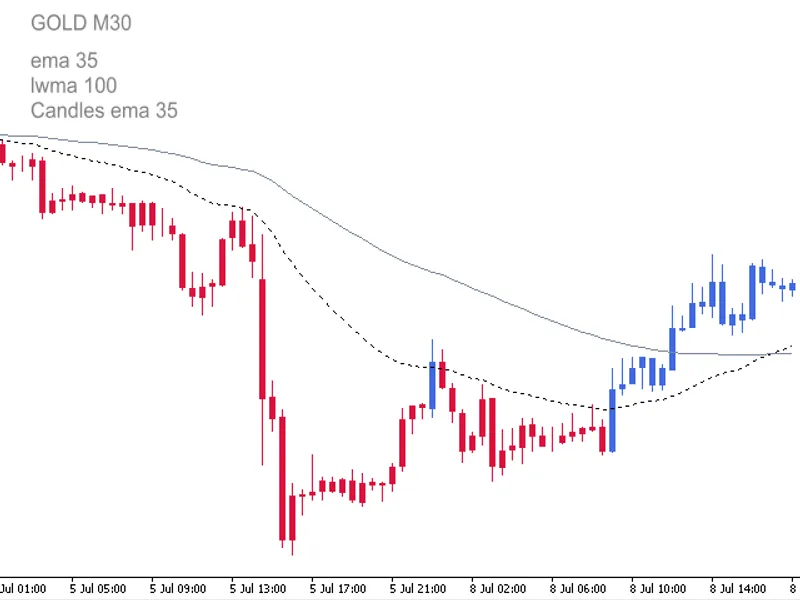
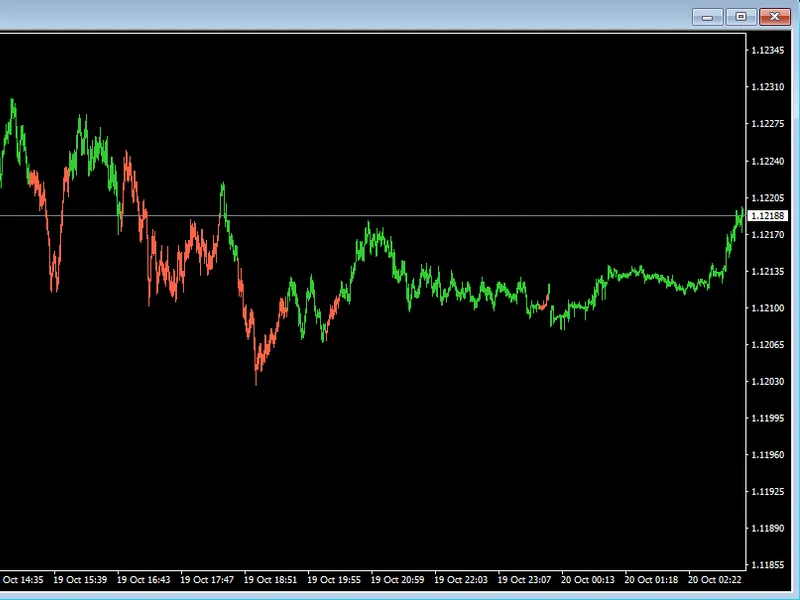
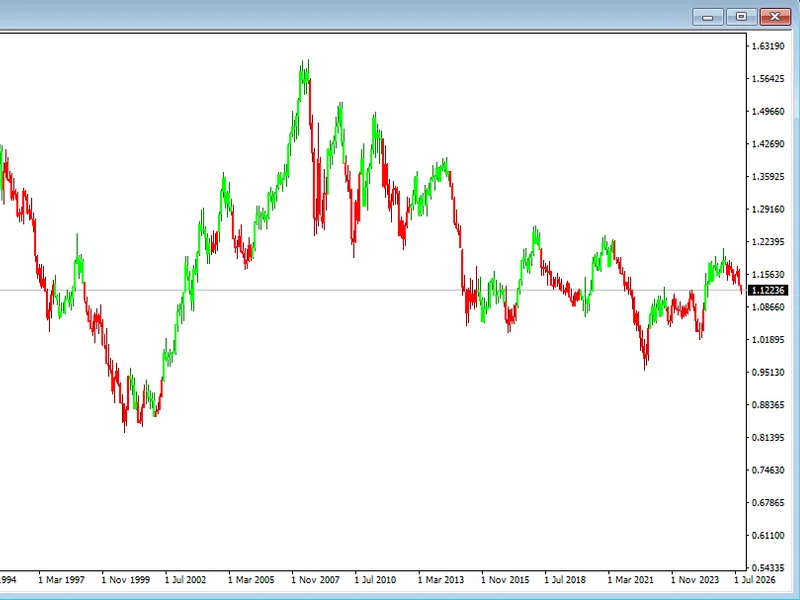
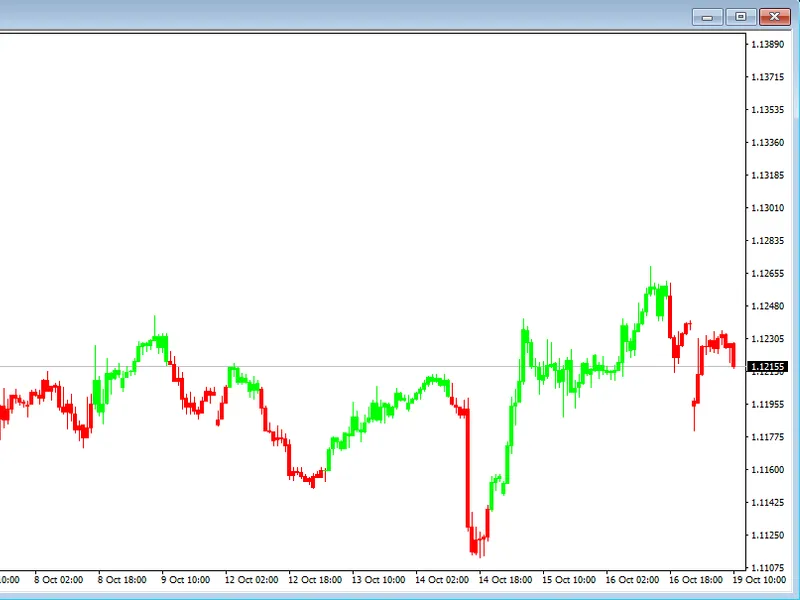
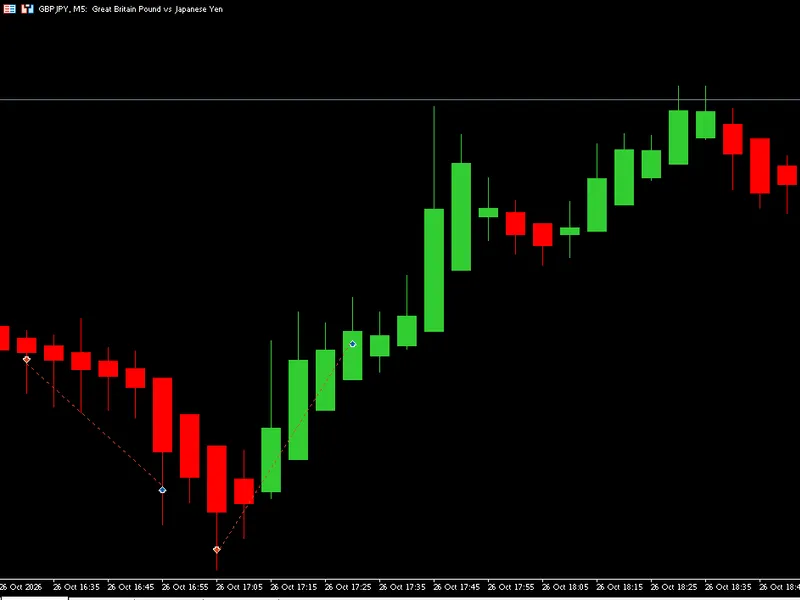
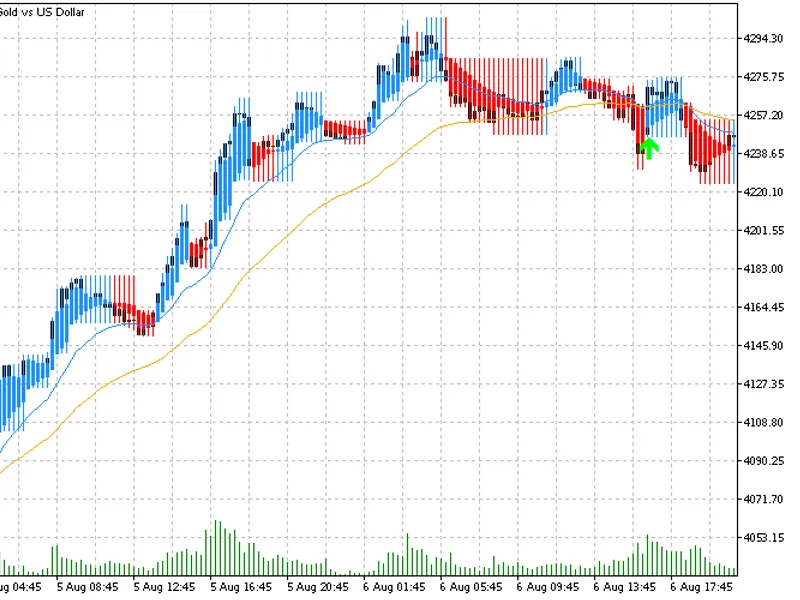
The MA Candles Two Colors Indicator is a Indicator for MetaTrader 4 that ma candles two colors indicator 2. 0This indicator draws candles in two distinct colors, positioned above and below a Moving Average (MA) line.
Usage
This tool is typically used for enhancing chart analysis and decision making.
Platform
This Indicator works exclusively on MetaTrader 4 (both build 600+ and newer versions).
Setup
Place the downloaded file in MQL4/Indicators folder via File ? Open Data Folder in MetaTrader 4.
How to Install and Use MA Candles Two Colors Indicator
1. Installation: Place your file in the MQL/Indicators folder via "Open Data Folder" and restart your terminal.
2. Loading: Find the indicator in the Navigator, drag it onto your chart, and configure the input parameters in the popup window.
3. Customization: Press Ctrl+I to open the indicator list, select your tool, and click "Properties" to change colors, levels, or visual styles.
4. Updating: Replace the old file in the Indicators folder with the new version and restart the platform to apply changes.
Frequently Asked Questions
Q: Why is my indicator not showing? A: Verify the file is in the MQL/Indicators folder, or try right-clicking the "Indicators" tree in the Navigator and clicking "Refresh."
Q: Do custom indicators slow down the platform? A: Too many complex indicators can impact performance; remove unused ones via the "Indicator List" (Ctrl+I).
Q: Can I use MT4 indicators on MT5? A: No, MQL4 and MQL5 are distinct languages; ensure the indicator is compiled specifically for your platform version.
What this tool does
MA Candles Two Colors Indicator 2.
Typical Use Case
This Indicator excels in automated trading and technical analysis on MetaTrader 4.
Compatible Platform & Setup
This Indicator works on MetaTrader 4. Place the file in the MQL4/Indicators folder and restart the terminal.
Description & Settings
Related: Copilot Adaptive Regime Candles - another powerful indicator for MetaTrader 4 traders.
MA Candles Two Colors Indicator 2.0This indicator draws candles in two distinct colors, positioned above and below a Moving Average (MA) line.
Also recommended: Mistral Trend Candles Indicator - similar indicator with strong performance on MetaTrader 4.
Supported MA Methods:
- Simple
- Exponential
- Smoothed
- Weighted
- Triangular
The indicator supports all standard MA parameters: period, shift, method, and price.
For Triangular MA, please refer to the attached download files.
Users must ensure that all input variables and value parameters (MA period, shift, method, and price) for both the indicator and any user-provided moving average match exactly.
This indicator has been updated to automatically change the chart to a line chart and set the line chart color to none before drawing the MA candles. The manual steps are no longer necessary.
To use the indicator:
1. Open a new chart.
2. Change the chart's price graphic to a line chart (Press Alt+3 or navigate to Charts > Line Chart). Ensure 'Bar Chart' or 'Candlesticks' is not selected.
3. Open the Chart Properties window (Press F8 or right-click on the chart and select Properties).
4. Select the Colors tab.
5. Under 'Line Chart:', select the dropdown and change the color to 'None'. The chart should now display no graphical price, referred to as a blank chart.
6. You can save this blank chart as a template for use with other currency pairs or instruments.
7. Attach the 'MA Candles Cross MA' indicator to the blank chart.
Default Parameters:
MA1 defaults to period = 1, shift = 0, method = 0 (SMA), and price = 0 (Close). This configuration causes the color candles to change color based on whether the price is above or below MA2.
MA2 defaults to Exponential Moving Average (EMA).
Note: The MAs to be used should be supplied by the user and are not part of this indicator.
Candle Accuracy:
Although the standard chart price graphic is hidden, it remains active. Open, High, Low, and Close prices are accessible in the MetaTrader 4 Data Window (Press Ctrl+D or View > Data Window). You can verify the indicator's candle accuracy against these values. Ensure the cursor is positioned on the relevant colored candle when cross-referencing.
Data Window Interpretation:
Hidden Candle Open: 1325.6
Hidden Candle High: 1326.6
Hidden Candle Low: 1321.5
Hidden Candle Close: 1323.1
The indicator displays H, L, O, and C for its candles in columns r up, r dn, bu, and b dn (representing red up, red down, blue up, and blue down candles, respectively).
If the hidden candle's open is greater than its close, it is a down candle. The indicator's 'red down' candle in column 2 corresponds to this hidden down candle.
Example:
r dn l: 1321.5
b dn h: 1326.6
r dn c: 1323.1
r dn o: 1325.6
All input parameters and options can be modified and will save automatically. If a reset is performed after changing inputs or color parameters, the color candles may display as bars. To revert to color candles, switch to a different timeframe and then back.
Input Parameters:
- candle_MA_period: 34
- candle_MA_shift: 0
- candle_MA_type: 1
- candle_MA_price: 0
- candle_shadow_width: 1
- candle_body_width: 4
- type_key: 0 = SMA, 1 = EMA, 2 = SMMA, 3 = LWMA
- price_key: 0 = Close, 1 = Open, 2 = High
- price_key_cont: 3 = Low, 4 = Median
Last updated: 2026
You may also like: Kalman Candles - excellent alternative for indicator users on MetaTrader 4.
Source Code
#property copyright "robotfx"
#property link "https://robotfx.org"
#property version   "2.00"
#property description "this code is educational. feel free to use, modify and upgrade as you wish. visit robotfx.org for professional trading tools"
#property description "this code is educational. feel free to use, modify and upgrade as you wish. visit robotfx.org for professional trading tools"
#property description "this code is educational. feel free to use, modify and upgrade as you wish. visit robotfx.org for professional trading tools"
#property description "this code is educational. feel free to use, modify and upgrade as you wish. visit robotfx.org for professional trading tools"
#property description "this code is educational. feel free to use, modify and upgrade as you wish. visit robotfx.org for professional trading tools"
#property description "this code is educational. feel free to use, modify and upgrade as you wish. visit robotfx.org for professional trading tools"
#property strict
.......
⚠ Limitations & Risk Warning
- This tool is provided for educational and testing purposes only.
- Past performance does not guarantee future results.
- Trading involves substantial risk of loss. Use on a demo account first.
- Results may vary depending on market conditions, broker, and settings.
- We recommend thorough backtesting and forward testing before using with real funds.