
third party ticks
Info
The third party ticks is a Script for MetaTrader 5 that third-party applications for metatrader 4 allowing to obtain a tick history from various sources have always been popular. this history is typically used in the strategy tester for checking the operation of expert advisors as well as for conducting research (such as machine learning, etc.
Usage
This tool is typically used for enhancing chart analysis and decision making.
Platform
This Script works exclusively on MetaTrader 5 (both build 600+ and newer versions).
Setup
Place the downloaded file in MQL5/Scripts folder via File ? Open Data Folder in MetaTrader 5.
How to Install and Use third party ticks
1. Installation: Move your script file into the MQL/Scripts directory and restart the platform.
2. Execution: Drag the script onto a chart; it will perform a one-time action, such as closing all open orders or clearing chart objects.
3. Editing: Use MetaEditor (F4) to modify code, click "Compile," and verify no errors appear in the terminal before running.
4. Removing: Scripts stop automatically, but you can remove them manually by right-clicking the chart and choosing "Remove Script."
Frequently Asked Questions
Q: How are scripts different from EAs? A: Scripts execute a single action and then stop; EAs monitor the market and trade continuously.
Q: Can I assign a hotkey to a script? A: Yes, right-click the script in the Navigator, select "Set Hotkey," and define your preferred keyboard shortcut.
Q: Why did my script stop? A: Scripts are designed to stop immediately after finishing their programmed command; this is normal behavior.
What this tool does
third-party applications for metatrader 4 allowing to obtain a tick history from various sources have always been popular.
Typical Use Case
This Script excels in automated trading and technical analysis on MetaTrader 5.
Compatible Platform & Setup
This Script works on MetaTrader 5. Place the file in the MQL5/Scripts folder and restart the terminal.
Description & Settings
Related: historex: export the history of rates and ticks to cs v-files - another powerful script for MetaTrader 5 traders.
Also recommended: input and output of onnx model - similar script with strong performance on MetaTrader 5.
third-party applications for metatrader 4 allowing to obtain a tick history from various sources have always been popular. this history is typically used in the strategy tester for checking the operation of expert advisors as well as for conducting research (such as machine learning, etc.). some sources of quotes discussed by users have become almost standard in the search for a "grail."criterion
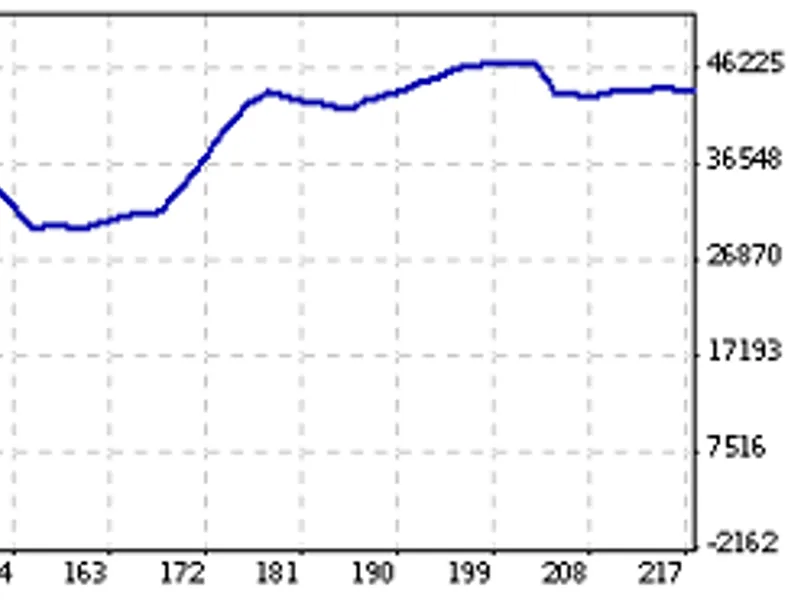
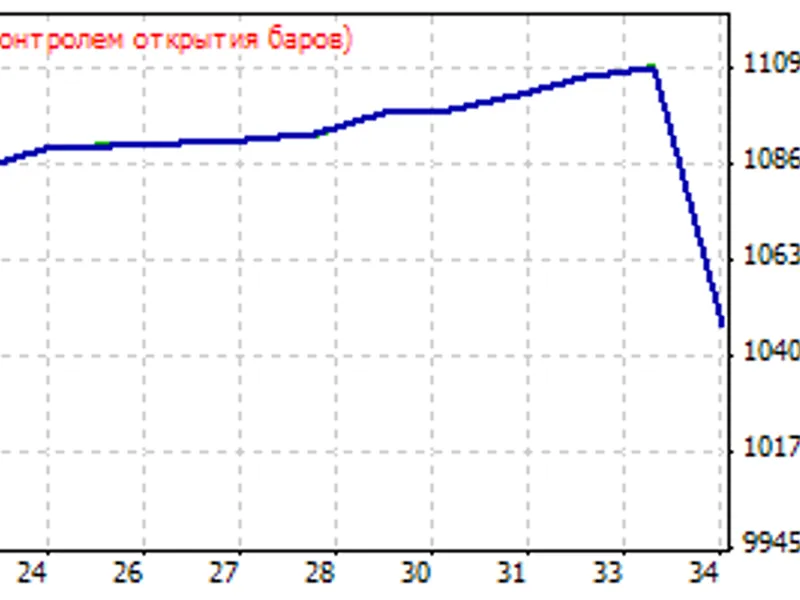
the given mql5 library does not have any criterion for comparing ticks. the reasons for choosing the proposed source of the tick archive are not described. but this archive is absolutely fresh and therefore not fully studied. therefore, in order to develop your own criterion of value, perform a simple action - run your expert advisor using the mode on any
built-in metatrader 5 symbol
and on the
custom symbol
created by the script (based on a third-party real tick history), and then compare the results obtained. this process does not require any deep knowledge of the terminal or additional actions outside it.
script
the script accesses the tick history from the built-in source and creates an appropriate custom symbols on its basis.
comments in the source code partially explain the principle.
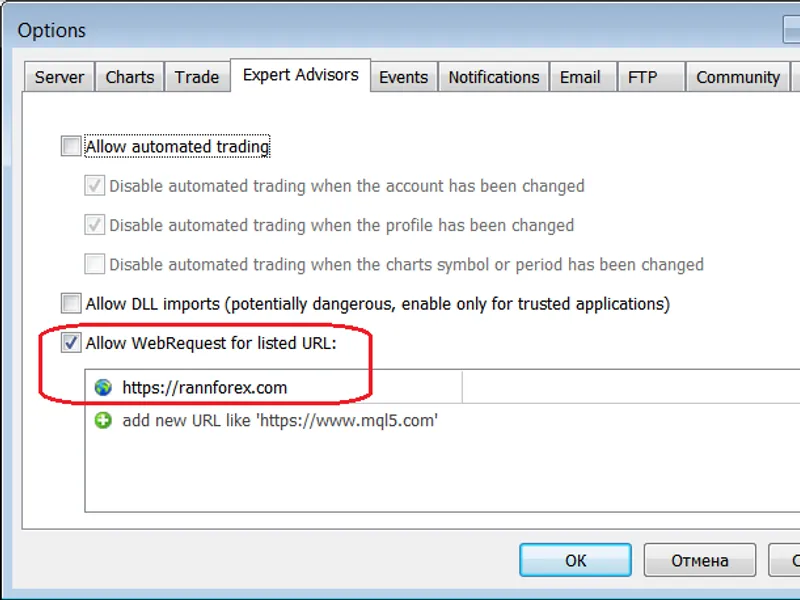
for a proper operation of the script, you should specify the address of the quotes source in , for example:
actions are written in details to logs during the script operation:
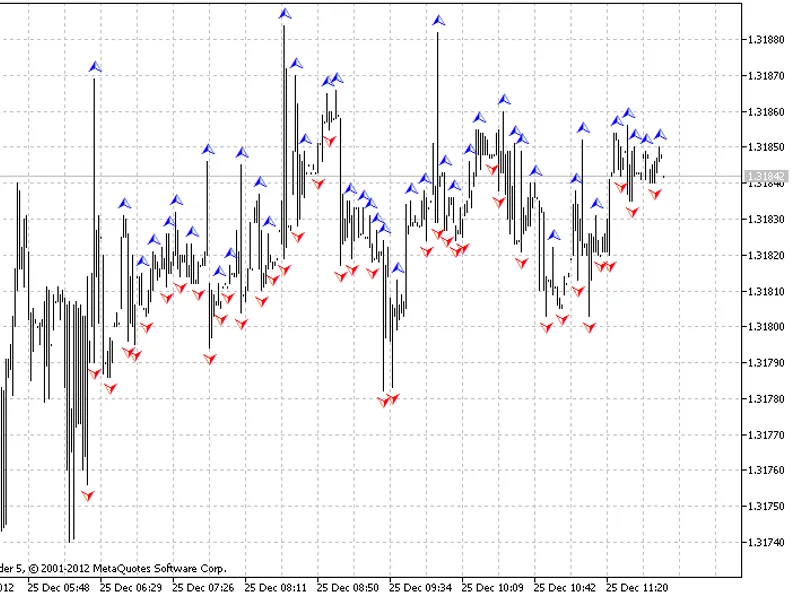
after that you can using new custom symbols:
features
only standard mql5 features are used, so there are no dlls and it is suitable for the market.
the archive of quotes is saved on the local machine as zip archives with csv-files.
the archive of quotes is synchronized with the source: only the missing data is downloaded.
the source files include the following libraries: and .
the script can work with a local archive without the internet connection.
data in the local archive can be edited or added manually.
the operation of the file storage does not depend on directories in it: you can create folders and save data there at your discretion.
the bar history is created taking into account the minimal loss of quality when switching from the "every tick based on real ticks" testing mode to "open prices only" - a trading system uses limit orders.
the core of the script is the library with the same name. it allows creating more interesting scenarios.
the source has not been optimized and is provided as is for educational purposes.
in order to make the library used as a core completely universal, you need to modify it for operation with arbitrary sources and with any format of quotes.
You may also like: rates compressor - excellent alternative for script users on MetaTrader 5.
Source Code
#property script_show_inputs
#include <fxsaber\thirdpartyticks\thirdpartyticks.mqh>
sinput bool   sync = true; // synchronization
sinput string symbol = ""; // symbol (null - current, "allsymbols" - all)
thirdpartyticks thirdpartyticks; //
void createsymbol()
{
  const string symb = (symbol == "") ? stringsubstr(_symbol, 0, 6) : symbol;
  if (sync)
    thirdpartyticks.refresh();                      //
.......
⚠ Limitations & Risk Warning
- This tool is provided for educational and testing purposes only.
- Past performance does not guarantee future results.
- Trading involves substantial risk of loss. Use on a demo account first.
- Results may vary depending on market conditions, broker, and settings.
- We recommend thorough backtesting and forward testing before using with real funds.