










Object Emulator for MetaTrader 4 and 5
Info
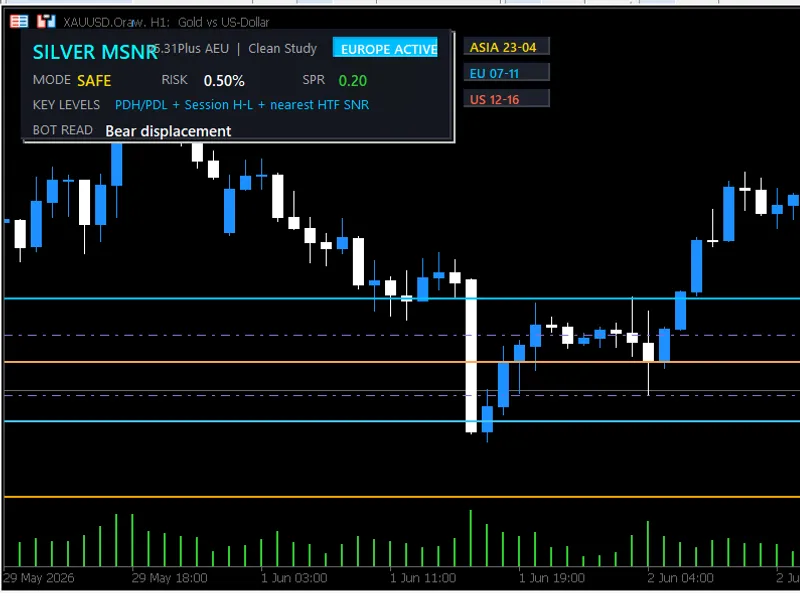
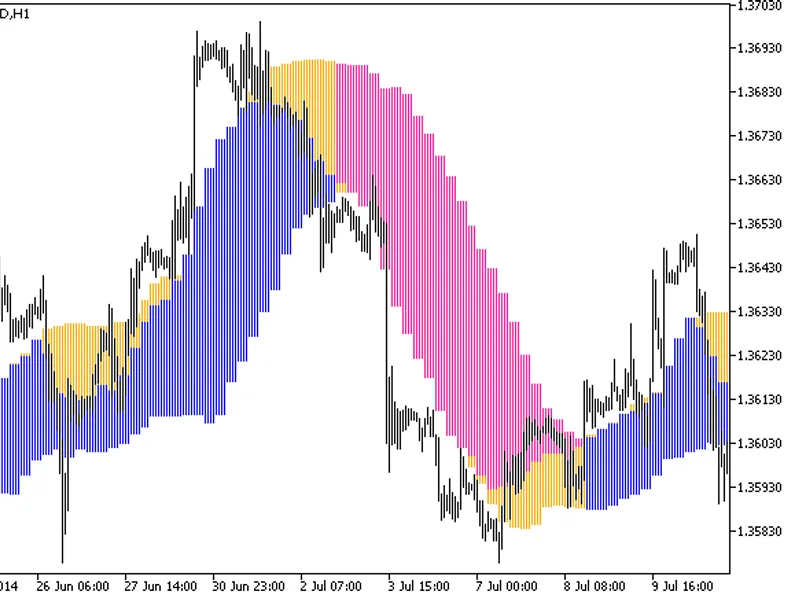
The Object Emulator for MetaTrader 4 and 5 is a Library for MetaTrader 5 that descriptionmetatrader 4 enables the use of objects within the expert advisor during testing. Upon test completion, the chart featuring these objects will be displayed.
Usage
This tool is typically used for enhancing chart analysis and decision making.
Platform
This Library works exclusively on MetaTrader 5 (both build 600+ and newer versions).
Setup
Place the downloaded file in MQL5/Libraries folder via File ? Open Data Folder in MetaTrader 5.
How to Install and Use Object Emulator for MetaTrader 4 and 5
1. Storage: Place library files in the MQL/Libraries directory to ensure they are accessible to your projects.
2. Implementation: Include the library in your code using the #import directive, ensuring you match the exact function names and parameters.
3. Compilation: Ensure the library is present in the directory before you compile your main EA or script, as the compiler links them during this phase.
4. Management: Keep libraries organized in sub-folders if you manage many custom functions to maintain a clean project structure.
Frequently Asked Questions
Q: What is a library file used for? A: Libraries store reusable code modules, allowing you to centralize common logic used by multiple EAs or indicators.
Q: Is a library executable? A: No, libraries are non-executable files containing functions; they must be imported into an EA, indicator, or script to function.
Q: Can I update a library while the platform is running? A: You should compile your EA or script after updating a library to ensure the latest code changes are integrated.
What this tool does
DescriptionMetaTrader 4 enables the use of objects within the Expert Advisor during testing.
Typical Use Case
This Library excels in automated trading and technical analysis on MetaTrader 5.
Compatible Platform & Setup
This Library works on MetaTrader 5. Place the file in the MQL5/Libraries folder and restart the terminal.
Description & Settings
Related: Extended Objects - another powerful library for MetaTrader 5 traders.
DescriptionMetaTrader 4 enables the use of objects within the Expert Advisor during testing. Upon test completion, the chart featuring these objects will be displayed. Arrows facilitate observation, indicating where the Expert Advisor can execute operations, but this condition did not permit it. Numerous usage examples exist.
Also recommended: Object Creation and Modification Functions - similar library with strong performance on MetaTrader 5.
Note:
Currently, Expert Advisors are developed without utilizing objects in MetaTrader 5. The Object Emulator facilitates data retrieval from objects, but its use is not recommended due to the significant slowdown in the testing process and the presence of some differences from official functions.
Use the Object Emulator solely for displaying objects in the chart post-testing.
Setting
Add the objectemul_indicator indicator to the tester.tpl tester template. For those unfamiliar with this process:
- Open a chart for any currency pair.
- Drag and drop the objectemul_indicator indicator onto the chart.
- Right-click on the chart.
- Select 'Save Template' and name the file 'tester'.
The 'Open Chart' button on the 'Settings' tab has been removed in MetaTrader 5's Strategy Tester. If the Expert Advisor does not execute a trading operation during testing, the chart will not open automatically. You will need to switch to 'Back-testing', right-click, and select 'Open Chart'.
Before using, drag and drop the objectemul_unittest_script onto an empty chart and review the log in the 'Experts' tab to understand the differences from official functions for working with objects.
Add the following to the main file of the Expert Advisor:
and change object to _objs.objct for standard functions.
To access help for object functions in the editor, simply add the letter 'e' to 'obj
e
ct' and press F1.
Example
Variables
string filename - File name. It is set to default, but you can modify it.
bool saveauto = false - Determines whether objects should be saved to a file upon class object deletion. The default 'true' value is intended for simple testing only.
Functions
int count() - Returns the number of objects.
void releaseall() - Deletes all objects, faster than objctdeleteall().
bool loadfile(string fname = "", bool print_error = false) - Loads objects from a file.
bool savefile(string fname = "", bool print_error = false) - Saves objects to a file.
void drawall() - Draws all objects in the chart.
Additionally, there are objct*index() functions for enhanced performance:
int objctfindindex(long chart_id, string name) - Unlike objctfind(), this function returns the serial number of the object. To prevent ambiguity in overloading, separate functions for indexes are used. These functions do not call objctfindindex() for search, and the objects must be managed for proper usage.
The loadfile() function utilizes these functions, while the count() function displays the total number of objects.
Further refinement is required in the implementation, and community contributions are welcomed to enhance this library.
You may also like: object list - excellent alternative for library users on MetaTrader 5.
Source Code
#property copyright "robotfx"
#property link "https://robotfx.org"
#property version   "1.0"
#include <objectemul.mqh>
mqlrates pr[];
void onstart()
{
   copyrates(_symbol, 0, 0, 15, pr);
   objectsdeleteall(0);
   print("objectemul_tester - start");
.......
⚠ Limitations & Risk Warning
- This tool is provided for educational and testing purposes only.
- Past performance does not guarantee future results.
- Trading involves substantial risk of loss. Use on a demo account first.
- Results may vary depending on market conditions, broker, and settings.
- We recommend thorough backtesting and forward testing before using with real funds.