










best interval
Info
The best interval is a Library for MetaTrader 5 that market laws depend on the intra-day or intra-week intervals. this is why it is reasonable to limit your trading system by time.
Usage
This tool is typically used for enhancing chart analysis and decision making.
Platform
This Library works exclusively on MetaTrader 5 (both build 600+ and newer versions).
Setup
Place the downloaded file in MQL5/Libraries folder via File ? Open Data Folder in MetaTrader 5.
How to Install and Use best interval
1. Storage: Place library files in the MQL/Libraries directory to ensure they are accessible to your projects.
2. Implementation: Include the library in your code using the #import directive, ensuring you match the exact function names and parameters.
3. Compilation: Ensure the library is present in the directory before you compile your main EA or script, as the compiler links them during this phase.
4. Management: Keep libraries organized in sub-folders if you manage many custom functions to maintain a clean project structure.
Frequently Asked Questions
Q: What is a library file used for? A: Libraries store reusable code modules, allowing you to centralize common logic used by multiple EAs or indicators.
Q: Is a library executable? A: No, libraries are non-executable files containing functions; they must be imported into an EA, indicator, or script to function.
Q: Can I update a library while the platform is running? A: You should compile your EA or script after updating a library to ensure the latest code changes are integrated.
What this tool does
market laws depend on the intra-day or intra-week intervals.
Typical Use Case
This Library excels in automated trading and technical analysis on MetaTrader 5.
Compatible Platform & Setup
This Library works on MetaTrader 5. Place the file in the MQL5/Libraries folder and restart the terminal.
Description & Settings
Related: cis session - class to set time intervals (sessions) - another powerful library for MetaTrader 5 traders.
market laws depend on the intra-day or intra-week intervals. this is why it is reasonable to limit your trading system by time.
Also recommended: command - behavioral design pattern - similar library with strong performance on MetaTrader 5.
for example, there are scalping trading systems that are good at trading at asian and american sessions. disabling the trading system during high volatility periods is also practiced.accordingly, a problem arises:
how to find the best time for trading with your ts?
as a rule, this interval is searched for either by intuition or by shouldering the standard tester. let us forget about intuition as a non-technical case. as to using the standard tester in solving such a problem, this automatically leads to significantly increasing the number of runs and, accordingly, the optimization and the money (cloud). however, there will still be some points that could be improved.
it is also possible that there is a really good ts. however, its positive features are hidden, since there is no time filtere in it. after all, if it were possible to find a suitable trading interval for that ts, it would not be trashed, but would trigger additional research...
implementation.
this cross-platform library allows the system to find the optimal trading interval very quickly and as efficiently as possible.
example of use with comments:
now, let's have a look at the real application of the library within the scalper ea.
scalper.
let's launch the round-the-clock scalper in mt5 tester. we will see the following
look at the single pass log
here is the raw passage data - no intervals are discarded.
now let's provide consecutively the further log entries, where the effect of deleting weak intervals would be shown gradually.
one interval is deleted:
highlighted strings are trading intervals. we can see that there is no trading from 10-11 am. the interval is deleted.
two intervals are deleted:
finally, three intervals are deleted
note how the ts parameters improve with each deleted interval.
let's apply the calculated filter to the ts
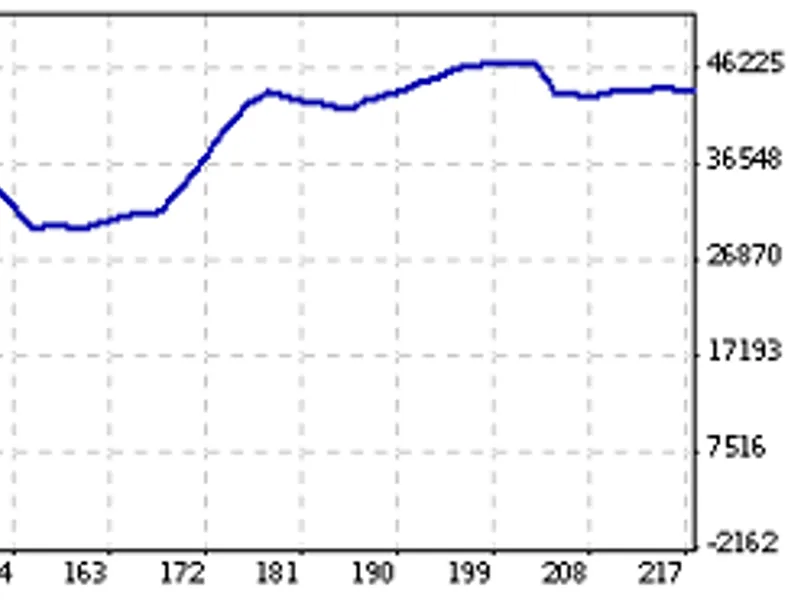
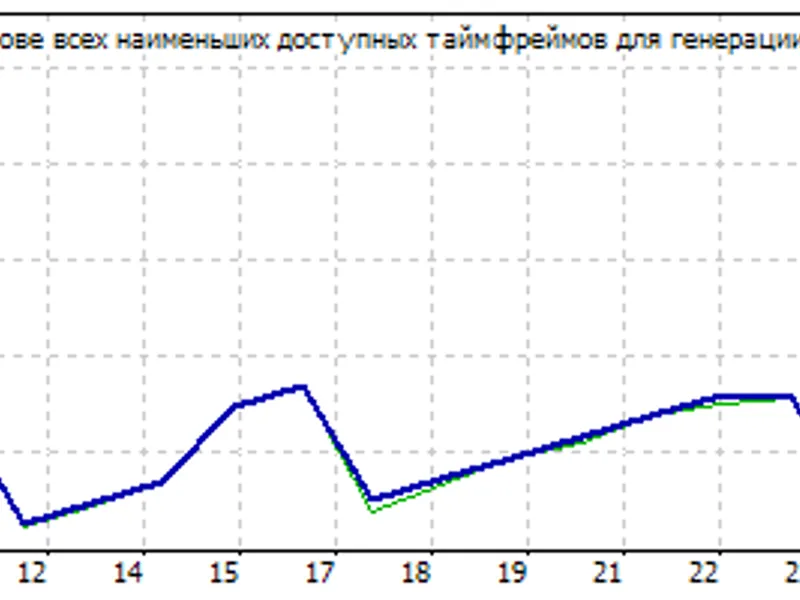
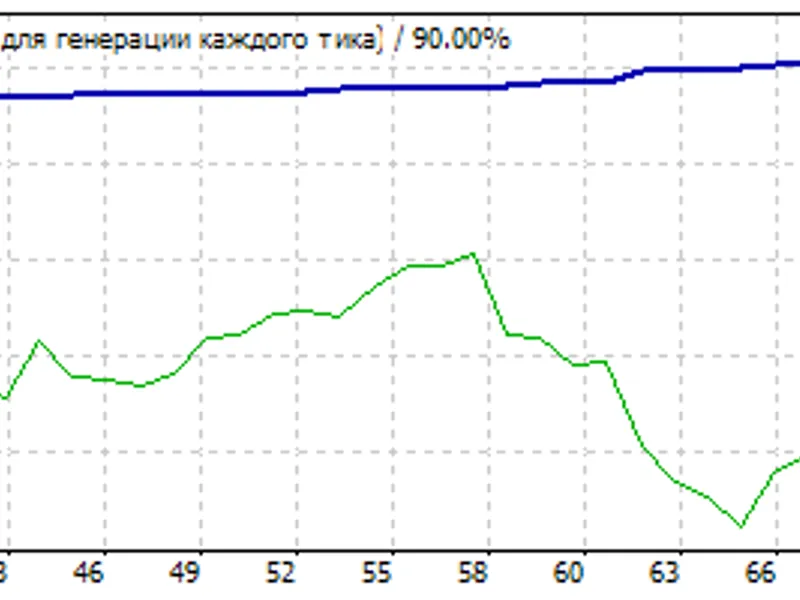
we can visually compare the two charts before and after. perhaps, someone would make an appropriate gif animation for clarity...
as a result, the ts parameters have been improved significantly almost for free: we have spent as little efforts and time as possible.
ontester.
the example above was based on adding just two strings into the initial ea
the highlighted string allows you not to write anything else in the ea. at the same time, the custom optimization criterion is also specified, allowing the optimizer not to look for good intervals in the old-fashioned way. the criterion immediately returns the ts result on a good interval calculated and show the ts potential much better than when using standard optimization.
to apply the found interval upon calculating thereof, set
bestinteval action = true
in its inputs.
summary.
all tses should be broadly checked, including the best trading interval calculation. therefore, this tool is a must-have.
it is reasonable to connect to all current, past, and future tses (using the two strings above) the search for an optimal trading interval. this implementation facilitates considerably creating a profitable ts or improving the robustness of an existing one
features.
it is recommended to enable/disable trading on the intervals detected, using the .
the library algorithm is very fast. it can be easily implemented in third-party trading analyzers for the same purpose.
this is my own idea. perhaps there are similar solutions.
i have not got around yet to implement intra-week intervals. maybe later...
the library is a cross-platform one. it is relevant for both mt4 and mt5.
the best interval is calculated and then applied in the tester without modifying the original ea source code.p.s.
please share your experience of applying the library before and after (as described above) as screenshots and appropriate mt4/5 single pass log segments.
You may also like: design patterns - prototype (creational) - excellent alternative for library users on MetaTrader 5.
Source Code
#define bestinterval_ontester //   -   .
#include <fxsaber\bestinterval\bestinterval.mqh> //
.......
⚠ Limitations & Risk Warning
- This tool is provided for educational and testing purposes only.
- Past performance does not guarantee future results.
- Trading involves substantial risk of loss. Use on a demo account first.
- Results may vary depending on market conditions, broker, and settings.
- We recommend thorough backtesting and forward testing before using with real funds.