






timeframe quality analyzer
Info
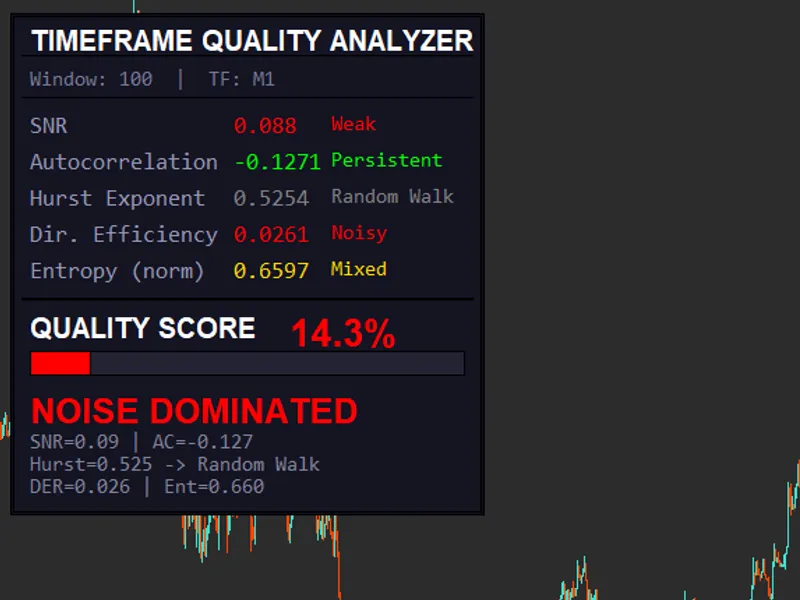
The timeframe quality analyzer is a Indicator for MetaTrader 5 that this indicator assesses the tradeability of a timeframe through a comprehensive set of tests:signal-to-noise ratio (snr):- fits a linear regression over a rolling window of n bars. - computes explained variance (trend) and residual variance (noise).
Usage
This tool is typically used for enhancing chart analysis and decision making.
Platform
This Indicator works exclusively on MetaTrader 5 (both build 600+ and newer versions).
Setup
Place the downloaded file in MQL5/Indicators folder via File ? Open Data Folder in MetaTrader 5.
How to Install and Use timeframe quality analyzer
1. Installation: Place your file in the MQL/Indicators folder via "Open Data Folder" and restart your terminal.
2. Loading: Find the indicator in the Navigator, drag it onto your chart, and configure the input parameters in the popup window.
3. Customization: Press Ctrl+I to open the indicator list, select your tool, and click "Properties" to change colors, levels, or visual styles.
4. Updating: Replace the old file in the Indicators folder with the new version and restart the platform to apply changes.
Frequently Asked Questions
Q: Why is my indicator not showing? A: Verify the file is in the MQL/Indicators folder, or try right-clicking the "Indicators" tree in the Navigator and clicking "Refresh."
Q: Do custom indicators slow down the platform? A: Too many complex indicators can impact performance; remove unused ones via the "Indicator List" (Ctrl+I).
Q: Can I use MT4 indicators on MT5? A: No, MQL4 and MQL5 are distinct languages; ensure the indicator is compiled specifically for your platform version.
What this tool does
this indicator assesses the tradeability of a timeframe through a comprehensive set of tests:signal-to-noise ratio (snr):- fits a linear regression over a rolling window of n bars.
Typical Use Case
This Indicator excels in automated trading and technical analysis on MetaTrader 5.
Compatible Platform & Setup
This Indicator works on MetaTrader 5. Place the file in the MQL5/Indicators folder and restart the terminal.
Description & Settings
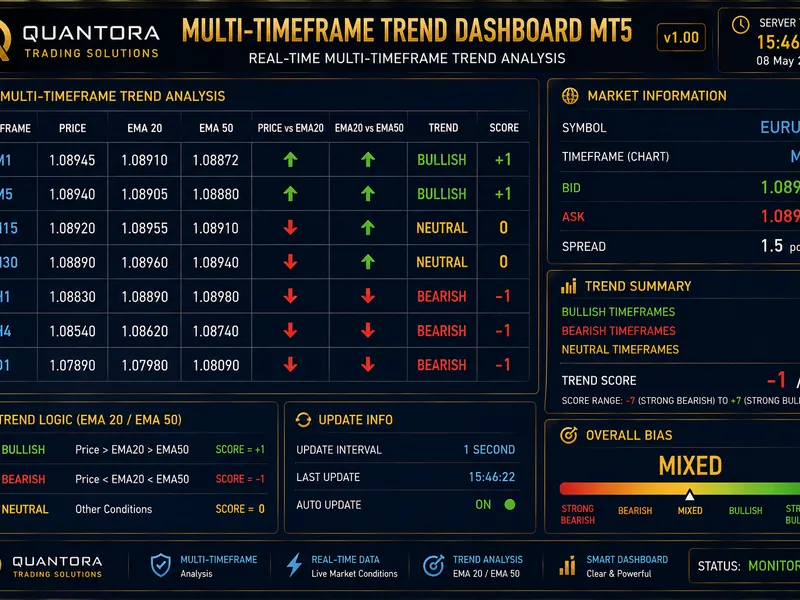
Related: Quantora Multi-Timeframe Trend Dashboard MT5 - Professional EMA Trend Analysis - another powerful indicator for MetaTrader 5 traders.
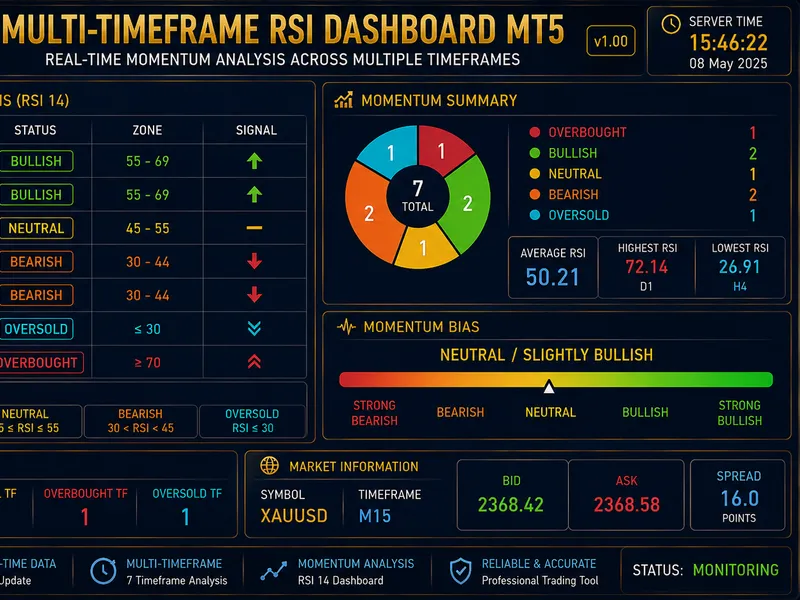
this indicator assesses the tradeability of a timeframe through a comprehensive set of tests:Also recommended: Quantora Multi-Timeframe RSI Dashboard MT5 - Professional RSI Momentum Analysis - similar indicator with strong performance on MetaTrader 5.
signal-to-noise ratio (snr):
- fits a linear regression over a rolling window of n bars.
- computes explained variance (trend) and residual variance (noise).
- calculates snr as the ratio of explained to residual variance.
autocorrelation (memory test):
- computes autocorrelation of returns for lag=1 over a rolling window.
- displays the value, color-coded: green for values > 0.1 (persistence) and red for values near 0 (noise).
hurst exponent (fractal memory):
- interprets the hurst exponent: h ≈ 0.5 indicates a random walk, h > 0.55 suggests trending, and h < 0.45 implies mean reversion.
volatility clustering (variance stability):
- displays an oscillator between 0 and 1.
shannon entropy (randomness test):
- discretizes returns into bins and computes shannon entropy, normalizing between 0 and 1. higher entropy indicates increased randomness.
recommended input settings:
a. default balanced (recommended start):
- larger window reduces noise.
- higher snr weight enhances trend detection.
- lower ac indicates unstable autocorrelation.
b. trend following mode (best for breakouts):
- suited for strong market trends and breakout/momentum trading.
- focuses on trend and persistence.
c. scalping / intraday mode:
- designed for m1-m15 trading, requiring fast adaptation.
- emphasizes structure and efficiency.
d. anti-chop filter mode (powerful):
- helps avoid unfavorable market conditions.
- high entropy weight minimizes noise.
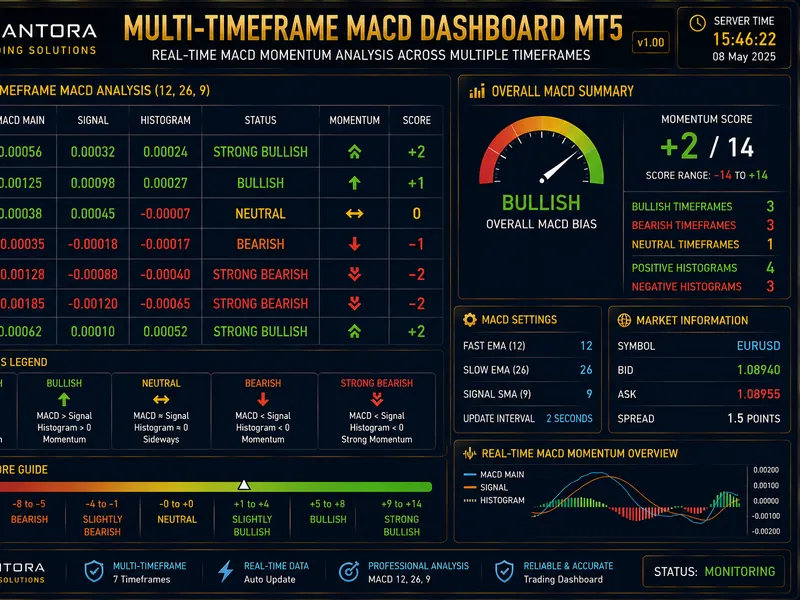
You may also like: Quantora Multi-Timeframe MACD Dashboard MT5 - Professional MACD Momentum Analysis - excellent alternative for indicator users on MetaTrader 5.
Source Code
#property copyright "robotfx"
#property link "https://robotfx.org"
#property version   "1.00"
#property indicator_chart_window
#property indicator_buffers 0
#property indicator_plots   0
input int    inpwindow        = 100;
input int    inpentropybins   = 20;
input double inpweightsnr     = 0.25;
input double inpweightac      = 0.15;
.......
⚠ Limitations & Risk Warning
- This tool is provided for educational and testing purposes only.
- Past performance does not guarantee future results.
- Trading involves substantial risk of loss. Use on a demo account first.
- Results may vary depending on market conditions, broker, and settings.
- We recommend thorough backtesting and forward testing before using with real funds.