IR E A
This is a powerful addition to your MetaTrader 5 toolkit designed to optimize market analysis and performance. This Expert Advisor serves as automated trading software. It is utilized to monitor financial markets and execute trades based on predefined algorithmic rules, enabling precise position management without the need for constant manual oversight.
How to Setup and Use IR E A
1. Installation: Open the "File" menu, select "Open Data Folder," navigate to MQL/Experts, paste your file, and restart the terminal.
2. Activation: Drag the EA from the Navigator onto a chart, ensure "Allow live trading" is checked in the Common tab, and verify the AutoTrading button is green.
3. Optimization: Right-click your chart, choose "Expert List," click "Properties" to adjust inputs, and save your preferred setup as a set file for future use.
4. Maintenance: Regularly check the "Experts" tab in the terminal window to monitor trade logs and potential execution errors.
Frequently Asked Questions
Q: Why is my EA not opening trades? A: Check the "AutoTrading" button, ensure "Allow live trading" is enabled, and verify your broker allows automated trading on your account type.
Q: Can I run multiple EAs on one chart? A: No, each chart can only host one active EA; however, you can open multiple charts for different currency pairs to run several EAs.
Q: What does the "smiley face" icon mean? A: A smiley face in the top-right corner of the chart indicates the EA is successfully running; a frowny face means it is disabled.
Description & Settings
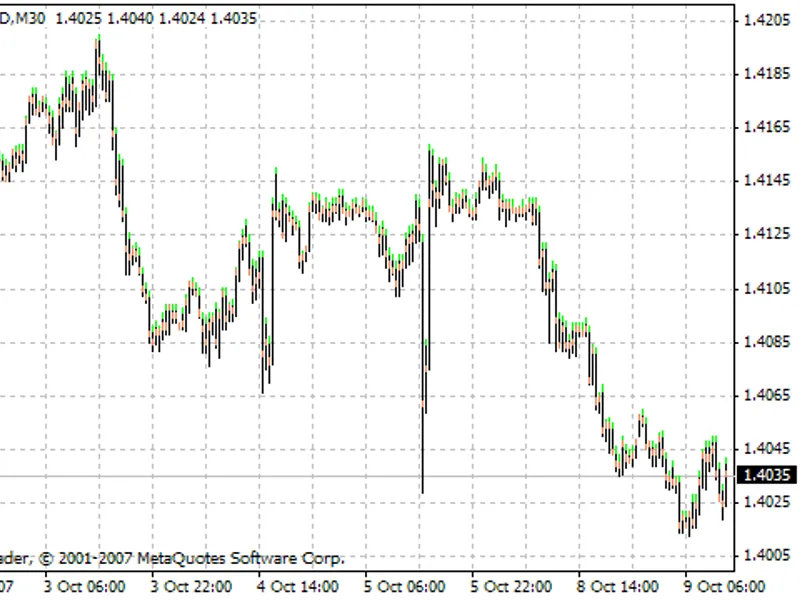
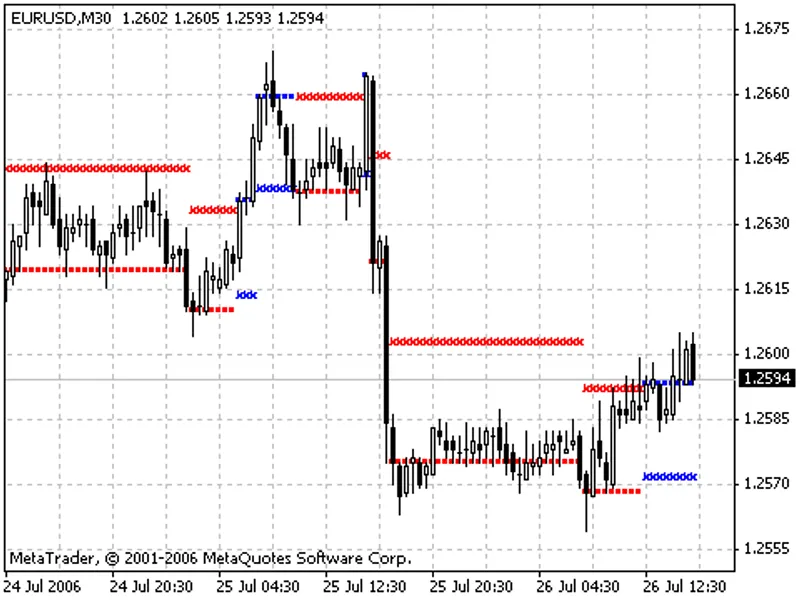
IREA is an automated trade algorithm based on the idea of that an unusual impact in price changes will be adjusted by an inverse movement (you can see this in many shocks).
Parameters: The following parameters are intended for the symbol "EURUSD" in daily timeframe and not optimised. You should change some of them according to the symbol/period which you want to work with.
Stop loss:
(1000 as default) Safety limit for loss in points;
Take profit:
(250 as default) Profit target in points;
Trade volume:
(1.0 as default) Lot value for the order;
Affordable order slippage:
(3 as default) acceptable instant deviation from the order price;
Minimum bar size for signal:
(300 points as default) 1st filtering parameter for the EA. An InverseReaction -mostly comes out after a shock in market. This parameter is the minimum bar size value which supposed to be a shock. You can try different values !! But it shouldn't be smaller than
Take profit
level !!
Maximum bar size for signal:
(2000 points as default) 2nd filtering parameter for the EA. There is a difference between small shocks and gamechangers (crashes, booms, interventions, etc.). And, even the original strategy is inspired by crashes, the EA is focused on smaller shocks. This parameter is supposed to determine a maximum size for shocks (at the lower picture, look to the date '10.07.2013' to see an example). You can try different values.
Confidence coefficient:
(Golden Ratio as default) Indicator's parameter. Do not change it unless you know exactly what you do. For more details please see ;
Moving average period:
(3 as default) Indicator's parameter. Do not change it unless you know exactly what you do. For more details please see indicators page;
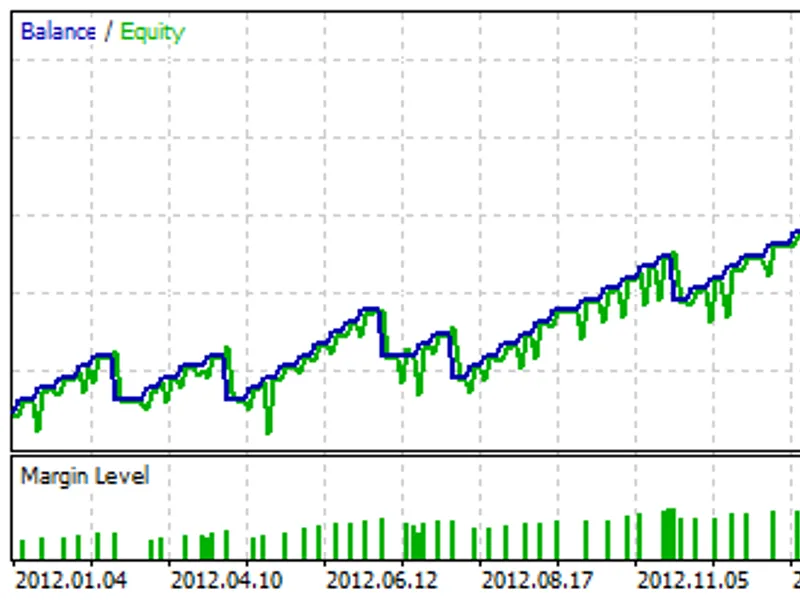
Test Results:
EURUSD, D1, Testing interval: 01.01.2012 - 01.08.2013, Leverage: 1:100, Initial deposit:10 000 USD.
Tips
Inverse Reaction strategy is very unstable right after big economic events (after possible game-changing behaviours in market). This can be seen from the test results. Look at the last loss at the picture below, it was a FED speech that affected all long-term expectations:
So, it is advised not to implement this strategy after such news.
This EA is created only to show how InverseReaction strategy can work alone in trading conditions. It is not an elegantly designed, intelligent EA and as it is told in Indicator's main page, the strategy is much more powerful while using with other technical analysis tools (see the indicator's page to see details). So it is advised not to use this EA in real trading with any condition.