Download ALL MT4 librarys (94)

Similar MetaTrader Tools









Fuzzy - A Library for Developing Fuzzy Models
Info
The Fuzzy - A Library for Developing Fuzzy Models is a Library for MetaTrader 4 that this library provides a comprehensive set of tools for creating and implementing fuzzy models in your applications. The library includes:- 5 core components.
Usage
This tool is typically used for enhancing chart analysis and decision making.
Platform
This Library works exclusively on MetaTrader 4 (both build 600+ and newer versions).
Setup
Place the downloaded file in MQL4/Libraries folder via File ? Open Data Folder in MetaTrader 4.
How to Install and Use Fuzzy - A Library for Developing Fuzzy Models
1. Storage: Place library files in the MQL/Libraries directory to ensure they are accessible to your projects.
2. Implementation: Include the library in your code using the #import directive, ensuring you match the exact function names and parameters.
3. Compilation: Ensure the library is present in the directory before you compile your main EA or script, as the compiler links them during this phase.
4. Management: Keep libraries organized in sub-folders if you manage many custom functions to maintain a clean project structure.
Frequently Asked Questions
Q: What is a library file used for? A: Libraries store reusable code modules, allowing you to centralize common logic used by multiple EAs or indicators.
Q: Is a library executable? A: No, libraries are non-executable files containing functions; they must be imported into an EA, indicator, or script to function.
Q: Can I update a library while the platform is running? A: You should compile your EA or script after updating a library to ensure the latest code changes are integrated.
What this tool does
This library provides a comprehensive set of tools for creating and implementing fuzzy models in your applications.
Typical Use Case
This Library excels in automated trading and technical analysis on MetaTrader 4.
Compatible Platform & Setup
This Library works on MetaTrader 4. Place the file in the MQL4/Libraries folder and restart the terminal.
Description & Settings
Related: standard library - another powerful library for MetaTrader 4 traders.
This library provides a comprehensive set of tools for creating and implementing fuzzy models in your applications.The library includes:
Also recommended: AlgLib: Numerical Analysis Library for MetaTrader - similar library with strong performance on MetaTrader 4.
- 5 core components.
- A flexible framework for defining fuzzy system rules.
- Two types of fuzzy inference systems: Mamdani and Sugeno.
- A method for Mamdani-type systems.
- Support for an unlimited number of input and output variables.
When converting the library to MQL4, the following enhancements were made:
- 8 new membership functions.
- 4 additional defuzzification methods for Mamdani-type systems.
To use the library effectively, follow these steps:
- Determine the number of input and output values to be represented by fuzzy variables.
- Define the number of terms and their membership functions for each fuzzy variable.
- Choose the appropriate type of fuzzy system based on your specific task.
- Establish the number and content of fuzzy rules that align with the selected system.
- Consider any unique parameters or characteristics of the system.
System Development and Calculation:
- Create an empty system.
For a Mamdani-type system:
- Create all fuzzy input variables separately, assigning names and maximum/minimum values.
- Define functions for fuzzy terms, create the terms, and associate names and membership functions with them. Then, add the terms to the corresponding variables.
- Enter the input variables into the system.
- Create input variables, ensuring they match your system type. For Mamdani-type systems, follow steps 2 and 3. For Sugeno-type models, create special fuzzy variables with only a variable name as a parameter.
- Add output variables to the system.
For a Mamdani-type system:
- For a Sugeno-type system:
- Organize a set of rules based on your system. These rules are defined as a string and automatically analyzed using specific keywords.
For a Mamdani-type system:
- For a Sugeno-type system:
- Input all rules into the system.
For a Mamdani-type system:
- For a Sugeno-type system:
- Provide input values for the variables to the system. Define these values and use the dictionary_obj_double class object, which is described in the dictionary.mqh file. This class includes the setall(cobject *key, const double value) method for setting input variables.
- Specify the output values.
- Call the calculate(clist *&list) function to obtain the system's calculation results.
Sample Scripts:
Tips Sample (Mamdani):
The tips_sample_mamdani.mq4 script calculates the tip percentage based on service and food quality.
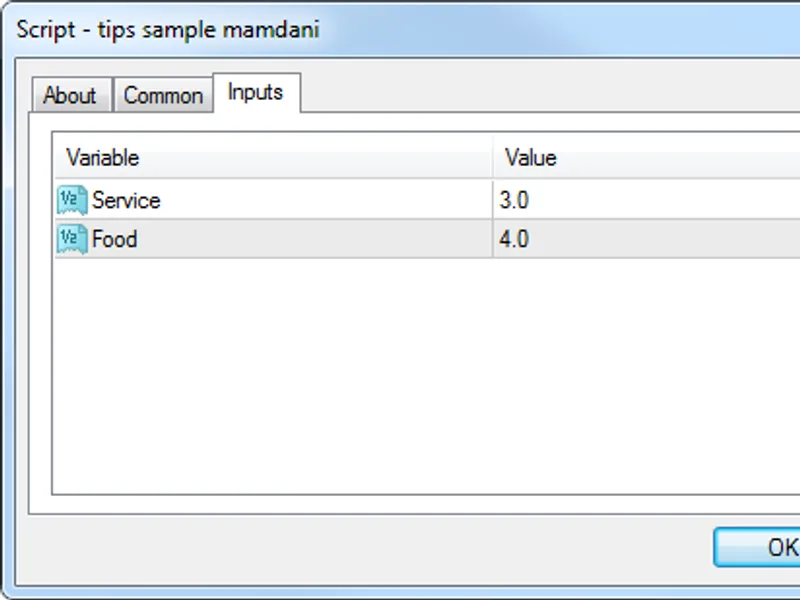
Enter input parameters:
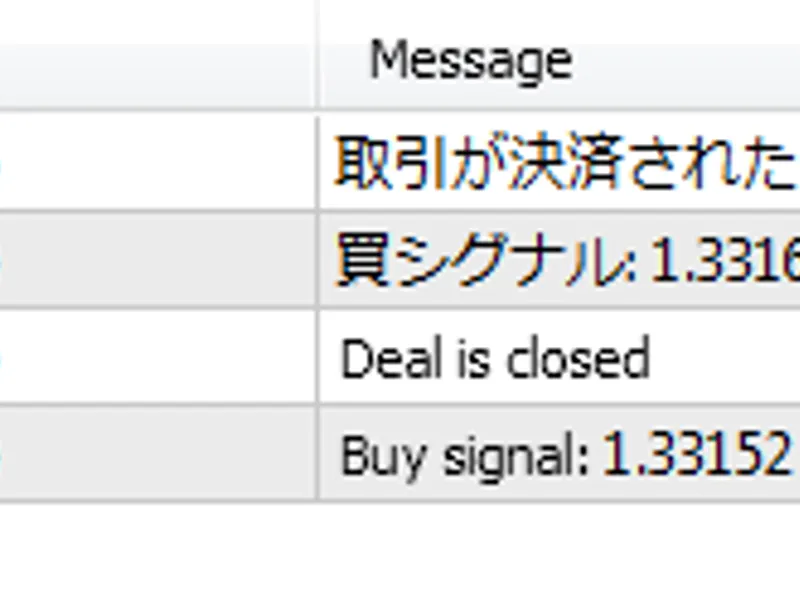
Calculation results:
Cruise Control Sample (Sugeno):
The cruise_control_sample_sugeno.mq4 script demonstrates a fuzzy regulator for car cruise control, determining the required acceleration based on deviation and its rate of change.
Enter input parameters:
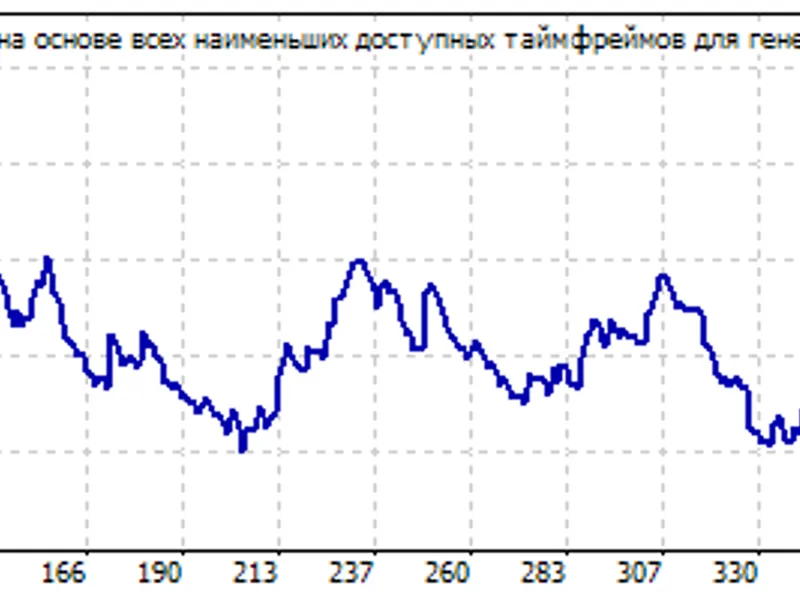
Calculation results:
You may also like: Simple Unit Test Include Library for MQL4 - excellent alternative for library users on MetaTrader 4.
Source Code
#property copyright "robotfx"
#property link "https://robotfx.org"
#property version   "1.00"
#property strict
#property script_show_inputs
#include <math\fuzzynet\sugenofuzzysystem.mqh>
input double   speed_error;
input double   speed_errordot;
void onstart()
  {
.......
⚠ Limitations & Risk Warning
- This tool is provided for educational and testing purposes only.
- Past performance does not guarantee future results.
- Trading involves substantial risk of loss. Use on a demo account first.
- Results may vary depending on market conditions, broker, and settings.
- We recommend thorough backtesting and forward testing before using with real funds.