
momentum
Info
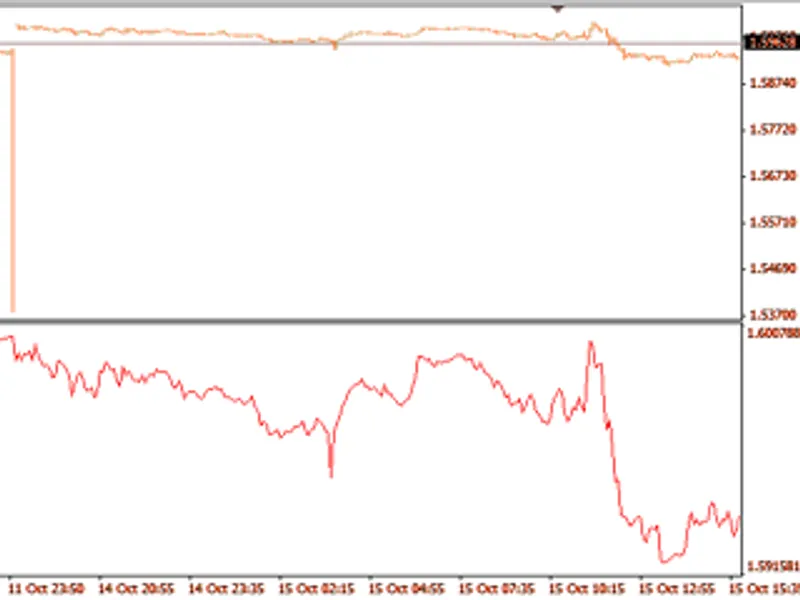
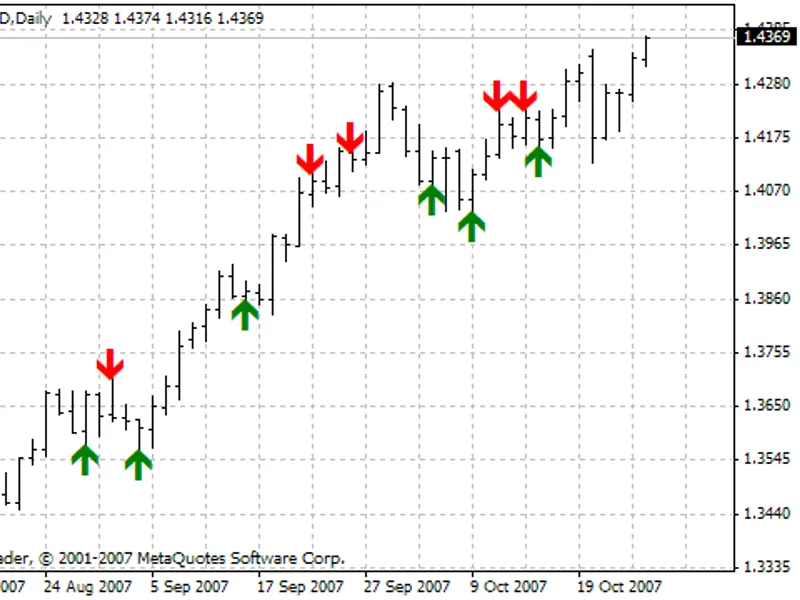
The momentum is a Indicator for MetaTrader 4 that the momentum technical indicator measures the change of price of a financial instrument over a given time span. momentumthere are basically two ways to use the momentum indicator:as a trend-following indicator similar to the moving average convergence/divergence (macd) indicator.
Usage
This tool is typically used for enhancing chart analysis and decision making.
Platform
This Indicator works exclusively on MetaTrader 4 (both build 600+ and newer versions).
Setup
Place the downloaded file in MQL4/Indicators folder via File ? Open Data Folder in MetaTrader 4.
How to Install and Use momentum
1. Installation: Place your file in the MQL/Indicators folder via "Open Data Folder" and restart your terminal.
2. Loading: Find the indicator in the Navigator, drag it onto your chart, and configure the input parameters in the popup window.
3. Customization: Press Ctrl+I to open the indicator list, select your tool, and click "Properties" to change colors, levels, or visual styles.
4. Updating: Replace the old file in the Indicators folder with the new version and restart the platform to apply changes.
Frequently Asked Questions
Q: Why is my indicator not showing? A: Verify the file is in the MQL/Indicators folder, or try right-clicking the "Indicators" tree in the Navigator and clicking "Refresh."
Q: Do custom indicators slow down the platform? A: Too many complex indicators can impact performance; remove unused ones via the "Indicator List" (Ctrl+I).
Q: Can I use MT4 indicators on MT5? A: No, MQL4 and MQL5 are distinct languages; ensure the indicator is compiled specifically for your platform version.
What this tool does
the momentum technical indicator measures the change of price of a financial instrument over a given time span.
Typical Use Case
This Indicator excels in automated trading and technical analysis on MetaTrader 4.
Compatible Platform & Setup
This Indicator works on MetaTrader 4. Place the file in the MQL4/Indicators folder and restart the terminal.
Description & Settings
Related: aura heiken ashi: advanced trend and momentum indicator - another powerful indicator for MetaTrader 4 traders.
the momentum technical indicator measures the change of price of a financial instrument over a given time span.
Also recommended: breakout rhonchus pro: professional momentum breakout indicator - similar indicator with strong performance on MetaTrader 4.
momentumthere are basically two ways to use the momentum indicator:
as a trend-following indicator similar to the moving average convergence/divergence (macd) indicator. in this case a signal to buy occurs if the momentum indicator makes up a trough and starts rising; a signal to sell occurs when it reaches peak and turns down. you may want to plot a short-term moving average of the indicator to determine when it is bottoming or peaking. extremely high or low values of momentum imply continuation of the current trend. thus if the indicator reaches extremely high values and then turns down, the further price growth should be expected. in any case, a position should be opened or closed only after prices confirm the signal generated by the indicator.
as a leading indicator. this method assumes that the final phase of an up-trend is usually accompanied by a rapid price increase (when everyone expects prices to go higher), and that the end of bears' market is characterized by rapid price declines (when everyone wants to get out). this is often the case, but it is also a broad generalization. when market approaches a peak there is a sharp leap of the momentum indicator. after that it starts to fall while prices keep on growing or move horizontally. analogous to that, at the market bottom momentum sharply falls and then turns up long before prices start growing. both of these situations result in divergences between the indicator and prices.
calculation
momentum is calculated as a ratio of today’s price to the price n periods ago: momentum = close (i) / close (i - n) * 100
where: close (i) — the close price of the current bar; close (i - n) — the close price n bars ago.
description of the technical indicator
the full description of the momentum is available in the technical analysis: momentum section
You may also like: BB Squeeze OSMA Momentum Indicator - excellent alternative for indicator users on MetaTrader 4.
Source Code
#property copyright "robotfx"
#property link "https://robotfx.org"
#property description "this code is educational. feel free to use, modify and upgrade as you wish. visit robotfx.org for professional trading tools"
#property strict
#property indicator_separate_window
#property indicator_buffers 1
#property indicator_color1 dodgerblue
input int inpmomperiod=14;  // momentum period
double extmombuffer[];
int oninit(void)
.......
⚠ Limitations & Risk Warning
- This tool is provided for educational and testing purposes only.
- Past performance does not guarantee future results.
- Trading involves substantial risk of loss. Use on a demo account first.
- Results may vary depending on market conditions, broker, and settings.
- We recommend thorough backtesting and forward testing before using with real funds.