








MITP - Multi-Indicator Trend Painter
Info
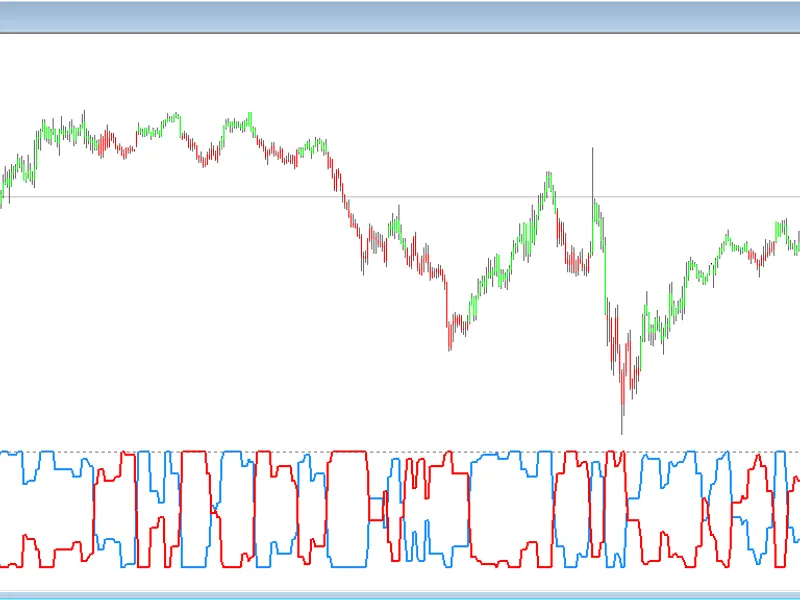
The MITP - Multi-Indicator Trend Painter is a Indicator for MetaTrader 4 that mitp – multi-indicator trend paintera trend-following indicator that integrates signals from up to 32 independent indicators. These include ALMA, AO, MACD (line and histogram), PPO (line and histogram), RSI MA, CCI MA, Fisher, KAMA, True Strength Index, Trend Strength Index, RCI Ribbon (blue and red lines), Chop Zone, and more.
Usage
This tool is typically used for trend following strategies across multiple currency pairs.
Platform
This Indicator works exclusively on MetaTrader 4 (both build 600+ and newer versions).
Setup
Place the downloaded file in MQL4/Indicators folder via File ? Open Data Folder in MetaTrader 4.
How to Install and Use MITP - Multi-Indicator Trend Painter
1. Installation: Place your file in the MQL/Indicators folder via "Open Data Folder" and restart your terminal.
2. Loading: Find the indicator in the Navigator, drag it onto your chart, and configure the input parameters in the popup window.
3. Customization: Press Ctrl+I to open the indicator list, select your tool, and click "Properties" to change colors, levels, or visual styles.
4. Updating: Replace the old file in the Indicators folder with the new version and restart the platform to apply changes.
Frequently Asked Questions
Q: Why is my indicator not showing? A: Verify the file is in the MQL/Indicators folder, or try right-clicking the "Indicators" tree in the Navigator and clicking "Refresh."
Q: Do custom indicators slow down the platform? A: Too many complex indicators can impact performance; remove unused ones via the "Indicator List" (Ctrl+I).
Q: Can I use MT4 indicators on MT5? A: No, MQL4 and MQL5 are distinct languages; ensure the indicator is compiled specifically for your platform version.
What this tool does
MITP – Multi-Indicator Trend PainterA trend-following indicator that integrates signals from up to 32 independent indicators.
Typical Use Case
This Indicator excels in trend following on MetaTrader 4.
Compatible Platform & Setup
This Indicator works on MetaTrader 4. Place the file in the MQL4/Indicators folder and restart the terminal.
Description & Settings
Related: Multi-Indicator Trading System - another powerful indicator for MetaTrader 4 traders.
MITP – Multi-Indicator Trend PainterA trend-following indicator that integrates signals from up to 32 independent indicators. These include ALMA, AO, MACD (line and histogram), PPO (line and histogram), RSI MA, CCI MA, Fisher, KAMA, True Strength Index, Trend Strength Index, RCI Ribbon (blue and red lines), Chop Zone, and more. Each indicator can be enabled or disabled via the input settings.
Also recommended: Multi-Indicator Divergence Detector for MetaTrader 4 - similar indicator with strong performance on MetaTrader 4.
How it Works
Layer 1 – Individual Indicator Triggers
When an indicator shifts to a bullish state (rising or above zero), its trigger is set to the high of that candle. Conversely, when it turns bearish (falling or below zero), its trigger is set to the low of that candle.
An indicator's state is confirmed as BUY or SELL only when a candle closes beyond its trigger, provided the condition remains valid. If an indicator flips to the opposite state, its pending trigger is canceled, and a new one is created upon its subsequent flip. A neutral reading (e.g., Chop Zone without a color indication) maintains the current state.
Layer 2 – General Trigger
When all enabled indicators are in a BUY state (or all in a SELL state), the high (or low) of that candle is stored as the general trigger.
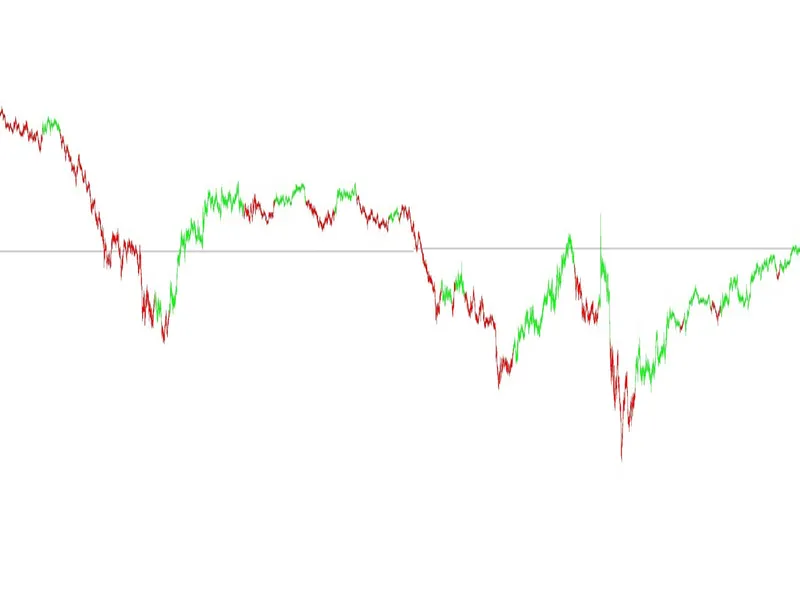
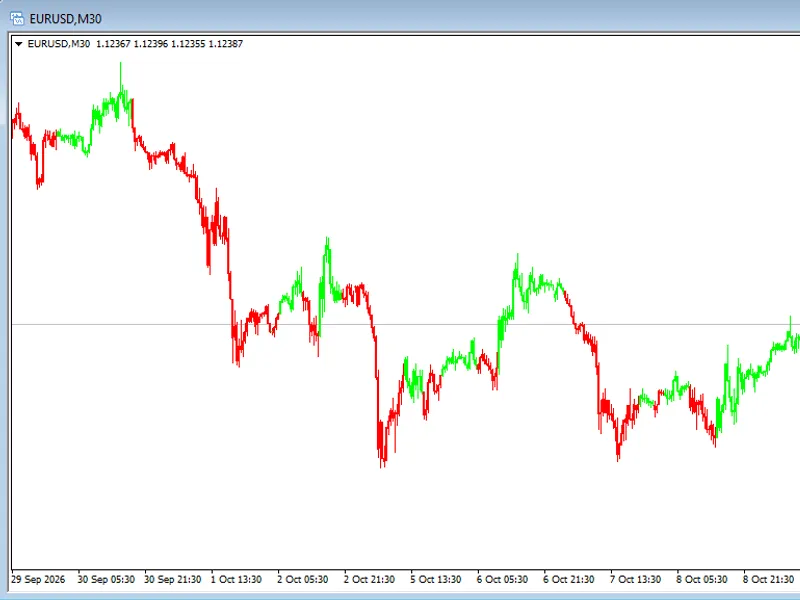
The signal is activated only when a candle closes above that high (or below that low) AND all enabled indicators maintain their BUY (or SELL) state on the same candle. Candles are then painted green for buys or red for sells until an opposite signal is confirmed.
The general trigger is discarded solely when all indicators confirm the opposite trend.
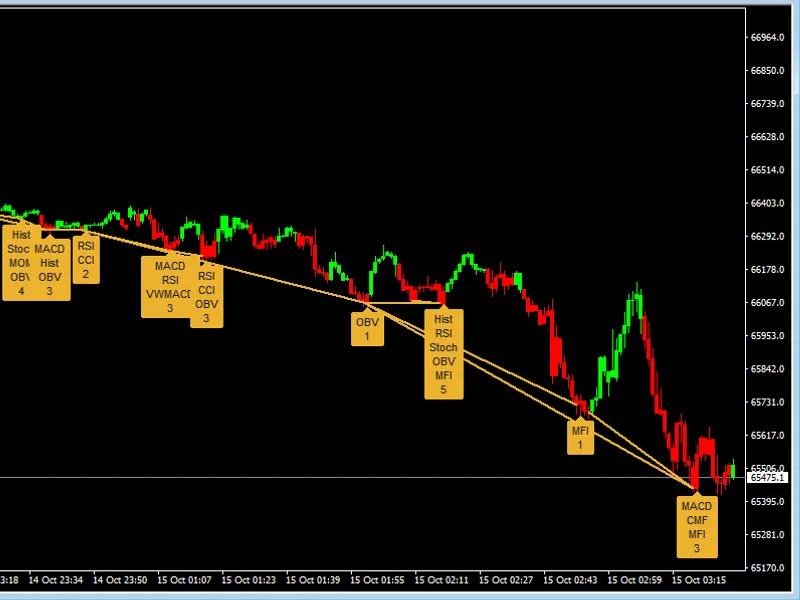
All calculations are performed on closed candles exclusively, ensuring no repainting. Entry and exit levels are visualized as dotted lines, and an on-chart panel displays the vote count, current state, and trigger for each indicator.
This indicator is particularly effective during the initial two hours after the market open for Nikkei 225, DAX, and S&P 500, as well as during prolonged volatility events.
You may also like: MITP Limiares Indicator Suite - excellent alternative for indicator users on MetaTrader 4.
Source Code
яю
#property copyright "RobotFX"
#property version   "4.00"
#property strict
#property indicator_chart_window
#property indicator_buffers 8
#define N_IND   32
#define WARMUP  250
#define ID_ALMA  0
#define ID_DEMA  1
.......
⚠ Limitations & Risk Warning
- This tool is provided for educational and testing purposes only.
- Past performance does not guarantee future results.
- Trading involves substantial risk of loss. Use on a demo account first.
- Results may vary depending on market conditions, broker, and settings.
- We recommend thorough backtesting and forward testing before using with real funds.