








Extended Regression Stop and Reverse Indicator
Info
The Extended Regression Stop and Reverse Indicator is a Indicator for MetaTrader 4 that the extended regression stop and reverse indicator is based on popular and useful programs, scripts, and experts. At startup, the indicator automatically determines the timeframe, calculates two types of regression on the current timeframe, and computes the root-mean-square deviation of the price on the current range.
Usage
This tool is typically used for enhancing chart analysis and decision making.
Platform
This Indicator works exclusively on MetaTrader 4 (both build 600+ and newer versions).
Setup
Place the downloaded file in MQL4/Indicators folder via File ? Open Data Folder in MetaTrader 4.
How to Install and Use Extended Regression Stop and Reverse Indicator
1. Installation: Place your file in the MQL/Indicators folder via "Open Data Folder" and restart your terminal.
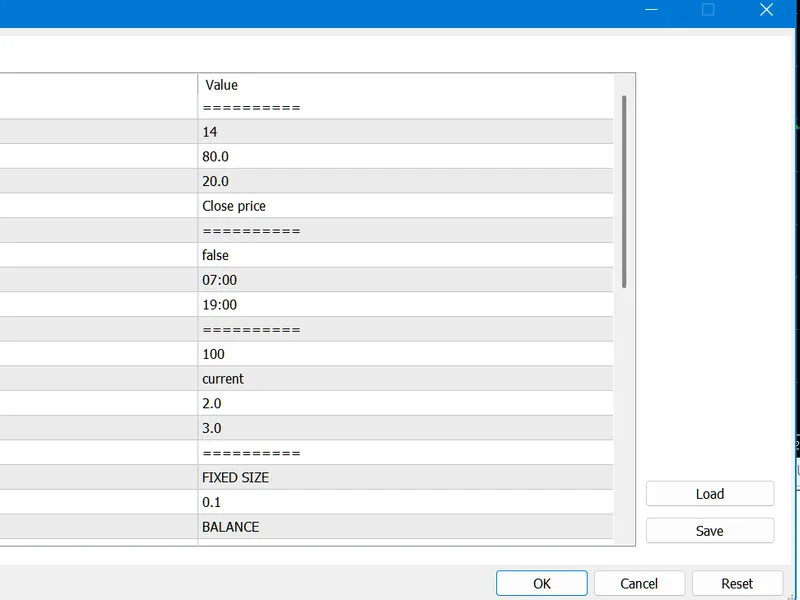
2. Loading: Find the indicator in the Navigator, drag it onto your chart, and configure the input parameters in the popup window.
3. Customization: Press Ctrl+I to open the indicator list, select your tool, and click "Properties" to change colors, levels, or visual styles.
4. Updating: Replace the old file in the Indicators folder with the new version and restart the platform to apply changes.
Frequently Asked Questions
Q: Why is my indicator not showing? A: Verify the file is in the MQL/Indicators folder, or try right-clicking the "Indicators" tree in the Navigator and clicking "Refresh."
Q: Do custom indicators slow down the platform? A: Too many complex indicators can impact performance; remove unused ones via the "Indicator List" (Ctrl+I).
Q: Can I use MT4 indicators on MT5? A: No, MQL4 and MQL5 are distinct languages; ensure the indicator is compiled specifically for your platform version.
What this tool does
The Extended Regression Stop and Reverse Indicator is based on popular and useful programs, scripts, and experts.
Typical Use Case
This Indicator excels in automated trading and technical analysis on MetaTrader 4.
Compatible Platform & Setup
This Indicator works on MetaTrader 4. Place the file in the MQL4/Indicators folder and restart the terminal.
Description & Settings
Related: r-squared indicator: measuring correlation with linear regression - another powerful indicator for MetaTrader 4 traders.
The Extended Regression Stop and Reverse Indicator is based on popular and useful programs, scripts, and experts.Also recommended: indicator regression alert notifier - similar indicator with strong performance on MetaTrader 4.
At startup, the indicator automatically determines the timeframe, calculates two types of regression on the current timeframe, and computes the root-mean-square deviation of the price on the current range.
The primary element is a golden line representing the first-degree regression line, indicating the direction and state of the current trend on the selected timeframe. A steeper angle to the horizontal signifies a stronger trend. The price's position relative to this line provides insights. For instance, if the line is trending upwards and the price is below it, it may suggest a recent retracement has ended, and the price is likely to move above the regression line, continuing the uptrend.
Support and resistance lines are plotted parallel to the trend line at a specific distance, positioned above and below it respectively. These are valid linear thresholds derived from the root-mean-square deviation on the calculated range, adjusted by a Fibonacci coefficient.
Using the root-mean-square deviation and Fibonacci coefficients, the indicator calculates adaptive 'stop' and 'stop/reversal' levels for the current price via a special algorithm. These levels can be interpreted as instantaneous limit values of price deviation over the interval of the last bar. They are displayed as colored dots above and/or below the price, indicating the currency pair's state.
Blue dots below the price represent 'stop' (brighter) and 'stop/reversal' (darker) levels. Red dots above the price similarly display stop and reversal levels.
For any price at any bar, the indicator shows only two instantaneous value levels, not all four, aiding in trend state conclusions.
A critical feature is the indicator's response to a true breakout of stop levels. When the close price of a bar exceeds a stop level, the indicator signals this event by reversing the instantaneous values. For example, if resistance levels were previously displayed, they are replaced by instantaneous support levels after a breakout.
A reversal signifies at least a short-term change in trend, often due to a minor retracement.
The indicator uses a specified regression coefficient to display a non-linear channel, useful for predicting the near future and serving as a dynamic linear channel for support and resistance levels that change over time. By default, it employs a parabolic regression coefficient of 2.
Interpretation of Indicator Values:
- If the non-linear regression channel bends and crosses the golden uptrend line from above, it signals exhaustion, anticipating a retracement or trend change. Crossing from below indicates an strengthening trend. These are mirrored for downtrends.
- Consider higher and lower timeframes for a broader market view.
Price Crossing Support or Resistance Lines:
- If price leaps beyond resistance during an uptrend, a return to the channel is expected; consider not closing orders immediately.
- If price jumps beyond support during an uptrend, a strong retracement is likely, especially if both stop/reversal levels are broken.
- For a more precise understanding, analyze the channel's relation to the golden trend line and values on adjacent timeframes.
- These interpretations are mirrored for downtrends.
All channels are dynamically recalculated and redrawn with each new bar based on current market conditions.
Despite its complex calculations, the indicator is designed to be efficient and does not significantly load the CPU or require extensive computer resources.
Input Parameters:
- regressiondegree: The degree of the non-linear regression. Recommended values are 2 or 3.
- k_deviationchannel: Deviation multiplier (not a Fibonacci coefficient). Specifies the multiplier for the deviation. A recommended value is 2, though 3 may be beneficial for some users.
You may also like: Regression Analysis Indicator for MT4/MT5 - excellent alternative for indicator users on MetaTrader 4.
Source Code
#property copyright "robotfx"
#property link "https://robotfx.org"
#property indicator_chart_window
#property indicator_buffers 4
#property indicator_color1 aqua
#property indicator_color2 orange
#property indicator_color3 deepskyblue
#property indicator_color4 red
extern int _regressiondegree=2;
extern double _k_deviationchannel=2;
.......
⚠ Limitations & Risk Warning
- This tool is provided for educational and testing purposes only.
- Past performance does not guarantee future results.
- Trading involves substantial risk of loss. Use on a demo account first.
- Results may vary depending on market conditions, broker, and settings.
- We recommend thorough backtesting and forward testing before using with real funds.