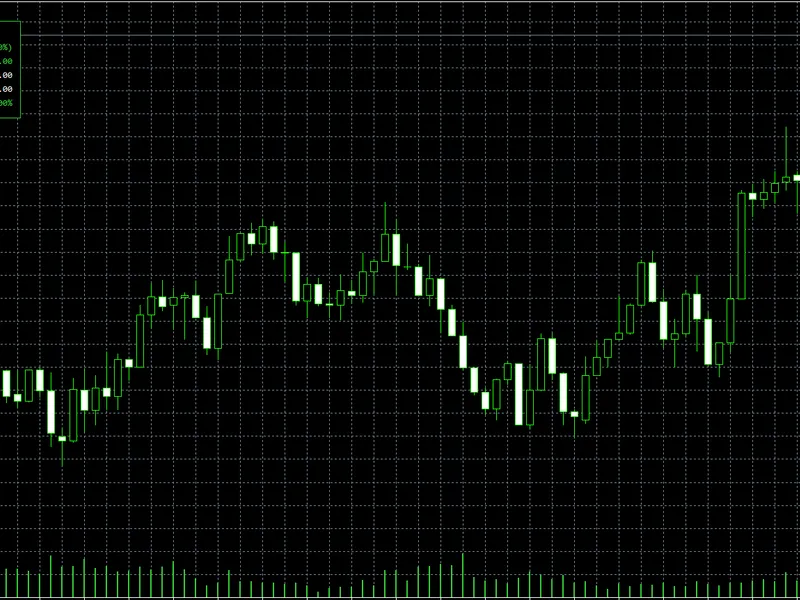
Daily Risk Monitor Lite
This is a powerful addition to your MetaTrader 5 toolkit designed to optimize market analysis and performance. This technical indicator acts as a specialized analysis tool designed to visualize market data. It helps traders identify emerging trends, momentum shifts, and key support or resistance levels by plotting statistical calculations directly onto price charts.
How to Setup and Use Daily Risk Monitor Lite
1. Installation: Place your file in the MQL/Indicators folder via "Open Data Folder" and restart your terminal.
2. Loading: Find the indicator in the Navigator, drag it onto your chart, and configure the input parameters in the popup window.
3. Customization: Press Ctrl+I to open the indicator list, select your tool, and click "Properties" to change colors, levels, or visual styles.
4. Updating: Replace the old file in the Indicators folder with the new version and restart the platform to apply changes.
Frequently Asked Questions
Q: Why is my indicator not showing? A: Verify the file is in the MQL/Indicators folder, or try right-clicking the "Indicators" tree in the Navigator and clicking "Refresh."
Q: Do custom indicators slow down the platform? A: Too many complex indicators can impact performance; remove unused ones via the "Indicator List" (Ctrl+I).
Q: Can I use MT4 indicators on MT5? A: No, MQL4 and MQL5 are distinct languages; ensure the indicator is compiled specifically for your platform version.
Description & Settings
Daily Risk Monitor Lite is a free and open-source MetaTrader 5 indicator for traders who want to monitor intraday account risk clearly on the chart.
This indicator focuses on a small, explainable, and practical feature set: - Daily Realized P/L - Floating P/L - Daily Total - Current Drawdown % - SAFE / WARNING / DANGER status with color highlighting The goal of this project is simple: help traders see daily account risk in real time. This is a read-only monitoring tool. It does not close positions, block trading, or act as a full protection engine. It is intentionally positioned as a lightweight CodeBase sample for monitoring, learning, and further custom development. ### Main Features - Compact on-chart panel - Account-level daily risk statistics - Daily realized P/L from closed deals - Floating P/L from open positions - Daily total calculation - Current drawdown percentage - Color-based risk status - Optional commission inclusion - Optional swap inclusion - Broker day or manual day-start logic - Custom draggable on-chart panel during the active session ### Data Scope - Account level only - No symbol-level split - No multi-account aggregation ### Calculation Rules #### Daily Realized P/L - Counts closed deals inside the active daily range - Only exit deals are included - Commission can be included or excluded - Swap can be included or excluded #### Floating P/L - Uses the current floating result of all open positions in the account - Swap can be included or excluded #### Daily Total - `Daily Realized P/L + Floating P/L` #### Current Drawdown % - `max((Balance - Equity) / Balance * 100, 0)` - If `Balance <= 0`, drawdown is displayed as `N/A` #### Risk Usage % - Only calculated when `Daily Total < 0` - Formula: `abs(Daily Total) / Daily Loss Limit * 100` - Warning threshold: `50%` - Danger threshold: `80%` ### Day Definition - If `InpUseBrokerDay = true`, the day starts at broker server `00:00` - If `InpUseBrokerDay = false`, the day starts at `InpManualDayStartHour` on broker server time ### What This Indicator Does Not Do - No auto close - No trade blocking - No one-click close - No ON/OFF protection mode - No full account-protection state machine - No push notifications - No report export - No prop firm full-rule engine - No complex multi-page UI
### Input Parameters
- `InpDailyLossLimitMoney` - `InpIncludeCommission` - `InpIncludeSwap` - `InpUseBrokerDay` - `InpManualDayStartHour` - `InpCorner` - `InpXOffset` - `InpYOffset` - `InpFontSize` - `InpPanelBgColor` - `InpSafeColor` - `InpWarnColor` - `InpDangerColor` ### Installation 1. Place the project folder under `MQL5/Indicators/` 2. Open `DailyRiskMonitorLite.mq5` in MetaEditor 3. Compile the indicator 4. Attach it to any chart ### How To Use 1. Attach the indicator to a chart 2. Set your daily loss limit 3. Choose broker day or manual day-start mode 4. Watch Daily Realized, Floating, Daily Total, and Drawdown in real time 5. Use the panel colors for quick risk awareness 6. Drag the custom panel to a preferred chart position if needed ### Suitable For - Manual traders - Traders who want quick intraday risk awareness - Traders who want a lightweight account-level monitor - Developers who want a clean MT5 sample for daily risk calculations ### Not Intended For - Users looking for auto-trading systems - Users expecting enforced account protection - Users expecting trade restrictions or close-all actions - Users looking for a full prop firm compliance engine ### Notes - This is a monitoring tool only - It does not execute protective actions - Dragged panel position is intended for the active session - On accounts with zero commission or zero swap, the related parameter toggles may not produce visible differences