News Trading EA
This software component for MetaTrader 4 is built to enhance the capabilities of your trading environment. This Expert Advisor serves as automated trading software. It is utilized to monitor financial markets and execute trades based on predefined algorithmic rules, enabling precise position management without the need for constant manual oversight.
How to Setup and Use News Trading EA
1. Installation: Open the "File" menu, select "Open Data Folder," navigate to MQL/Experts, paste your file, and restart the terminal.
2. Activation: Drag the EA from the Navigator onto a chart, ensure "Allow live trading" is checked in the Common tab, and verify the AutoTrading button is green.
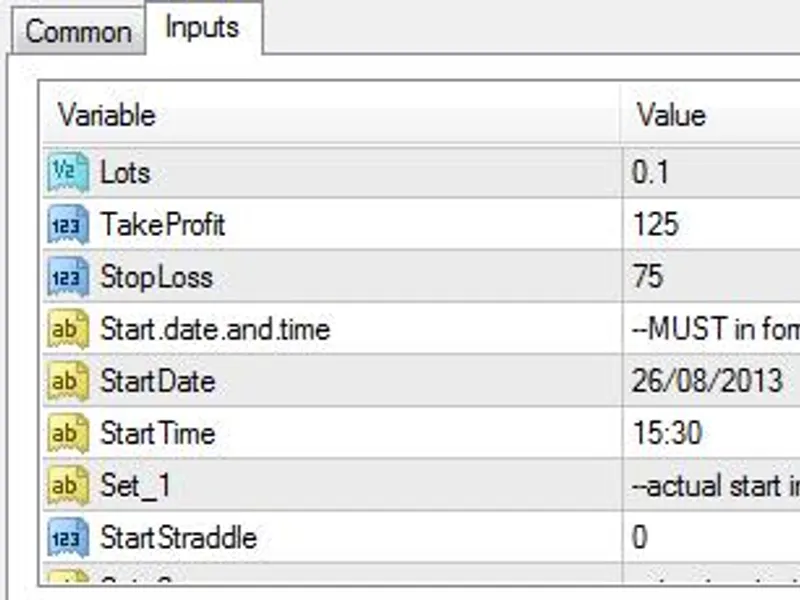
3. Optimization: Right-click your chart, choose "Expert List," click "Properties" to adjust inputs, and save your preferred setup as a set file for future use.
4. Maintenance: Regularly check the "Experts" tab in the terminal window to monitor trade logs and potential execution errors.
Frequently Asked Questions
Q: Why is my EA not opening trades? A: Check the "AutoTrading" button, ensure "Allow live trading" is enabled, and verify your broker allows automated trading on your account type.
Q: Can I run multiple EAs on one chart? A: No, each chart can only host one active EA; however, you can open multiple charts for different currency pairs to run several EAs.
Q: What does the "smiley face" icon mean? A: A smiley face in the top-right corner of the chart indicates the EA is successfully running; a frowny face means it is disabled.
Description & Settings
Trading manually to catch news event were
NOT recommended
since you can't handle emotion. To open position on very volatile price market is impossible without involving emotion, not mention to watch the price running like roller coaster, that why you really need EA to handle this situation. Set the EA (better on VPS), do not watching it running on specified news event then check the result later. I created this EA for educational purposes only, its intended not for newbie or non professional traders. Users
MUST do some intensive test
using "strategy tester" to fit users needs and to confirm that this EA will works for you.
Use only demo account or tiny lot and small leverage (on real account) to test this EA, I warn you that this EA will not suit for most of users. During our test this EA works well on strategy tester but need many tweaks to work on real account, so think it over before using in real account, you've been WARNED!!! Forex brokers knows that many traders try to catch big money on news events so they will set their system to take advantage of this, unless you use ECN/NDD or similar account, using this EA on certain news event will work against you because broker may do some tricks to fight against you.
This EA will set BUY Stop and SELL Stop (pending order) on next opening candle then will delete one pending order after open BUY or SELL occur (OCO).This EA will follow candle movement for each tick to catch candle movement by setting BUY STOP and SELL STOPUse small time frame 1M-5M for this EAUsers can set the EA options, there is clear explanations on each options, read carefully before applyDistance : pips distance for BUY/SELL stop from current open priceExpiration: expire minutes after opening BUY/SELL stop if BUY/SELL event not hitEA runs base on server time, thus users MUST calculate time difference from your local time or time on events time which usually set to match your local time.As usual use this EA as is, there is NO guarantee in any way, good luck!
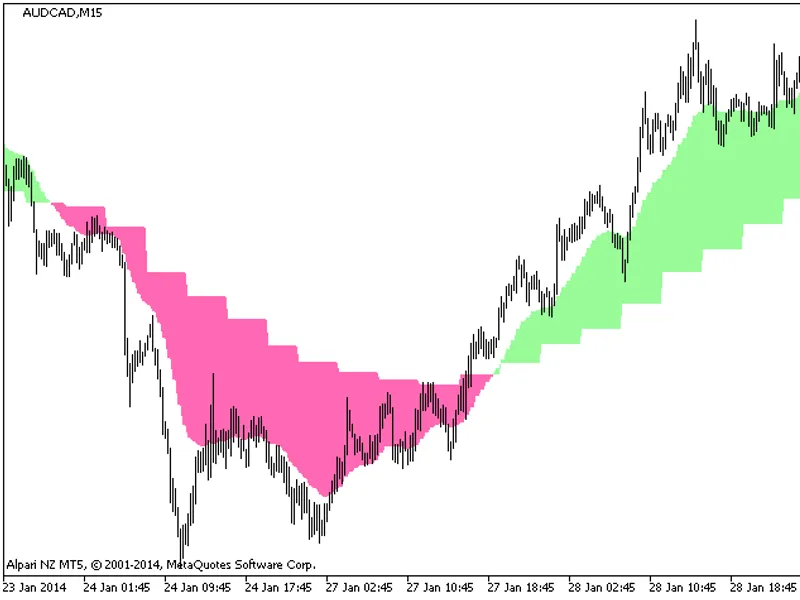
See the action :