Auto Pending and Manage Orders by RS I
This software component for MetaTrader 4 is built to enhance the capabilities of your trading environment. This Expert Advisor serves as automated trading software. It is utilized to monitor financial markets and execute trades based on predefined algorithmic rules, enabling precise position management without the need for constant manual oversight.
How to Setup and Use Auto Pending and Manage Orders by RS I
1. Installation: Open the "File" menu, select "Open Data Folder," navigate to MQL/Experts, paste your file, and restart the terminal.
2. Activation: Drag the EA from the Navigator onto a chart, ensure "Allow live trading" is checked in the Common tab, and verify the AutoTrading button is green.
3. Optimization: Right-click your chart, choose "Expert List," click "Properties" to adjust inputs, and save your preferred setup as a set file for future use.
4. Maintenance: Regularly check the "Experts" tab in the terminal window to monitor trade logs and potential execution errors.
Frequently Asked Questions
Q: Why is my EA not opening trades? A: Check the "AutoTrading" button, ensure "Allow live trading" is enabled, and verify your broker allows automated trading on your account type.
Q: Can I run multiple EAs on one chart? A: No, each chart can only host one active EA; however, you can open multiple charts for different currency pairs to run several EAs.
Q: What does the "smiley face" icon mean? A: A smiley face in the top-right corner of the chart indicates the EA is successfully running; a frowny face means it is disabled.
Description & Settings
Auto pending orders by ;
Lower risk at weekend and restore position the next week;
Mail some useful information.
Recommendations:
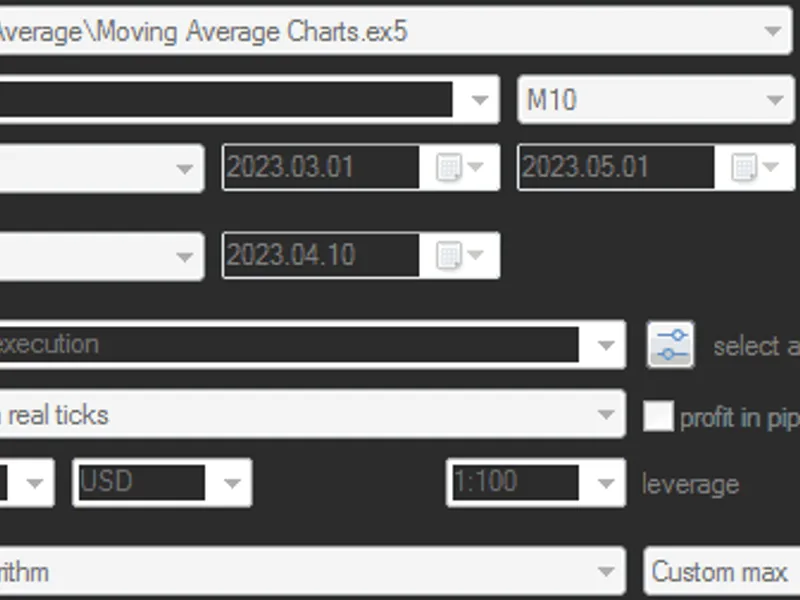
1. Set testmode true for backtest, false for real mode:
2. If in testmode,please set only one of the tradesymbol array,for example:
if in real account mode, set testmode false,and config tradesymbol like (use "," to separate symbols,use "_" to separate a symbol's parameters):
EURUSDm_802_2802_1602_200_860 means:
symbol: EURUSDm(m means my exness mini account,possibly you should modify to your own symbol)
pendingpips:802(pending gap)
weekendpluspips:2802(widen plus gap at weekend)
cancelpips:1602(when the gap exceed this pips,close the pending order)
trailingsl:200(trailing stop loss)
takeprofit:860(virtual take profit)
3. If you want to delete pending orders at weekend, set weekenddelete=true, else if you want to widen pending gap and restore it the next week, please set weekenddelete=false.
4. Weekend mode begin and end time (5 means Friday,7 means Sunday (the time is GMT,maybe you should adjust with your local time,the default parameters run well in Beijing Time):
5. All symbols (maybe not trade symbol) you want to mail the RSI value prompt (>70 or <30) and periodically report to you.obviously, you should modify the AUDJPYm if your account is not mini one.
6. RSI configuration:
7. Use the magicweekendexpiration to identify the weekend mode,if anyone has better way please kindly tell me
8. Others:
If modify to weekend mode failed, the EA will send a mail and try MAX_MODIFY_TRY_TIME(100 default) times till success.
No stop loss applied, and if little loss order (min buy or max sell order) of one symbol exceed pendingpips, the EA will pend another order of the same symbol.
In test mode, if the equity less than 95% of balance, EA will write the status to warning files.
If you have found any bugs or have suggestions, please kindly let me know.