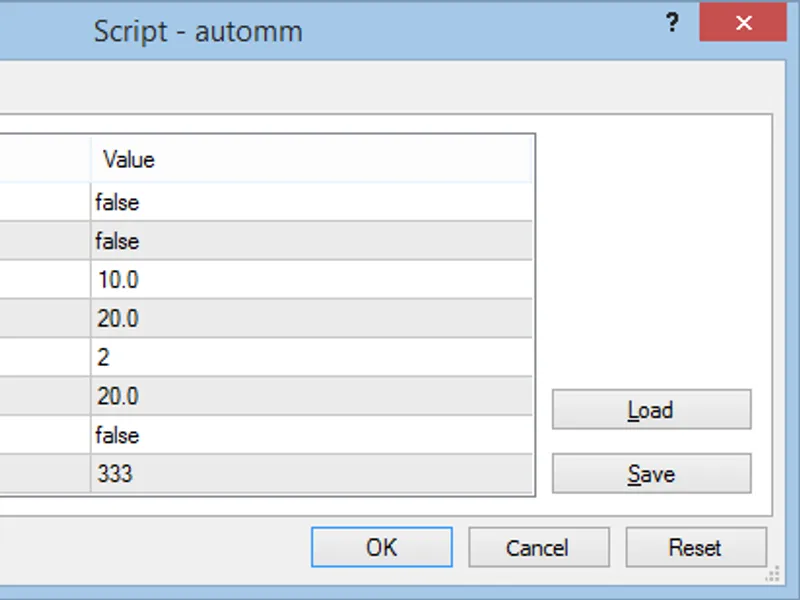
This script calculates the lot size for opening a position based on your risk and stop loss.Input Parameters:- opbuy: Set to true for entry position.- opsell: Set to true for entry...
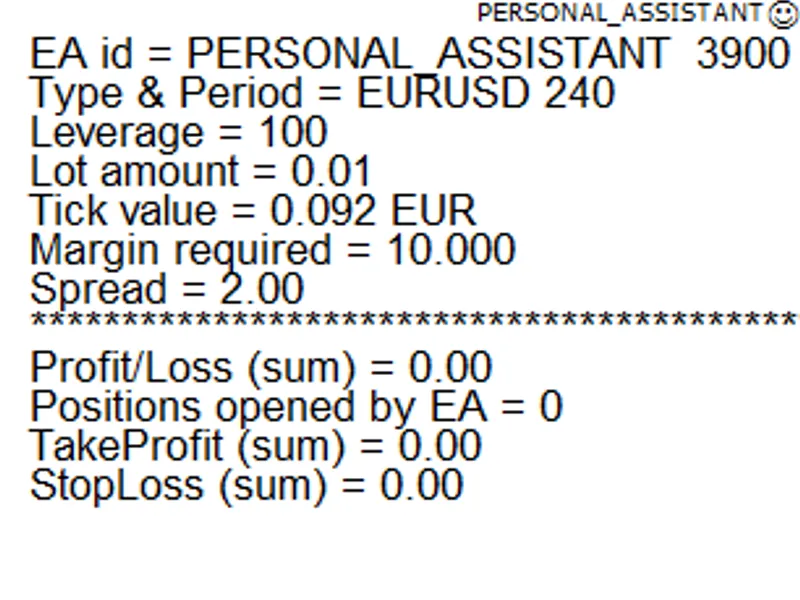
The Personal Assistant Expert Advisor (EA) is designed to simplify your trading experience by providing essential information and executing orders efficiently.This EA offers the fo...
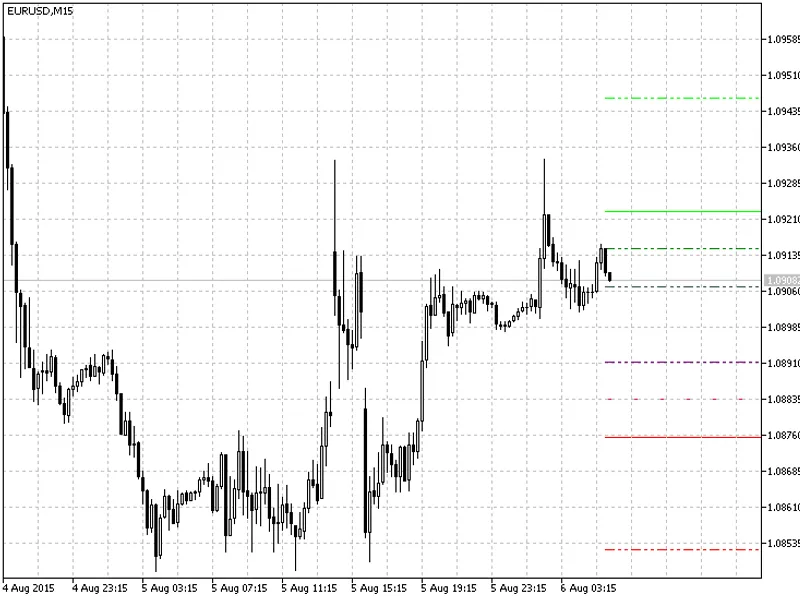
This indicator is an adaptation of the Camarilla Equation, originally developed in 2026. It has been modified to display lines on the right side of the chart, providing a cleaner v...
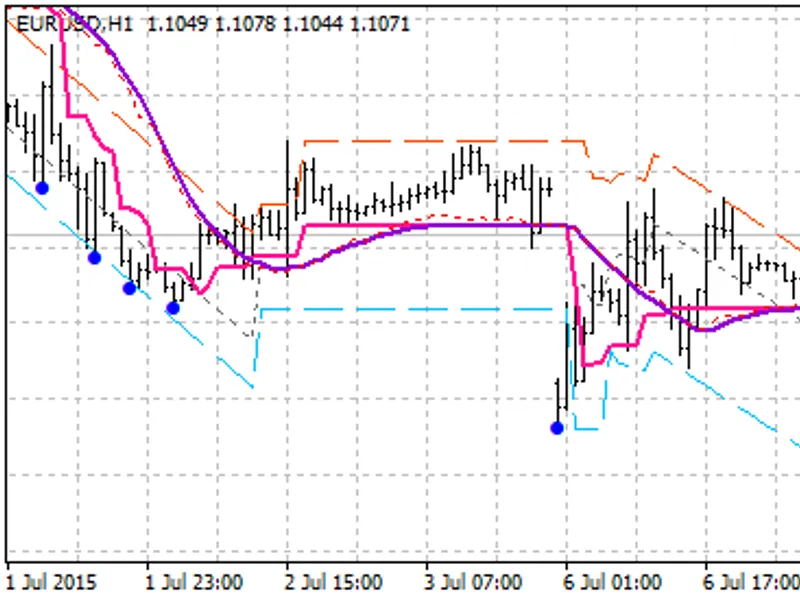
This indicator combines the BSI indicator with trend lines and channels to provide a comprehensive trading tool.The indicator first analyzes the trend using the BSI indicator. Base...
This expert advisor (EA) introduces a range of new functionalities and improvements for MetaTrader 4/5 users, offering a more comprehensive and interactive trading experience.New F...
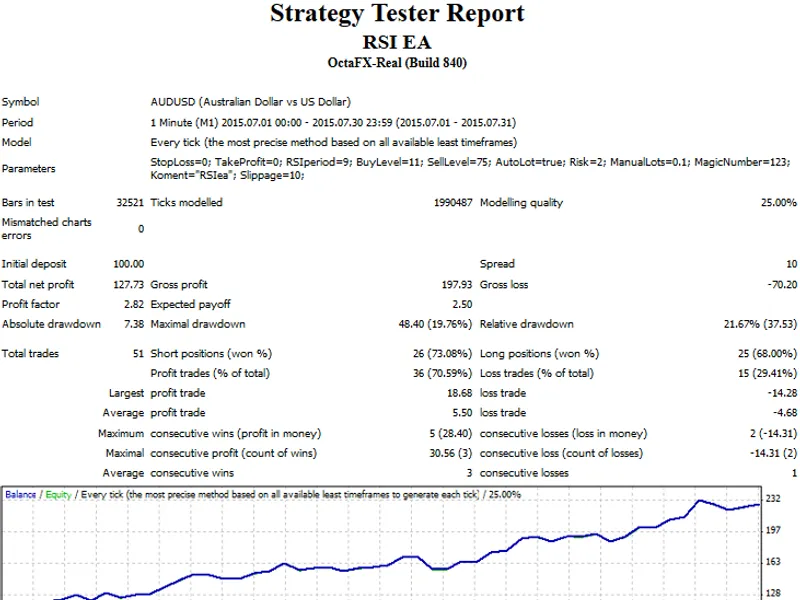
This Expert Advisor (EA) is designed to trade based on the Relative Strength Index (RSI) indicator, a popular tool for identifying overbought and oversold conditions in the market....
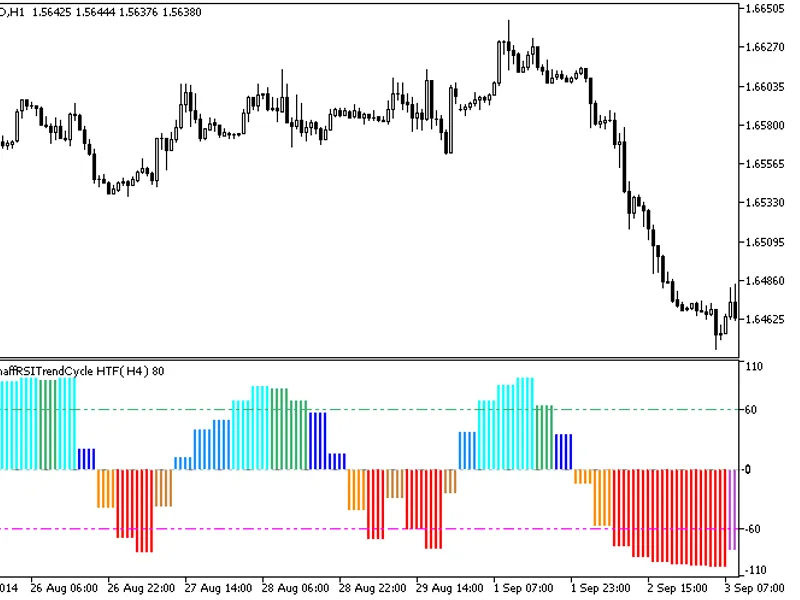
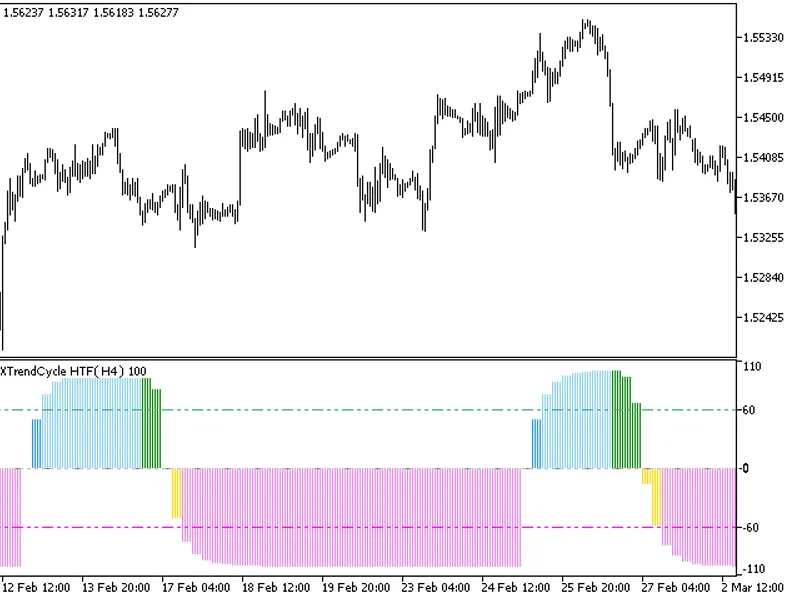
The indicator offers a unique feature: the ability to select the timeframe in the input parameters.To use this indicator, you'll need the ColorSchaffRSITrendCycle.mq5 file. Place t...
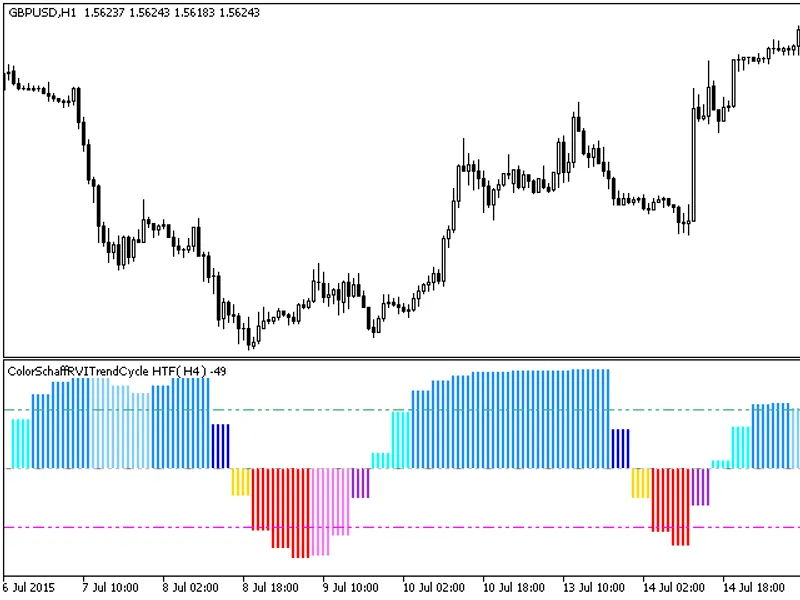
The indicator with the timeframe selection option in the input parameters.This indicator requires the ColorSchaffRViTrendCycle.mq5 indicator file. Place it in /mql5/indicators.Fig....
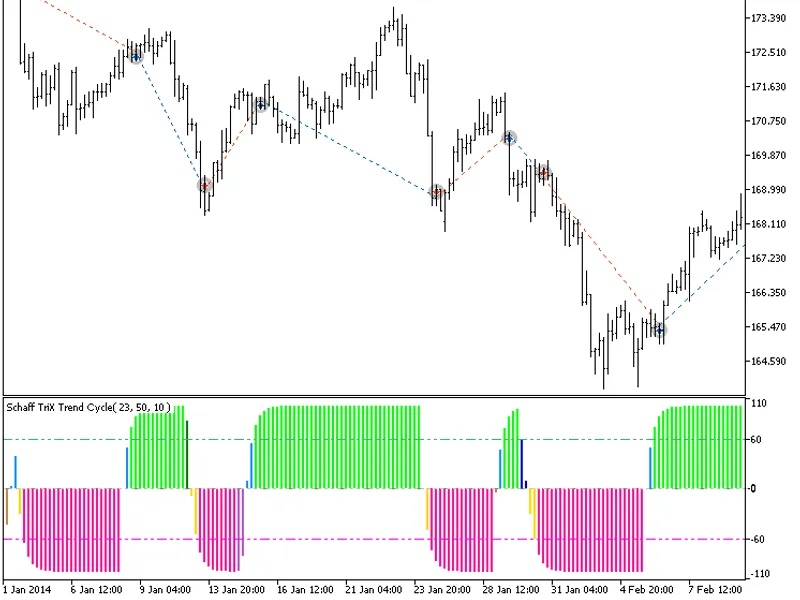
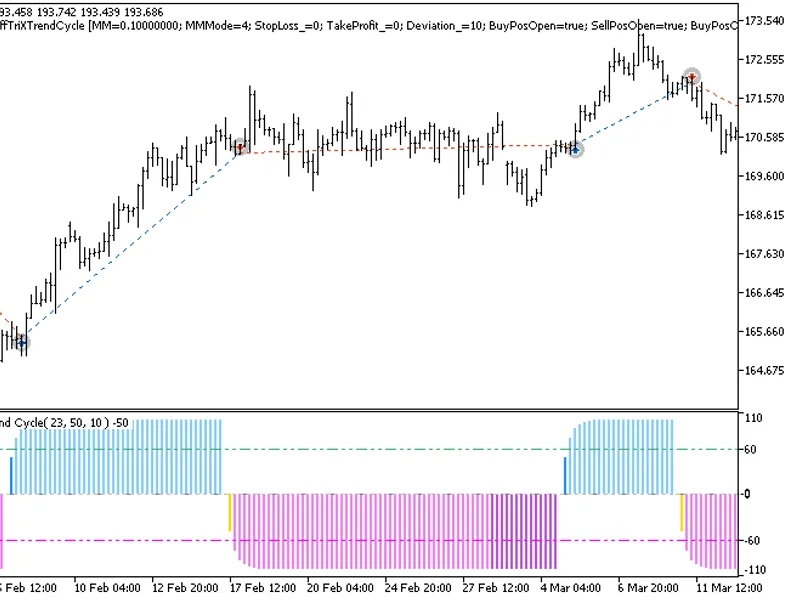
The indicator offers a versatile timeframe selection feature in its input parameters.To utilize this indicator, you'll need the ColorSchaffTriXtrendCycle.mq5 indicator file, which ...
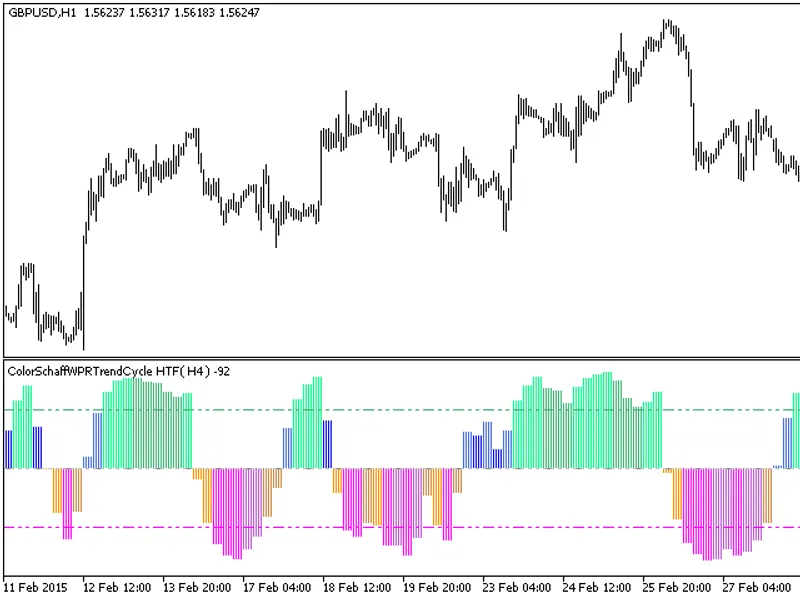
The indicator with the timeframe selection option available in the input parameters.The indicator requires ColorSchaffWPRTrendCycle.mq5 indicator file. Place it in <terminal_dat...
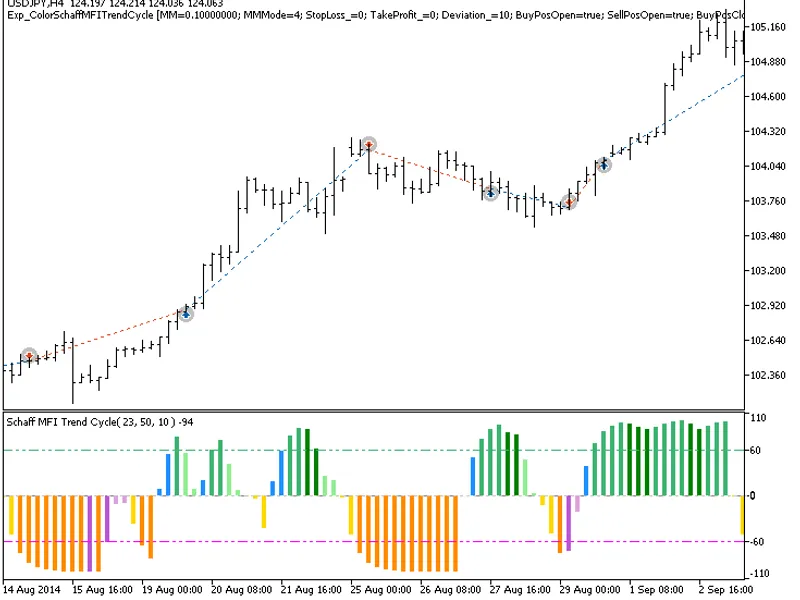
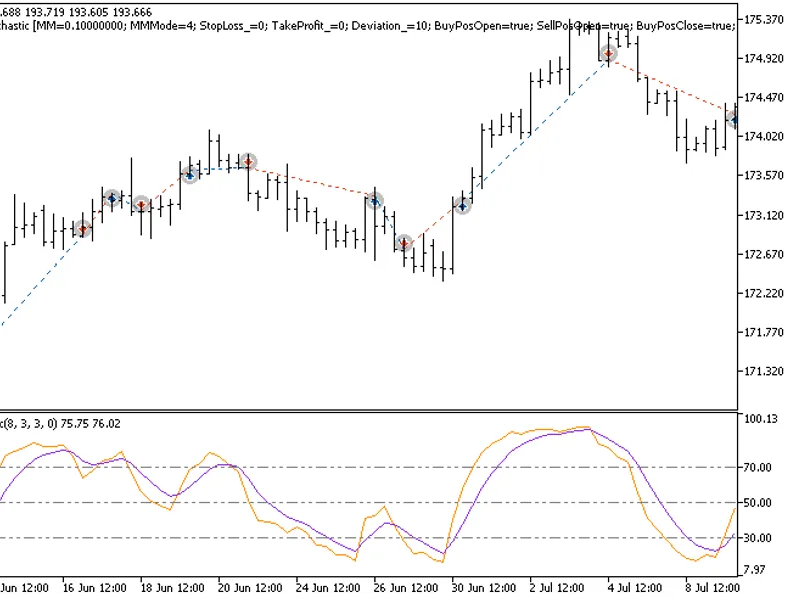
The EXP_ColorSchaffMFiTrendCycle expert advisor is based on the oscillator's change of position relative to overbought and oversold levels. A signal is formed when a bar is closing...
The ColorSchaffMomentumTrendCycle expert advisor is based on the oscillator's change of position relative to overbought and oversold levels. A signal is formed when a bar is closin...
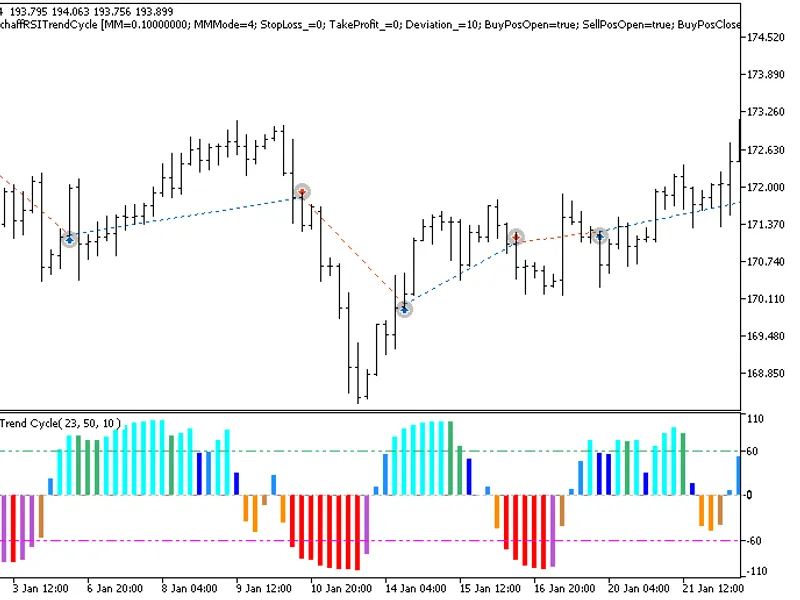
The Exp Color Schaff RS I Trend Cycle expert advisor is based on the oscillator's change of position relative to overbought and oversold levels. A signal is formed when a bar is cl...
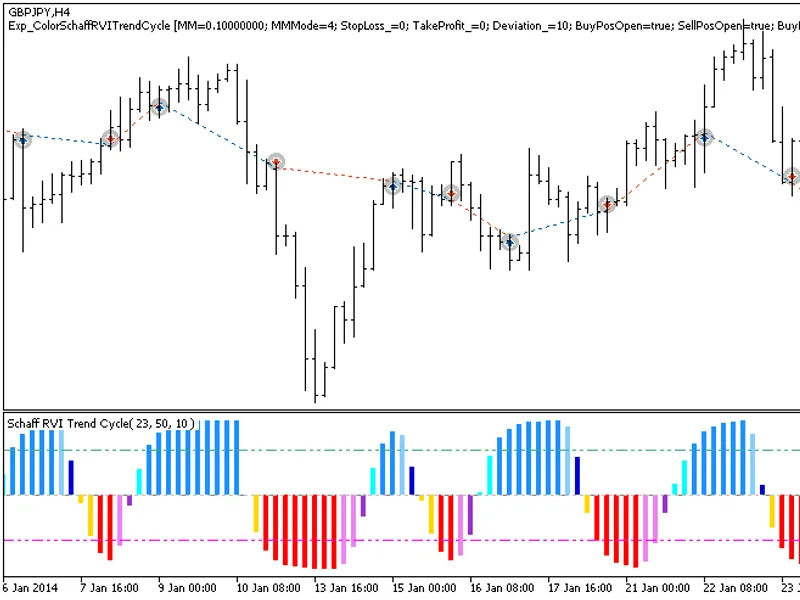
The EXP Color Schaff RV I Trend Cycle expert advisor is based on the oscillator change of position relative to the overbought and oversold levels. The signal is formed when a bar i...
The Color Schaff Trend Cycle Expert Advisor is designed to analyze the oscillator's position relative to overbought and oversold levels, generating signals when a bar closes and a ...
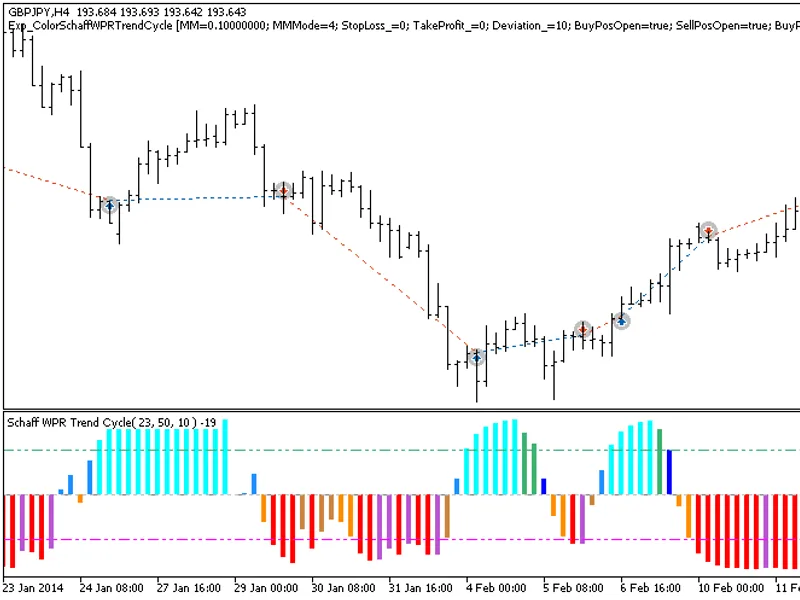
The Exp_ColorSchaffWPRTrendCycle expert advisor is based on the oscillator change of position relative to the overbought and oversold levels. The signal is formed when a bar is clo...
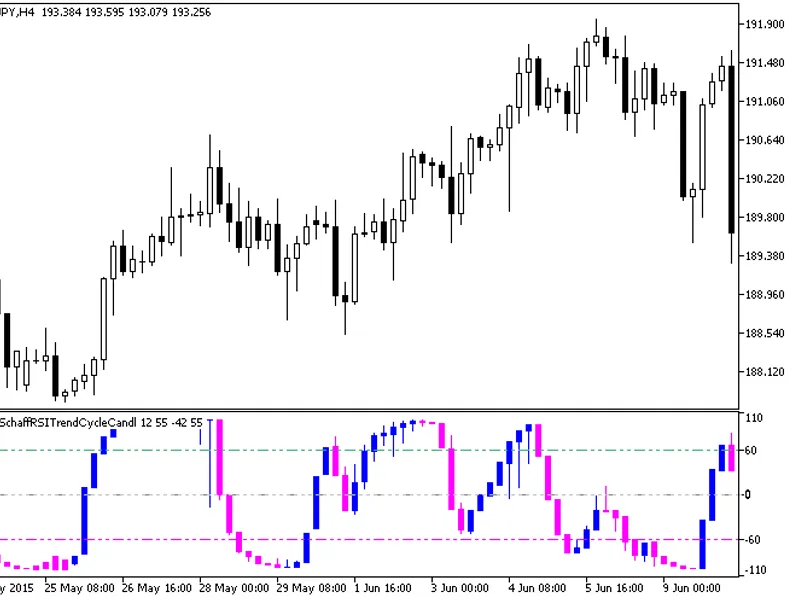
The indicator is a sequence of candlesticks, generated by processing relevant price timeseries through the ColorSchaffRSXTrendCycle algorithm.This approach provides a more informat...
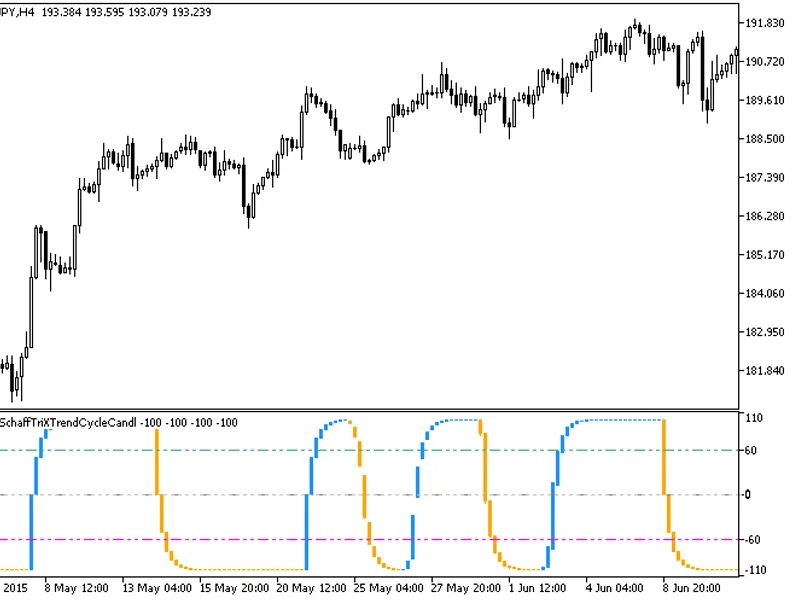
This indicator displays a sequence of candlesticks, which are generated by applying the ColorSchaffTriXtrendCycleCandle algorithm to relevant price time series data.The candlestick...
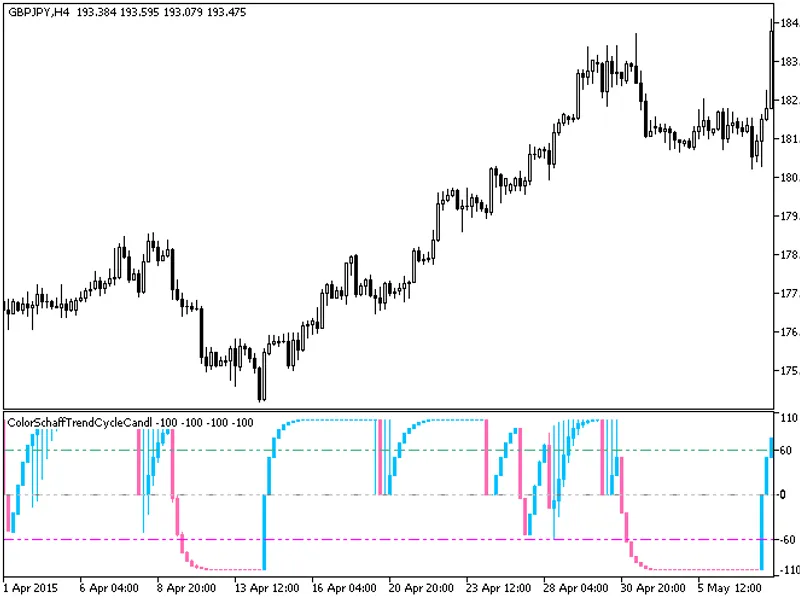
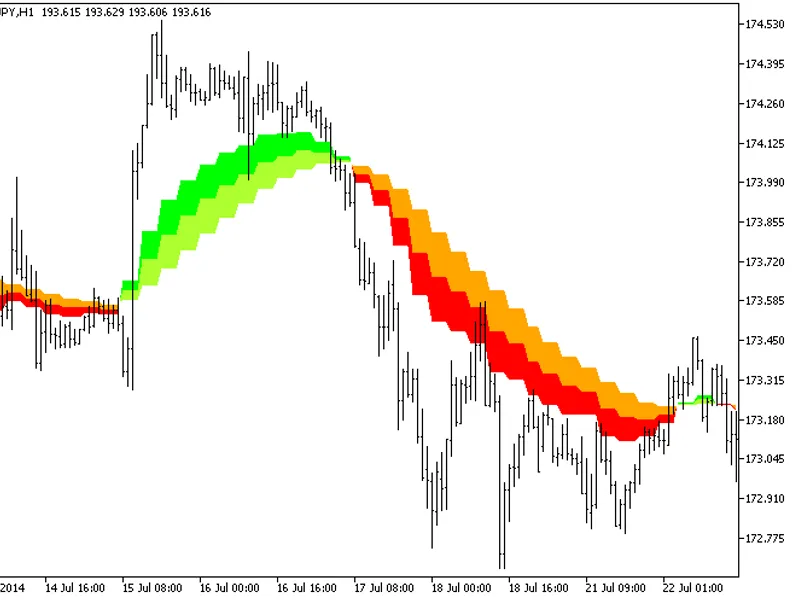
The indicator is a sequence of candlesticks, generated by processing relevant price time series through the ColorSchaffTrendCycle algorithm.This approach can provide more informati...
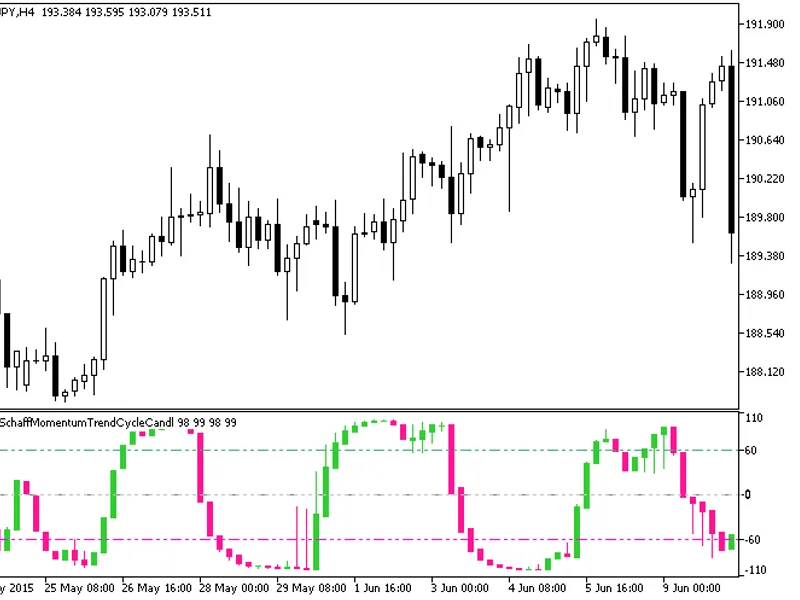
The indicator is a sequence of candlesticks, generated by processing relevant price time series through the ColorSchaffMomentumTrendCycle algorithm.This approach offers enhanced an...
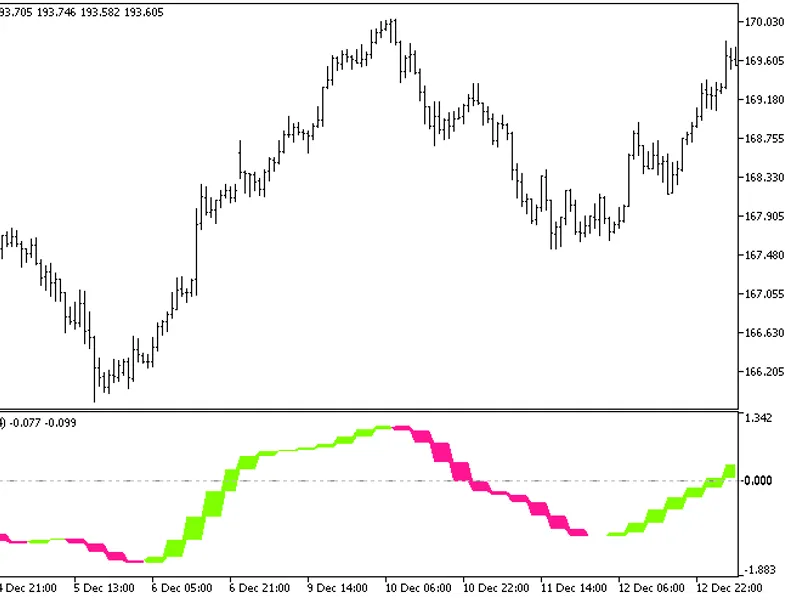
The Cyber Cycle Cloud HTF indicator offers a unique feature: the ability to select the timeframe directly from the input parameters.This indicator requires the cybercycle.mq5 file,...
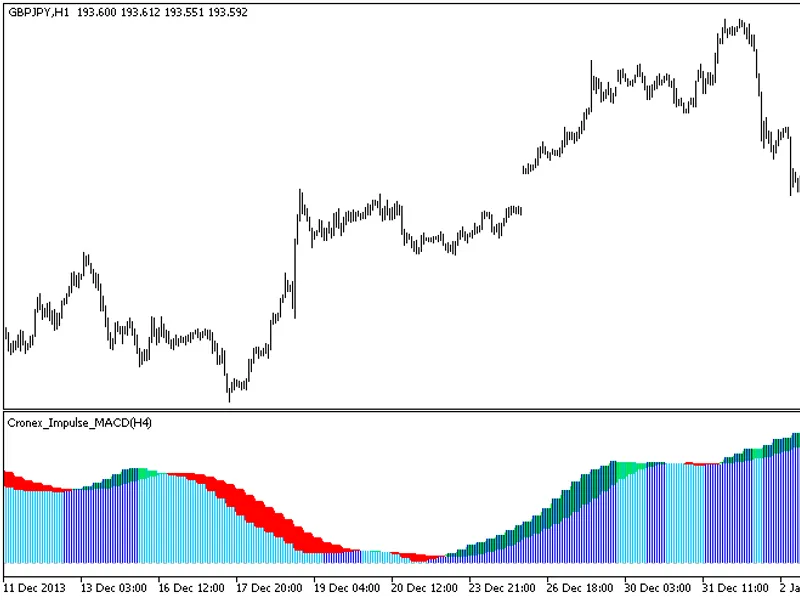
The indicator offers a unique feature: the ability to select the timeframe in the input parameters.To utilize this indicator, you'll need the CronEx Impulse MACD.mq5 indicator file...
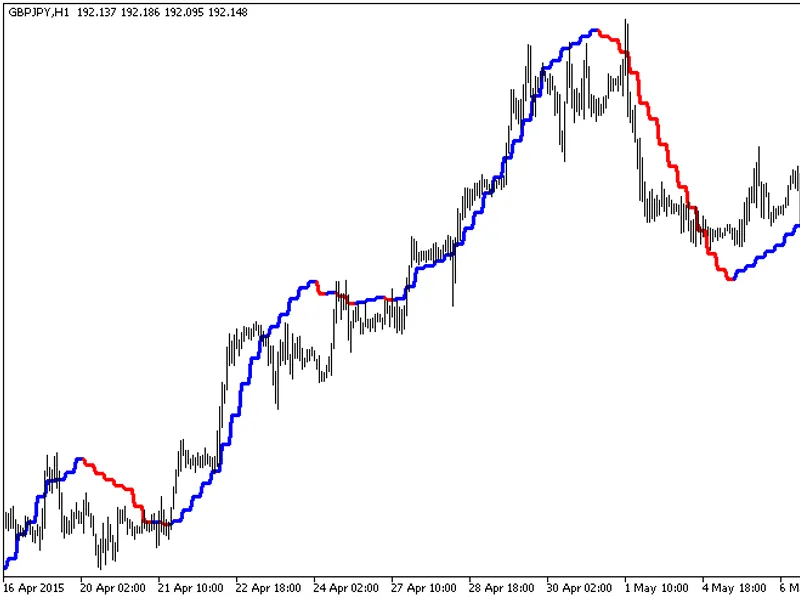
The indicator offers a unique feature: the ability to select the timeframe directly from the input parameters.To utilize this indicator, you'll need the colorxdinma.mq5 indicator f...
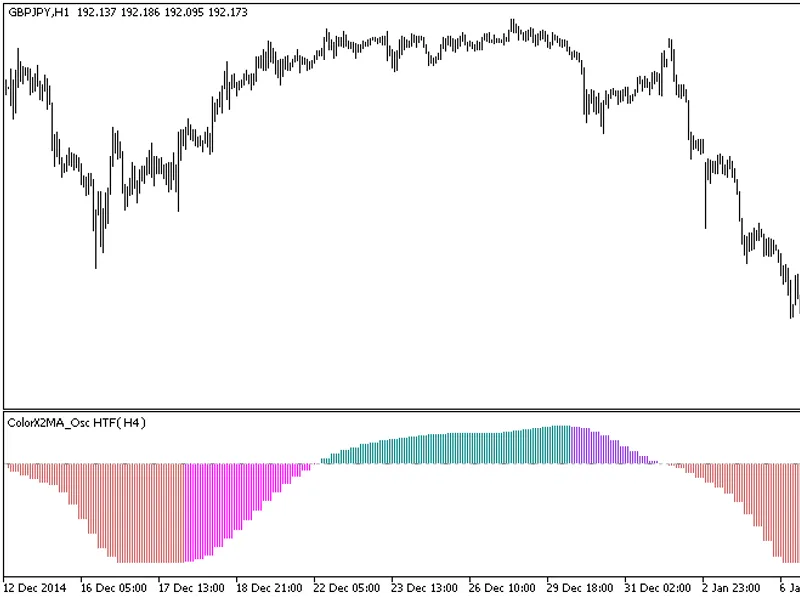
The indicator with the timeframe selection option in the input parameters.This indicator requires the colorx2ma_osc.mq5 indicator file. Place it in <terminal_data_folder>\mql...
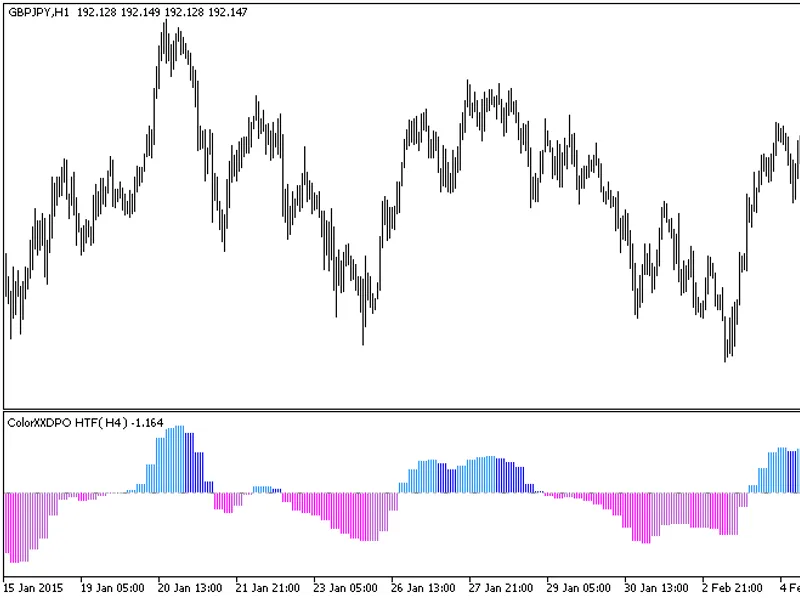
The indicator with the timeframe selection option available in the input parameters:The indicator requires the Colorxxdpo.mq5 indicator file. Place it in <terminal_data_folder&g...
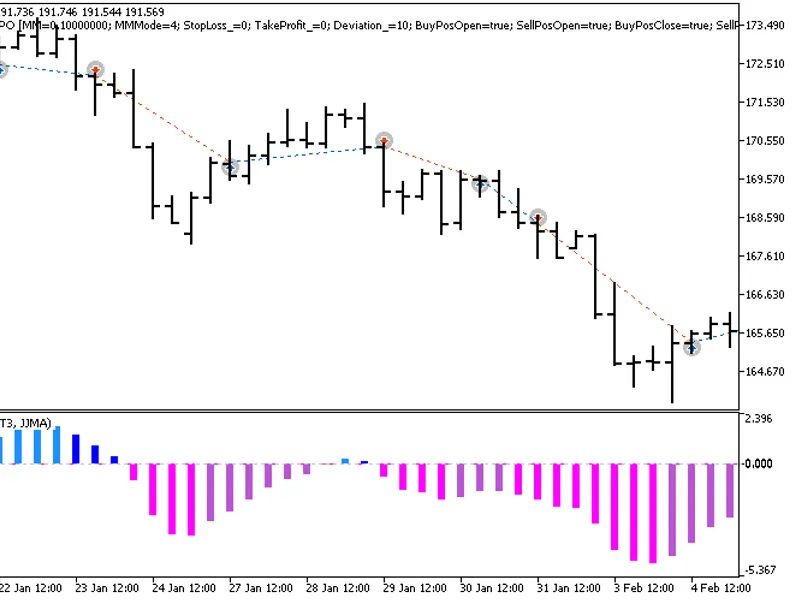
The Exp Colorxxdpo Expert Advisor is designed to operate based on the oscillator's change in direction. It generates a signal when a bar closes, indicating a shift in the oscillato...
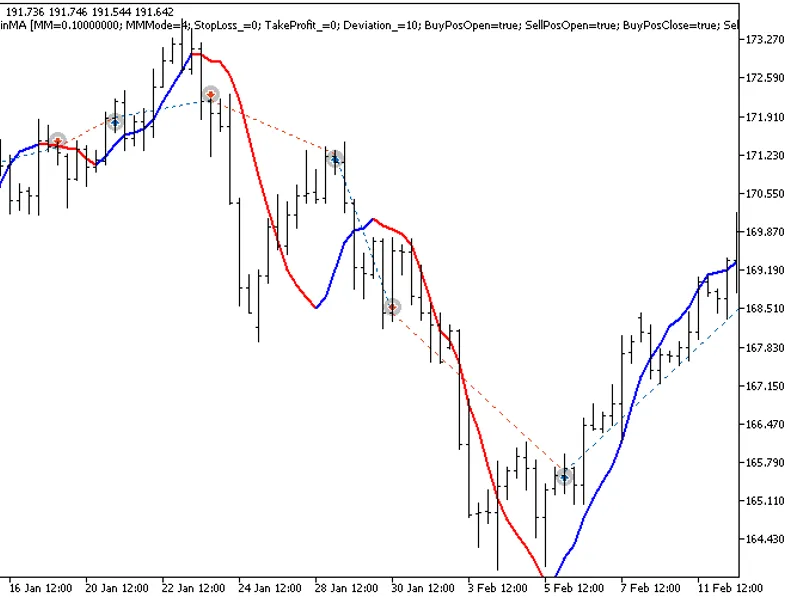
The Expert Advisor (EA) is designed to utilize the Moving Average Change of Direction strategy. It generates signals when a bar closes and the moving average direction changes.To u...
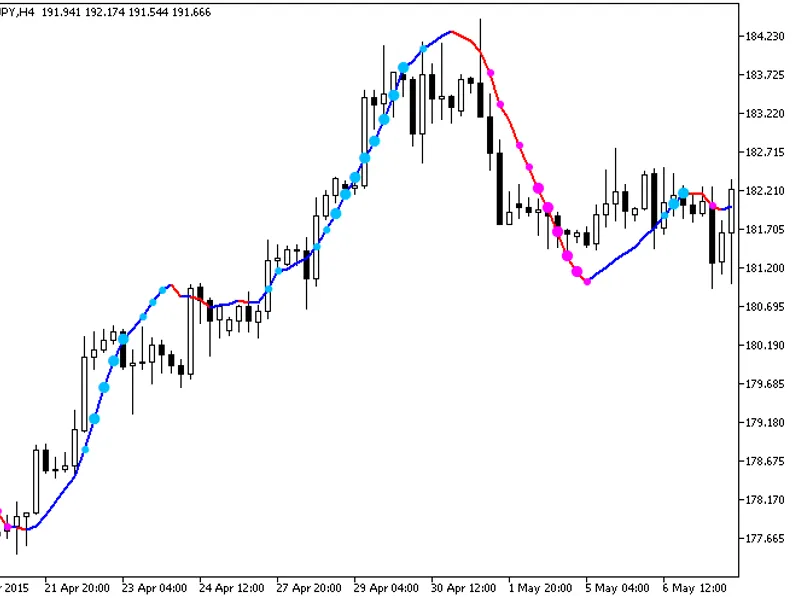
Indicator with additional trend strength indication using colored dots based on the standard deviation algorithm.If the standard deviation of the ColorXDINMA indicator is between t...
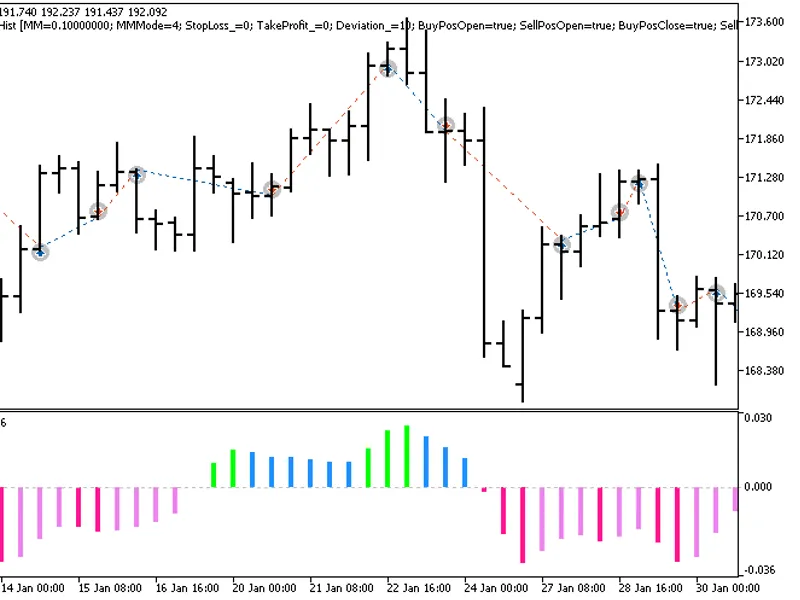
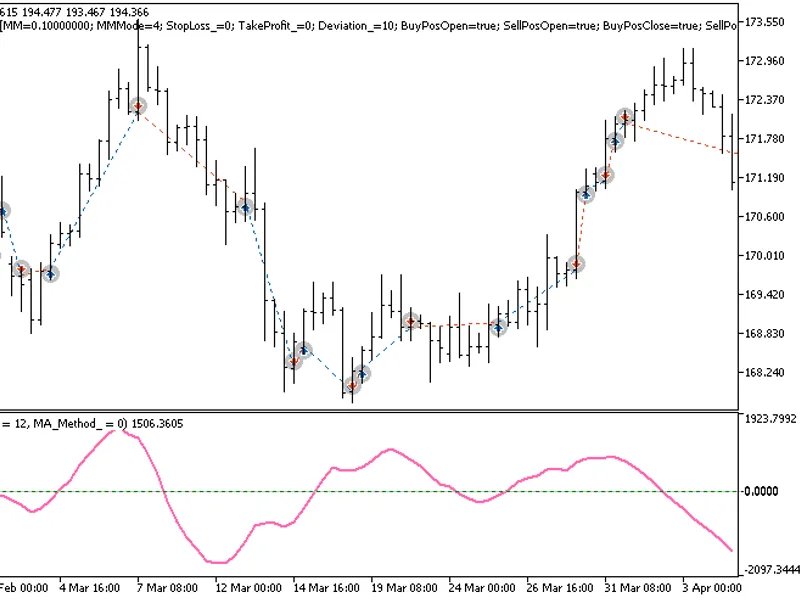
The Exp_CoppockHist expert advisor is based on the reversal of the oscillator direction. The signal is formed when a bar is closing if there is a change in the CoppockHist oscillat...
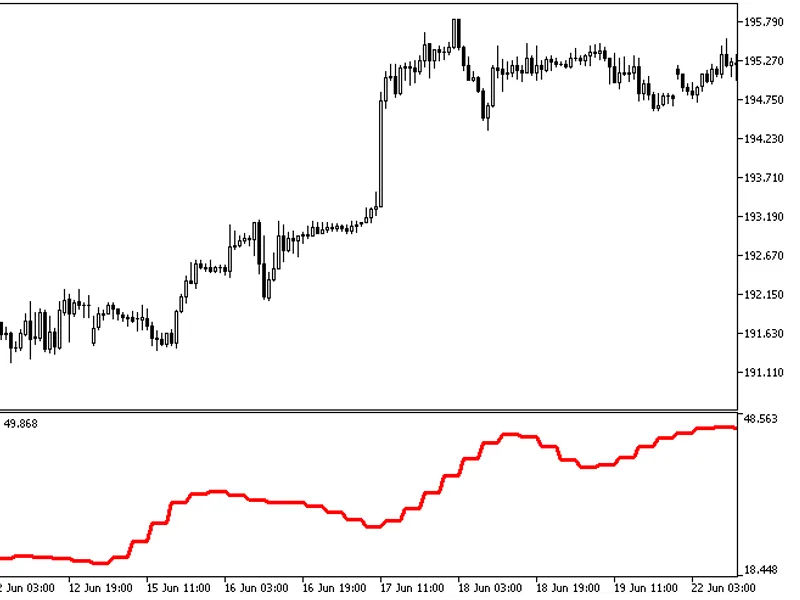
The indicator with the timeframe selection option available in the input parameters.The indicator requires the CorrectedAverage.mq5 indicator file. Place it in <terminal_data_fo...
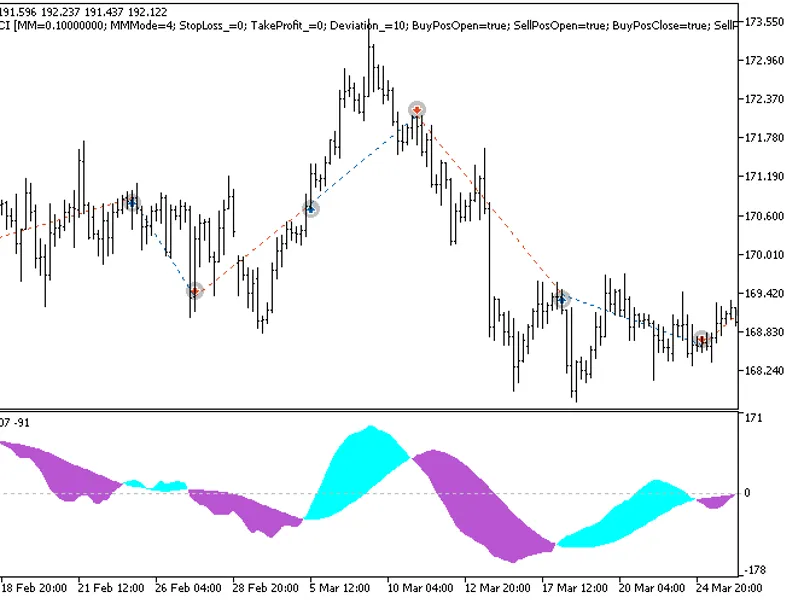
The EXP_CRONEXCCI Expert Advisor is based on signals generated by the oscillator.The signal is formed when a bar is closing if there is a change in the indicator cloud color.This E...
The Cycle Period HTF indicator offers a unique feature: the ability to select the timeframe in the input parameters.To utilize this indicator, you'll need the cycleperiod.mq5 indic...
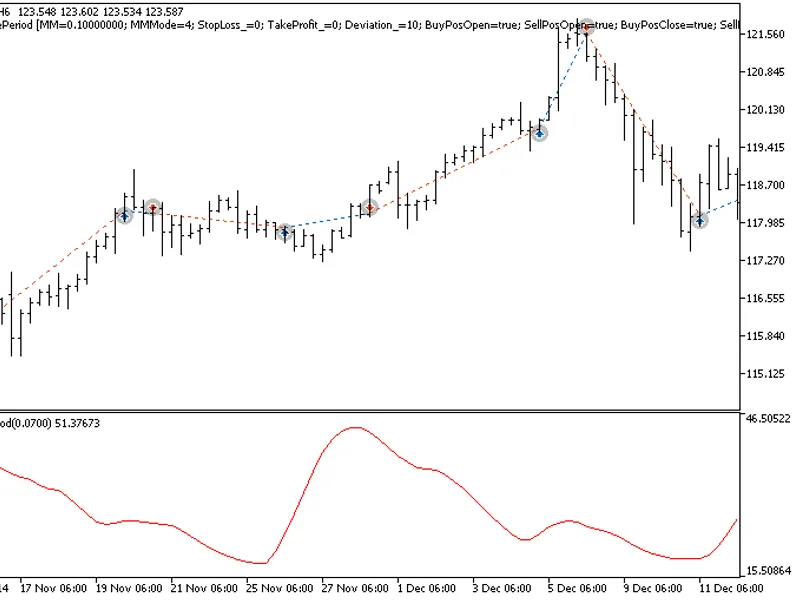
The Exp Cycle Period Expert Advisor is designed to capitalize on the reversal of the non-normalized oscillator direction. It generates signals when a bar closes and the CyclePeriod...
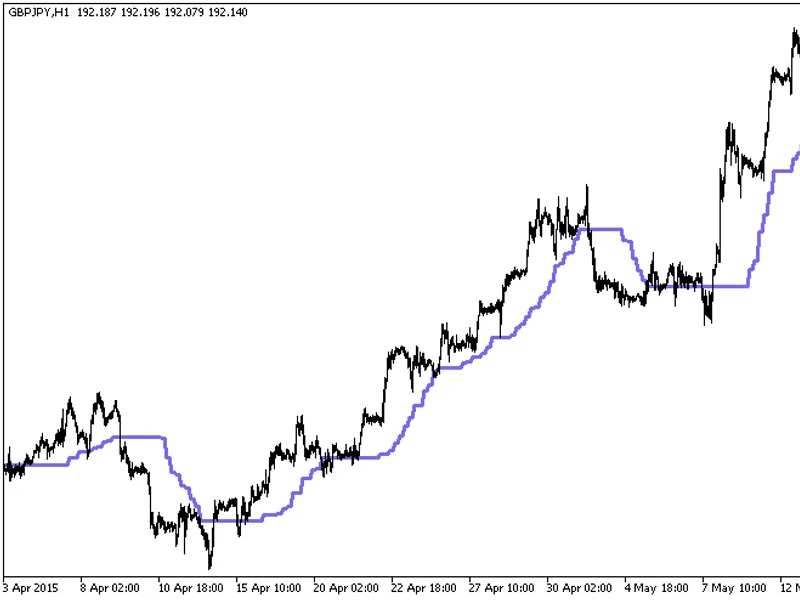
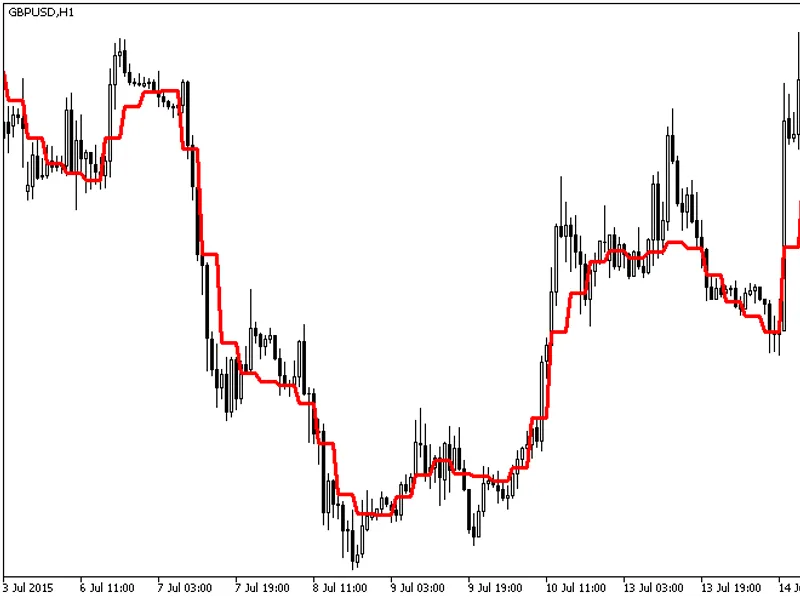
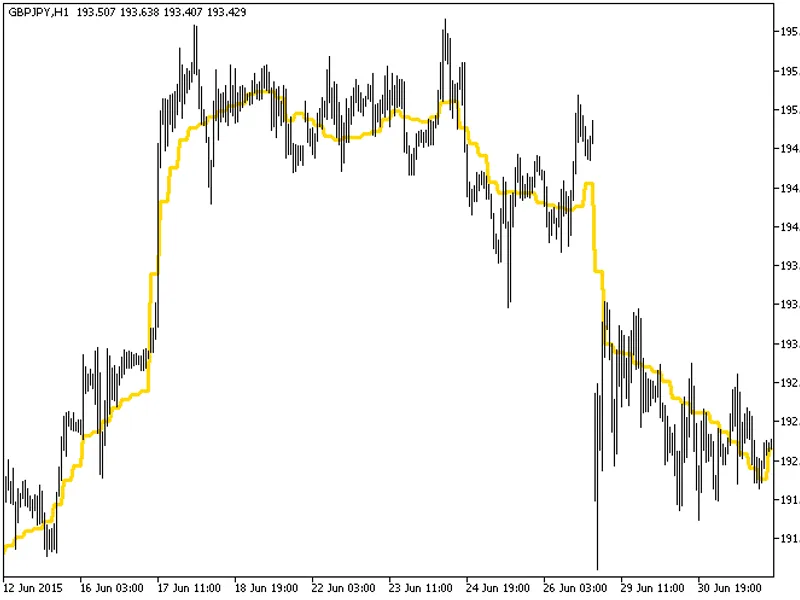
The indicator with the timeframe selection option in the input parameters.This indicator requires the decema.mq5 indicator file. Place it in <terminal_data_folder>\mql5\indic...
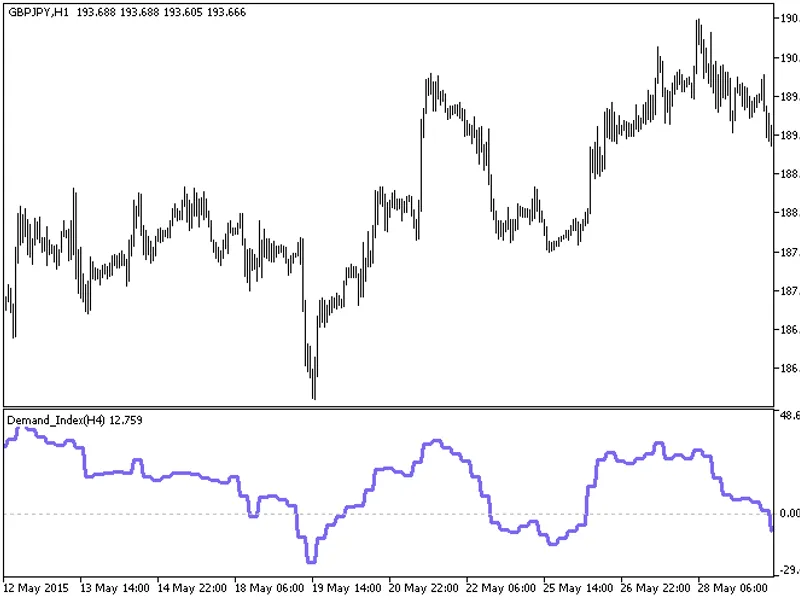
The Demand Index HTF indicator offers a unique feature: the ability to select the timeframe in the input parameters.This indicator relies on the demand_index.mq5 file, which should...
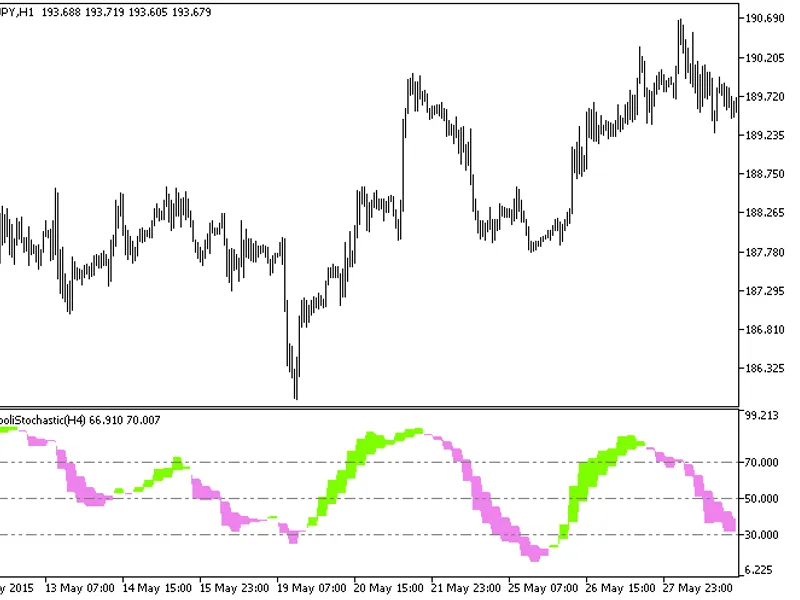
The Di Napoli Stochastic HTF indicator offers a versatile timeframe selection feature in its input parameters.This indicator relies on the dinapolistochastic.mq5 file, which should...
The EXP DiNapoli Stochastic Expert Advisor is designed to utilize signals from the DiNapoli Stochastic oscillator.This Expert Advisor generates a signal when a bar closes, triggere...
The Din Fibo Nex indicator with the Timeframe (TF) selection option available in the input parameters.The indicator requires the Din_Fibo_Nex.mq5 indicator file. Place it in \mql5\...
The indicator with the timeframe selection option available in the input parameters:The indicator requires DEMA_RLH.mq5 indicator file. Place it in \mql5\indicators.Fig.1. The DEMA...
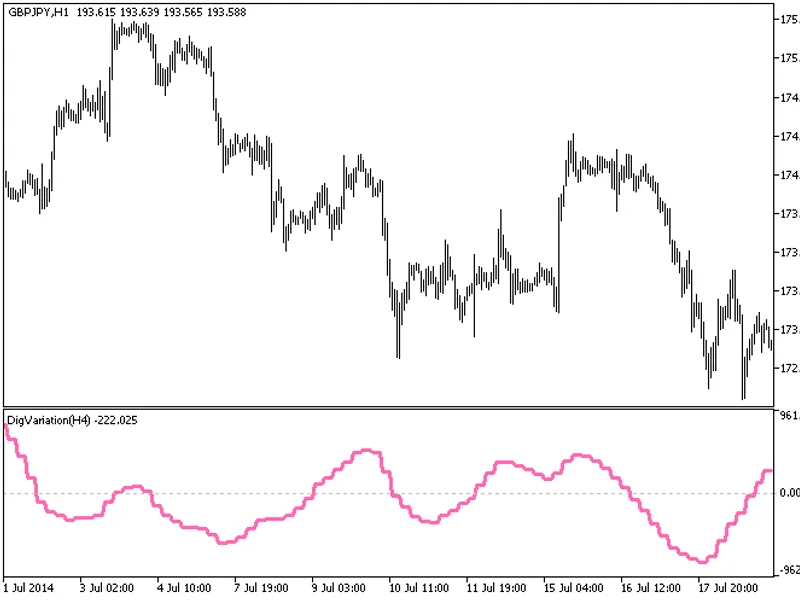
The indicator with the timeframe selection option in the input parameters.This indicator requires the digvariation.mq5 indicator file. Place it in \mql5\indicators.Fig.1. The digva...
The EXP_DigVariation expert advisor is based on the reversal of the non-normalized oscillator direction. The signal is formed when a bar is closing if there is a change in the DigV...
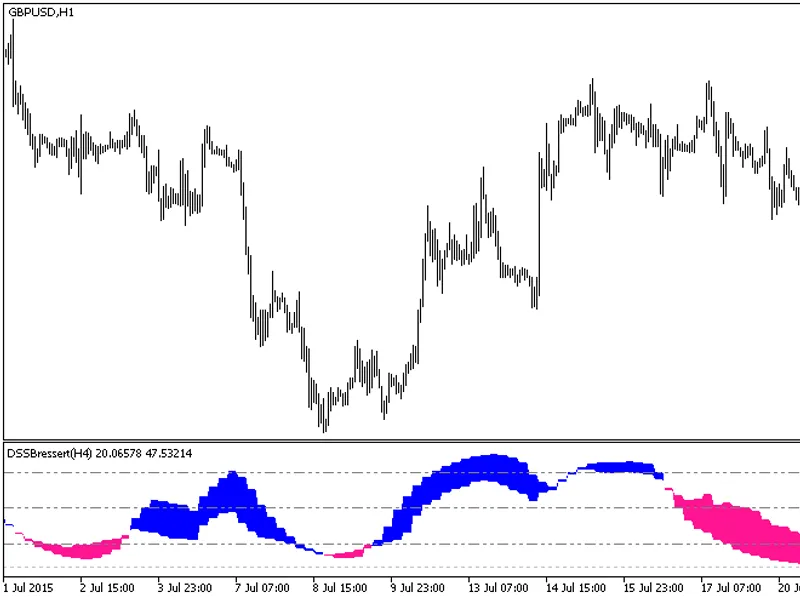
The DSS Bressert HTF indicator offers a unique feature: the ability to select the timeframe.This indicator requires the dssbressert.mq5 file, which should be placed in the <term...
The indicator with the timeframe selection option in the input parameters.This indicator requires the ef_distance.mq5 indicator file. Place it in \mql5\indicators.Fig. 1. The ef_di...
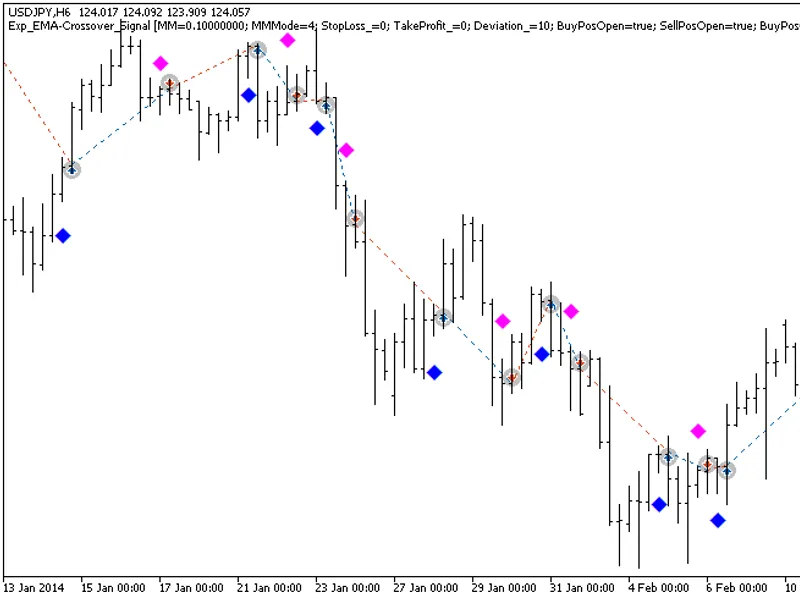
The EXP EMA-Crossover Signal expert advisor is based on signals generated by the Semaphore Signal indicator.A signal to trade is formed when a bar is closing if a new colored indic...
The Exp EMA Prediction Expert Advisor is designed to utilize signals from the Semaphore Signal Indicator for trading decisions.This Expert Advisor operates by initiating trades whe...
The indicator with the timeframe selection option in the input parameters.This indicator requires the emaangle.mq5 indicator file. Place it in <terminal_data_folder>\mql5\ind...
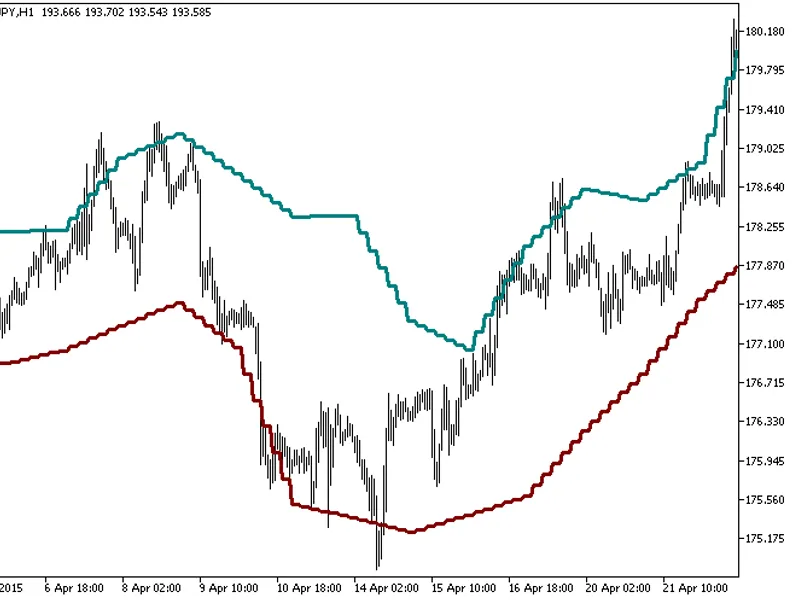
The indicator with the timeframe selection option in the input parameters.This indicator requires the emabands_v1.mq5 indicator file. Place it in <terminal_data_folder>\mql5\...
The indicator with the timeframe selection option in the input parameters.This indicator requires the EMAPredictive2.mq5 indicator file. Place it in <terminal_data_folder>\mq...