Cosine distance and cosine similarity
This tool for MetaTrader 5 is specifically engineered to streamline your trading operations. This library provides a collection of modular, reusable code. It is utilized by developers to organize common functions, allowing for the integration of complex logic across multiple Expert Advisors, indicators, or scripts without the need for code duplication.
How to Setup and Use Cosine distance and cosine similarity
1. Storage: Place library files in the MQL/Libraries directory to ensure they are accessible to your projects.
2. Implementation: Include the library in your code using the #import directive, ensuring you match the exact function names and parameters.
3. Compilation: Ensure the library is present in the directory before you compile your main EA or script, as the compiler links them during this phase.
4. Management: Keep libraries organized in sub-folders if you manage many custom functions to maintain a clean project structure.
Frequently Asked Questions
Q: What is a library file used for? A: Libraries store reusable code modules, allowing you to centralize common logic used by multiple EAs or indicators.
Q: Is a library executable? A: No, libraries are non-executable files containing functions; they must be imported into an EA, indicator, or script to function.
Q: Can I update a library while the platform is running? A: You should compile your EA or script after updating a library to ensure the latest code changes are integrated.
Description & Settings
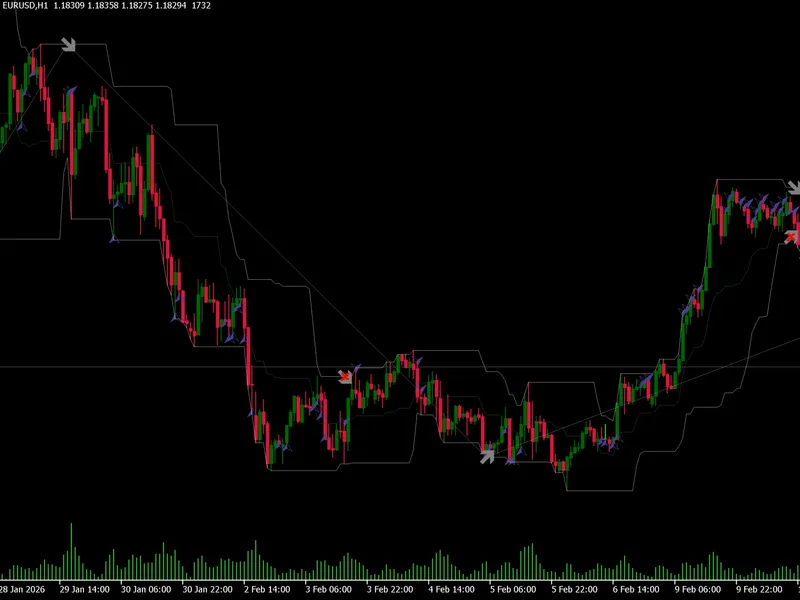
function to calculate the cosine distance and the cosine similarity.
The cosine distance between 2 vectors A and B is :
So 1-CosineSimilarity
And the cosine similarity is :
In simple terms :
the cosine of the angle between the 2 vectors
or , the dot product of the vectors divided by their magnitudes multiplied
Here is the simplest explanation (although his cos(45) is wrong) :