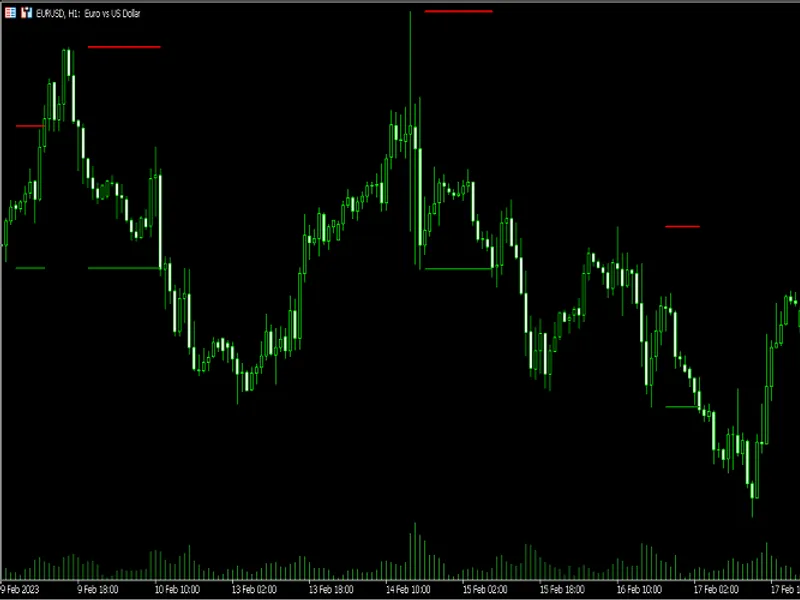
Super Trend
This is a powerful addition to your MetaTrader 5 toolkit designed to optimize market analysis and performance. This technical indicator acts as a specialized analysis tool designed to visualize market data. It helps traders identify emerging trends, momentum shifts, and key support or resistance levels by plotting statistical calculations directly onto price charts.
How to Setup and Use Super Trend
1. Installation: Place your file in the MQL/Indicators folder via "Open Data Folder" and restart your terminal.
2. Loading: Find the indicator in the Navigator, drag it onto your chart, and configure the input parameters in the popup window.
3. Customization: Press Ctrl+I to open the indicator list, select your tool, and click "Properties" to change colors, levels, or visual styles.
4. Updating: Replace the old file in the Indicators folder with the new version and restart the platform to apply changes.
Frequently Asked Questions
Q: Why is my indicator not showing? A: Verify the file is in the MQL/Indicators folder, or try right-clicking the "Indicators" tree in the Navigator and clicking "Refresh."
Q: Do custom indicators slow down the platform? A: Too many complex indicators can impact performance; remove unused ones via the "Indicator List" (Ctrl+I).
Q: Can I use MT4 indicators on MT5? A: No, MQL4 and MQL5 are distinct languages; ensure the indicator is compiled specifically for your platform version.
Description & Settings
The
Supertrend
indicator is a widely used trend-following tool built on the
Average True Range (ATR)
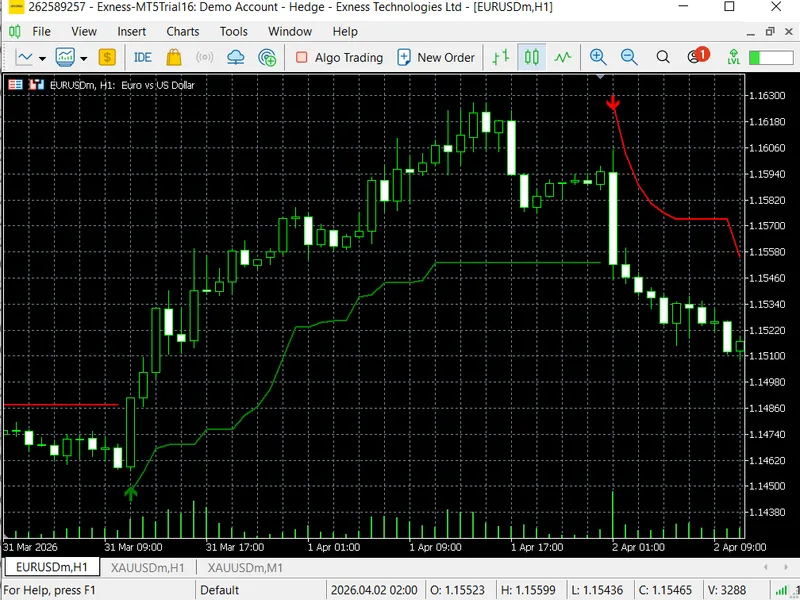
. It plots a dynamic support or resistance line directly on the price chart, switching between a green uptrend line and a red downtrend line whenever the market changes direction. Traders use this signal to stay on the right side of the trend without having to interpret complex oscillators or multi-panel setups.
This implementation brings the full Supertrend logic into
MetaTrader 5
as a native custom indicator. It supports two ATR calculation methods: the standard function built into the MQL5 library, and a manual Simple Moving Average of True Range for traders who prefer a smoother band. Both methods produce the same trailing band structure, where the upper and lower bands tighten or widen with volatility and lock in once price moves decisively away from them.
When the trend flips from bearish to bullish, an
upward arrow
is drawn at the bar of the crossover. When it flips from bullish to bearish, a
downward arrow
appears. These buy and sell signals can be toggled on or off through the input settings, keeping the chart clean for traders who only need the trend line itself. The indicator is fully configurable through four input parameters: ATR period, ATR multiplier, calculation method, and signal visibility.
Input Parameters
Note:
This indicator is intended for trend identification and educational purposes. Always validate signals on a demo account before applying them to live trading. Past performance of any indicator does not guarantee future results.