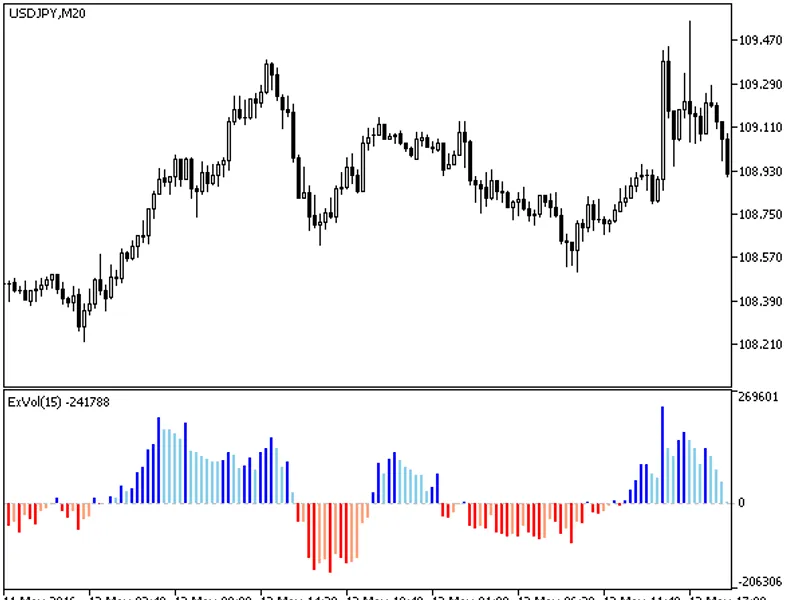
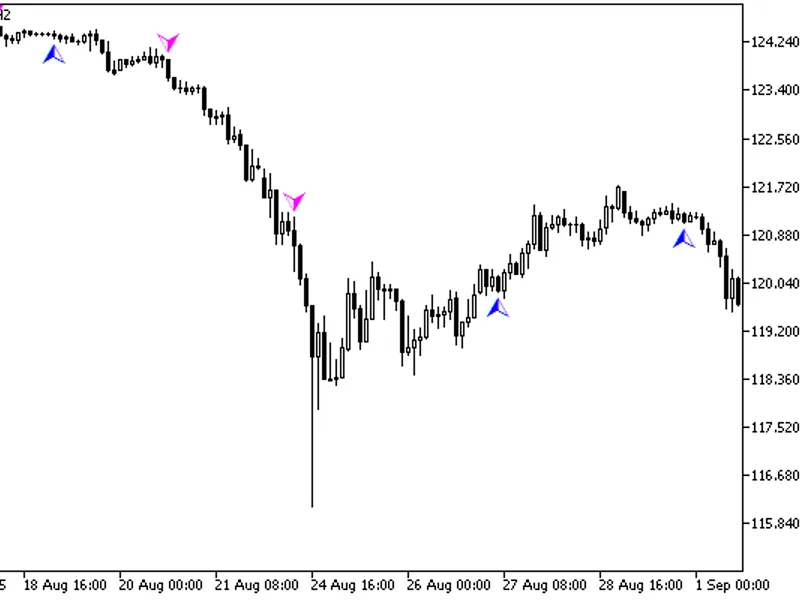
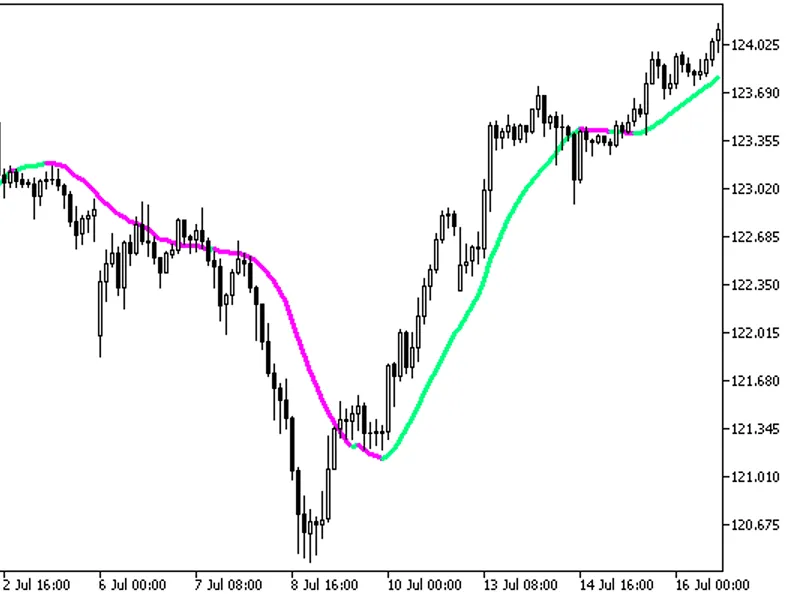
The ExVolv2 indicator calculates the difference between the total sum of bodies of growing and falling candlesticks on a given interval.This indicator was first implemented in MQL4...
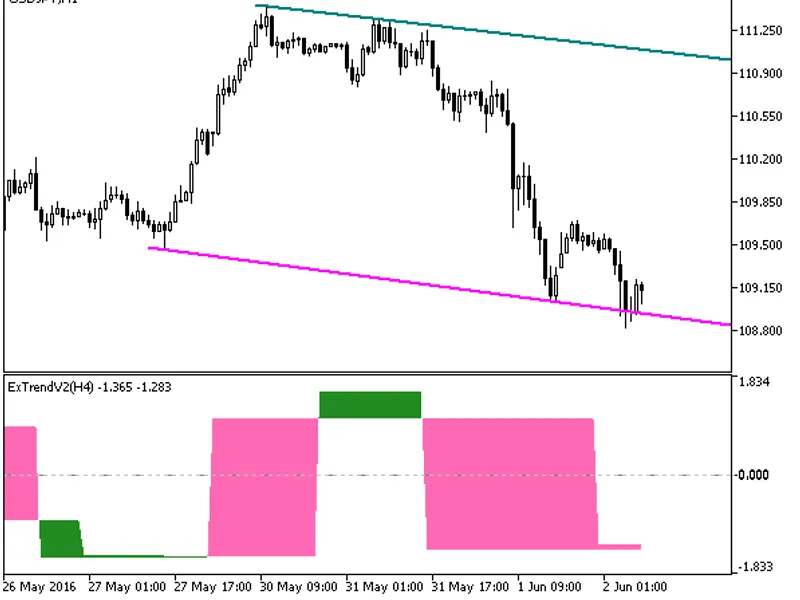
The Ex Trend HTF indicator offers a unique feature: the ability to select the timeframe directly from the input parameters.This indicator relies on the ExtrendV2.mq5 file, which sh...
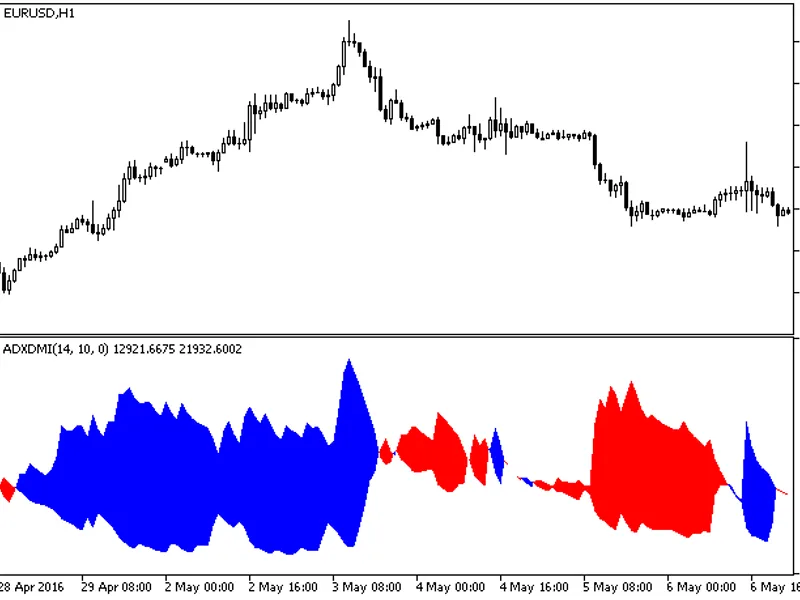
A modification of the popular ADX indicator, this indicator presents the data without a difference line, essentially as the DMI indicator, in the form of a colored cloud.First impl...
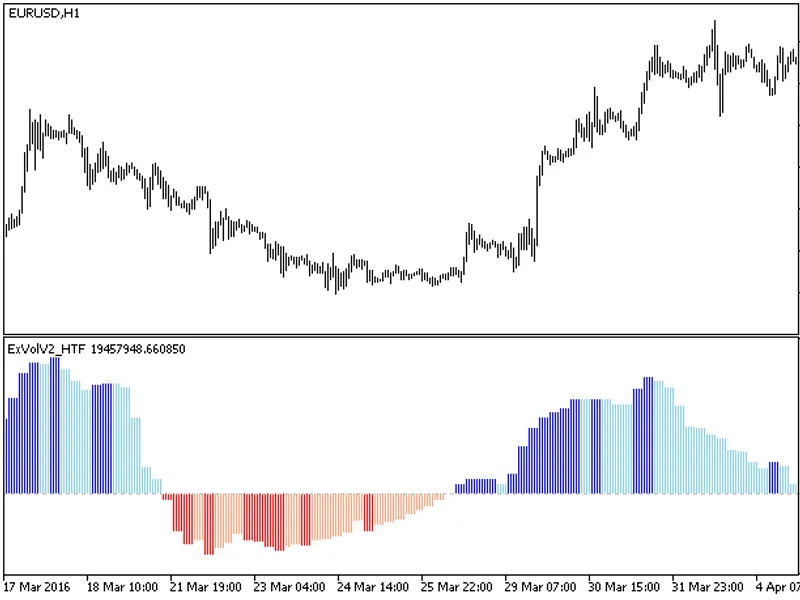
The indicator offers a unique feature: the ability to select the timeframe in the input parameters.To utilize this indicator, you'll need the exvolv2.mq5 indicator file. Ensure it'...
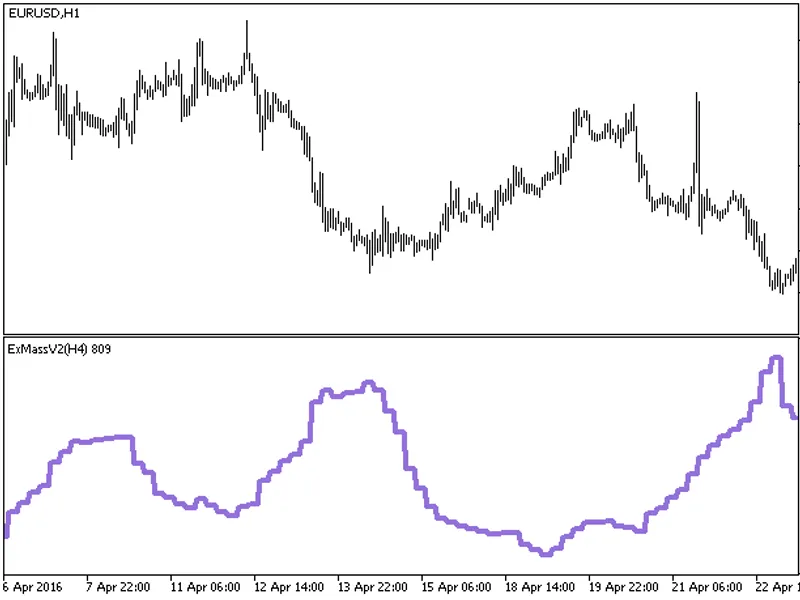
The indicator offers a unique feature: the ability to select the timeframe in the input parameters.To utilize this indicator, you'll need the exmassv2.mq5 indicator file. Ensure it...
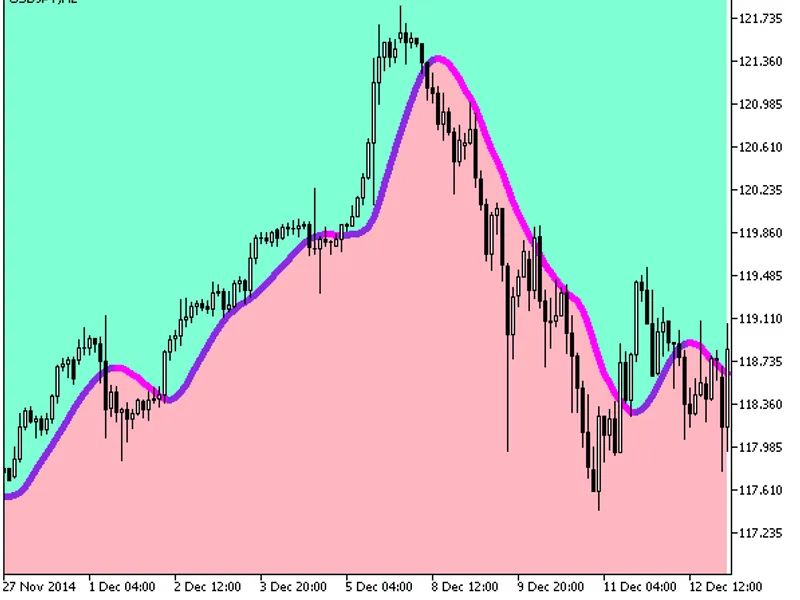
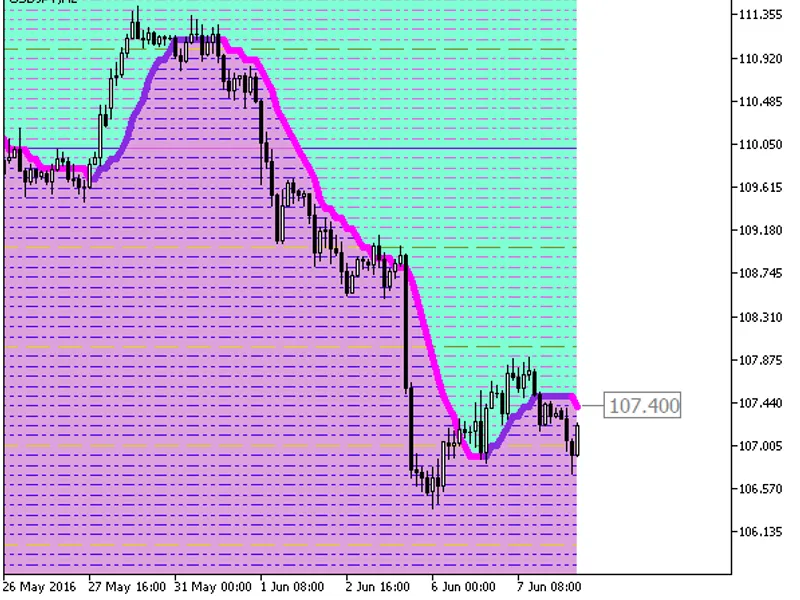
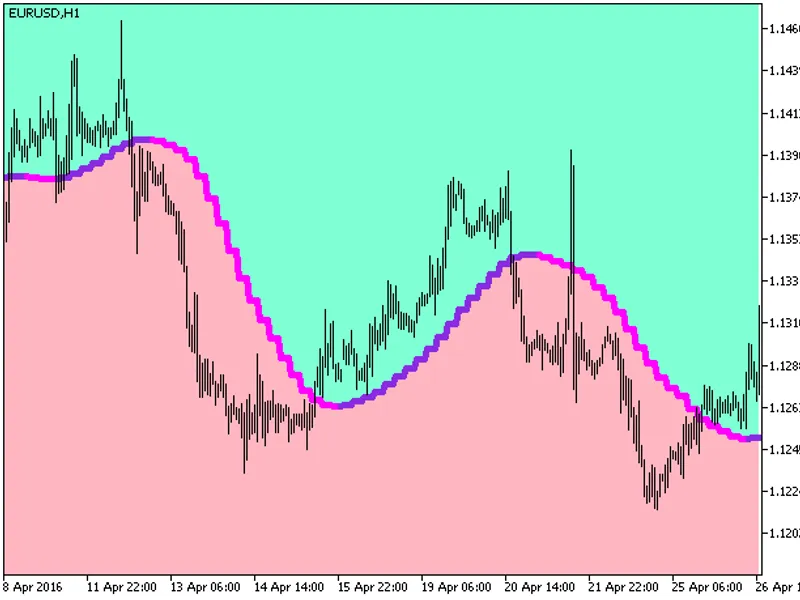
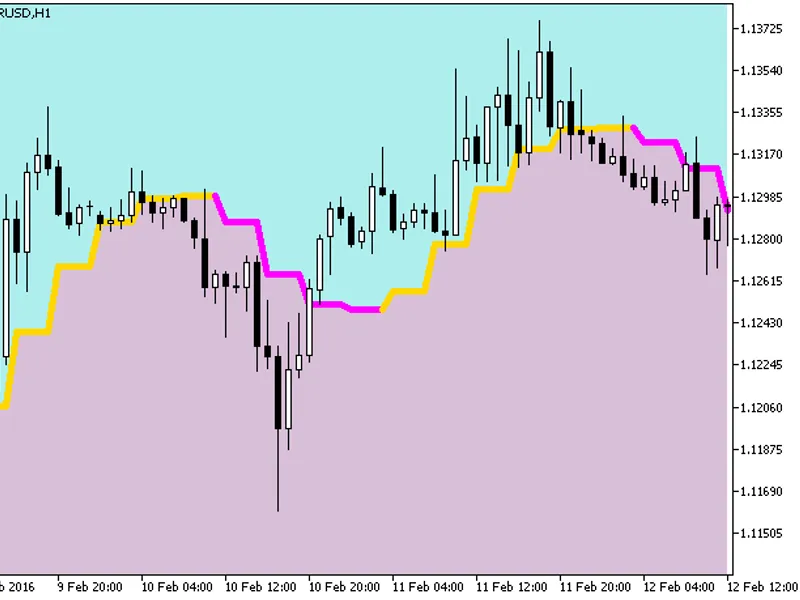
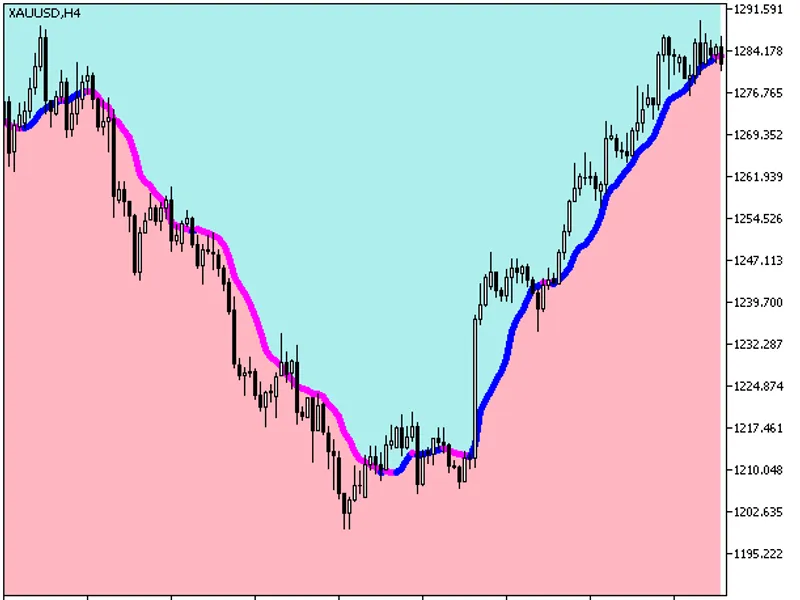
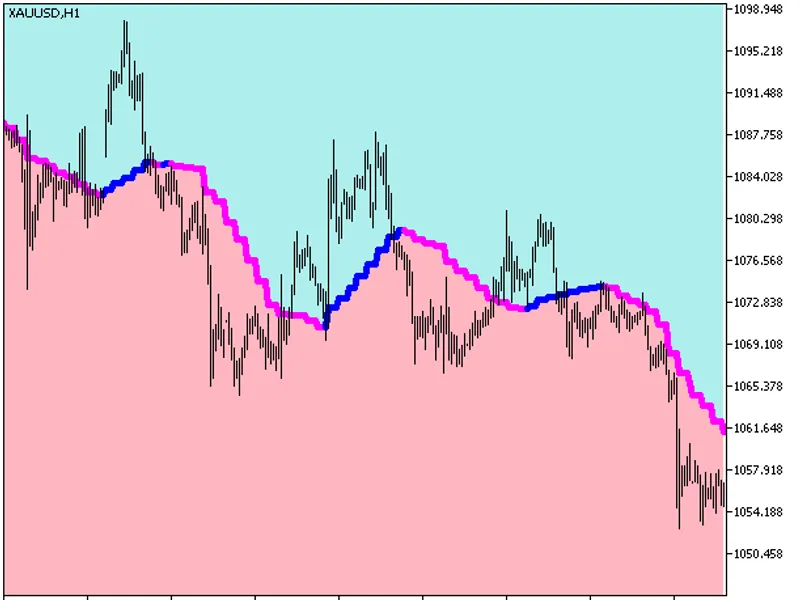
The Color X2 MA Cloud indicator fills the chart space with a colored background, using the moving average as the color separation line.This indicator utilizes the smoothalgorithms....
This indicator displays the most recent value as a price label, allowing you to round the channel levels to a specified number of digits. The rounding precision is controlled by th...
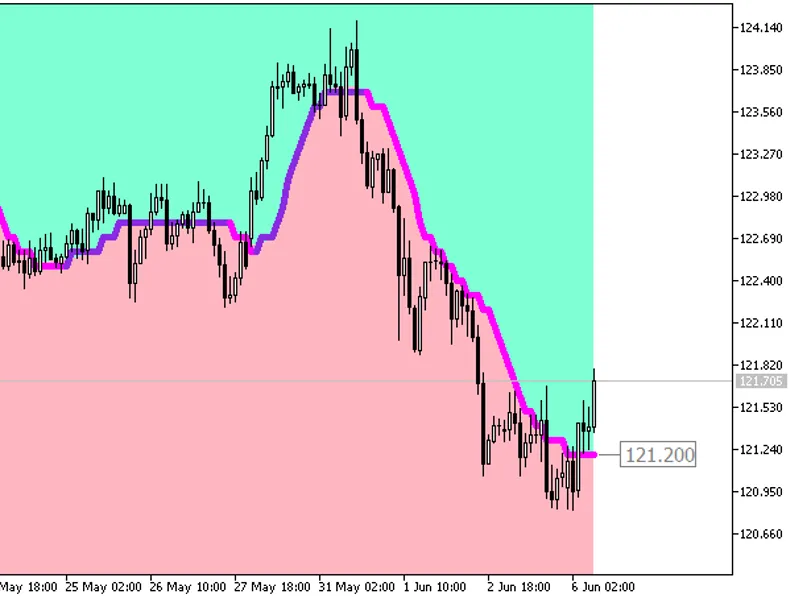
This indicator fills the chart space with a colored background and displays the most recent value as a price label, allowing for rounding of channel levels up to a specified number...
This indicator fills the chart space with a colored background and displays the most recent value as a price label. It offers the flexibility to round channel levels to a specified...
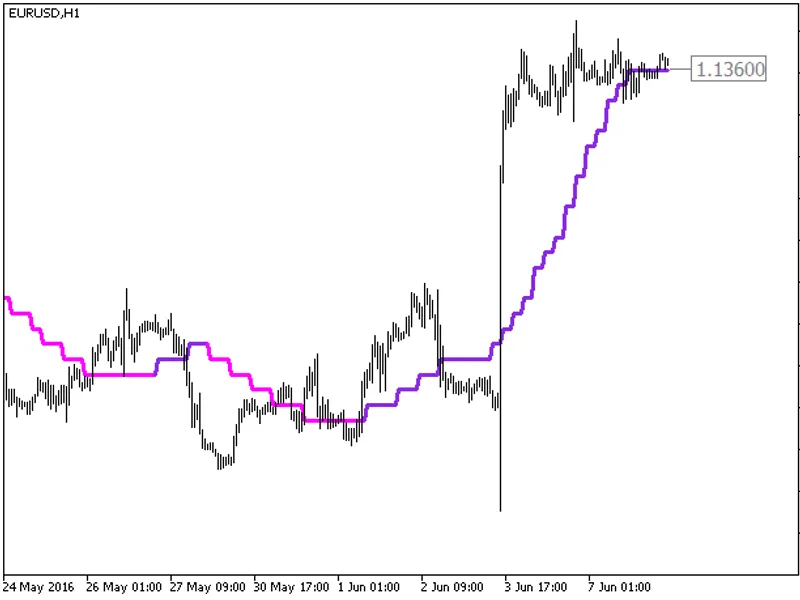
The indicator offers a timeframe selection feature in its input parameters.It requires the colorx2ma_digit.mq5 indicator file, which should be placed in <terminal_data_folder>...
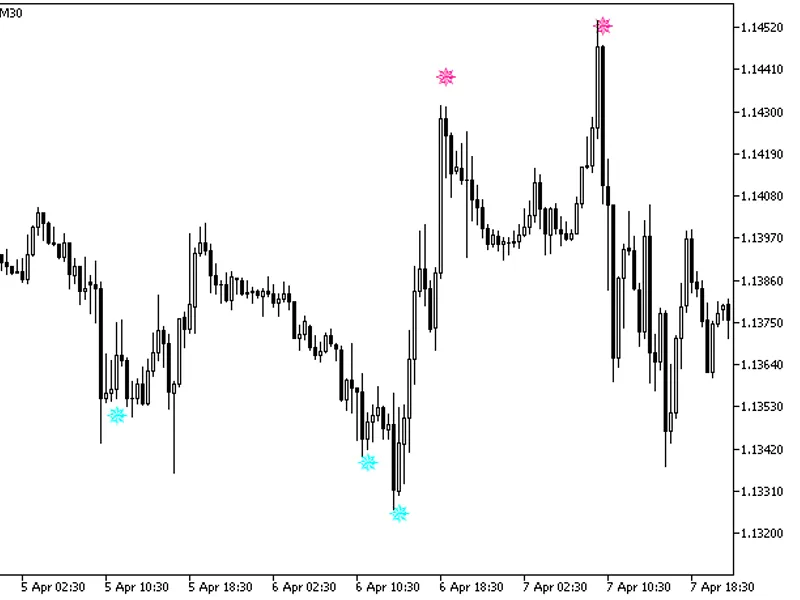
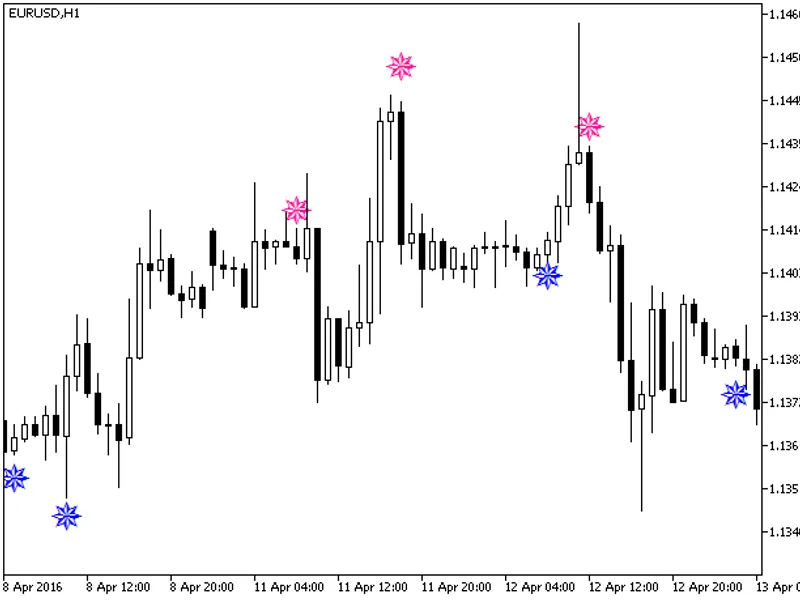
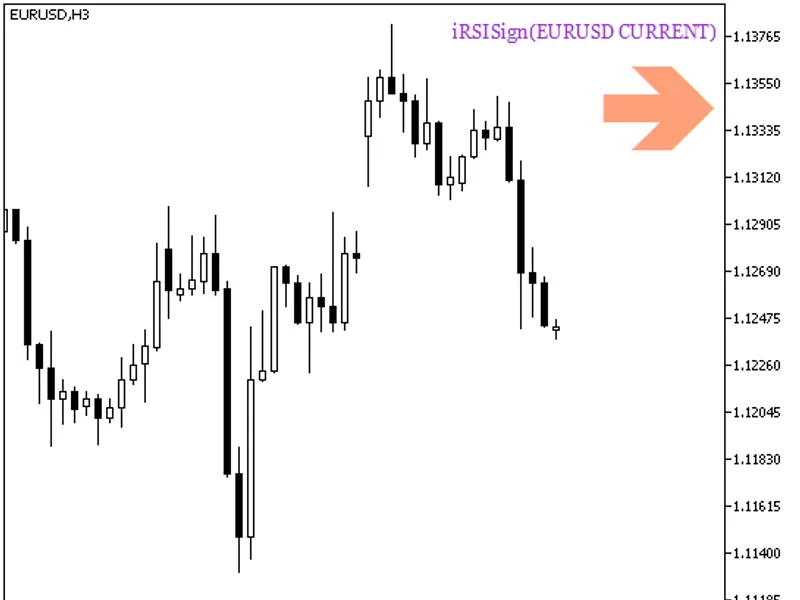
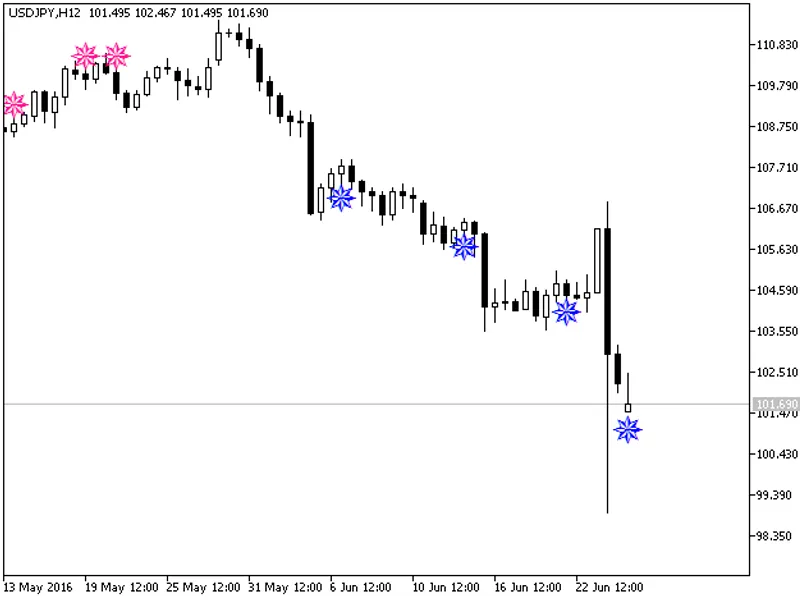
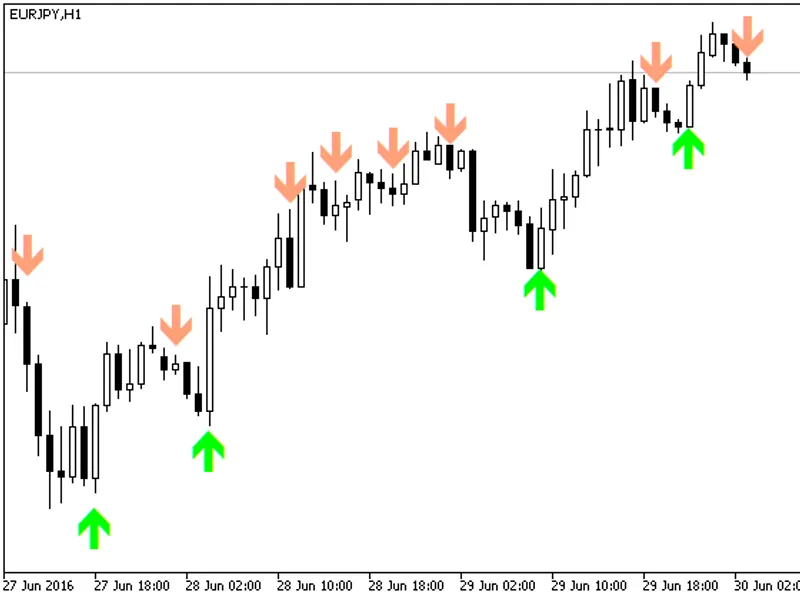
Semaphore arrow signal indicator based on the classic RSI oscillator exiting overbought and oversold areas.Figure 1. The iRSI-Sign IndicatorThe iRSI-Sign is a technical indicator d...
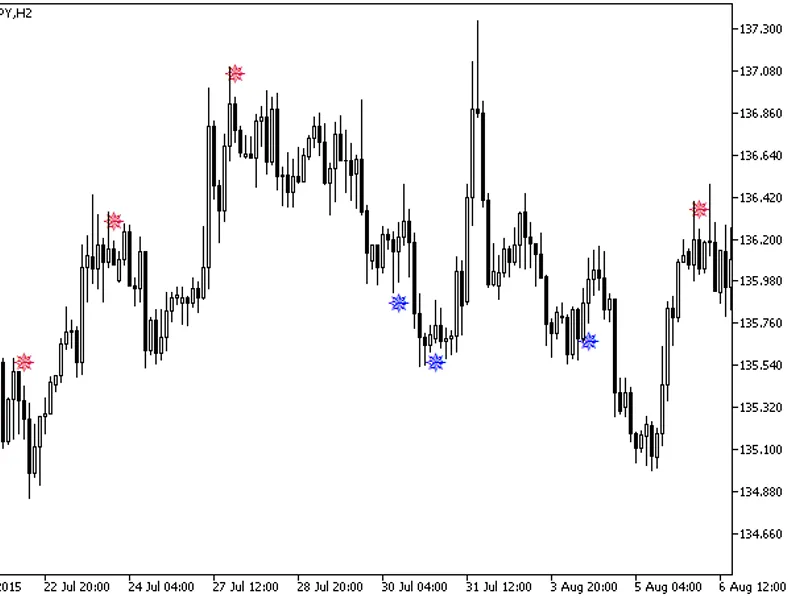
The Williams Percent Range (WPR) Indicator with Signal Arrows is a powerful trading tool based on the classic Williams' Percent Range oscillator. This indicator provides clear visu...
Color X2 MA Cloud HTF Indicator with Timeframe SelectionThis indicator includes a timeframe selection option within its input parameters.Required File: The indicator requires the '...
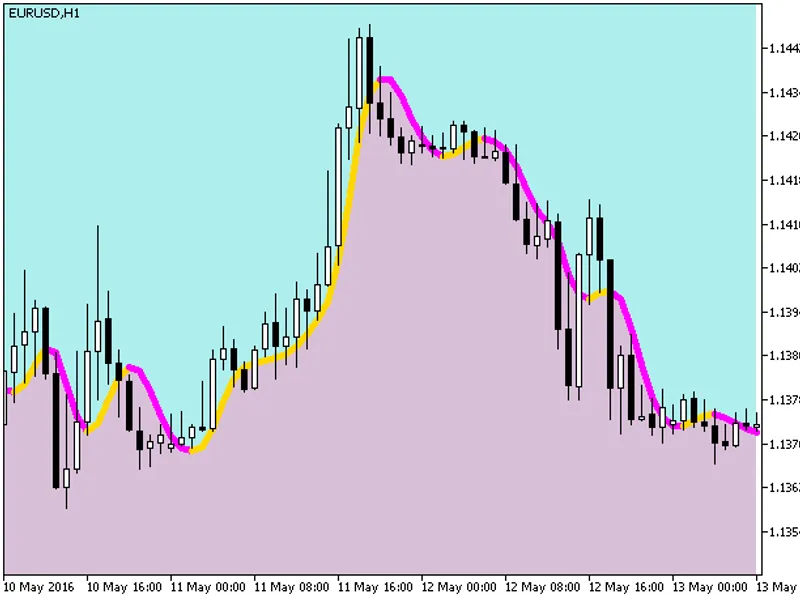
The Color JFATL Cloud indicator fills the chart background with color, using the JFATL (smoothed fast trend) line as the color separation boundary.The indicator utilizes classes fr...
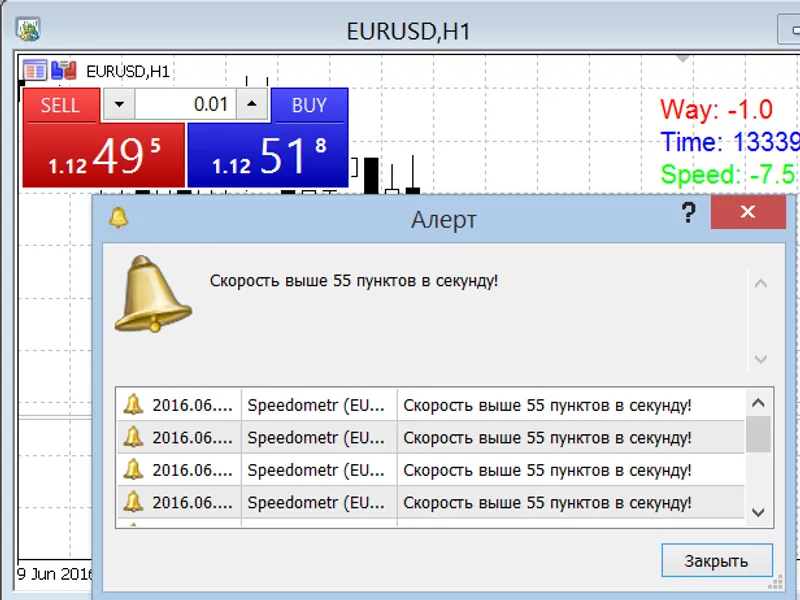
The indicator displays the tick speed, the path covered by the price, and the time taken in milliseconds.The speed is shown in points per second.If the speed exceeds the value set ...
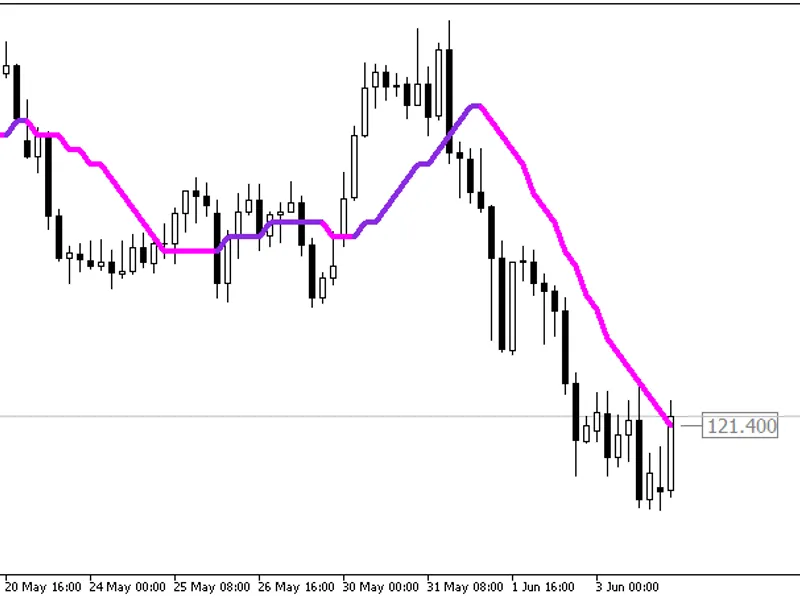
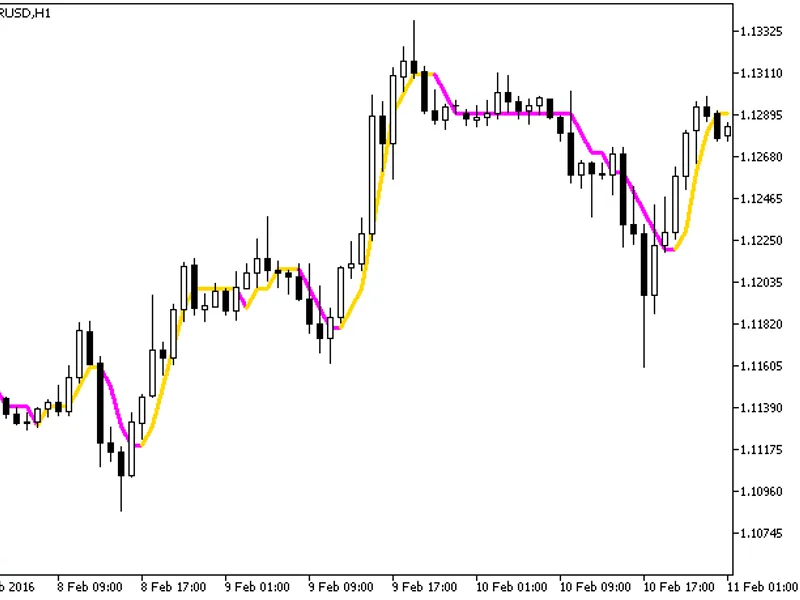
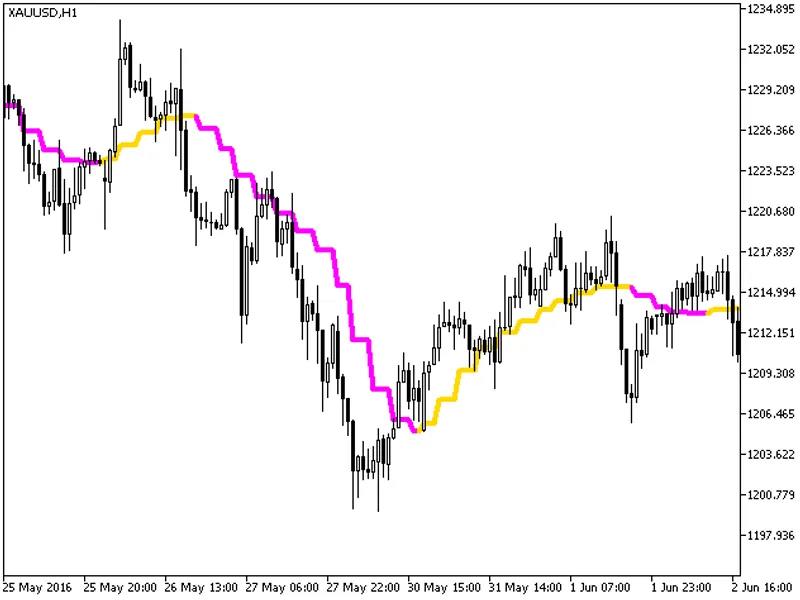
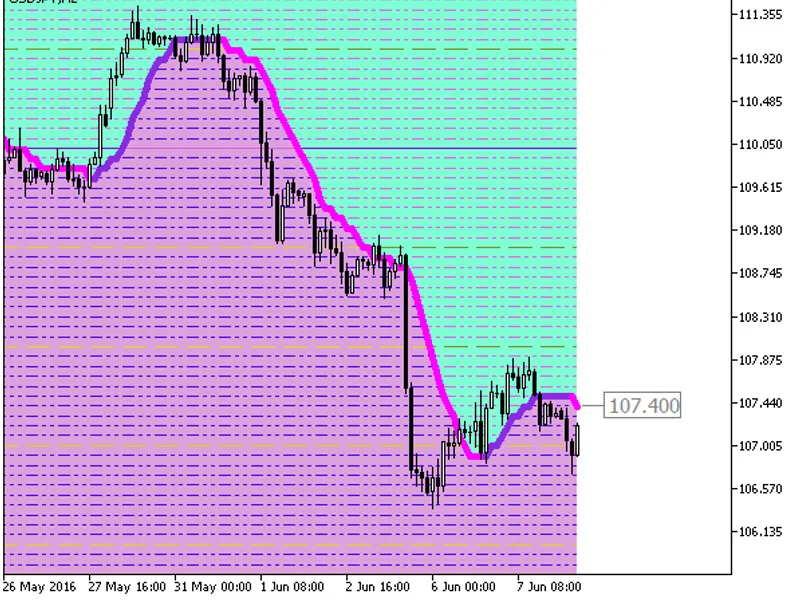
Smoothed Fast Digital Filter IndicatorThis indicator displays the most recent value as a price label. It offers the capability to round channel levels up to a specified number of d...
This indicator features a timeframe selection option directly within its input parameters.The indicator requires the colorjfatl_cloud.mq5 indicator file. Please place this file in ...
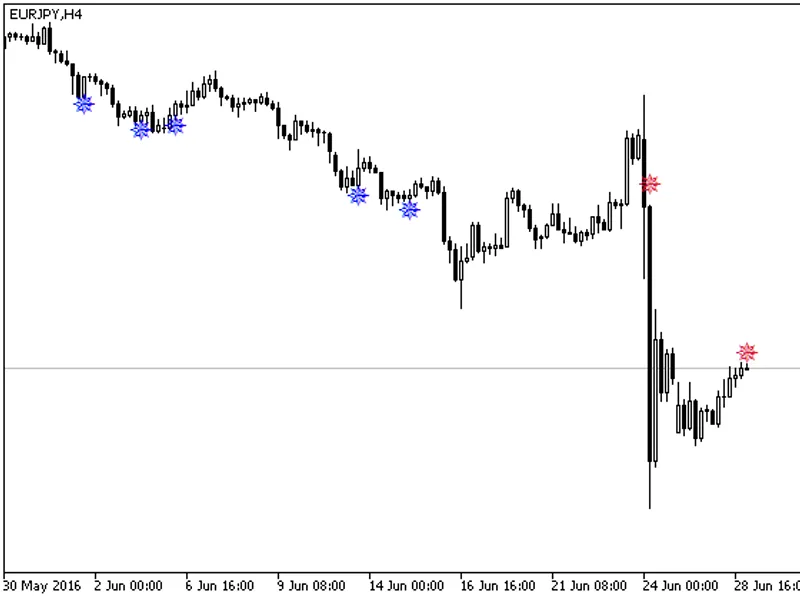
Semaphore Arrow Signal IndicatorThis indicator is based on the classic Money Flow Index (MFI) oscillator.It generates signals when the MFI leaves overbought and oversold areas.Figu...
The Color JFATL Digit HTF indicator includes a timeframe selection option within its input parameters.This indicator requires the colorjfatl_digit.mq5 indicator file to be present....
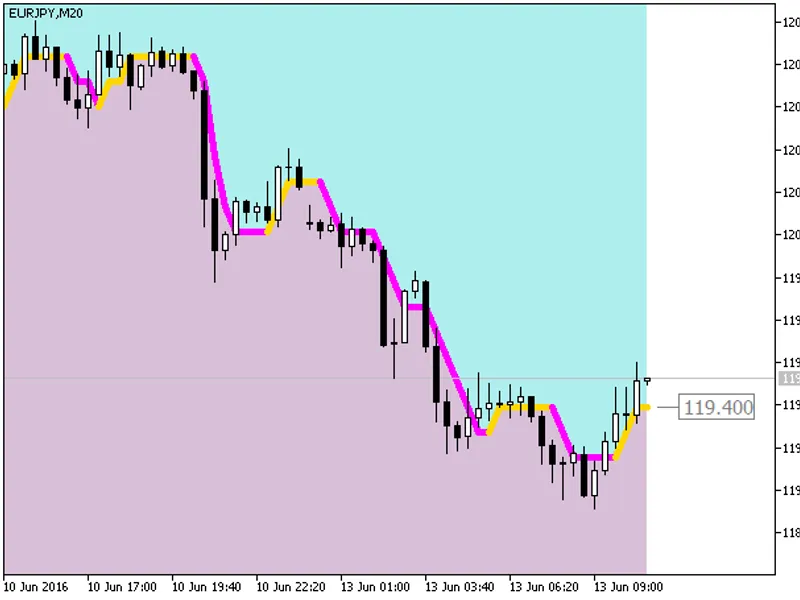
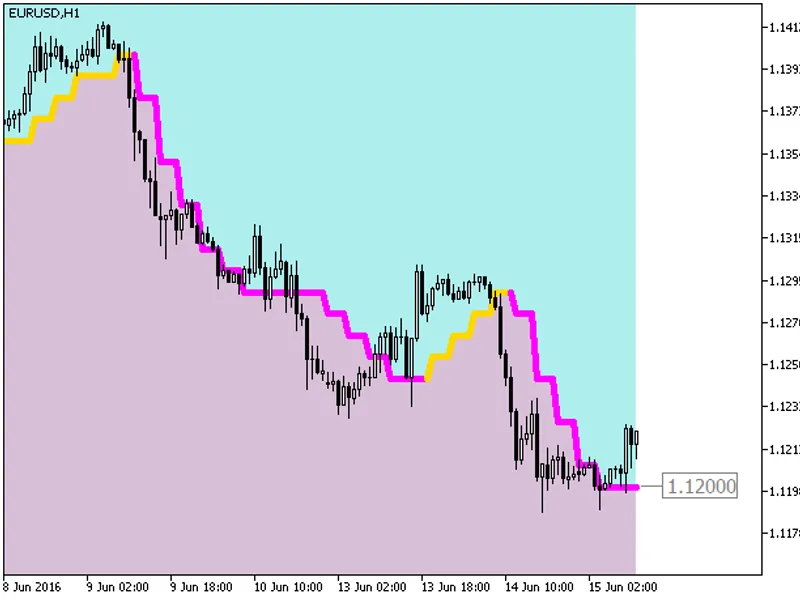
A hybrid indicator combining the Fast Adaptive Trend Line (JFATL) Digital Filter and Analog Adaptive Averaging. This indicator fills the chart space with a colored background and d...
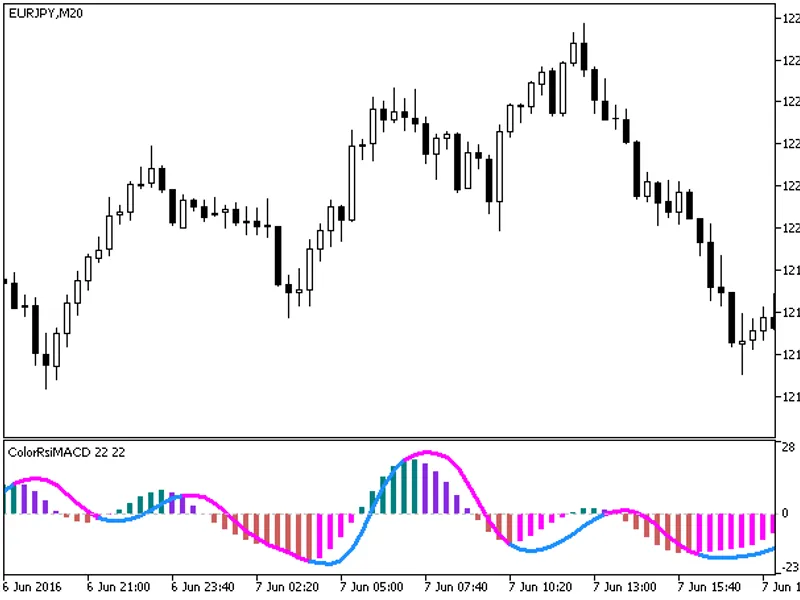
MACD Histogram based on the difference of the RSI oscillator and its average.The indicator uses the smoothalgorithms.mqh library classes. Ensure this library is placed in your <...
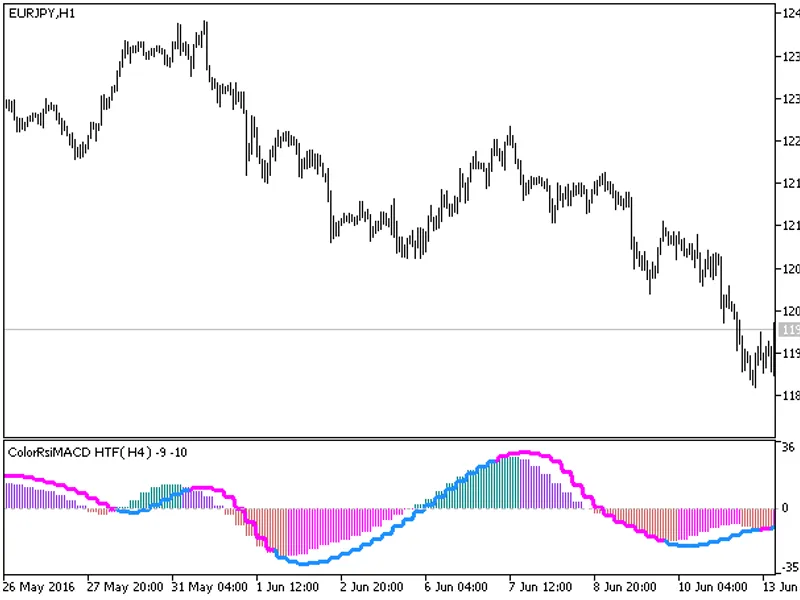
A configurable RSI and MACD indicator with an integrated custom timeframe feature.This indicator includes an option for timeframe selection directly within its input parameters.Ple...
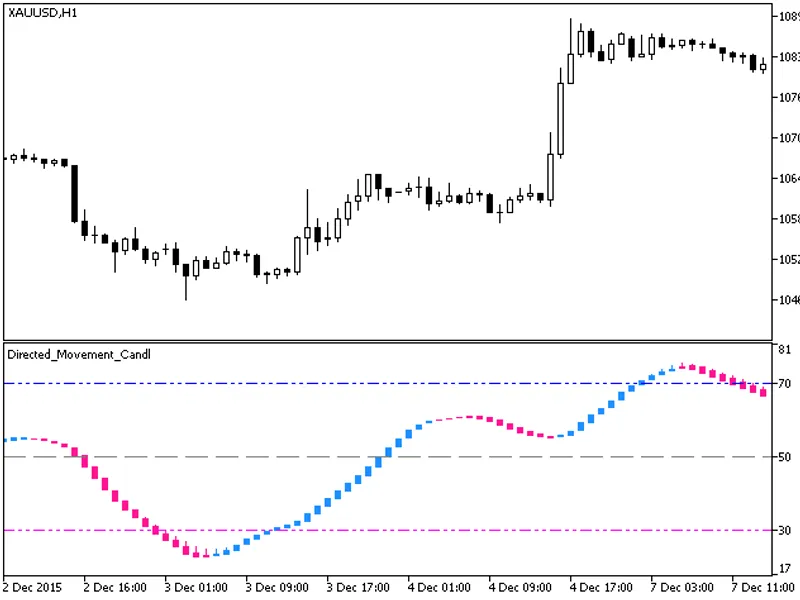
The indicator is implemented as a sequence of candlesticks. These candlesticks are generated by applying the directed_movement indicator algorithm to the relevant price time series...
The Color JFATL Cloud Digit HTF indicator features an integrated timeframe selection option within its input parameters.
This indicator requires the colorjfatl_cloud_digit.mq5 indi...
The Color JFATL Cloud Digit Grid indicator is a hybrid of the Fast Adaptive Trend Line (FATL) digital filter and analog adaptive averaging. It fills the chart background with color...
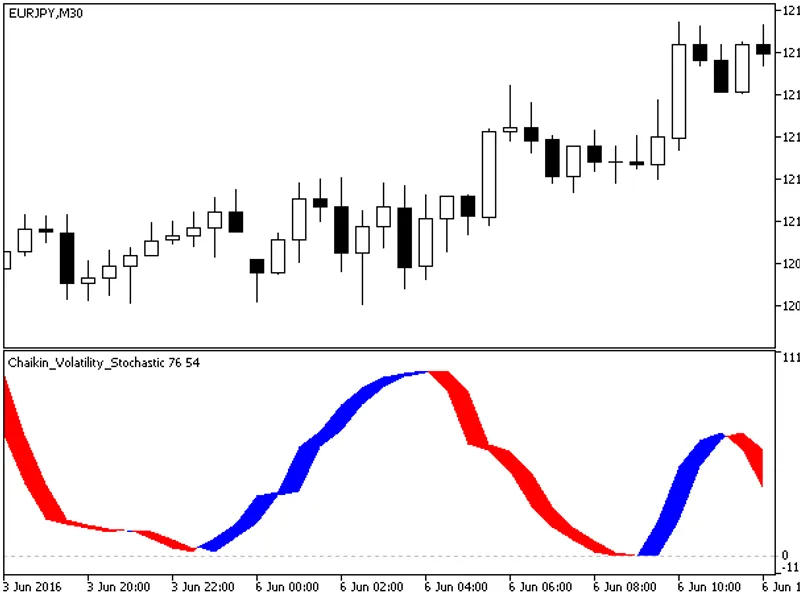
The Chaikin Volatility Stochastic indicator utilizes classes from the smoothalgorithms.mqh library. These classes must be copied to the terminal_data_folder\mql5\include directory....
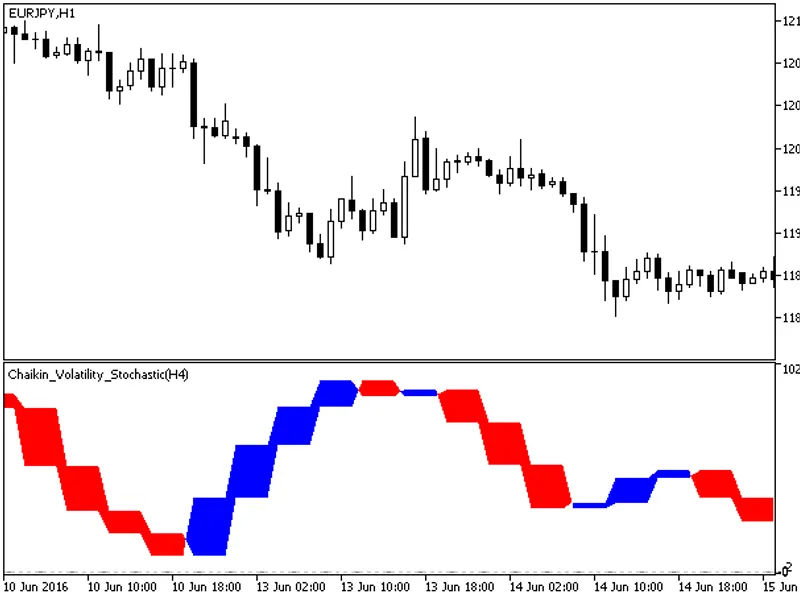
The Chaikin Volatility Stochastic HTF indicator includes a timeframe selection option within its input parameters.This indicator requires the chaikin_volatility_stochastic.mq5 indi...
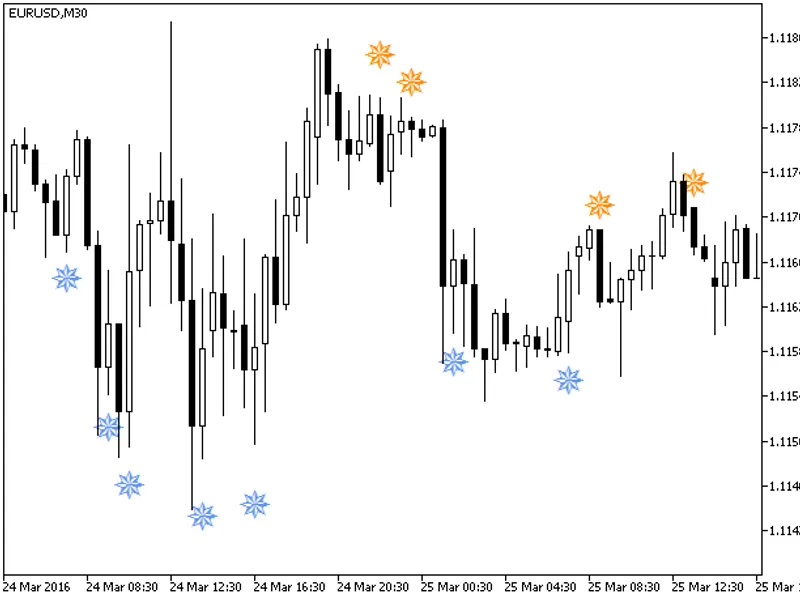
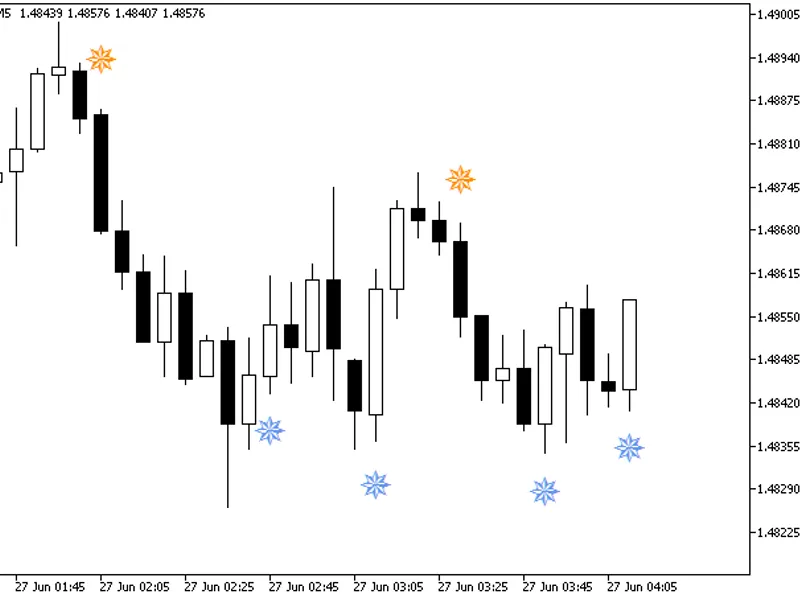
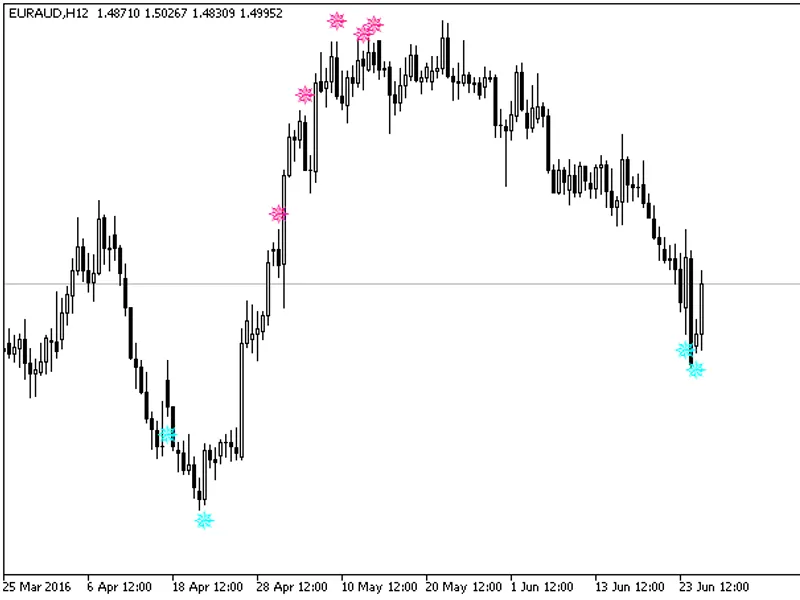
Semaphore Arrow Signal Indicator based on the classic DeMarker oscillator, which identifies overbought and oversold areas.Fig. 1. The iDeMarkerSign Indicator....
The IMFISIGN_HTF_Signal indicator displays trend direction or signals generated by the indicator at the chosen bar as a graphical object with colored trend indication or deal direc...
The iStochKomposter_htf_signal indicator provides visual and audio alerts for trend direction and deal signals. It displays graphical objects with colored arrows to indicate trend ...
The iDeMarkerSign_HTF_Signal indicator displays trend direction or signals as graphical objects with colored trend indications or deal directions. It also generates alerts and audi...
The IWPRSIGN_HTF_Signal indicator provides visual and audio cues for trend analysis and trading signals.It displays trend direction or signals as graphical objects with correspondi...
The IRSI Sign HTF Signal indicator displays the trend direction or a signal generated by the indicator at the chosen bar as a graphical object with colored trend indication or deal...
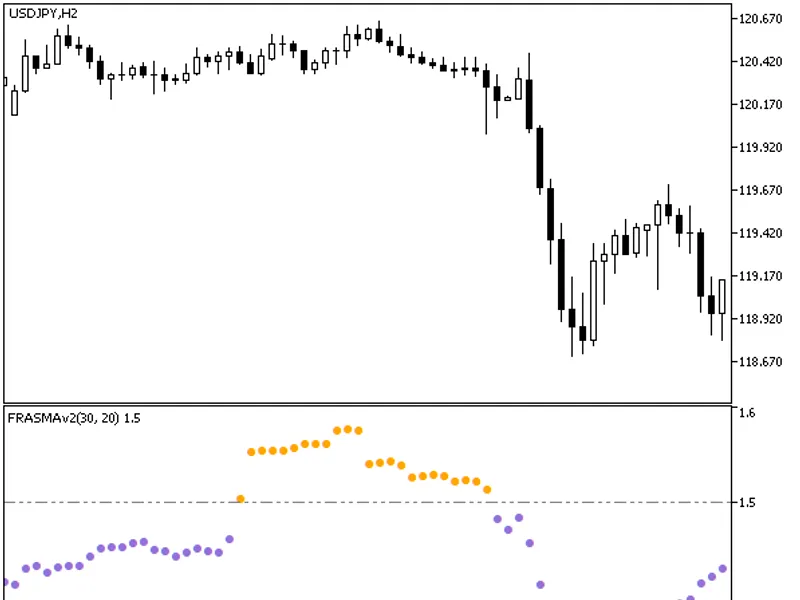
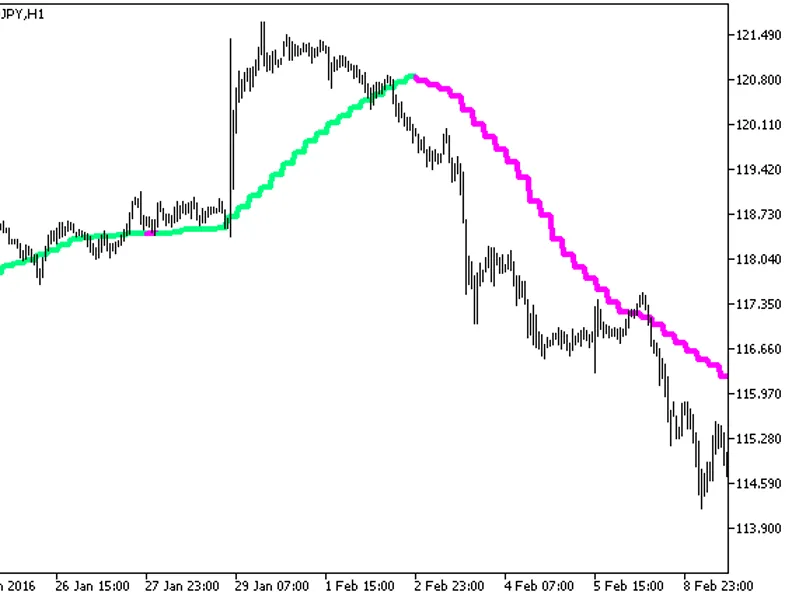
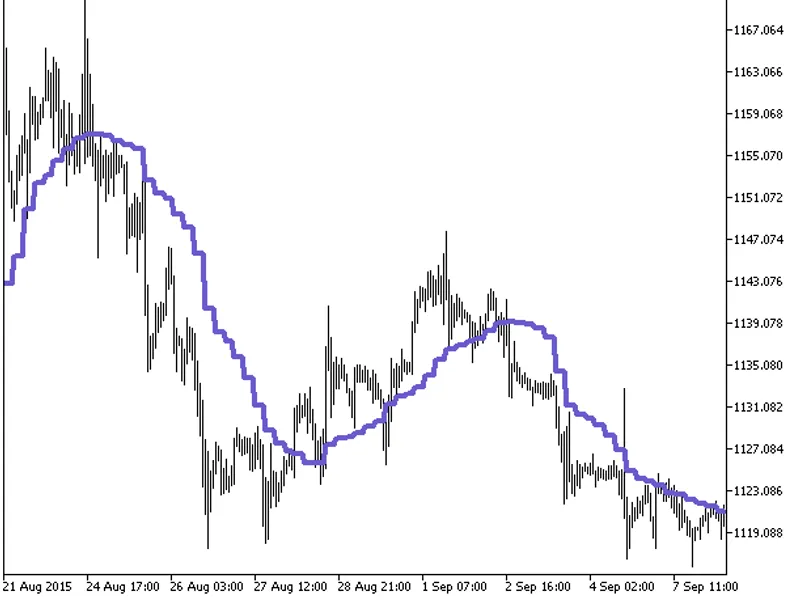
The indicator with the Timeframe selection option in the input parameters.The indicator requires FRASMav2.mq5 indicator file. Place it in terminal_data_folder\mql5\indicators.Fig. ...
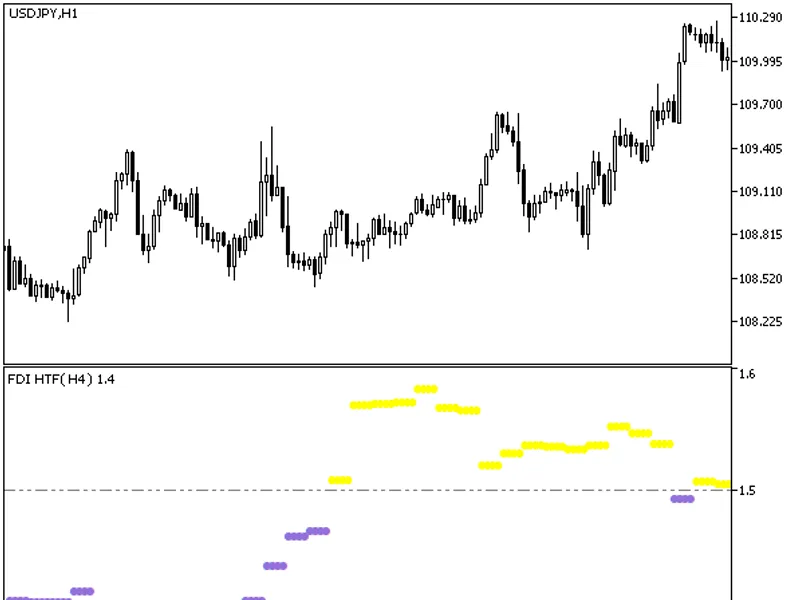
The indicator offers a timeframe selection option within its input parameters.It requires the FDI.mq5 indicator file, which should be placed in the following directory: \mql5\indic...
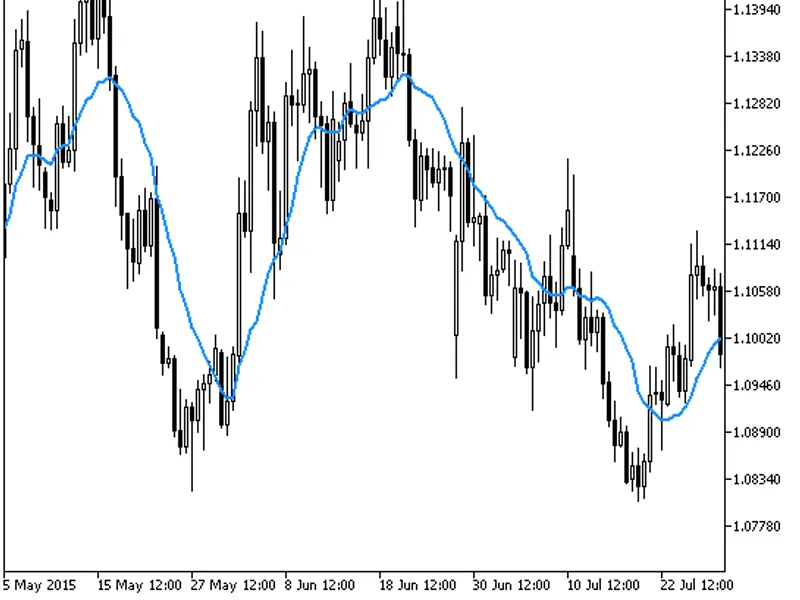
This indicator calculates a moving average where each data point's weight is proportional to its volume.The VWMA is computed by summing the products of price and volume for each ba...
This indicator has been enhanced with new input parameters and functions, providing a more comprehensive trading tool.Three new functions have been added to the indicator code: buy...
This indicator introduces new input parameters and enhances functionality with three additional functions: buysignal(), sellsignal(), and getstringtimeframe().The indicator code no...
This indicator has been updated with new input parameters and functions.Three new functions have been added to the end of the indicator code: buysignal(), sellsignal(), and getstri...
This indicator offers a timeframe selection feature in its input parameters.To use this indicator, you'll need the volume_weighted_ma.mq5 file. Place it in the following directory:...
This indicator has been updated with new input parameters and functions to enhance its capabilities.Three new functions have been added to the indicator code: buysignal(), sellsign...
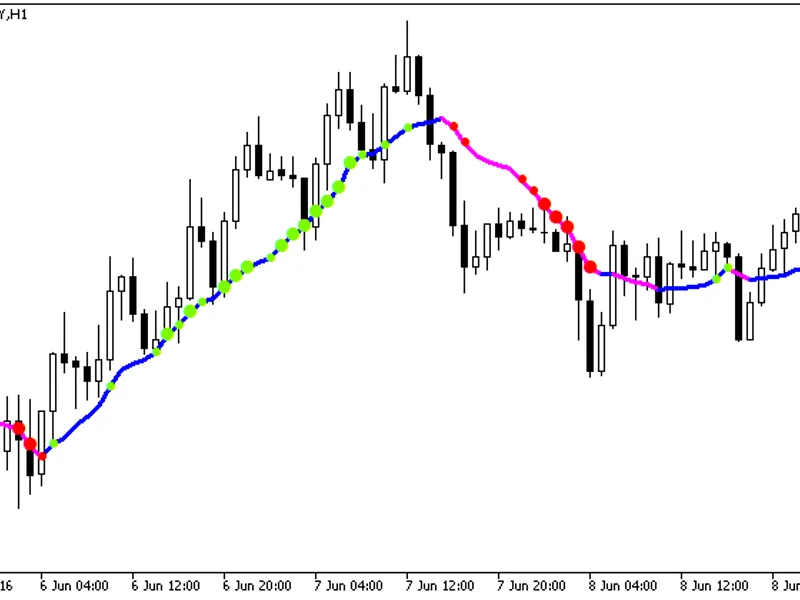
Statbars to the indicator with additional trend strength indication using colored dots based on the standard deviation algorithm.If the standard deviation of the volume_weighted_ma...
The Volume Weighted MA Cloud indicator is a powerful tool that enhances the standard moving average by incorporating volume data. It calculates a volume-weighted moving average and...
KomposterThis indicator introduces new input parameters and enhances functionality with three new functions: buysignal(), sellsignal(), and getstringtimeframe().The buysignal() and...
The indicator with the timeframe selection option in the input parameters.This indicator requires the volume_weighted_ma_cloud.mq5 indicator file. Place it in <terminal_data_fol...