XAN D E R Gold Recovery
This is a powerful addition to your MetaTrader 5 toolkit designed to optimize market analysis and performance. This Expert Advisor serves as automated trading software. It is utilized to monitor financial markets and execute trades based on predefined algorithmic rules, enabling precise position management without the need for constant manual oversight.
How to Setup and Use XAN D E R Gold Recovery
1. Installation: Open the "File" menu, select "Open Data Folder," navigate to MQL/Experts, paste your file, and restart the terminal.
2. Activation: Drag the EA from the Navigator onto a chart, ensure "Allow live trading" is checked in the Common tab, and verify the AutoTrading button is green.
3. Optimization: Right-click your chart, choose "Expert List," click "Properties" to adjust inputs, and save your preferred setup as a set file for future use.
4. Maintenance: Regularly check the "Experts" tab in the terminal window to monitor trade logs and potential execution errors.
Frequently Asked Questions
Q: Why is my EA not opening trades? A: Check the "AutoTrading" button, ensure "Allow live trading" is enabled, and verify your broker allows automated trading on your account type.
Q: Can I run multiple EAs on one chart? A: No, each chart can only host one active EA; however, you can open multiple charts for different currency pairs to run several EAs.
Q: What does the "smiley face" icon mean? A: A smiley face in the top-right corner of the chart indicates the EA is successfully running; a frowny face means it is disabled.
Description & Settings
Work logic
The EA watches for price to close outside a 50 period Keltner Channel and then return back inside. When this failed breakout pattern aligns with the dual EMA trend filter (Fast above Slow for longs, Fast below Slow for shorts), the first entry is opened. If price moves against the initial entry, the optional Progressive Recovery System adds additional entries in the same direction at configurable price distances, with a lot multiplier per step. The basket is protected by three hard safety rules: maximum number of orders, Basket Take Profit in account currency, and Basket Hard Stop in account currency.
Backtest reference
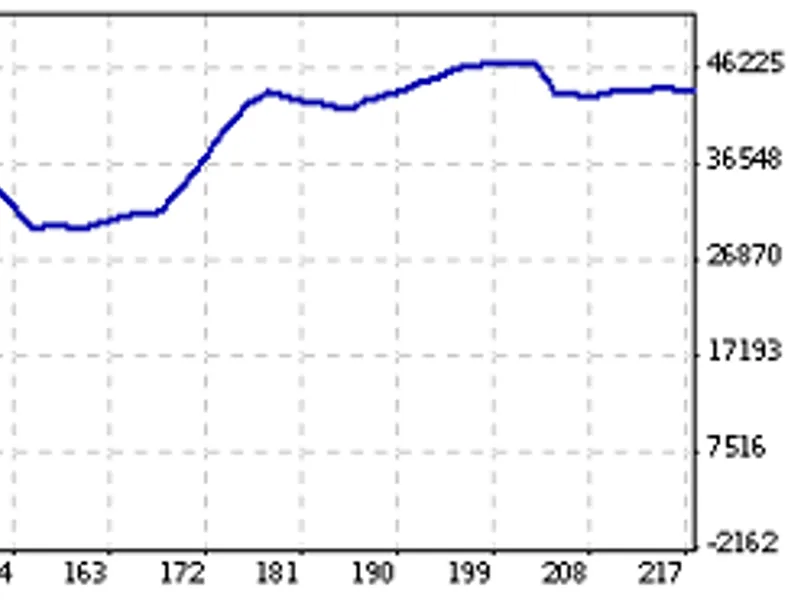
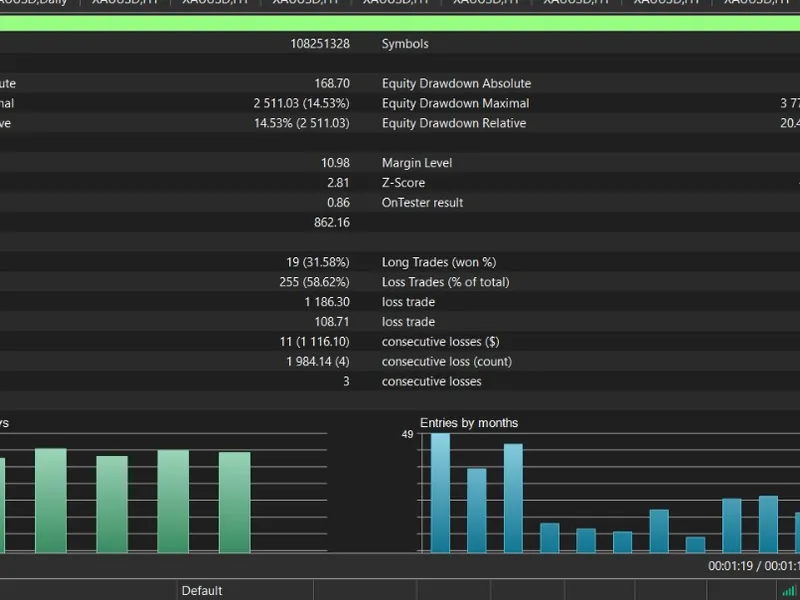
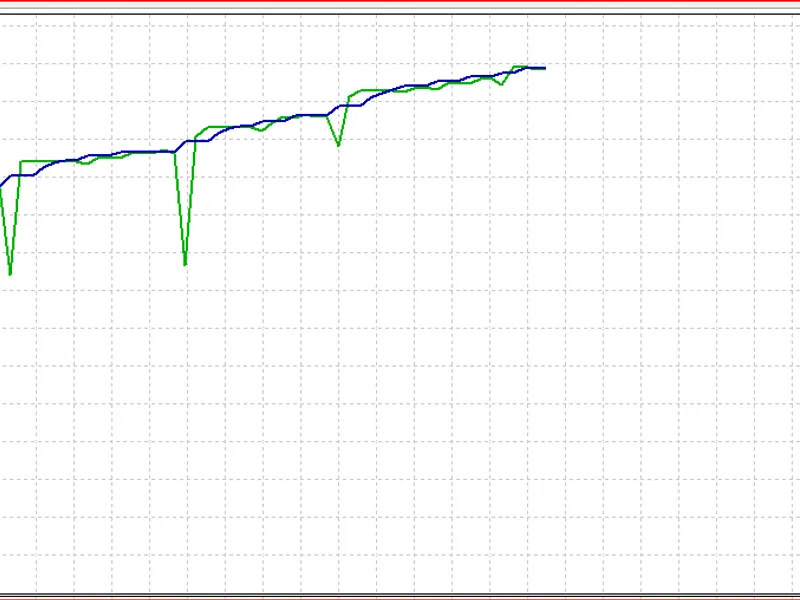
The code has been tested internally on XAUUSD M15 data showing a consistent account curve during the test period. However, the result was produced with specific inputs tuned for a particular account size and broker environment. Users must perform their own optimization tailored to their balance, broker conditions, and personal risk tolerance before considering live use.
Recommendations
- Do not use on a real account without a clear understanding of the risks and consequences. - Optimize Base lot size, Basket Take Profit, and Basket Hard Stop to match your account balance and risk tolerance. - Test the EA on demo accounts for at least 4 working weeks before any live deployment. - The Basket Hard Stop should always remain enabled. Advantages - Clean modular source code, easy to read and modify. - Works with Progressive Recovery enabled or disabled. - Automatic lot normalization to broker step (multiples of 0.01). - Session time filter for controlled entries. - 3 and 5 digit broker pip auto detection. - Spread protection filter. - Basket profit calculation includes swap and commission. - Uses CTrade, CPositionInfo, CSymbolInfo, and CAccountInfo classes.
Settings
- Base lot size - starting volume for the first trade in every basket. - Enable Progressive Recovery - toggles the recovery system on or off. - Distance between orders - minimum price movement before next entry (pips). - Lot multiplier per step - how much the next lot grows versus the previous. - Max orders in basket - safety cap for the number of entries. - Basket TP in currency - close all positions when combined profit reaches it. - Basket Hard Stop in currency - close all positions when combined loss reaches it. - Stop Loss in pips - individual trade exit (0 disables). - Take Profit in pips - individual trade exit (0 disables). - Trailing trigger, stop, step - profit protection when only one order is open. - Session start and end hours - time window for new entries. - Keltner length, Fast EMA, Slow EMA - entry signal parameters. - Max slippage and Max spread - execution safety filters. - Magic number and Trade comment - trade identification.
Disclaimer
This source code is provided as is for educational and research purposes. It is not financial advice, an investment recommendation, or a solicitation to trade. Past backtest results do not guarantee future performance. The user is fully responsible for any outcome arising from the use of this code. Always test on demo, optimize for your own conditions, and never trade with capital you cannot afford to lose.