Hawaiian Tsunami Surfer, a statistical look at determinant price explosions
This software component for MetaTrader 5 is built to enhance the capabilities of your trading environment. This Expert Advisor serves as automated trading software. It is utilized to monitor financial markets and execute trades based on predefined algorithmic rules, enabling precise position management without the need for constant manual oversight.
How to Setup and Use Hawaiian Tsunami Surfer, a statistical look at determinant price explosions
1. Installation: Open the "File" menu, select "Open Data Folder," navigate to MQL/Experts, paste your file, and restart the terminal.
2. Activation: Drag the EA from the Navigator onto a chart, ensure "Allow live trading" is checked in the Common tab, and verify the AutoTrading button is green.
3. Optimization: Right-click your chart, choose "Expert List," click "Properties" to adjust inputs, and save your preferred setup as a set file for future use.
4. Maintenance: Regularly check the "Experts" tab in the terminal window to monitor trade logs and potential execution errors.
Frequently Asked Questions
Q: Why is my EA not opening trades? A: Check the "AutoTrading" button, ensure "Allow live trading" is enabled, and verify your broker allows automated trading on your account type.
Q: Can I run multiple EAs on one chart? A: No, each chart can only host one active EA; however, you can open multiple charts for different currency pairs to run several EAs.
Q: What does the "smiley face" icon mean? A: A smiley face in the top-right corner of the chart indicates the EA is successfully running; a frowny face means it is disabled.
Description & Settings
It is a fact that:
People react in a particular way to price explosions in a given market.
Prices never go in a straight line, they move in trends.
Sudden heavy movements often produce strong retracements.
HawaiianTsunamiSurfer.mq5 combines the premises above in order to identify the price level that is most likely to be retracted when an exceptional wave appears in USD based pairs. It works well on AUDUSD, USDJPY and EURUSD, and with a lower performance on USDCHF and GBPUSD. This EA relies on Momentum indicator. There are no inputs to be changed because they have already been calculated and optimized so that they are transparent to the user. Those optimized inputs are inside the EA's code:
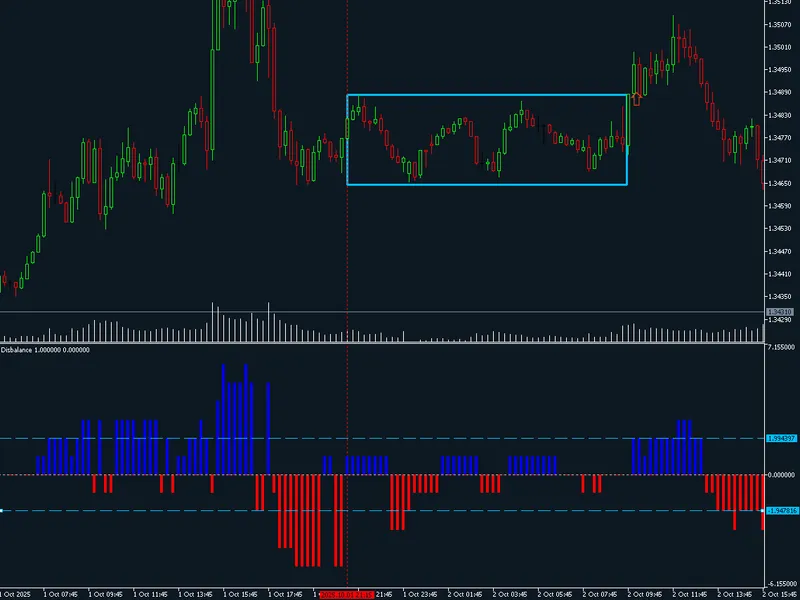
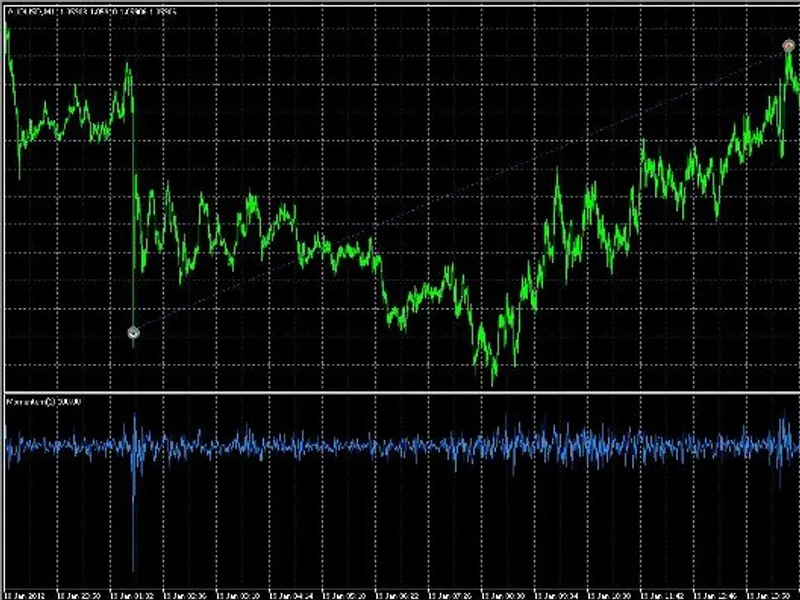
The figure below illustrates a tsunami retracement on AUDUSD when Momentum indicator is lower than 99.76.
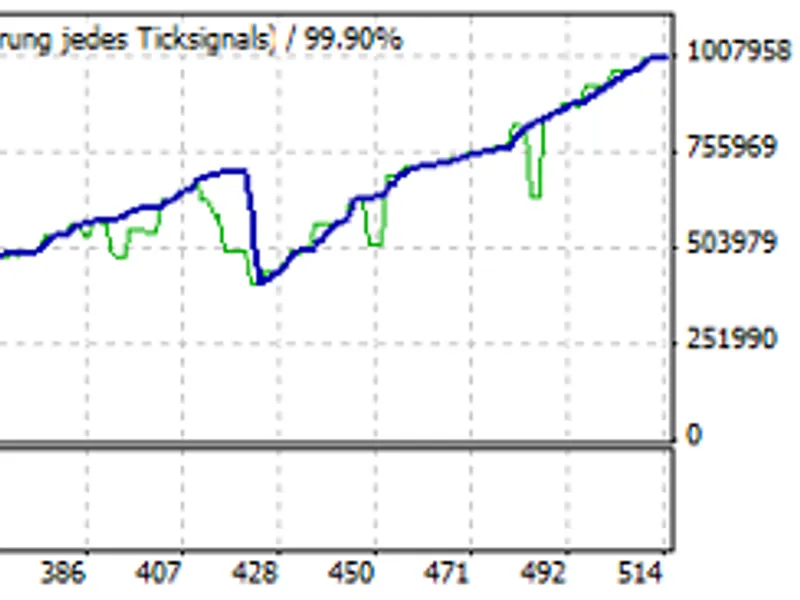
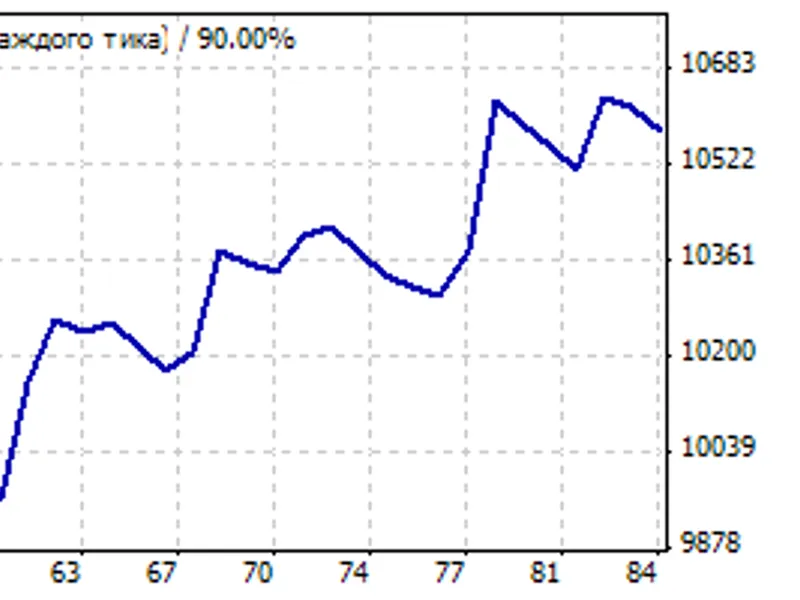
This is the EA's performance on USDJPY from 2009 to 2012, both included.
Recommendations:
Please, run your experiments on AUDUSD, USDJPY and EURUSD, observe the results obtained and draw your own conclusions.
This robot has been developed exclusively for learning purposes, please, use it at your own risk.