







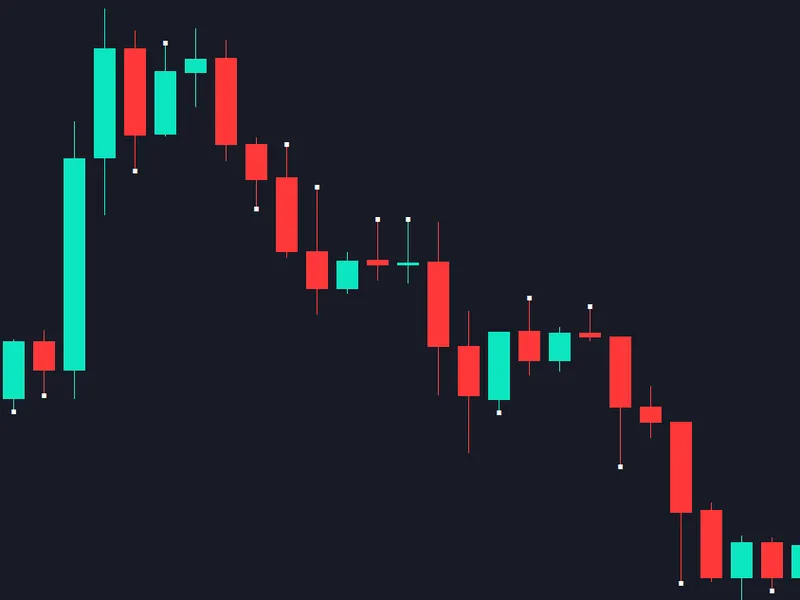

EW Elliott Wave Easy Counter Script
Info
The EW Elliott Wave Easy Counter Script is a Script for MetaTrader 4 that overviewthis simple script enables you to do basic elliott wave counts in metatrader 4 by simple drag and drop. The program automatically keeps track of what wave you are on, so there is no need to mess with annoying text objects.
Usage
This tool is typically used for enhancing chart analysis and decision making.
Platform
This Script works exclusively on MetaTrader 4 (both build 600+ and newer versions).
Setup
Place the downloaded file in MQL4/Scripts folder via File ? Open Data Folder in MetaTrader 4.
How to Install and Use EW Elliott Wave Easy Counter Script
1. Installation: Move your script file into the MQL/Scripts directory and restart the platform.
2. Execution: Drag the script onto a chart; it will perform a one-time action, such as closing all open orders or clearing chart objects.
3. Editing: Use MetaEditor (F4) to modify code, click "Compile," and verify no errors appear in the terminal before running.
4. Removing: Scripts stop automatically, but you can remove them manually by right-clicking the chart and choosing "Remove Script."
Frequently Asked Questions
Q: How are scripts different from EAs? A: Scripts execute a single action and then stop; EAs monitor the market and trade continuously.
Q: Can I assign a hotkey to a script? A: Yes, right-click the script in the Navigator, select "Set Hotkey," and define your preferred keyboard shortcut.
Q: Why did my script stop? A: Scripts are designed to stop immediately after finishing their programmed command; this is normal behavior.
What this tool does
OverviewThis simple script enables you to do basic Elliott Wave counts in MetaTrader 4 by simple drag and drop.
Typical Use Case
This Script excels in automated trading and technical analysis on MetaTrader 4.
Compatible Platform & Setup
This Script works on MetaTrader 4. Place the file in the MQL4/Scripts folder and restart the terminal.
Description & Settings
Related: Elliot Waves labels - another powerful script for MetaTrader 4 traders.
Overview
This simple script enables you to do basic Elliott Wave counts in MetaTrader 4 by simple drag and drop. The program automatically keeps track of what wave you are on, so there is no need to mess with annoying text objects.
Also recommended: The Wave Marker script set - similar script with strong performance on MetaTrader 4.
Make sure to check out the if you plan on using this script. It will make it much easier to remove old wave counts.Features
Drag and drop the script on the chart location you wish to mark.
Simple motive wave (1-2-3-4-5) and corrective wave counting (A-B-C).
Keep track of virtually "unlimited" cycles.
Parameters and Usage
This script does NOT have external user parameters. The parameters must be adjusted from within the source file. The reason for this is to allow for unencumbered easy wave counts. It wouldn't be desirable for most to have this ask you for inputs each time you add a label. If you do not like the default settings, please ensure you download the source files:
ElliottWaveEasyCounterScript.mq4 should be placed in the "Scripts" folder (same directory as the ex4 file).
ElliottWaveLabel.mqh should be placed in the "Include" folder.
NUM_WAVES
[DEFAULT: 8] – sets the number of waves per cycle. 8 waves are common with Elliott Waves (5 wave pattern in the dominant trend/3 wave pattern in the corrective trend). You can tweak this to your own style and/or use this parameter if separating dominant and corrective wave counts. Valid values are positive integers.
TEXT_COLOR
[DEFAULT: Red] – wave label color. For information on valid values, please refer to the mql4 documentation on and
FONT_SIZE
[DEFAULT: 14] – wave label font size. Valid values are positive integers.
FONT
[DEFAULT: Arial] – wave label font family.
LABEL_TYPE
[DEFAULT: LETTER] – this parameters tells the script whether to use numbers, letters, or roman numerals for wave labels. Please note that with numbers, the labels will always increase until there are
NUM_WAVES
labels and then it will reset to 1. However, with letters, the labels will go from A, B, C, …, X, Y, Z. If
NUM_WAVES
is larger than the number of letters in the alphabet, the labels will reset to AA, BB, CC, …, XX, YY, ZZ and then to AAA, and so on until
NUM_WAVES
labels are reached, where it will reset to A. Valid values are NUMERIC, LETTER, and ROMAN.
OBJ_PREFIX
[DEFAULT: WaveCounter_] – the prefix that the script uses when naming objects. Generally, you don’t need to change this parameter unless it conflicts with another program using the same prefix. It's main purpose is for convenient use with the Chart Object Removal Tool.
Whenever you change any parameters, make sure to press the Compile button when you are done.
It may be desirable to have two scripts (e.g., one for dominant trend wave counts and one for corrective trend wave counts). This is easy to achieve. There are a couple ways to go about this, but the easiest way is probably to Save As when you have the source open. If you right click->Modify on the script in MetaTrader 4, the source file ElliottWaveEasyCounterScript.mq4 will open. Go to File -> Save As and save it as whatever you want (for example, "EWDominantTrendWaveCounter"). After saving, click the Compile button. You can do this as many times as you wish with different names and different parameters.
You may also like: Calculation of the 3-rd Elliott wave - excellent alternative for script users on MetaTrader 4.
⚠ Limitations & Risk Warning
- This tool is provided for educational and testing purposes only.
- Past performance does not guarantee future results.
- Trading involves substantial risk of loss. Use on a demo account first.
- Results may vary depending on market conditions, broker, and settings.
- We recommend thorough backtesting and forward testing before using with real funds.