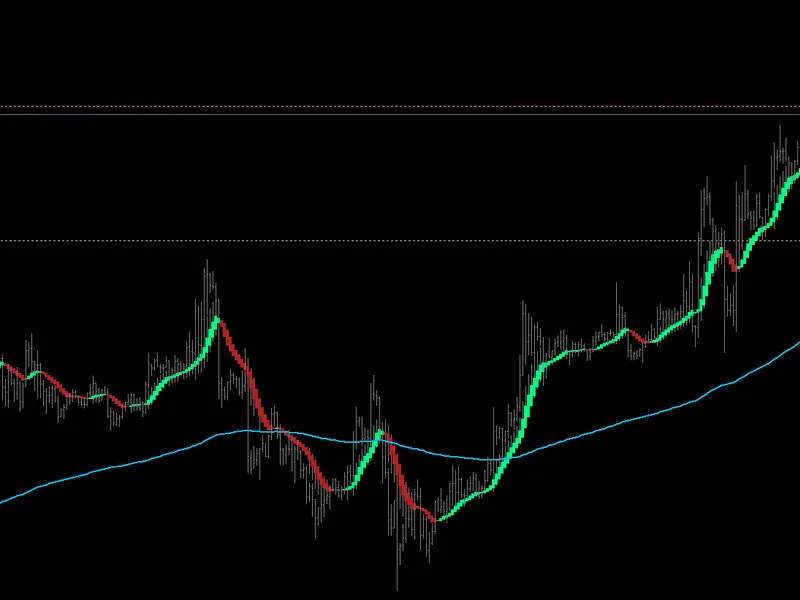
Aura Heiken Ashi
This software component for MetaTrader 4 is built to enhance the capabilities of your trading environment. This technical indicator acts as a specialized analysis tool designed to visualize market data. It helps traders identify emerging trends, momentum shifts, and key support or resistance levels by plotting statistical calculations directly onto price charts.
How to Setup and Use Aura Heiken Ashi
1. Installation: Place your file in the MQL/Indicators folder via "Open Data Folder" and restart your terminal.
2. Loading: Find the indicator in the Navigator, drag it onto your chart, and configure the input parameters in the popup window.
3. Customization: Press Ctrl+I to open the indicator list, select your tool, and click "Properties" to change colors, levels, or visual styles.
4. Updating: Replace the old file in the Indicators folder with the new version and restart the platform to apply changes.
Frequently Asked Questions
Q: Why is my indicator not showing? A: Verify the file is in the MQL/Indicators folder, or try right-clicking the "Indicators" tree in the Navigator and clicking "Refresh."
Q: Do custom indicators slow down the platform? A: Too many complex indicators can impact performance; remove unused ones via the "Indicator List" (Ctrl+I).
Q: Can I use MT4 indicators on MT5? A: No, MQL4 and MQL5 are distinct languages; ensure the indicator is compiled specifically for your platform version.
Description & Settings
Key Features:
Dual Smoothing Technology:
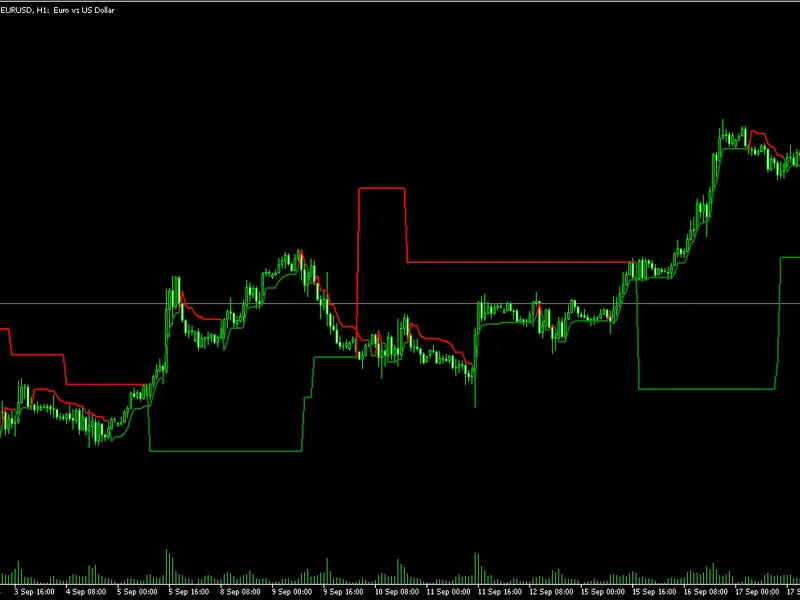
Uses a two-step smoothing process (SMMA & EMA) to provide a clean visual representation of price action without losing responsiveness.
Dynamic Supply & Demand (SnD):
Automatically plots significant horizontal Support and Resistance levels based on recent price imbalances.
Major Trend Filter (200 EMA):
Built-in trend plot that acts as a gatekeeper; it only allows bullish signals above the line and bearish signals below it.
Momentum Confluence:
Signals are cross-verified using
CCI
and
MACD
algorithms to ensure price movement has sufficient backing.
Trend Strength Filter (ADX):
Automatically turns candles
Gray
during low-volatility or sideways markets to protect you from "choppy" conditions.
Adaptive Volume Logic:
Compares current tick volume against local averages to confirm genuine market participation.
How to Use:
Bullish Entry (Green):
Enter when the candle turns Green, price is above the 200 EMA, and ideally bouncing off a
Demand (Blue)
line.
Bearish Entry (Red):
Enter when the candle turns Red, price is below the 200 EMA, and ideally rejecting a
Supply (Orange)
line.
Neutral (Gray):
Do not enter. This indicates a weak trend, lack of volume, or conflicting indicators.
Settings:
Heiken Ashi Settings:
Customize the smoothing periods and methods.
Precision Filters:
Toggle the 200 EMA visual and adjust ADX intensity.
SnD Settings:
Adjust the lookback period for Support/Resistance detection and customize line colors.