Rogue tick detector
This is a powerful addition to your MetaTrader 4 toolkit designed to optimize market analysis and performance. This technical indicator acts as a specialized analysis tool designed to visualize market data. It helps traders identify emerging trends, momentum shifts, and key support or resistance levels by plotting statistical calculations directly onto price charts.
How to Setup and Use Rogue tick detector
1. Installation: Place your file in the MQL/Indicators folder via "Open Data Folder" and restart your terminal.
2. Loading: Find the indicator in the Navigator, drag it onto your chart, and configure the input parameters in the popup window.
3. Customization: Press Ctrl+I to open the indicator list, select your tool, and click "Properties" to change colors, levels, or visual styles.
4. Updating: Replace the old file in the Indicators folder with the new version and restart the platform to apply changes.
Frequently Asked Questions
Q: Why is my indicator not showing? A: Verify the file is in the MQL/Indicators folder, or try right-clicking the "Indicators" tree in the Navigator and clicking "Refresh."
Q: Do custom indicators slow down the platform? A: Too many complex indicators can impact performance; remove unused ones via the "Indicator List" (Ctrl+I).
Q: Can I use MT4 indicators on MT5? A: No, MQL4 and MQL5 are distinct languages; ensure the indicator is compiled specifically for your platform version.
Description & Settings
Introduction
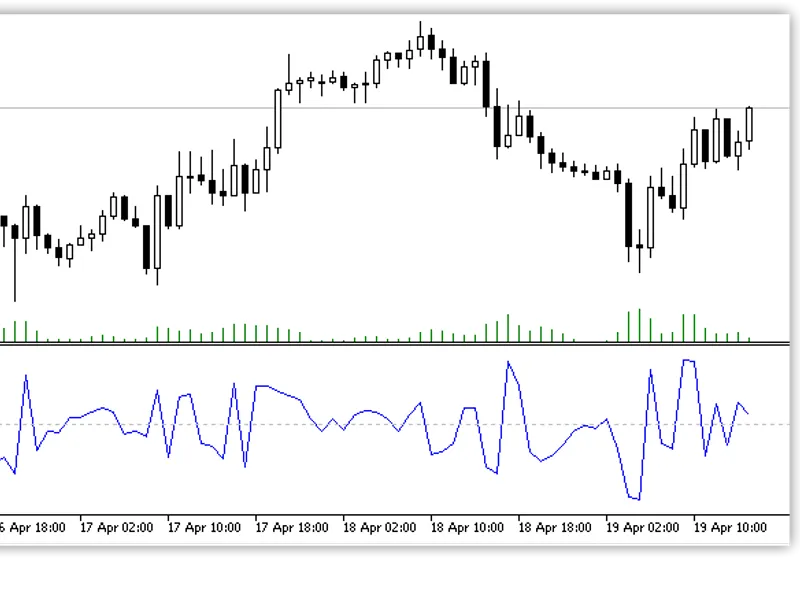
: Traders of all varieties have increasingly dependent on mt4's automated trading and custom studies capabilities to implement their speculative strategies unattended. The execution of these tools rely on the primary input: price feed. Each new price quote of bid/ask information comes on a new tick. If the price feed contains old or stale ticks, then it is possible that the price that is presented is no longer valid. However, when trading with algorithms, the trader would not know the difference quick enough to act just by looking at the chart until after the fact, even if the price difference was significant enough to see visually.
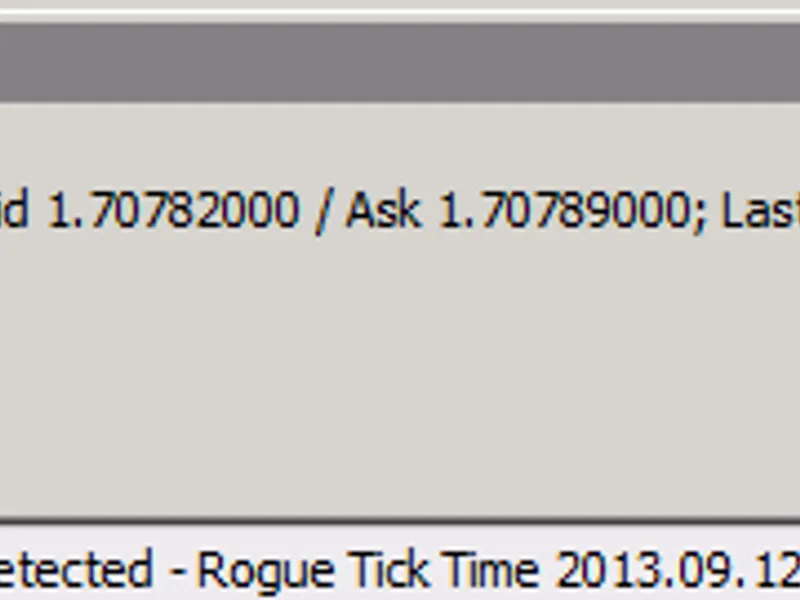
The basic logic of the Rogue tick detector tool is as follows:
Check incoming tick (tick0) timestamp and compare to the previous tick time-stamp (tick-1). If tick 0 timestamp < tick -1, then record alert.
Installation
: Copy RogueTickDetector.mq4 or ex4 to [metatrader4 folder]\experts\indicators . Restart metatrader 4 and then you should see the new indicator in the navigator under the 'custom indicators' folder. Drag RogueTickDetector onto any chart with the symbol you want to track. It is possible to run several different indicators simultaneously on the same chart, but only one instance of RogueTickDetector per tracked symbol is needed.
log file will be in [metatrader4 folder]\experts\files
Notes:
There could be legitimate reasons why rogue ticks are detected on a sporadic basis (couple of times a day max). But often times when a pair is suddenly experiencing several rogue ticks per minute or per hour (regardless of the symbol volatility), it is possible that it is intentional price feed manipulation. Check to see if other forms of dealer intervention is present (execution/fill delays, asymmetric slippage, excessive re-quotes, unusual disconnects, etc). Also check on your end the latency from the mt4 terminal to the server as well as the internet connection quality.
Normally the price feed rogue ticks are a result of a problem on the broker side, as we normally use the tool on quality VPS server in New York with 100% uptime guarantee. The same server will have multiple live and demo accounts with multiple brokers trading similar currency pairs; yet only a few brokers seem to have the problem consistently. Or a broker will never have this issue, but suddenly it will happen very frequently.
Since it uses very few computer resources, we recommend all traders who value accurate pricing to consider using this tool or something similar.
Special thanks
to Vivek @ Anka Software for assistance in designing the tool for practical use.