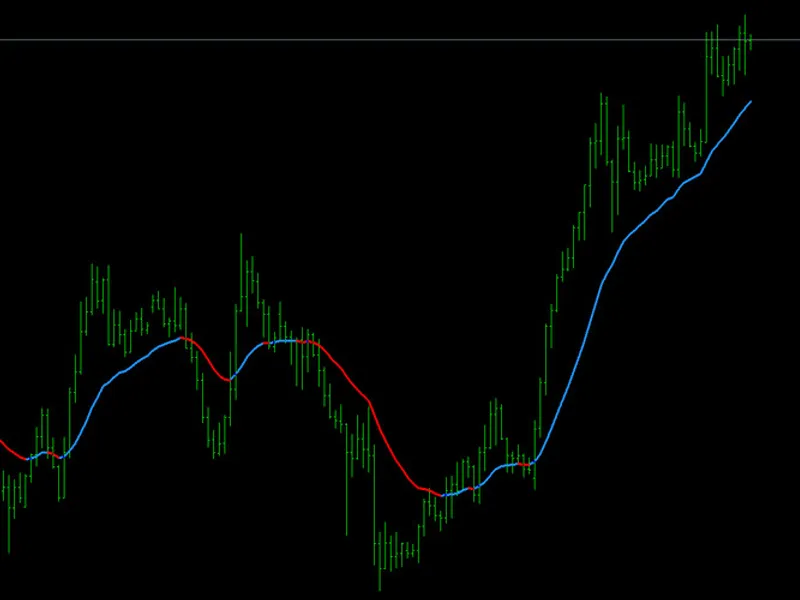
Glow Trend Pro
This is a powerful addition to your MetaTrader 4 toolkit designed to optimize market analysis and performance. This technical indicator acts as a specialized analysis tool designed to visualize market data. It helps traders identify emerging trends, momentum shifts, and key support or resistance levels by plotting statistical calculations directly onto price charts.
How to Setup and Use Glow Trend Pro
1. Installation: Place your file in the MQL/Indicators folder via "Open Data Folder" and restart your terminal.
2. Loading: Find the indicator in the Navigator, drag it onto your chart, and configure the input parameters in the popup window.
3. Customization: Press Ctrl+I to open the indicator list, select your tool, and click "Properties" to change colors, levels, or visual styles.
4. Updating: Replace the old file in the Indicators folder with the new version and restart the platform to apply changes.
Frequently Asked Questions
Q: Why is my indicator not showing? A: Verify the file is in the MQL/Indicators folder, or try right-clicking the "Indicators" tree in the Navigator and clicking "Refresh."
Q: Do custom indicators slow down the platform? A: Too many complex indicators can impact performance; remove unused ones via the "Indicator List" (Ctrl+I).
Q: Can I use MT4 indicators on MT5? A: No, MQL4 and MQL5 are distinct languages; ensure the indicator is compiled specifically for your platform version.
Description & Settings
GlowTrend Pro
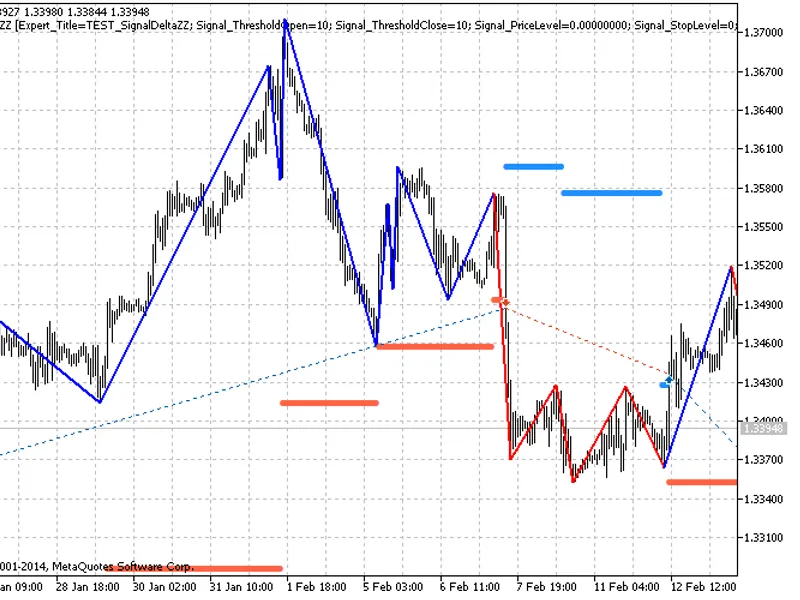
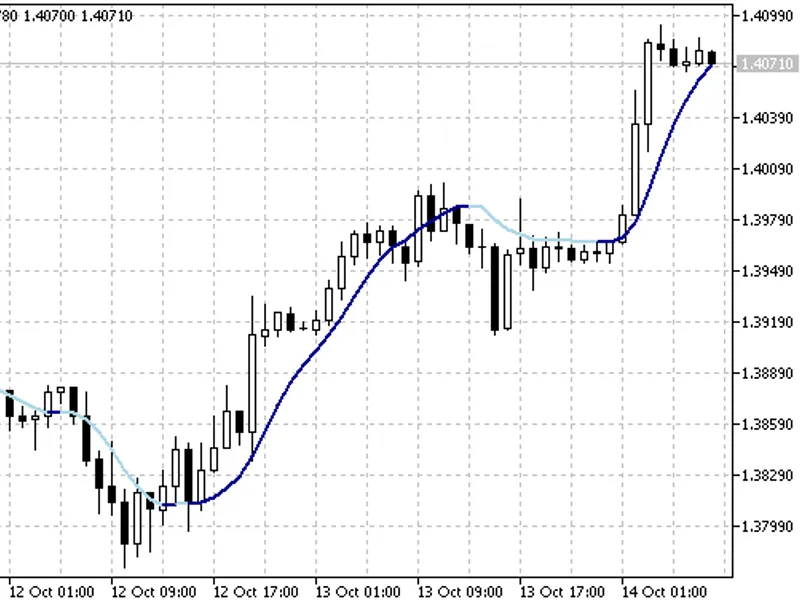
is a high-performance trend-following indicator designed for traders who value visual clarity and precision. It filters market noise by using a smoothed moving average algorithm and dynamically changes its color based on the slope of the price action.
How it works:
Blue Line:
Indicates a bullish momentum (uptrend).
Red Line:
Indicates a bearish momentum (downtrend).
Glow Dots:
These markers appear at the exact moment the trend flips, serving as potential entry or exit alerts.
Key Features:
Smooth Transitions:
Unlike standard indicators that repaint or lag, GlowTrend Pro uses a linked-buffer logic to ensure a continuous and elegant visual flow.
Customizable Parameters:
You can adjust the period and averaging method (EMA, SMA, Smoothed, Linear Weighted) to fit any timeframe from M1 to Daily.
Minimalist Design:
Optimized for dark-themed charts to provide a "glowing" effect that makes trend exhaustion easy to spot.
Input Variables:
InpPeriod (default: 20):
The lookback period for trend calculation. Higher values provide smoother lines but more lag.
InpMethod:
Choose the smoothing algorithm (EMA is recommended for faster response).
InpPrice:
Choose the price source (Close, Open, High, Low, etc.).
Trading Recommendations:
Buy:
Wait for the line to turn Blue and a Blue Dot to appear.
Sell:
Wait for the line to turn Red and a Red Dot to appear.
Best Results:
Use on H1 or H4 timeframes for swing trading, or M5 for scalping during high-volatility sessions.