STRAD D L E NE W S
This software component for MetaTrader 4 is built to enhance the capabilities of your trading environment. This Expert Advisor serves as automated trading software. It is utilized to monitor financial markets and execute trades based on predefined algorithmic rules, enabling precise position management without the need for constant manual oversight.
How to Setup and Use STRAD D L E NE W S
1. Installation: Open the "File" menu, select "Open Data Folder," navigate to MQL/Experts, paste your file, and restart the terminal.
2. Activation: Drag the EA from the Navigator onto a chart, ensure "Allow live trading" is checked in the Common tab, and verify the AutoTrading button is green.
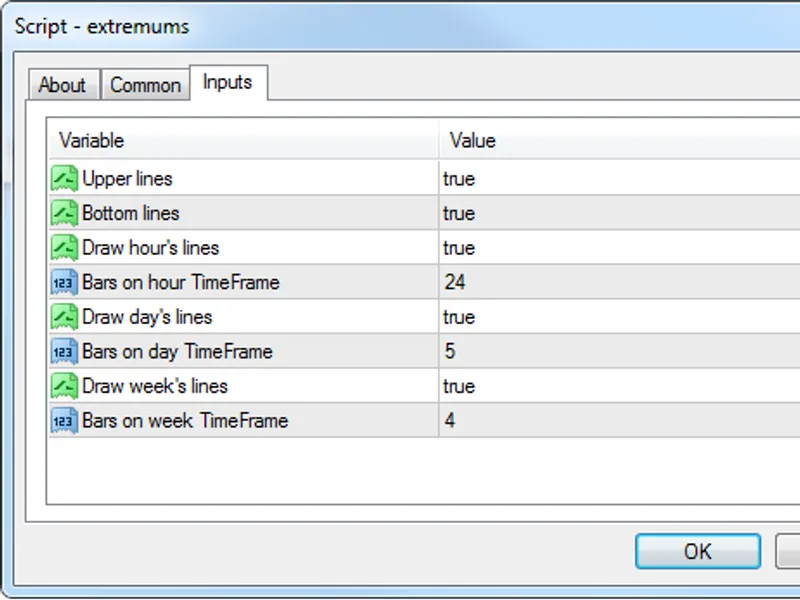
3. Optimization: Right-click your chart, choose "Expert List," click "Properties" to adjust inputs, and save your preferred setup as a set file for future use.
4. Maintenance: Regularly check the "Experts" tab in the terminal window to monitor trade logs and potential execution errors.
Frequently Asked Questions
Q: Why is my EA not opening trades? A: Check the "AutoTrading" button, ensure "Allow live trading" is enabled, and verify your broker allows automated trading on your account type.
Q: Can I run multiple EAs on one chart? A: No, each chart can only host one active EA; however, you can open multiple charts for different currency pairs to run several EAs.
Q: What does the "smiley face" icon mean? A: A smiley face in the top-right corner of the chart indicates the EA is successfully running; a frowny face means it is disabled.
Description & Settings
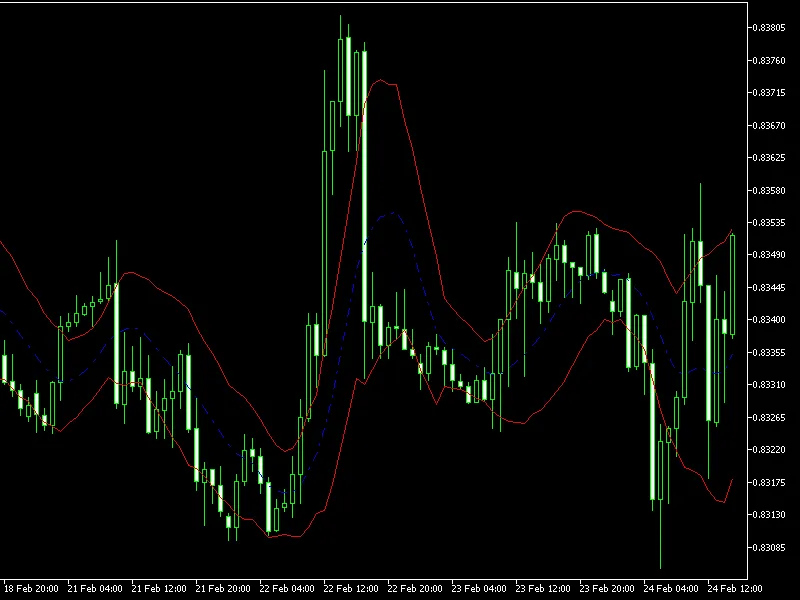
It is based on the simple idea that important news generate significant volatility. It puts two Pending Orders (Buy Stop and Sell Stop), if the Buy Stop order is activated, the Sell Stop will be deactivated automatically and vice versa. The trailing stop will go behind the sudden movement. It works great !!!. If the trade is successful it is closed by the trailing stop or take profit, else it will be closed by stop loss. The algorithm is very light, which is very important when you trade news.
Fully Adjustable:
StopLoss
TakeProfit
TrailingStop
PipsAway (Send pending orders XX pips away from the current Bid & Ask)
BalanceUsed (Lot size is adjusted by BalanceUsed Function, if BU = 1, you will use 100% of the Balance Available)
SpreadOperation (Spread allowed XX pips. If spread is higher than allowed, it doesn't send any pending order )
Slippage (Slippage allowed XX pips). Recommendations:
You must compile the source code (F5) when you re-use it in upcoming news, otherwise it will not work, because it is programmed to send only once the two pending orders.
5 seconds before the news comes out, you must enable manually the EA
It is recommended to use a broker who doesn't expand too much the spread on the important news like Alpari. Symbol recommended: EURUSD. The Time Frame doesn't matter, what really matters is the time of the news.
News recommended for trading: NFP, GDP reports, Interest rates decisions, Inflation reports, Trade Balance, Manufacturing PMI.
Good luck !!!